
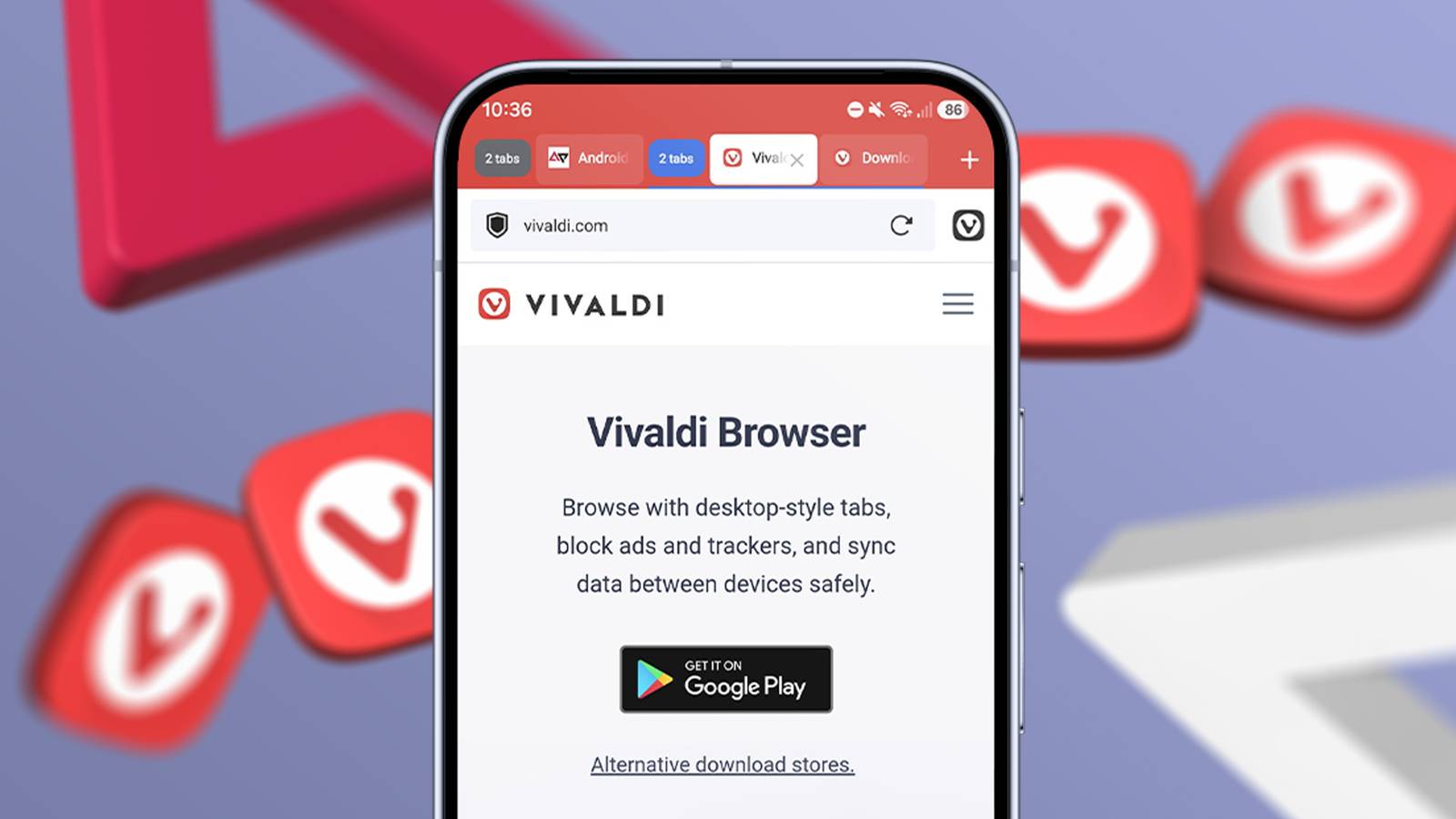
Published Sep 1, 2026, 8:15 AM EDT Marvin is a Features Author for Android Police. His media career began as an editorial assistant at a now-defunct print publication. He has since transitioned to digital media as an editor, attended technology events in over 10 countries, and earned his master's degree in journalism. He enjoys film photography, outdoor running, and alternative coffee brewing during his leisure time. Every mobile browser has its strengths. Chrome is backed by Google's unmatched level of support, and Firefox's selection of extensions leaves many browsers in the dust. I use a mix of the two browsers mentioned above, depending on my needs. I also installed Brave for sites that bombard me with unnecessary ads and trackers. For pure productivity, I use Vivaldi. It's based on Chromium and has a suite of customization settings and a built-in ad blocker. But those aren't the reasons I use Vivaldi. Vivaldi uses what the developer calls Accordion Tabs. It sounds like another buzzword to get people to download the lesser-known browser, but I gave it a shot and was pleasantly surprised by how it handled my cluttered tabs. Accordion Tabs make all the difference I can see everything at a glance Chrome and Firefox have had tab grouping for a long time. They let you seamlessly organize tabs and label them accordingly. However, you have to make most of these adjustments within the tab switcher. This means exiting whatever web page you're viewing and spending time in a separate space for tabs. What makes Vivaldi's implementation different is how it makes grouped tabs part of the interface. I don't have to revisit the tab switcher to manage them. Accordion Tabs lets me move between tabs while I'm browsing, similar to how you'd navigate through them on a desktop browser. Before discovering Vivaldi, I did all my intense research and trip planning on my laptop or desktop PC. Both of these tasks require tab grouping and navigation at a level only desktop browsers could provide. Vivaldi's Accordion Tabs replicates this workflow like no mobile browser I've tried before. I can now comfortably do all my heavy browser work on Android instead of relying on a Windows device. No plug-ins or extensions are required Turn on one setting, and you're good to go Vivaldi's app has had Accordion tab stacks since version 8.0. It's not turned on by default, so you have to follow a few steps to activate the feature: Open Vivaldi on Android. Open the Settings menu. Enter the Tabs menu. Enter Tab Stacking. Select Accordion. From here, you can group tabs, name them, and choose your preferred color. If you have existing tabs open, you can drag and drop them to any stack you've created. To complete the desktop-like experience, make sure Show Tab Bar and Show X Button For Background Tabs are turned on inside the Tabs menu. It's the closest thing I could find to desktop-level tab browsing. Everything can be enabled without downloading plug-ins or extensions. For daily use, I group tabs for everyday tasks and fun stuff. I also have a separate tab group for articles I'd like to read later, sort of like an archive. When I begin serious research for work or start planning a family trip, I create groups by categories. For example, hotels belong in the accommodations group, while travel blogs and Google searches have a separate stack. Although Chrome and Firefox can group tabs just as easily, only Vivaldi allows me to swipe through them without any fuss. It's one thing to group tabs at the start of a session. It's another thing to make all these groups easy to manage. If you feel like the tabs are too cramped or take up too much space, adjust the minimum tab width by pixels in the Tabs settings. A desktop-style tab bar isn't perfect on mobile There are a few limitations As much as I appreciate this type of workflow, Accordion Tabs have a few downsides. For one, the always-on tab bar takes up valuable space at the top of the browser. You could transfer the address bar to the bottom, but that doesn't clear up any real estate. Secondly, creating and organizing stacks is cumbersome at first. It's easy to get lost when you aren't familiar with the interface. Like with other Chromium-based browsers, the myriad customization options can quickly overwhelm new users. Finally, Vivaldi's implementation feels necessary only when you have many tabs open simultaneously. For browsing with a few tabs, it's tempting to fire up Chrome or Firefox and relax with your random web pages. Vivaldi's strengths are reasons why you'd sometimes want to use a simpler browser. Navigating through tabs is as important as grouping them Each tab should have its proper place Vivaldi showed me how organized browsing on an Android can be. Browsers before it had tab grouping, but none let me navigate through tabs to this extent. On the other hand, I don't consider Vivaldi as a do-it-all mobile browser. As much as I love its Accordion Tabs, this feature isn't enough to make me uninstall the competition. Chrome and Firefox still hold a place in my app drawer for their cross-platform syncing and extension ecosystems. For heavy research or trip planning, Vivaldi will always be my go-to browser. It's the only app I've used that makes 20 tabs feel like a single window.
This overlooked Android browser fixed my biggest tab problem in a way others couldn't
Full Article
Original Source
Read the full article at Androidpolice →KhanList aggregates and links to publicly available news content. We do not host full articles from third-party sources. Always verify important information with original sources.