
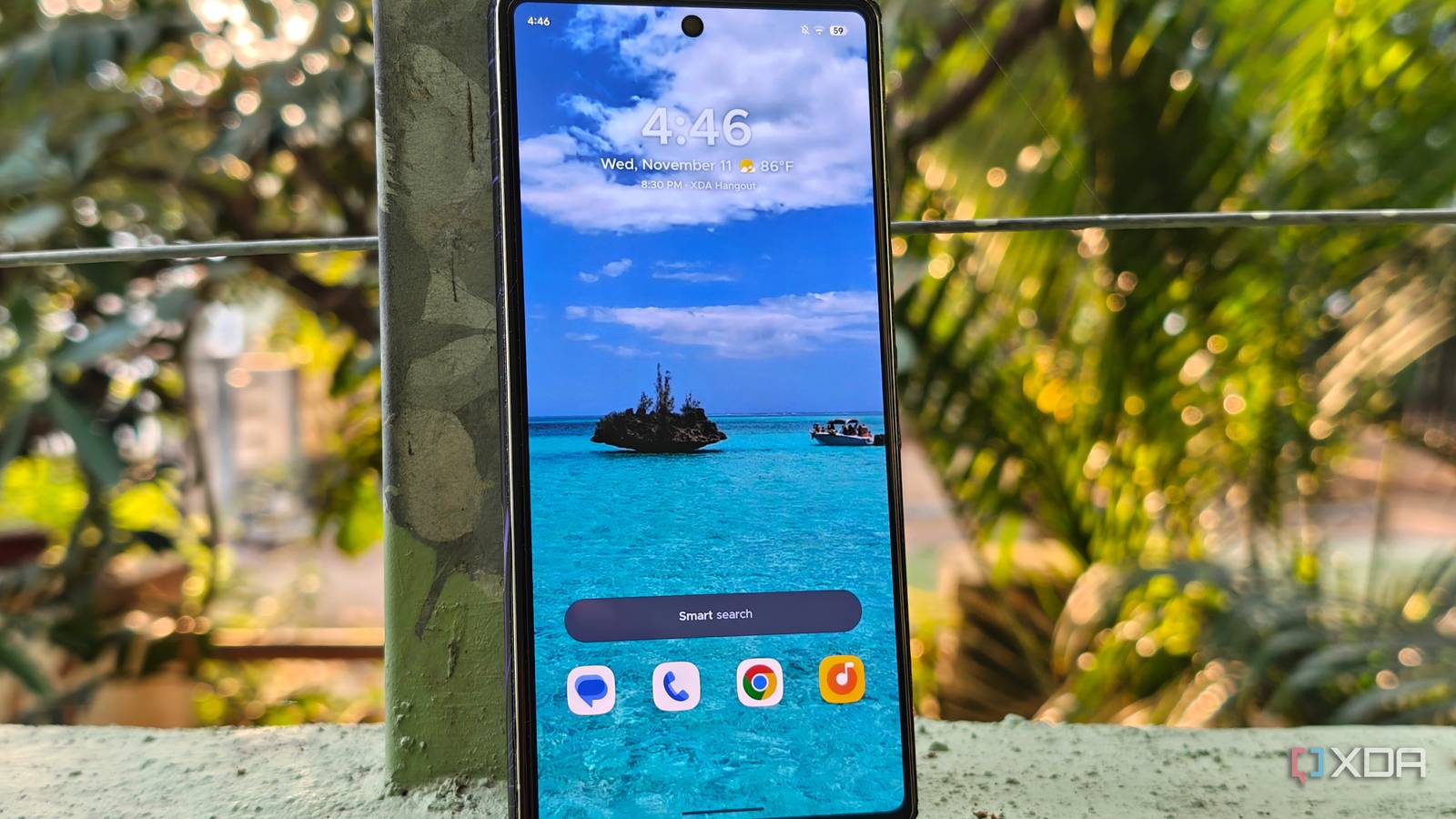
Published Nov 12, 2026, 2:00 PM EST A seasoned mechanical design engineer turned tech reporter and reviewer, Chandraveer brings more than four years of consumer tech journalism experience to the table, with bylines at Android Police and iPhoneHacks. He's written about everything from UI and UX changes across various apps to emerging software and AI trends. At XDA, he showcases his versatility in the tech reporting space with articles rooted in personal experiences and frustrations. Chandraveer's passion for consumer tech spills over into hobbies such as mechanical keyboards, photography, and 3D printing. With an academic background in design and manufacturing, his insatiable curiosity spans beyond the digital domain. Chandraveer's downtime is an eclectic mix of reading fiction, practicing calligraphy, conceptualizing new products, and enjoying an expansive FLAC audio library. Android has always taken the "go big or go home" approach to customization and a deeply personal user experience, and it relies on two key pillars — the system UI and your app launcher of choice. Most of us never stray from the stock launcher, and I didn't have a good reason to abandon the Nothing Launcher on my Nothing Phone 3, but I frequently rotate them on my aging Pixel 7. Smart Launcher developed by Vincenzo Colucci and team, is one on the heavy rotation list. Smart Launcher is one of the last few Android launchers that are still independently owned by its original creators, and hasn't sold out to a bigger corporation like Microsoft Launcher or Nova Launcher. Moreover, it continues to evolve, add new and useful features, and deserves your attention. An app drawer that takes the effort Better for your productivity and peace of mind The first swipe up from the home screen begins to unravel why Smart Launcher means so much to me. Most basic, stock launchers default to alphabetical sorting, with a tray of frequently used or recently installed apps at the top. Yet how do we use them? Once the list becomes too big to scroll, I default to using the search bar instead. I'd configured Nova all those years ago to pull up the Search bar when I swiped up on the home screen. Smart Launcher's approach is functional brilliance, rooted in its origins as Flower Launcher, which also explains the package name ginlemon.flowerfree. It automatically groups apps into useful categories, such as Contacts, Utilities, Games, and Settings. Sure, I can spend a few minutes setting up my stock launcher with custom folders within the drawer, but that takes time and effort I don't want to invest. Importantly, the automatic categorization in this drawer isn't set in stone. I can move apps between categories. I can also configure which category opens when I swipe up, and set custom sorting for each category, so apps are shown by usage frequency, recency, or even icon color. In comparison, the standard layout that ships with most stock launchers and even some custom ones starts to feel outdated. This efficient system gets me to my apps sooner. I seldom reach for the search bar now, because navigating by category takes fewer taps than typing out the package name. The scope for customization A gift that keeps on giving While functional prowess has its place, I can't deny the importance of a clean UI, embodied in Google's design philosophy for Android. Launcher apps that stray from this approach often feel disjointed from system components like the notification shade and Settings app. Smart Launcher threads the needle remarkably, with plenty of customization options that don't take too long to set up either. When you first set it up, the homepage bears a remarkable resemblance to stock Android, but long-press and head into Global Appearance, and you'll see everything from the icon appearance to the system-wide theme is configurable. Sure, several options here are paywalled, but the in-app purchases are available as a monthly, yearly, or lifetime license. Obviously, the latter is most sensible if you want to fully commit to this app, but a one-time monthly payment to scope out the app-worthiness is a lucrative option if you're just starting out. Like other launchers, you'll also find that gestures are customizable, so you don't need to rewire muscle memory to use this app. There's more room for experimentation if you install icon packs, because your homepage icons are independent of the pack selected for the app drawer. There are other features you can try playing with, such as animations, widgets, launcher font, and more. Tailor-made to the launcher's aesthetic If all the functional bits and the basics nailed don't sound convincing enough, I'll tack on these two little nuggets. The Smart Launcher team is one of the very few independent launcher apps that have developed a matching widget pack and a fully built icon customizer. They're reminiscent of Nothing Launcher I alluded to earlier, with its own icon packs and widgets that really tie the whole experience together, with a themed system font thrown in. Smart Launcher's Icon Pack Studio is a separate app, but it bolsters the widgets. You get all the tools a professional app icon designer would, such as corner radius, shape, color scheme, etc. Pair that with the clean custom widgets you can even throw into the two-row launcher dock, and you have yourself a very powerful productivity setup. The cherry on top ought to be Smart Search, for when you need it, it does absolutely everything from looking up contacts, files, calculations, unit conversions, app lookup, or even a plain Google Search. A breath of fresh air Smart Launcher isn't designed as someone's first third-party launcher or an all-out theming engine like KWGT. However, it provides a solid foundation just like the classics, including Nova and Niagara Launcher. The devs have refined the app with immense attention to detail in the past few years, and this might be just what the doctor ordered if you're looking for a fresh lease on your phone's life.
This independent Android launcher is still owned by its creators, and it's one of the best around
Full Article
Original Source
Read the full article at Xda-developers →KhanList aggregates and links to publicly available news content. We do not host full articles from third-party sources. Always verify important information with original sources.