
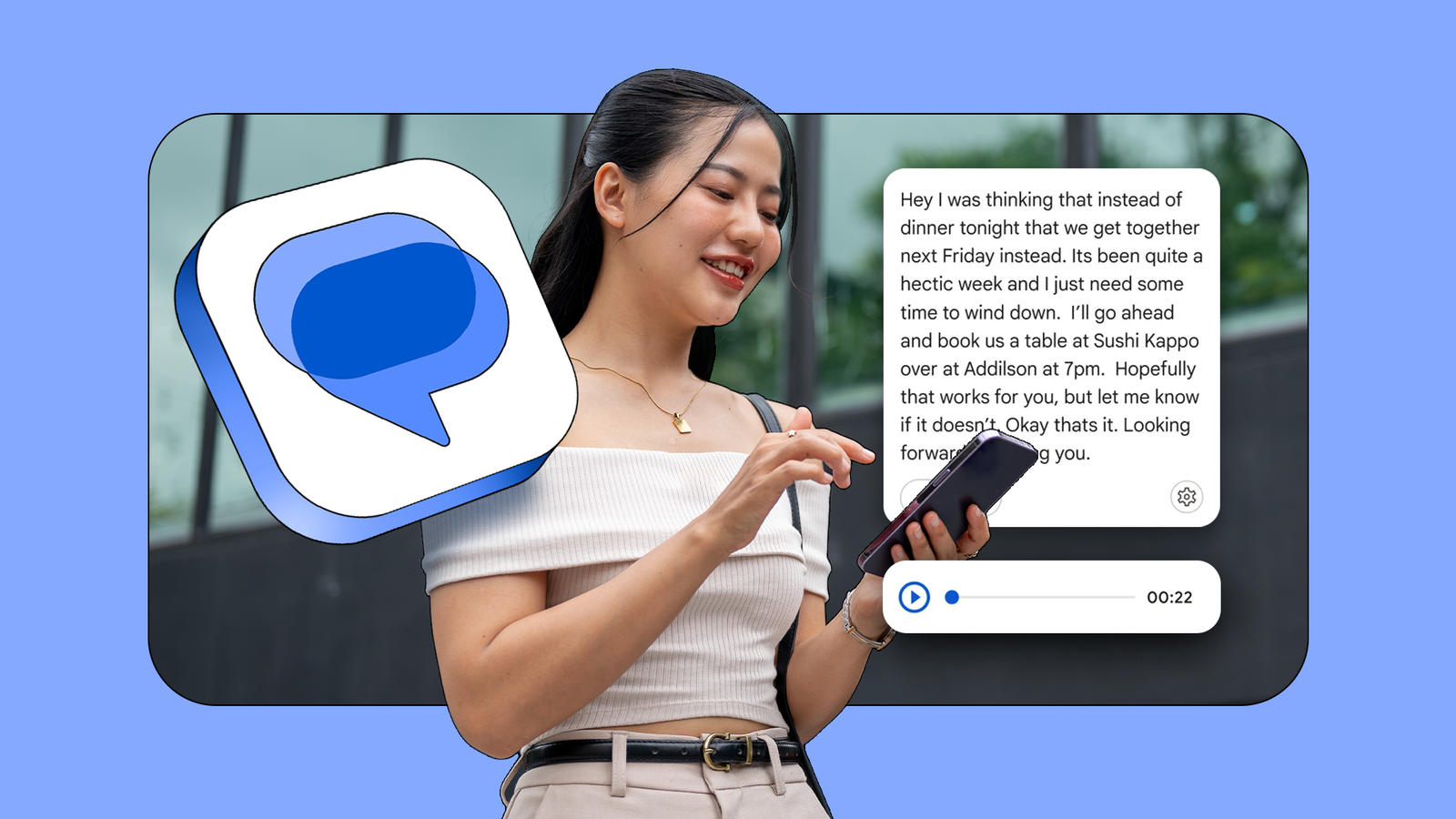
Published Sep 22, 2026, 3:00 PM EDT I’ve been covering Android since 2023, when I joined Android Police, mostly focusing on AI and everything around Pixel and Galaxy phones. I’ve got a bachelor’s in IT with a major in AI, so I naturally view technology differently. I usually take a pro-consumer angle instead of the marketing hype, which you’ve probably noticed in my writing. I open my phone and see a blue waveform. It's 3 minutes and 42 seconds long, which feels like an eternity for a single message. I'm standing in the grocery store, wireless headphones nowhere to be found, when a friend decides to dump their entire existential crisis into my ear. That's my issue with voice notes on Google Messages. They're convenient for the sender, who can talk while walking, driving, or cooking. But I have to find a quiet space, listen, and hope the point of the message comes through before the 4-minute mark. Thankfully, Google stepped in with something that might tip the balance back in our favor. Reading beats listening when your brain moves faster than sound It only takes a second to read a message a second time I prefer reading because human speech feels too slow for my brain. Most adults read faster than they hear, and I'm one of them. When I receive a 3-minute voice note, I am forced to ingest about 450 words at a snail's pace. If that same message were text, I could read it in less than a minute. Audio, even at x1.5 or x2 speed, doesn't fix the problem. It's still easy to miss names or dates. When people ramble, I'm buffering the first part of the sentence while they work their way to the point. Audio isn't like text. You can't really skim it. One distraction and I have to rewind, find the missed moment, and replay it. Reading is different. I can go back and re-read a sentence in a fraction of a second. Voice notes give tone But text plus audio is the best of both worlds Credit: Lucas Gouveia / Android Police | Prostock-studio / Shutterstock I know what you're thinking. "But I love the sound of my friends' voices! Text is so cold!" I get it. A transcript gives you the content, but it strips away the emotional context that makes a voice human. Audio gives you the rhythm and stress of speech that tells you if someone is joking, crying, or being sarcastic. When someone sends a voice note saying "That's great," but their voice drops low, you can tell they're disappointed. But here's the thing. You don't have to choose. The built-in transcription systems keep the audio and show you the text at the same time. Read voice notes instead of listening Google makes it possible Credit: Lucas Gouveia / Android Police | indigolotos / Shutterstock Google Messages comes with a tool to fix the voice note problem. To turn it on, open Google Messages, tap your profile picture, and select Messages settings > Voice message transcription. After it's on, when a voice message comes in, you'll see a View transcript button above the recording. Tap it, and the audio turns into text you can read without playing the message. No headphones? No problem Transcripts keep your messages private Credit: Lucas Gouveia / Android Police | Marynova / Shutterstock We've all been in that awkward spot, standing in a quiet elevator, a library, or a bank line, when a voice note comes in. Without your headphones, you're stuck with two bad options. Either hold the phone to your ear like a 1990s walkie-talkie and hope the volume isn't too loud, or blast your friend's drama for the room to hear. Transcription gives you privacy. With voice note transcriptions or live transcripts, you can read a personal message in a crowded room without anyone catching on. New ground rules for voice notes that make everyone happier Please don't ask me to listen to a long message Credit: WhatsApp Since voice notes are here to stay, we need some new ground rules to stop the audio from becoming an endless one-way talk. If your voice note goes over 90 seconds, it turns into a full-on podcast. If you have that much to say, call me. Before you send a voice note, drop a quick text as the title or subject so I can decide when to listen and when to transcribe. If you're sharing an address or a date, type it as a follow-up. Don't make me listen five times to find a ZIP code. If you're recording in a windstorm or a loud bar, the AI will fail, and all I'll hear is noise. Transcription is the future, and it's already happening Google isn't alone. The tech giants seem to have realized that voice notes are harder on the listener than the sender. Apple introduced automatic transcription in iOS 17, putting the text below the audio bubble in iMessage. WhatsApp has been rolling out the feature globally as well. If you have friends on WhatsApp, the days of enduring long voice notes are over, and I'm grateful.
This Google Messages trick finally fixed my biggest annoyance with long audio messages
Full Article
Original Source
Read the full article at Androidpolice →KhanList aggregates and links to publicly available news content. We do not host full articles from third-party sources. Always verify important information with original sources.