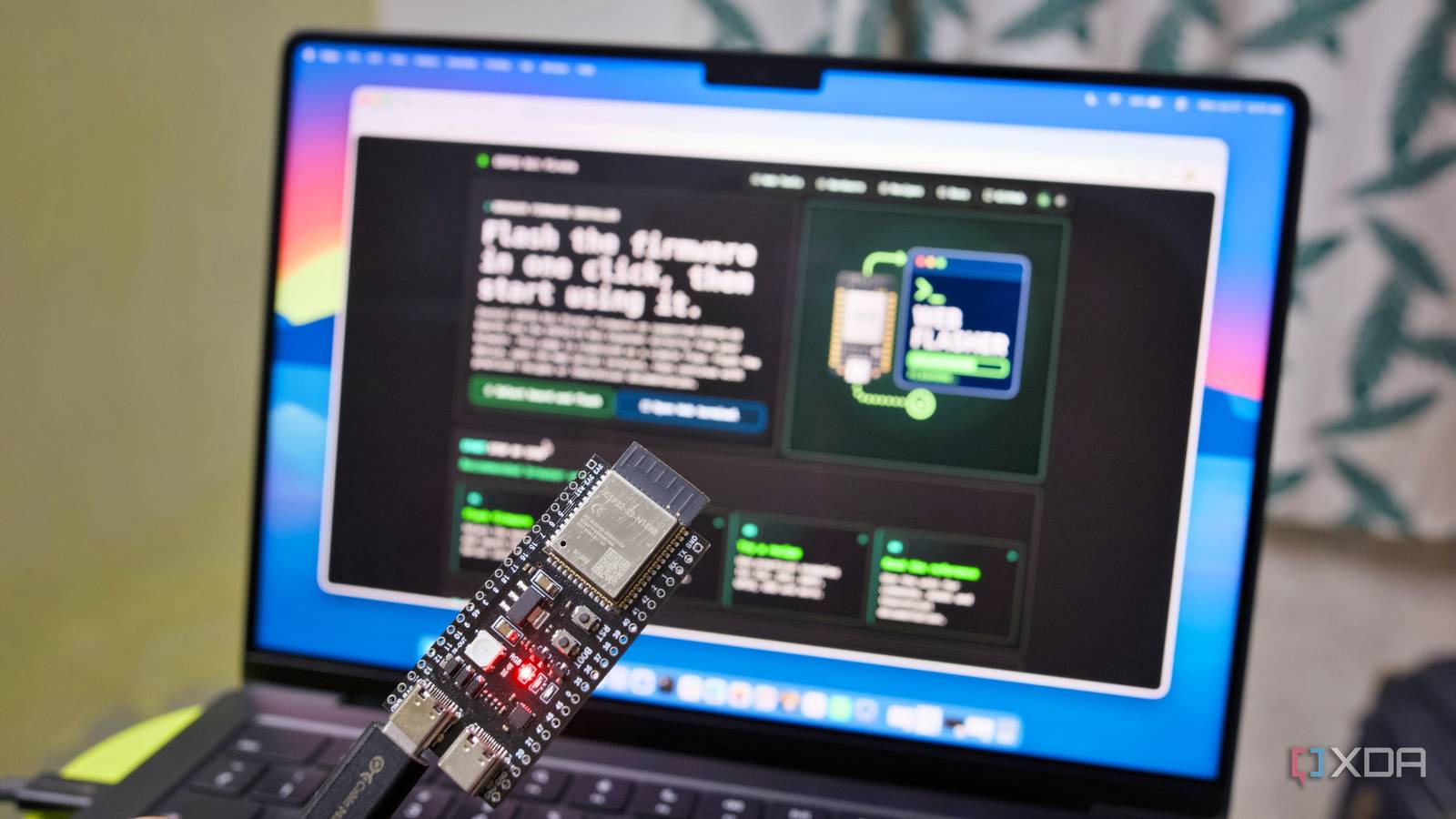
Published Jul 29, 2026, 11:00 AM EDT Samir Makwana is a technology journalist and editor from India since past 18 years and his work appears on MakeUseOf, HowToGeek, GSMArena, BGR, GuidingTech, The Inquisitr, TechInAsia, TechWiser, and others. He has written news, features, and gadget reviews for national technology media publications. His passion is to help people with their technology problems and gadget purchases. For that, he has worked for some of the biggest international technology publications, covering news, explainers, how-to guides, listicles, and product-buying guides. He has worked as an editor and managed teams since 2015. His expertise broadly covers computers, smartphones, game consoles, headphones, smart home products, browsers, and apps. When I got into the ESP32, I always wanted to check what was happening inside those boards. Whether the sensor was wired correctly and which pins were moving the data across. If only there were a way to get in and take a proper look. I ended up getting separate hardware that could listen to and record all the digital data flying across a microcontroller board. Over time, my desk drawer turned into a graveyard of single-purpose gadgets. Yet I still wasn’t closer to understanding the hardware in front of me. Luckily, I stumbled onto ESP32 Bit Pirate, which does exactly that. It’s a free, open-source project inspired by the well-known hardware hacking tool called Bus Pirate. The ESP32 Bit Pirate transforms an $8 ESP32-S3 board into a Swiss Army Knife-like hacking tool meant for multi-protocol development and analysis. Instead of buying separate gadgets to investigate a component more deeply, you can poke at almost anything with one command line and one board. From smart home replays to unmarked chips Let's say you pick up some old smart-home gadget and want to know what it’s actually sending over the air. That’s the Sub-GHz support at work. It borrows a small radio module on ESP32 to listen in on the signal and replay it back, in many cases. Security researchers use the same basic trick to check whether a garage door opener or a car key fob is vulnerable to having its signal captured and re-sent. Or you have a board with no documentation and want to know what chip is actually running on it. You’ll need to probe into two popular debug ports, namely JTAG and SWD, that are built into most chips. Researchers use the same access to pull firmware off a device before anyone documents how it works. Cars and a lot of industrial equipment operate on a different bus called CAN. That’s how a vehicle’s onboard computers, like the engine, airbags, and brakes, talk to each other. Most budget debugging tools skip CAN entirely since it needs to be dedicated signaling hardware, not an I2C or SPI adapter. The Bit Pirate doesn’t skip it. You can find Wi-Fi and BLE for wireless work, infrared for remotes, and support for old-school chip cards, the kind used in old prepaid phone cards. With all that, you’re looking at the same bag of tricks as a Flipper Zero, or a dedicated Bus Pirate, a much cheaper board. It still carries I2C, SPI, UART, and the rest of the usual debugging protocols. Once flashed, you get a board for hardware hacking and debugging. Board choices for the project are quite flexible Any ESP32-S3 board with 8MB of flash gets in The project's firmware works on a variety of boards, like Cardputer, S3 DevKit-style boards, T-Embed, AtomS3 Lite, T-Display, StampS3, StickS3, and XIAO ESP32-S3. In short, any ESP32-S3 variant ranging from $8 to $70 with at least 8MB of flash storage. If you pair it with compatible hardware, then you don’t have to spend a lot. To avoid matching voltages manually, you can get an optional Dock accessory, which handles level shifting from 1.8V to 5V. That flexibility matters more for a hacking tool than a debugging one. A single firmware tells you every bus you run into No need to learn syntax for every new target The whole Bit Pirate project runs entirely on a single CLI, and its consistency is what I like the most about it. You can scan the I2C bus with scan i2c to identify an unknown device, watch GPIO pins flip in real time to catch signal mid-change, autodetect an unknown UART baud rate, scan for JTAG pinout, and more without remembering the syntax. With Bit Pirate, you just pick a mode and run predefined commands to get it done. You don’t need to write a sketch from scratch for a new protocol to wire things or a debugging sketch to reach the real hardware. All you need to do is wire the boards and start typing the commands. Calling Bit Pirate a debugging firmware would be underselling it. The project is like an ecosystem meant for hardware debugging. The ecosystem covers the firmware, browser-based web tools, and a library of project recipes to explore everyday hardware. The web flasher gets the board ready in a minute No terminal required to flash it The project has a web flasher for compatible boards, so you can install everything from the browser. Apart from USB-to-serial drivers for Windows or Mac, there’s nothing else to install and use with a Chromium-based browser like Chrome or Edge. There’s no need to fire up the terminal either. Simply connect the board to the browser, choose the correct board, and flash the firmware. In a few clicks, you have an ESP32-S3 ready to work as a hacking and debugging tool. After you flash the firmware, you'll want to open the Web Serial terminal to check if the firmware booted properly and start trying out the commands right away. Everything happens in the web browser after flashing the firmware Use Python scripts for repetitive tasks The Web Serial terminal gives you the CLI interface right in the browser. You can connect the ESP32-S3 board to Wi-Fi and use the same interface over Wi-Fi to control a board that’s already plugged into another device. Once you’ve set everything up for a single device, replicating it for others gets tedious quickly. Instead of retyping everything, the Python Scripting Lab interface lets you run repeatable scripts against every board. To kick off testing, you'll want to look at the practical Recipes section, which offers task-based tiers for beginner, intermediate, and advanced users. That said, some of those recipes require additional hardware. For example, scanning 2.4GHz RF channel activity requires an nRF24L01 module to run the scan successfully. Some of them contain wiring diagrams and commands for real jobs, and not just for reference. The documentation and recipes are an excellent starting point to learn what a particular protocol looks like in practice. The graveyard of single-purpose gadgets can finally retire Between the CLI, the browser tools, and the Python scripting layer, ESP32 Bit Pirate covers a wide slice of dedicated hacking and debugging hardware tools. It’s a solid project for hobbyists or anyone running a smart home and small lab wanting to actually understand the boards instead of just trusting them. Just be sure to match voltage levels before wiring anything up. That’s how you actually own or have permission to test the wireless and radio modes on hardware. ESP32 Bit Pirate ESP32 Bit Pirate is a project that transforms ESP32 boards into a multi-protocol workbench for debugging, electronics learning, firmware exploration, and repeatable hardware tests.
This ESP32 project does what a $300 hardware analysis tool does, and it costs almost nothing
Full Article
Original Source
Read the full article at Xda-developers →KhanList aggregates and links to publicly available news content. We do not host full articles from third-party sources. Always verify important information with original sources.