
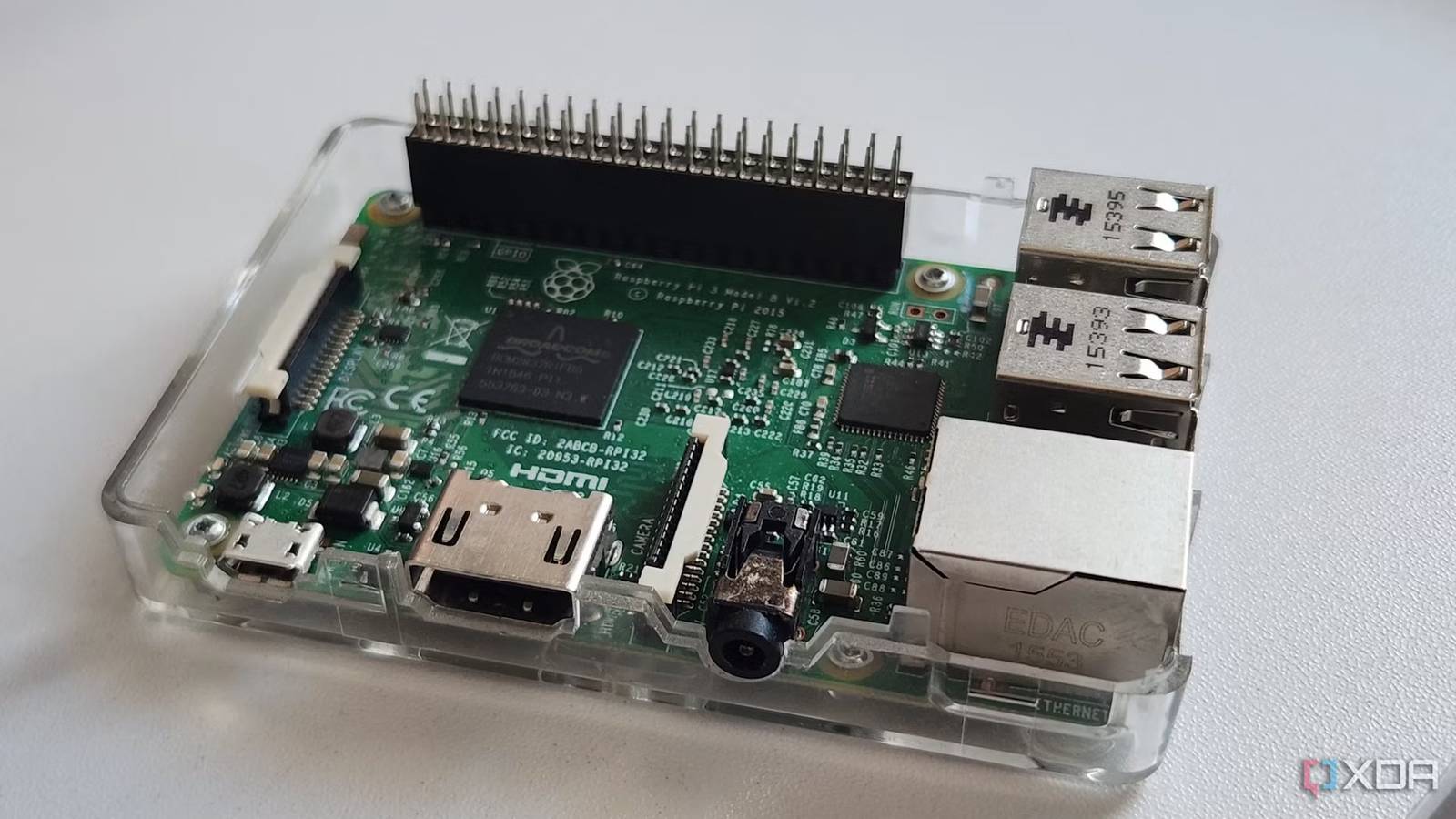
Published Sep 20, 2026, 9:06 PM EDT Simon is a Computer Science BSc graduate who has been writing about technology since 2014, and using Windows machines since 3.1. After working for an indie game studio and acting as the family's go-to technician for all computer issues, he found his passion for writing and decided to use his skill set to write about all things tech. Since beginning his writing career, he has written for many different publications such as WorldStart, Listverse, and MakeTechEasier. However, after finding his home at MakeUseOf in February 2019, he would eventually move on to its sister site, XDA, to bring the latest and greatest in Windows, Linux, and DIY electronics. Sign in to your XDA account Summary The WallCalToDo uses a Raspberry Pi 3B+ (or newer) and a spare monitor as a wall-mounted calendar and to-do display. Syncs with Google Calendar and Microsoft To-Do; mirrors changes from your phone in real time. Includes a companion app to manage accounts, tweak settings, enable privacy mode, and is open-source on GitHub. One of the best parts of the tinkering community is that they always devise ways to repurpose your spare hardware into something cool. If you have a Raspberry Pi 3B or better, and you have a spare monitor kicking around (which is 90% of tinkerers), someone has devised a way to turn the two into a wall-mounted digital calendar. The WallCalToDo turns your spare electronics into a daily tracker It even syncs with the big apps If you're interested, check out the images above. They come from Kevinclayland in a post he made to the Raspberry Pi subreddit, where he showed off his newest project, the WallCalToDo (the thread title has an L missing from 'Wall' but the GitHub repo has it). As you might be able to tell from the name, it's a wall calendar that helps with your to-do list, which sounds a lot more useful than having your hardware collect dust. The best part about the WallCalToDo is that it already works with some of the more popular calendar apps. Right now, it works with Google Calendar and Microsoft To-Do, with more account types in the works. Kevinclayland mentions that if you use the same service on your phone, WallCalToDo will reflect any changes you make on your device, which makes it really handy for mirroring your existing reminders and to-do lists. Speaking of apps, WallCalToDo has its own companion app. You can use it to manage accounts, tweak how the calendar works, and even put it in a special 'privacy mode' in case you have guests over and you don't want them prying into your schedule. Head over to the WallCalToDo GitHub repo if you'd like to make your own.
This DIY project turns your spare Raspberry Pi and monitor into a fancy wall calendar
Full Article
Original Source
Read the full article at Xda-developers →KhanList aggregates and links to publicly available news content. We do not host full articles from third-party sources. Always verify important information with original sources.