
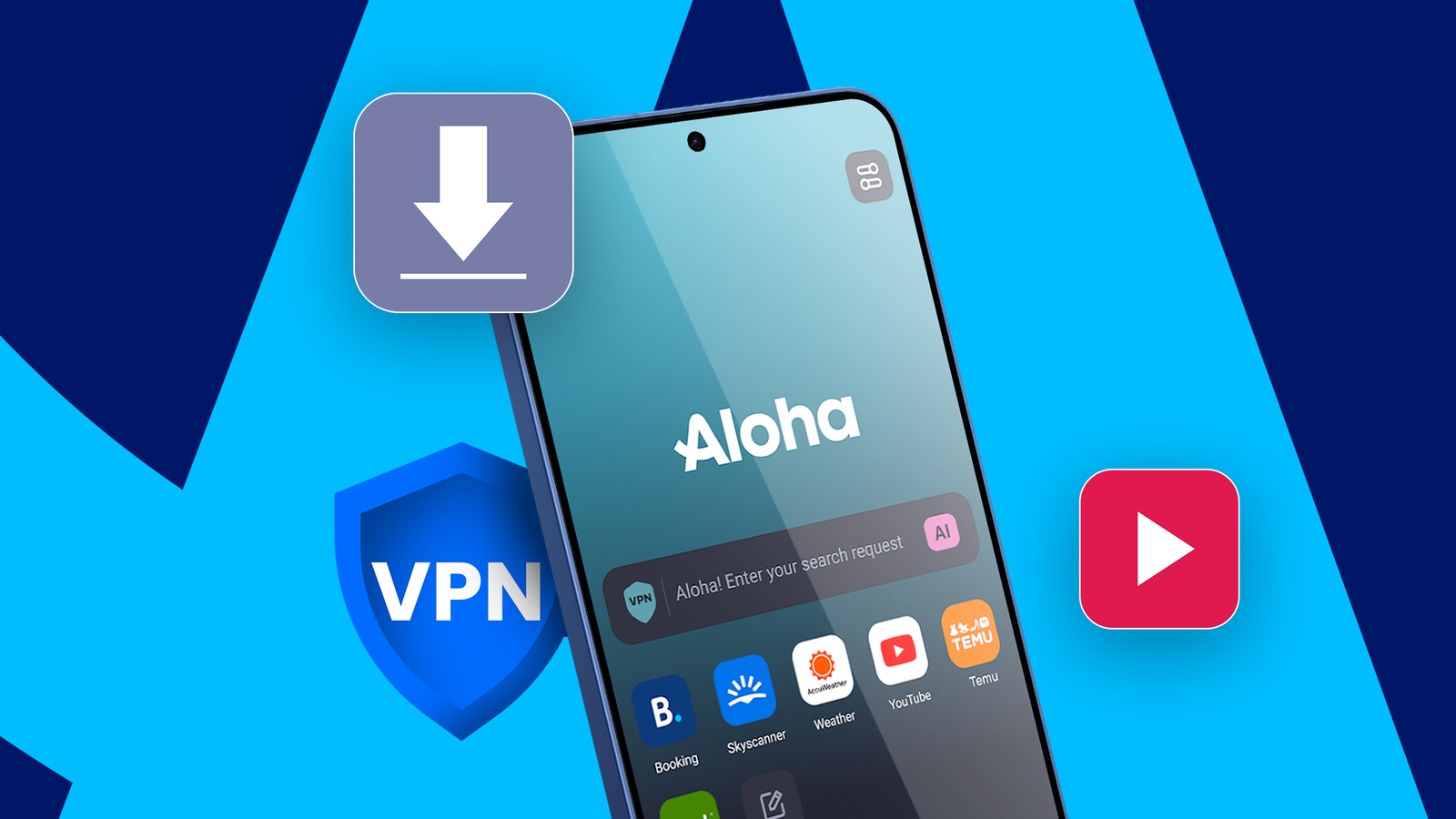
Published Oct 31, 2026, 11:00 AM EDT Akshay Bhalla was the former game guides editor for Screen Rant and the technology editor at MensXP. He has previously written about smartphones, apps, streaming, gadgets, and games for print, digital, and TV media outlets. When he isn’t writing about tech, he can often be found playing JRPGs, listening to music, or playing with his three dogs. You can reach Akshay at bhallanator @ proton dot me. I like to use different apps for specific purposes, such as multithreaded downloads, VPN browsing, and a multimedia player. But what if I told you I could delete all of these apps because one browser offers all of these features in one app? After I switched from Chrome to Aloha, I realized the browser could do everything I used a dedicated app for if I subscribed to the premium tier. That's when I switched to Aloha full-time. I no longer needed a VPN app after I used Aloha browser's built-in one Less load on the phone Credit: Lucas Gouveia / Android PoliceCredit: Lucas Gouveia / Android PoliceCredit: Lucas Gouveia / Android Police Using a VPN on Android often means installing a dedicated app and running it in the background, which takes up the VPN slot. I was an ardent Surfshark user until I discovered Aloha's built-in VPN service. While the service is free for everyone, I subscribed to access some of the premium servers. With over 30 locations to choose from, I had plenty of options for accessing the internet from a specific region. Aloha also offers premium fast servers for subscribers, which I take full advantage of when I download videos and audio from any website. I'll talk more about Aloha's downloading capabilities, but for now, I use it alongside the VPN and wouldn't have it any other way. Another advantage I have over other VPN apps is that I can apply Aloha's VPN service device-wide or only to the browser. This is an understated feature I wish every VPN provider had. This way, I can access websites that are unavailable in my region through the browser while still using banking apps, because I don't apply the VPN to the entire device. As for performance, I found the VPN connection quick and stable, and I never had any problems streaming or downloading. After I removed Surfshark, I got some storage space back, and my phone ran smoother and saved battery life because one less app was hogging RAM. Video playback within the browser itself Like VLC, Aloha includes a built-in media player and file manager so that I can watch videos in the browser. The media player supports all common formats and includes essential features like gesture control, playlists, background playback, and VR content. I noticed the overall experience was nearly identical to VLC, and since I downloaded most of my media on Aloha, I didn't need a separate video player. This is how I use Aloha: I download a video or audio from any website, play it in the browser, and delete the file using Aloha's file manager. This removed the need to juggle three apps, letting me do everything in one app. Earlier, I downloaded media with 1DM, found the file in the file manager, and played it in VLC. But with Aloha, I don't have to do any of that. Thanks to this workflow, I stopped using VLC and removed it after realizing I no longer needed it. I no longer need a download manager like 1DM for multi-thread downloads Downloading made easy Credit: Lucas Gouveia / Android Police I mentioned earlier that I use Aloha to download media content while using the onboard VPN. But I didn't mention that Aloha can detect media you can download with a single tap. If you're a premium user, you can also download in parallel and use multithreaded downloads. Multithreaded downloads put an extra load on the phone's SoC (system-on-chip), which can significantly drain the battery on higher thread counts. You can even increase the thread count, and it speeds up downloads for larger files without issues. It's a simpler process than handing off downloads to 1DM, which I used to download media earlier. Like other download managers, Aloha lets you pause and resume downloads, which also removes the need to have 1DM installed on your phone. Except for a few heavily protected websites that even 1DM couldn't handle, downloading with Aloha has been a breeze. All downloads are stored in Aloha's file manager/vault and can be shared across other devices using Aloha via Wi-Fi sharing. For instance, I downloaded a video and wanted to enjoy it on an Android tablet. I transferred the file between my tablet and phone in seconds. A simple browser can do the job of three important apps Before I subscribed to Aloha, I considered 1DM, VLC, and Surfshark among the most important apps to have on my phone. But after using Aloha as my primary Android browser, I realized it's not only a great ad-blocking browser; it can also handle the job of the apps above. In my opinion, I'm glad to pay for Aloha's premium tier because its features free up storage space and save battery life.
This Android browser replaced my VPN, VLC, and 1DM; now my phone runs better
Full Article
Original Source
Read the full article at Androidpolice →KhanList aggregates and links to publicly available news content. We do not host full articles from third-party sources. Always verify important information with original sources.