
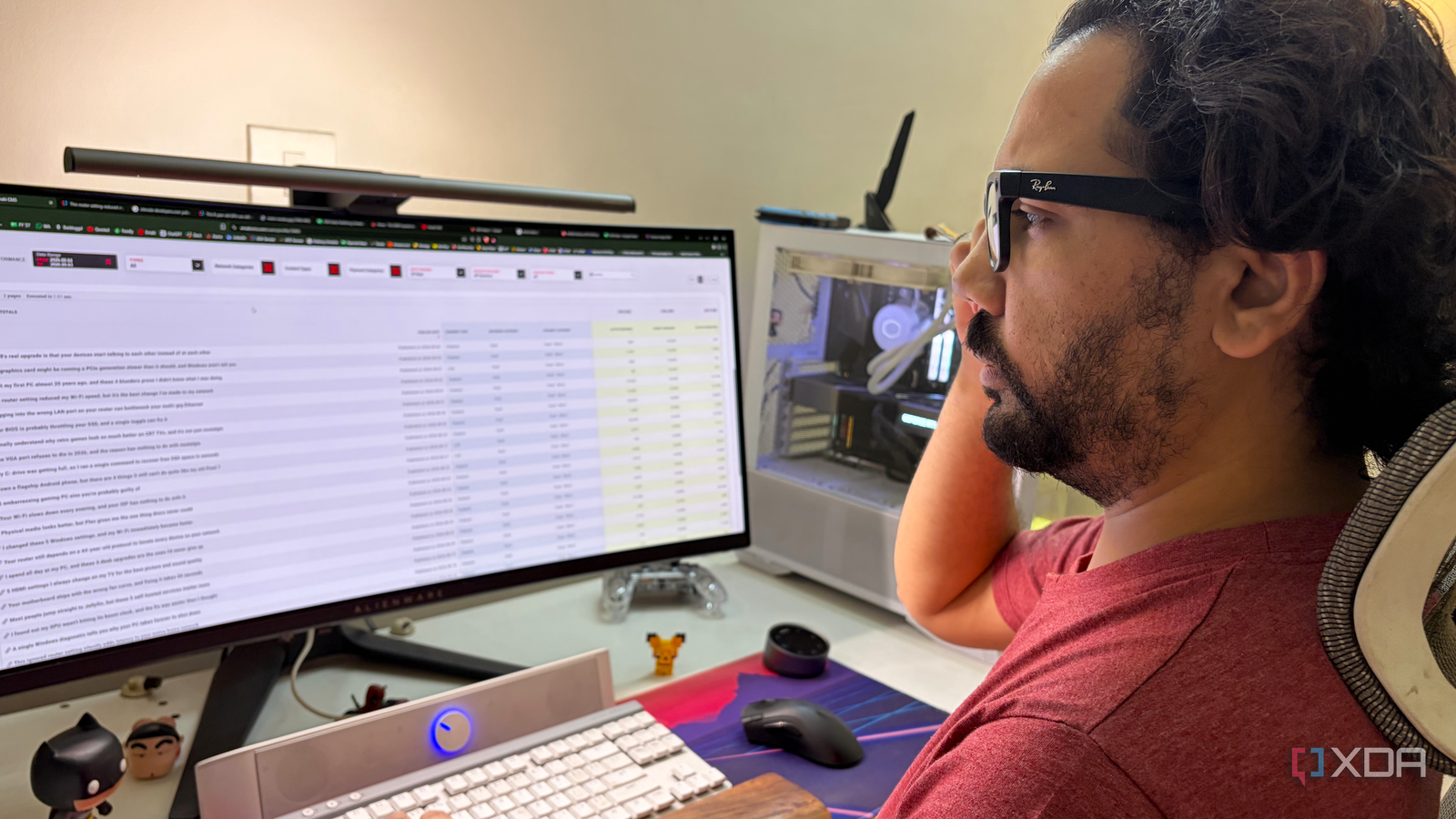
Published Sep 8, 2026, 9:00 AM EDT After a 7-year corporate stint, Tanveer found his love for writing and tech too much to resist. An MBA in Marketing and the owner of a PC building business, he writes on PC hardware, technology, and Windows. When not scouring the web for ideas, he can be found building PCs, watching anime, or playing Smash Karts on his RTX 3080 (sigh). Productivity means different things to different people. To some, it means using dozens of apps to manage to-do lists, notes, projects, time-tracking, and more. To others, it simply means eliminating distractions so that they finish their work as early as possible. I belong to the second group of people. I rarely use any conventional productivity tool or program on my PC except Sticky Notes. When I dropped $200 on the Ray-Ban Meta Gen 1 glasses last month, I didn't expect it would help me during my workday more than anywhere else. Thanks to its hands-free nature, it gradually reduced the need for me to pick up my phone. I could safely avoid doomscrolling without missing important calls or texts. Even when I'm outside the house, the glasses keep me immersed in the moment instead of constantly reaching for my phone. I just wanted to shoot POV photos and videos I had been thinking about getting the Meta glasses for a few weeks. I finally bought them on my birthday, spending $200 on the Gen 1 instead of $400 on the newer Gen 2 model. The entire appeal of the glasses, at least to me, was the ability to shoot POV photos and videos in situations where smartphone photography doesn't quite fit in. I wasn't really interested in the AI features, voice commands, or app integrations. The 12 MP 1080p camera was serviceable; it was all about the novelty for me. So, I shot videos while playing golf and squash, unboxing my laptop, building a jigsaw puzzle or nanoblock figurine, or just walking down the street with friends. Clicking photos of stray animals, sunsets, or nature was also fun, thanks to the new perspective. I was fully aware this was a splurge — I didn't need a pair of smart glasses in my life. Still, it had been a while since I had bought a gadget, and it was a birthday gift to myself. What surprised me was that it became the most important productivity device for me. They're now the best thing to help me stay off the phone Doomscrolling can quickly erase hours from my workday No matter how hard I tried to keep my phone in the living room when I worked in my room, I couldn't stop reaching for it now and then. The excuse was always checking if I had missed any important call or message. Once that was out of the way, I used to spend a good chunk of time scrolling on Instagram or messaging friends on WhatsApp. With the Meta Gen 1, I can decide if an incoming notification or call is worth getting up from my desk. The communication integration works with Instagram and WhatsApp (among other apps), which happen to be my most-used apps. The glasses tell me who is calling or messaging me, so I can decide the urgency accordingly. I can use voice commands to answer or reject calls. Integrations with Gmail, Calendar, and Spotify fill in the rest of the gaps, eliminating most of the excuses I can come up with to unlock my phone. The built-in open-ear speakers sound surprisingly loud and clear, so taking calls, listening to music, and watching occasional videos works just fine. After a month of using the glasses during my workday, I can confirm that getting sucked into doomscrolling is finally not a problem for me. Even the relatively short battery life of the Gen 1 model isn't a deal-breaker, since I don't use the glasses actively when working; they're just there to alert me when needed. The hands-free experience continues outside of work My overall phone usage has gone down The productivity benefits during my workday were the easiest to notice because I spent around 6–8 hours working. That said, I noticed I wasn't reaching for my phone even when spending time with friends or family outside the house. Snapping photos and videos with the glasses automatically removed one of the main reasons to use the phone. Of course, I still need the phone to click portrait photos or super-crisp video. Calls, texts, and WhatsApp messages are announced on the glasses, so I don't unlock the phone mindlessly. I've muted the chats that aren't important enough to avoid too many notifications. The hands-free nature of the glasses has slowly but surely made me adapt to a lifestyle with reduced screen time. The charging case keeps the glasses going throughout the day, so I'm not constantly running out of power. The Ray-Ban Meta Gen 1 isn't a productivity device, but I'm using it like one. I don't use the AI assistant except during calls, and the only apps I've connected it with are the ones that I use anyway. It has reduced the number of times I unlock my phone, and has genuinely helped me fight my screen addiction. Ray-Ban Meta Wayfarer Connective Technology Bluetooth Brand Meta These smart AI glasses can record your surroundings, listen to music, and more—without needing to mess with other devices to do so. I wasn't hyped about smart glasses until I actually used one I used to consider smart glasses as useless as smartwatches, but after using the Ray-Ban Meta glasses, I can say that they're useful given the right use case. For me, they've become an easy way to reduce my phone dependence during the day. Clicking POV footage will remain the primary reason I use them, but the accidental productivity benefits are also welcome.
This $200 impulse buy accidentally became the best productivity tool I've ever used
Full Article
Original Source
Read the full article at Xda-developers →KhanList aggregates and links to publicly available news content. We do not host full articles from third-party sources. Always verify important information with original sources.