
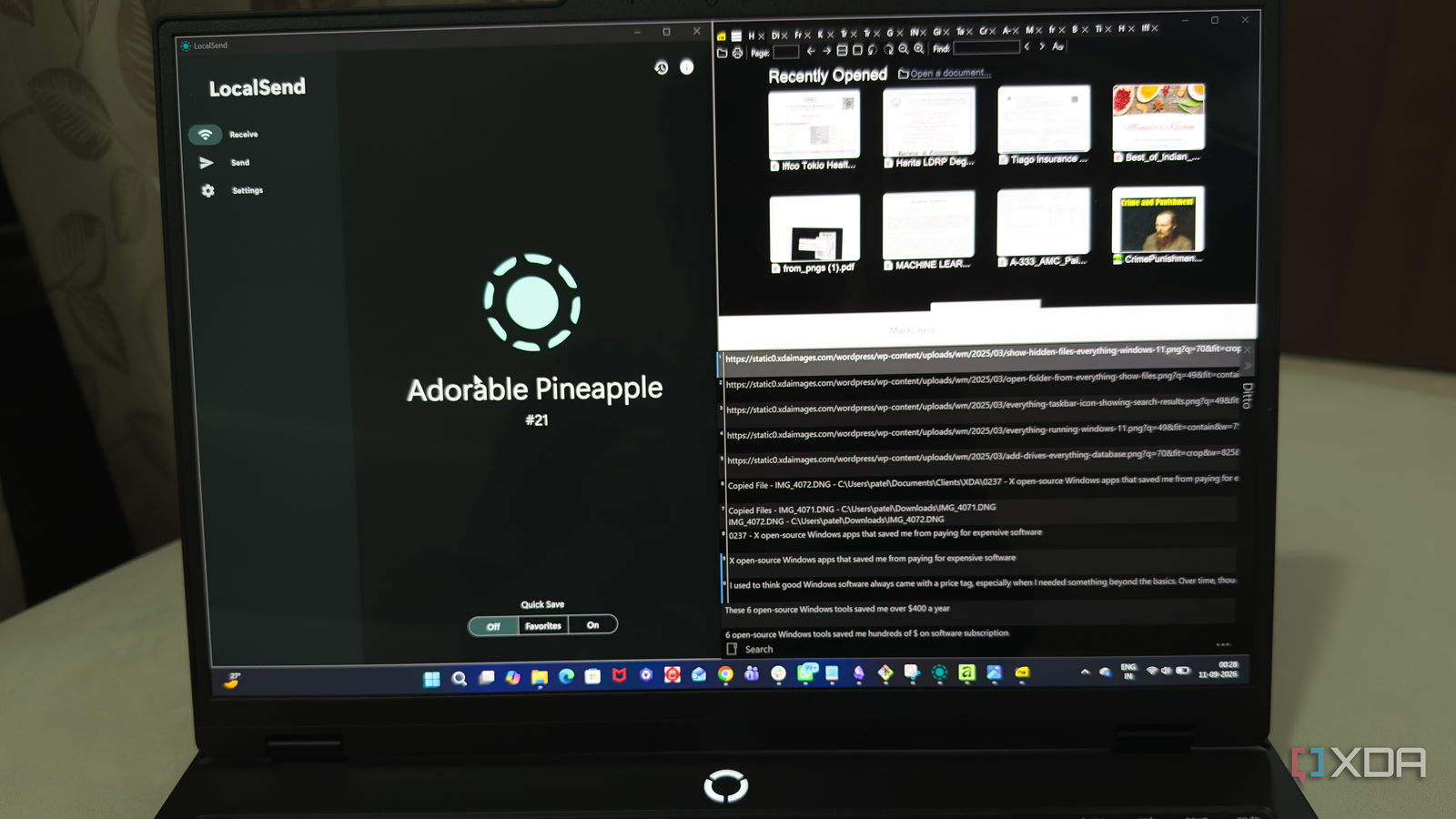
Published Sep 12, 2026, 10:30 AM EDT Beginning his professional journey in the tech industry in 2018, Yash spent over three years as a Software Engineer. After that, he shifted his focus to empowering readers through informative and engaging content on his tech blog – DiGiTAL BiRYANi. He has also published tech articles for MakeTechEasier. He loves to explore new tech gadgets and platforms. When he is not writing, you’ll find him exploring food. He is known as Digital Chef Yash among his readers because of his love for Technology and Food. I used to think good Windows software always came with a price tag, especially when I needed something beyond the basics. Over time, though, I started testing open-source apps and found myself questioning several software purchases I had made. Some were surprisingly polished, while others simply did their job without getting in my way. That changed how I choose software. Instead of reaching for a paid app whenever I need a new tool, I now check what the open-source community has built first. Everything The fastest way I find files The first app that made me question why I was still paying for software was Everything. I used to waste more time than I realized looking for files on my Windows PC. Windows Search often felt slower than I wanted, especially when I knew exactly what I was looking for but couldn't remember where I'd saved it. Everything changed that for me. I can start typing a filename and get the result almost instantly. I also like that it stays focused on one job instead of trying to become a complete file-management suite. Once I got used to relying on it, searching for files became a quick habit rather than a small chore. It's a simple utility, but it has saved me enough time to make it one of those apps I keep installed. Ditto The clipboard feature Windows was missing Ditto solved another small Windows problem that I didn't realize was costing me time: copying and pasting the same things repeatedly. I often need to move several pieces of text between apps, and the standard Windows clipboard only keeps track of so much. With Ditto, I can go back through my clipboard history and pick something I copied earlier instead of copying it again. I find this especially useful when I'm working on long articles and moving notes, links, quotes, or bits of text around. It quietly sits in the background and becomes useful whenever I need it. I don't have to change how I work either. I just press the shortcut, find the item I want, and paste it. For me, that made the clipboard far more useful. GIMP Say goodbye to costly Photoshop GIMP is the app that stopped me from feeling like I needed Photoshop for every image-related task. As a blogger, I regularly need to prepare images before they go into an article, and I don't need a huge collection of professional design tools to do that. GIMP gives me enough control to work comfortably with images without paying for a monthly plan. I can make the changes I need, save the finished file, and move on with my work. What I appreciate most is that it doesn't lock basic editing behind a subscription. It took me a little time to get comfortable with the interface, but once I learned where the tools were, it stopped feeling complicated. For my everyday image work, GIMP has been more than enough. SumatraPDF Why pay for Adobe Acrobat? SumatraPDF replaced another piece of software I had little reason to keep paying for. I mainly need a PDF reader for opening documents, checking pages, and quickly referring to files while working. I don't need a full suite of editing tools every time I open a PDF, and SumatraPDF keeps things simple. It launches quickly and doesn't make me wait through a heavy interface before I can read a document. I also like how uncluttered it feels compared with some of the larger PDF applications I've used. No unnecessary features get in the way when all I want to do is read something. For my everyday PDF needs, that focused approach works well. It feels like the kind of lightweight Windows utility that should have been included from the start. LocalSend Moving files finally became painless LocalSend saved me from relying on paid file-transfer services whenever I needed to move something between my devices. As a blogger, I regularly work across my PC and phone, and sending a file to myself felt unnecessarily awkward. LocalSend gave me a much simpler way to handle those moments. I can transfer photos, documents, screenshots, and other files directly between devices on the same network. There is no need to create an account or upload something to a third-party service just to get it onto another device. That makes it particularly handy when I need to move a file quickly and don't want to think about storage limits or subscription plans. It has become one of those small utilities I appreciate more the longer I use it. A screenshot tool that does everything Taking screenshots is something I do almost every day while researching and writing, so I wanted a tool that could keep up without adding another subscription to my expenses. ShareX turned out to be exactly what I needed. I can quickly capture a selected area, a window, or the entire screen depending on what I'm working on. I also like being able to assign shortcuts to the actions I use most, which saves me from reaching for menus every time. There are plenty of options for handling a capture after I take it, so I can fit the process around my workflow rather than changing how I work. I don't need a separate paid screenshot utility anymore. For something I use so frequently, having all these features available without a subscription has made a noticeable difference. I’m done paying for software I barely need I’m not against paid software, but I’ve realized I don’t need a subscription for every task on my PC. These open-source apps have covered enough of my everyday workflow that paying for expensive alternatives often feels unnecessary. The bigger lesson for me is simple: before buying another piece of software, I now look for an open-source option first. Sometimes, the free tool is all I actually need.
6 open-source Windows tools saved me over $400 a year
Full Article
Original Source
Read the full article at Xda-developers →KhanList aggregates and links to publicly available news content. We do not host full articles from third-party sources. Always verify important information with original sources.