
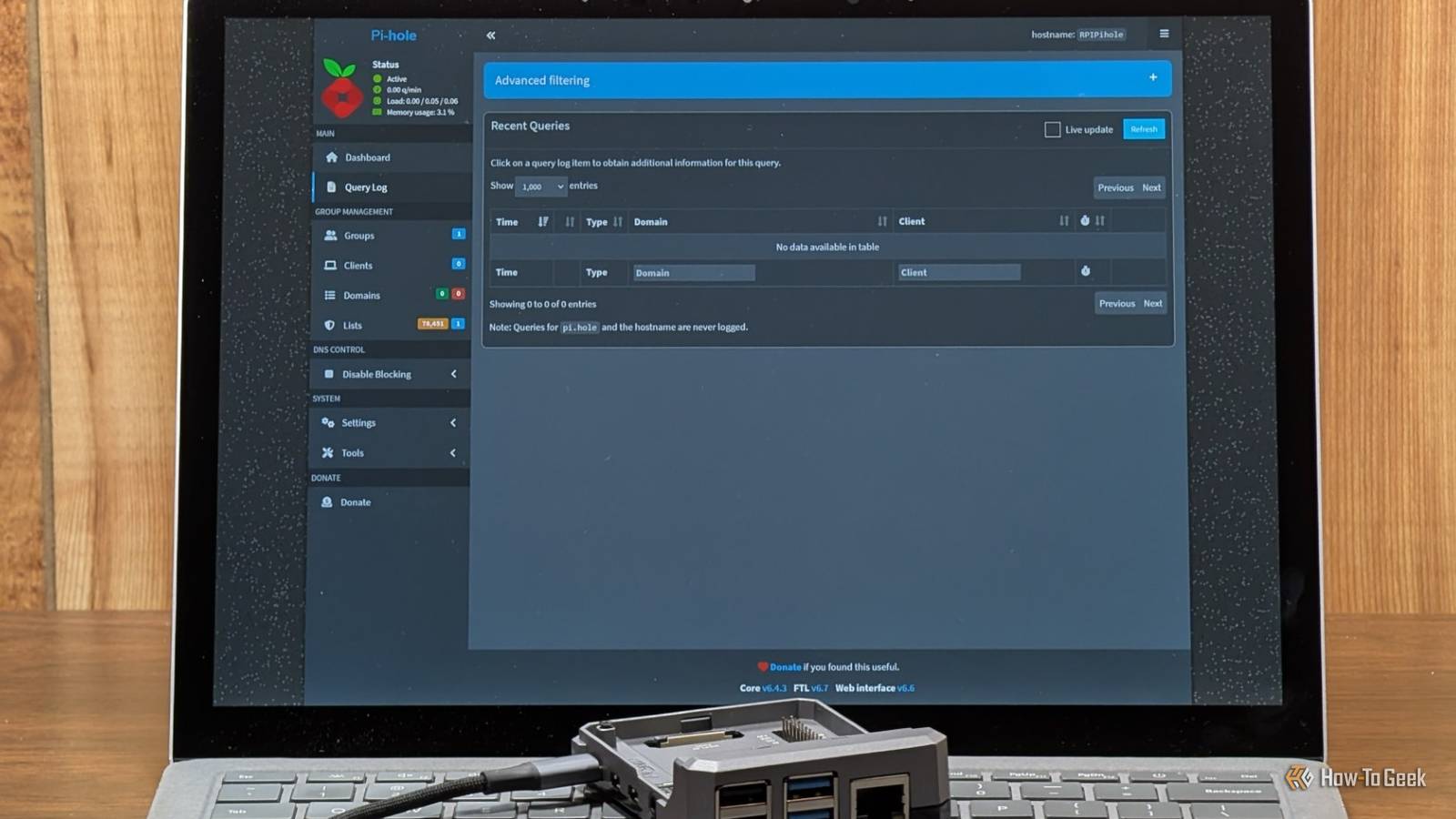
Published Sep 23, 2026, 7:30 AM EDT Nick Lewis is an editor at How-To Geek. He has been using computers for 20 years --- tinkering with everything from the UI to the Windows registry to device firmware. Before How-To Geek, he used Python and C++ as a freelance programmer. In college, Nick made extensive use of Fortran while pursuing a physics degree. Nick's love of tinkering with computers extends beyond work. He has been running video game servers from home for more than 10 years using Windows, Ubuntu, or Raspberry Pi OS. He also uses Proxmox to self-host a variety of services, including a Jellyfin Media Server, an Airsonic music server, a handful of game servers, NextCloud, and two Windows virtual machines. He enjoys DIY projects, especially if they involve technology. He regularly repairs and repurposes old computers and hardware for whatever new project is at hand. He has designed crossovers for homemade speakers all the way from the basic design to the PCB. Nick enjoys the outdoors. When he isn't working on a computer or DIY project, he is most likely to be found camping, backpacking, or canoeing. When people complain about their home network, they usually blame slow Wi-Fi or dead zones. But the real problem isn't speed; it's the noise. Every device you own—your phone, your smart TV, your thermostat, even your printer—spends its idle time serving ads and reporting data back to companies you never actually agreed to talk to. You can fix this with a Raspberry Pi Zero 2 W. For about $15, you can run Pi-hole, a tool that intercepts DNS requests for your entire network to cut off both ads and appliance telemetry in one move. If you want more headroom, a Pi 4 or any old PC will work, but the Zero 2 W is usually plenty. By moving your blocking to the network level, you stop the noise before it even reaches your devices. What does a Pi-hole do? It sits between your devices and the internet Normally, when a device on your network tries to connect to a website, it connects to a DNS server and asks "What is the IP address for this website?" The DNS Server then sends back an IP address for the website you were trying to reach. A Pi-hole works as a DNS sinkhole. It sits between the devices on your network and a DNS server. From that position, it is able to prevent certain requests from being sent to the DNS server, and instead it just replies "nowhere." In effect, you can prevent devices from ever loading specific websites by using a Pi-hole to ensure no device on your network can fetch the IP for that website. Fortunately, Pi-hole runs on almost anything—like a Pi Zero 2 W, a container on a Proxmox server, or an old laptop that you rescued from a dumpster. Because of how it works, a Pi-hole can also see most of the internet traffic on your network, making it a relatively effective network monitor. It protects and blocks ads on devices that can't do it themselves Goodbye ads, trackers, and even some malware Credit: Pi-Hole You can't install an adblock extension on a Roku device or your smart fridge. If you want to block ads on one of those devices, you have to do it at a network level. A Pi-hole does exactly that. It can block requests from phones, tablets, TVs, the smart fridge, and almost every other device on your network. Because it blocks requests before the devices connect to a domain, they don't use up any bandwidth at all. If you're on a There are a few significant limitations. Pi-hole can't block ads that stream from the same domain as the content, which is common on the major streaming platforms. By using Pi-hole, you cover the gaps. In-app ads on phones and tablets often disappear because their ad servers can no longer resolve. You'll see a significant reduction in the clutter on smart-TV home screens and streaming boxes. That said, you should manage your expectations: Pi-hole cannot block ads served from the same domain as the content, which means YouTube and Twitch ads will still get through. For those, you still need a dedicated browser-level blocker. It silences appliances and apps that phone home My robovac phones home constantly Because of how it works, a Pi-hole can also provide a ton of insight into your network activity. You'll likely find that some smart devices, like your TV, are connecting to telemetry domains constantly—it is common to see hundreds of those results per day. I've also noted that my robotic vacuum spends an inordinate amount of time phoning home too. You can use the blocklist to block that telemetry without interfering with the ability of the smart device to function. Beyond just reducing clutter and improving your privacy, it could be a tangible security improvement too. Compromised IoT devices frequently have to reach out to command servers, and if your network is filled with 10,000 telemetry requests daily across 20 devices, you're not likely to notice one device misbehaving. On the other hand, if you have 90% of the noise blocked, one IoT device doing something peculiar is much more likely to stick out. Some devices are basically designed to be difficult; a few TVs might refuse to open certain apps if their telemetry is blocked. A Pi-hole is surprisingly versatile The most pressing issues with my network weren't related to speed or latency, but rather unwanted traffic, those trackers, ads, or devices phoning home surreptitiously. A $20 Raspberry Pi is all it takes to put the issue to rest. Even if you don't care about the ads specifically, the query log alone is worthwhile. Once you know what your smart devices are doing behind the scenes, you can actually do something about it, or at least make more meaningful decisions about the situation. There are a few trade-offs to keep in mind. The big one is that your Pi-hole will be a single point of failure; if the Pi or the SD card dies, your DNS will fail, and you'll lose access to the internet. You can prevent that by setting up a second instance or a fallback DNS, but those approaches require extra setup. Pi-hole blocklists are also sometimes a bit overzealous. Sometimes they'll prevent a page from loading or working correctly. In that situation, you'll need to manually remove it from a block list to get things working.
This $20 computer behind my router solved the most annoying problems on my network
Full Article
Original Source
Read the full article at Howtogeek →KhanList aggregates and links to publicly available news content. We do not host full articles from third-party sources. Always verify important information with original sources.