
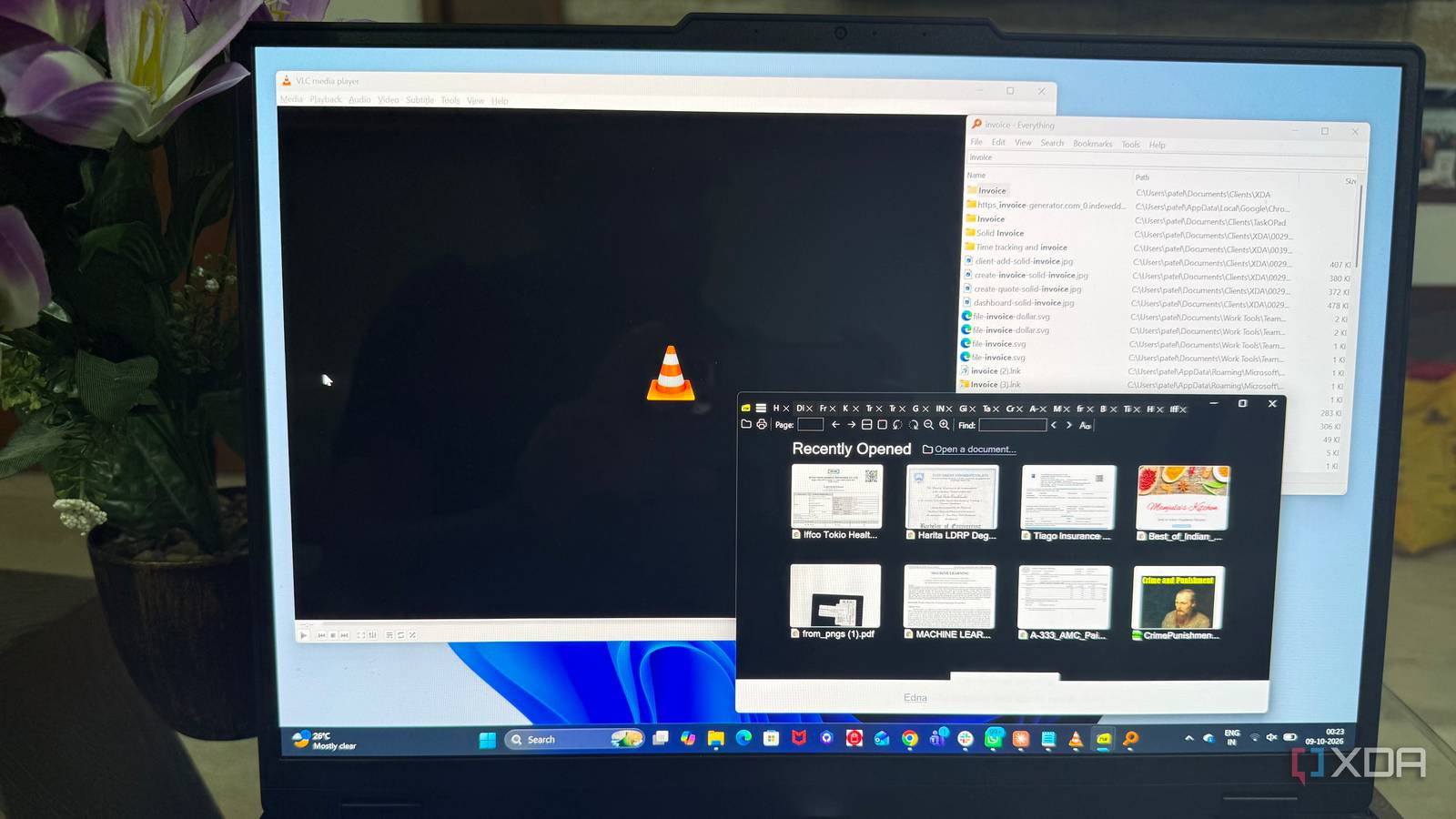
Published Oct 10, 2026, 3:30 PM EDT Beginning his professional journey in the tech industry in 2018, Yash spent over three years as a Software Engineer. After that, he shifted his focus to empowering readers through informative and engaging content on his tech blog – DiGiTAL BiRYANi. He has also published tech articles for MakeTechEasier. He loves to explore new tech gadgets and platforms. When he is not writing, you’ll find him exploring food. He is known as Digital Chef Yash among his readers because of his love for Technology and Food. I've installed countless apps over the years, but only a handful have stayed on every PC I've owned. They're not the flashy tools that dominate software lists or promise to completely change how I work. They're simple utilities that solve a specific problem and don't make me think too hard about them. Whenever I set up a new machine, these are among the first apps I look for. I've used them across different Windows installations and work setups, and they've quietly become part of my default software collection. Here are the open-source apps that have earned that permanent spot on my PCs. KeePassXC The boring password manager I trust KeePassXC is one of those apps I install without thinking whenever I set up a new PC. I use it to keep my passwords organized, and over time, it's become one of those tools I simply don't want to live without. What I like most is how predictable it feels. I can open my password database, find what I need, and get back to what I was doing without the app getting in the way. I also like that my password database stays under my control, not tied to a particular service or ecosystem. That gives me more flexibility over where I keep it and how I back it up. KeePassXC doesn't try to make password managementcomplicated either. It has stayed familiar across different PC setups, which is exactly what I want from software I rely on for something this important. SumatraPDF The boring PDF reader When I just want to open a PDF and start reading, I don't want the reader itself to become part of the process. That's why this lightweight app has stayed on my PC for years. It opens documents quickly, keeps the interface out of my way, and gives me the controls I actually use without making me search through layers of menus. I particularly like how little it needs me to adjust. I can open a technical document, jump between pages, search for specific text, and get back to reading without stopping to figure out how the software works. It also supports several other document formats I occasionally encounter, which makes it useful beyond my usual PDF files. I've installed it on multiple PCs over the years, and the experience has remained familiar every time. For a utility I use mainly for reading, that consistency is exactly what I want. LibreOffice My no-nonsense office suite Sometimes I just need a proper office suite installed locally, and this is the one I keep coming back to. I use it when I want to work on a document, spreadsheet, or presentation without changing my normal workflow. The familiar layout makes it easy to open a file, make changes, and move on without spending time learning a new workflow. I also like having it available as a fallback when I don't want to depend on a browser-based office tool. It's been useful for opening older files, making quick edits, and handling documents when I'm away from my usual setup. I don't use every feature it offers, but I don't need to. The parts I rely on have remained dependable across different PCs and installations. That's why it keeps making the cut whenever I'm setting up a machine from scratch. Everything The fastest way to find files I didn't realize how much time I was wasting looking for files until I started using Everything. Whenever I need a file on my PC, I can type a few characters and usually find exactly what I'm looking for almost immediately. I don't have to remember which folder I saved something in or click through layers of directories. What I like most is how focused it is. I can search by filename, narrow the results, and open the file I need without turning it into a whole task. It's also useful when I'm working with folders that have accumulated years of files, and I can't remember where I put something. I rarely think about Everything when I'm not searching for a file, but when I do need it, it saves me a surprising amount of time. That's enough reason for me to install it on every PC I use. The boring player that always works Whenever I come across a video file that Windows doesn't handle properly, VLC is usually the first thing I reach for. I've used it for so long that I rarely even think about whether a particular file will play. I just open it and get on with watching it. That predictability is a big reason it has stayed on my PCs for years. I also find it useful when I'm working with downloaded videos, recorded clips, or files in formats I don't regularly encounter. The playback controls are straightforward, and I can quickly adjust subtitles, audio tracks, playback speed, or the picture when I need to. I don't spend much time configuring it because the default setup already works for most of what I do. I don't get excited about installing it, but that's exactly the point. I install VLC because I know I'll eventually need it, and it has never given me a reason to replace it. Boring is exactly what I want I don't need every app on my PC to surprise me with new features or change how I work. Sometimes, I just want software I can install, trust, and forget about. These apps have earned their place because they fit into my routine without creating extra work. That kind of reliability may sound boring, but after years of using different software, I've learned that boring can be a very good thing.
These 5 open-source utilities have outlasted every other app I've ever installed
Full Article
Original Source
Read the full article at Xda-developers →KhanList aggregates and links to publicly available news content. We do not host full articles from third-party sources. Always verify important information with original sources.