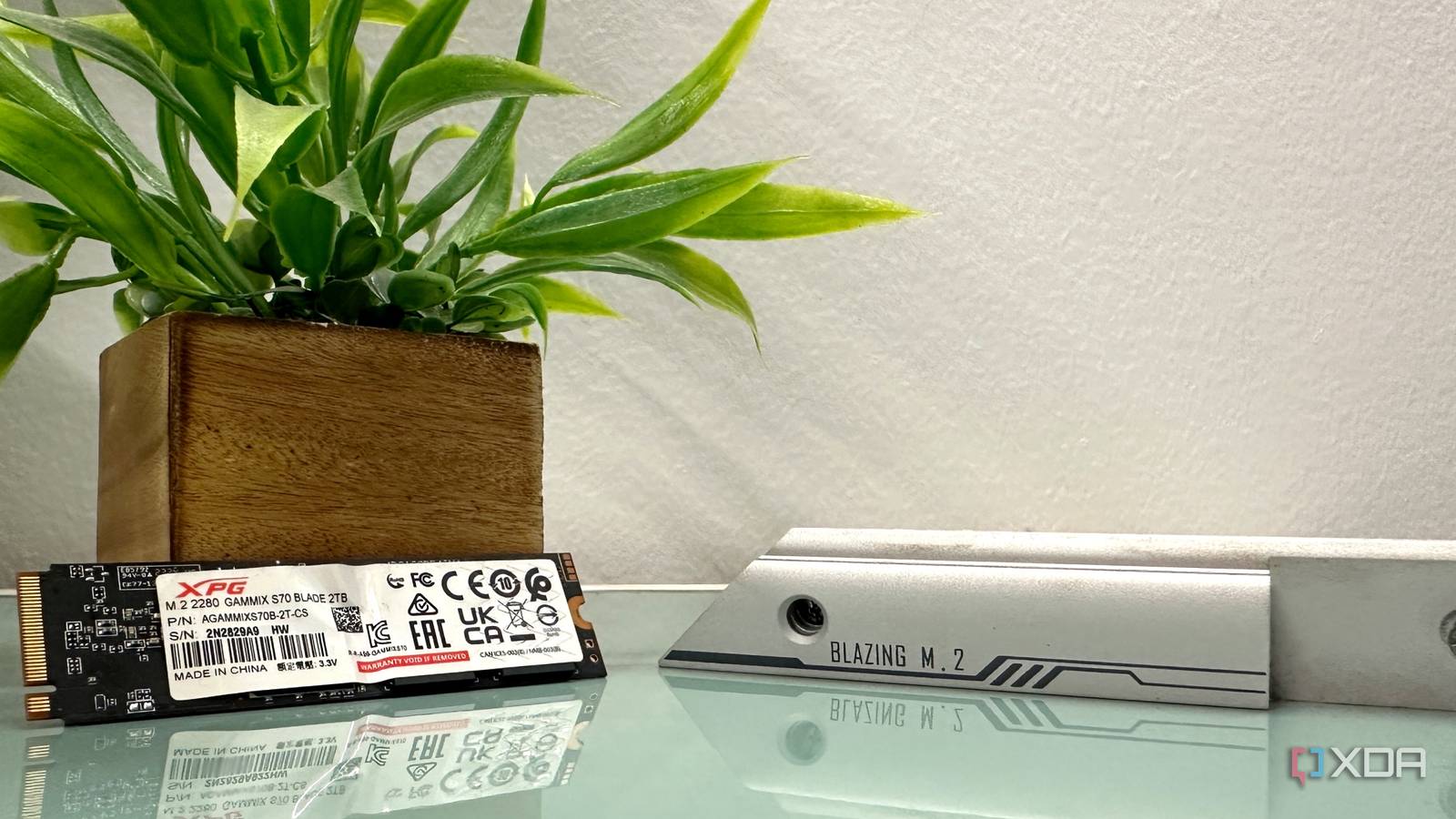
Published Jul 20, 2026, 2:30 PM EDT Gaming has been Samarveer’s greatest passion, and the Literature graduate in him takes immense joy in dissecting games for their themes, messages, and impact. Samarveer holds a deep appreciation of gaming, and considers the platform to be the most immersive and impactful across all media. He can be found engaging with gaming communities online, always ready to debate the finer points of ray tracing or itching to write an 8-page collegiate thesis on any game that impacts him emotionally. Modern Solid State Drives are far tougher than the early consumer models that made everyone obsess over write cycles. However, they're still not indestructible. After all, the SSD is where our operating system, apps, games, and every file we create, edit, or download live. It only makes sense that looking after the SSD remains one of the smartest forms of PC maintenance. This matters a lot more than it ever has, too, because replacing an SSD has become painfully expensive today. Even some 4TB SSDs now cost as much as an entire PS5 or Xbox Series X, which is why the prospect of having to replace an SSD is just as financially scary as it is from a data-loss standpoint. A few bad habits are all it takes to shorten the life of a drive, and chances are that we're all a little bit guilty of some of these. Leave your SSD some breathing room A drive that's always full has to work much harder Modern SSDs rely heavily on spare free space for housekeeping behind the scenes. It becomes difficult for the drive to move data around, engage in garbage collection, or carry out wear leveling exercises when it has almost nowhere left to shuffle information. This doesn't particularly translate to instant failure, but having nearly no space on your SSD consistently can cause performance to become less reliable. This puts pressure on the controller to work a lot harder to accomplish the same tasks it could without breaking much of a sweat had it some more free space. Putting a self-imposed ceiling on your SSD's storage can always work out well. It's always a good idea to treat unused storage as part of the SSD rather than wasted capacity. Leaving roughly 10% to 20% of your total SSD space free gives the controller room to breathe, especially if you're the kind of user who installs huge games or moves large files around. Even dabbling in local AI does include downloading huge models that are tens of gigabytes, but remembering that there's a self-imposed ceiling to your SSD's storage can always work out well for you. Today, SSD manufacturers do tend to leave some of this overprovisioning space from the factory itself. In fact, high-end SSDs even ship with dedicated utilities to help users overprovision their SSDs some more manually. Even if your particular brand of SSD might not have software to help you do this, simply leaving some room free and untouched is a fantastic recommendation for keeping your SSD healthy and stress-free. Stop benchmarking your SSD every time something changes Your storage does not need a weekly performance review Every time I updated my SSD's firmware or swapped motherboard settings, I've instinctively fired up CrystalDiskMark as well. Watching those sequential read numbers creep up by a few hundred megabytes per second has always felt strangely satisfying to watch on my SSD. At this point, it's become more of a ritual than an occasional diagnostic exercise, despite knowing full well that I'd never notice the difference outside the benchmark window. The problem, however, is that synthetic benchmarks, in order to measure performance, generate very real read and write cycles. One or two runs aren't going to destroy a modern-day SSD by any stretch of imagination, but running multiple passes after every BIOS update, Windows update, firmware update, driver release, or even a reseat (I genuinely know people who do that) can add unnecessary and stressful write activity that serves little to no purpose. Sure, SSD endurance is far better than it was a decade ago, but that's still no reason to burn through write cycles proving that your drive, once again, is as fast as it was a few days ago. As long as Windows boots quickly, my games load normally, and my files transfer at a consistent and reliable speeds, I'd rather let my SSD spend its life storing data than repeatedly proving it can store data fast. Stop treating 2014 SSD advice like it's still the law Some of these "optimizations" have survived long after they stopped making sense A rather surefire way of making your new SSD worse is to follow an optimization guide that was written back when SATA SSDs were new, and users barely understood flash storage. I've genuinely lost count of how many forum posts or Reddit threads, or even YouTube tutorials still give out SSD maintenance advice, like turning off TRIM or disabling System Restore. The idea is that it would save your write cycles, but such advice couldn't be more wrong, since you'd be losing out on genuinely good features to avoid problems that Windows and SSD manufacturers solve years ago. Today, Windows can easily detect SSDs automatically, it schedules TRIM correctly, and it manages storage far more intelligently than it did a decade ago. The fact of the matter is that SSDs ship with endurance ratings of terabytes worth of write cycles, and for the average users (not including high-quality video editors and local AI users), that's a limit they would most probably never touch over the course of their entire PC's lifetime. So, the best thing you can do for your SSD is to stop chasing some ancient registry tweak that's still a relic from Windows XP or Windows 7, and just let your PC and SSD become more stable. Maintenance will automatically become simpler that way when you're not worrying about how you can extend the life of a component that is built to last today. Deleting that bookmark about a ten-year-old SSD guide might be the best way to proceed here. Update your SSD like you update everything else The most ignored driver in your PC is hiding in plain sight Credit: xpg.com Anyone who cares about regularly maintaining their PC always makes sure they update their graphics drivers, update Windows properly, and a rare few even bother with motherboard firmware updates, too. However, something very few people do, which doesn't even cross the mind of a lot of average users, is updating the firmware for their SSD. You can't completely ignore the software that actually controls the component that does the most important job on your PC. Updating your SSD's firmware is usually not risky at all, but any interruptions or power outages during the firmware update can cause permanent data loss. What SSD firmware updates provide are benefits in stability and compatibility, refining the thermal management and even resolving the occasional bug or two. Manufacturers don't push firmware updates as frequently or aggressively as GPU drivers, so it's understandably easy to own a drive for years without realizing an update for it even exists in the first place. Do make sure you make a point of checking your SSD manufacturer's utility every once in a while, especially after building a new PC or reinstalling Windows. All it really takes is a handful of minutes, and it costs nothing. XPG GAMMIX S70 Blade 2TB The 2TB version of XPG's GAMMIX S70 Blade SSD is lightning-fast with speeds of up to 7,000MB/s. If you're on the hunt for a drive to store your OS, games, and then some, we'd recommend upgrading your PC today. Your next SSD upgrade might not be on your terms For years now, replacing an SSD has felt like one of the easiest upgrades you could make. Prices were extremely affordable, while storage capacities kept climbing higher. That's when waiting for the next sale usually paid off. Sadly, that sort of rhythm in the hardware market has pretty much disappeared now. With memory markets tightening, there's no doubt that 2026 is the worst time to have to buy a new SSD, and there's every chance that 2027 will ask even more from your wallet than 2026 already does. That's why it's the best time to be more interested in making the hardware you already own last longer. Every extra month you get out of your current SSD is money you don't have to spend, after all.
These 4 SSD habits are costing you thousands in premature replacements
Full Article
Original Source
Read the full article at Xda-developers →KhanList aggregates and links to publicly available news content. We do not host full articles from third-party sources. Always verify important information with original sources.