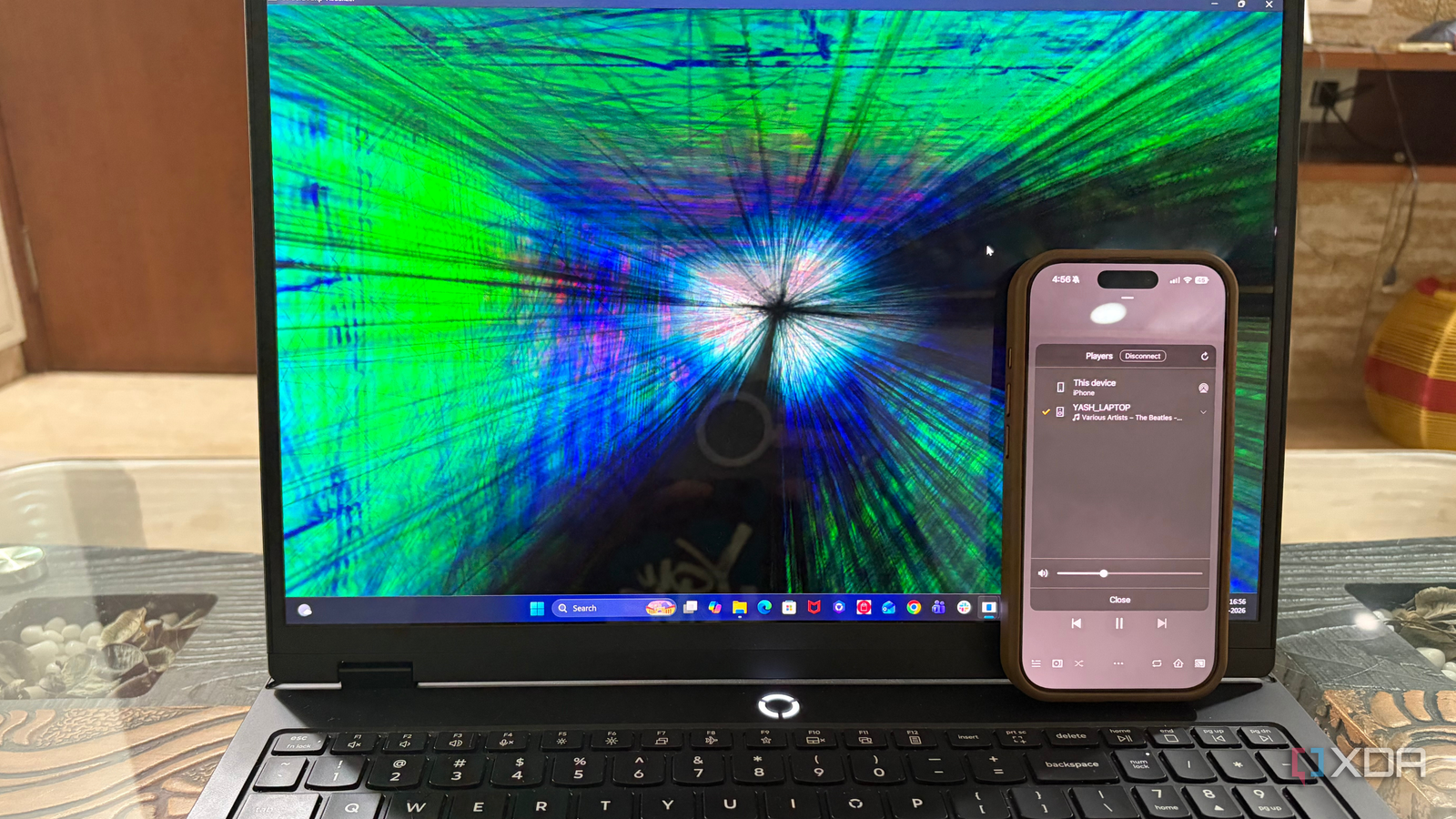
Published Jul 23, 2026, 10:30 AM EDT Beginning his professional journey in the tech industry in 2018, Yash spent over three years as a Software Engineer. After that, he shifted his focus to empowering readers through informative and engaging content on his tech blog – DiGiTAL BiRYANi. He has also published tech articles for MakeTechEasier. He loves to explore new tech gadgets and platforms. When he is not writing, you’ll find him exploring food. He is known as Digital Chef Yash among his readers because of his love for Technology and Food. Plexamp has earned a reputation as one of the best music players for people who manage their own music libraries. It combines a polished interface with thoughtful features, making it a favorite among Plex users and audiophiles alike. That's why I was surprised to learn that its original creator had quietly built something completely different. Instead of another feature-packed music app, he focused on a lightweight, headless player designed around simplicity and high-quality playback. The result is Caldera Music, a project that takes a different approach to listening while staying true to the philosophy that made Plexamp so enjoyable to use. What is Caldera Music? It is designed to run without a screen After reading more about Caldera Music, I realized it isn't another desktop music player competing with Plexamp. Instead, it's built around a completely different idea. The main component is a lightweight, headless music player that runs without needing a monitor, keyboard, or desktop environment. Once it's installed, it quietly runs in the background while you control playback from another device. That makes it a great fit for a Raspberry Pi, a small mini PC, or an always-on Linux home server connected to a DAC or amplifier. Instead of interacting with the machine directly, you simply select it as a playback destination from Plexamp or another compatible controller. The device has only one job: play your music. I also like that there are several ways to get started. If you're using Linux, the developer provides a simple installation script that works on both x86 and ARM-based systems. Raspberry Pi users can also use community-built images that take care of most of the setup. If you prefer Windows or macOS, there's a desktop version called Caldera Amp, while Apple TV users get a native app designed for the living room. This approach won't appeal to everyone, but if you've ever wanted a dedicated music streamer without spending hundreds of dollars on commercial hardware, Caldera Music feels like a refreshingly simple alternative. Audiophile features weren't sacrificed for simplicity It still delivers the features serious music listeners expect I expected Caldera Music to cut back on advanced audio features in exchange for its lightweight design, but that isn't the case. Despite how minimal the software is, it includes many of the features I'd expect from a dedicated music player built for local libraries rather than streaming services. One of the first things that stood out to me was support for gapless playback, so albums that are meant to flow from one track to the next play exactly as intended. It also supports high-resolution audio formats, including FLAC, ALAC, WAV, AIFF, and DSD, which is good news if you've spent years building a lossless music collection. Caldera also includes features like loudness leveling and Sweet Fades, which help keep playback consistent and make transitions between songs feel more natural. The player analyzes your music library in the background, so those features are available without slowing down everyday playback. There's also support for bit-perfect audio output, allowing compatible DACs to receive the original audio stream without unnecessary processing. None of these features are buried behind a complicated interface. The software focuses on doing one thing well: delivering high-quality playback while staying lightweight. It feels like the developer prioritized the listening experience instead of packing the app with features that most people would never use, and I think that's exactly the right approach for a dedicated music player. It still fits naturally into an existing Plex setup However, it is not suitable for everyone One thing I appreciate about Caldera Music is that it doesn't ask me to abandon the music setup I already have. If you're already using Plex to organize your music library, getting Caldera into the workflow feels surprisingly natural. After signing in with my Plex account, the player simply showed up as another playback device that I could select whenever I wanted to listen to through my dedicated audio hardware. That means I can continue browsing my library, playlists, artists, and albums through the Plex apps I'm already familiar with, while Caldera handles the playback behind the scenes. I didn't have to learn a new media server or rebuild my music collection from scratch, which makes trying it out much less intimidating. That said, I don't think Caldera Music is meant for everyone. If you mostly listen through Spotify, Apple Music, or YouTube Music, there's very little reason to set up a dedicated headless player. Likewise, if you're happy playing music directly from your desktop or phone, the extra hardware probably isn't worth the effort. Where I think Caldera makes the most sense is for people who already maintain a local music library and enjoy self-hosting. If you have a Raspberry Pi, mini PC, or another always-on machine collecting dust, Caldera gives it a clear purpose. It's a niche project, but for the right audience, it feels like a thoughtful evolution of the Plex music experience rather than a competitor. c Sometimes the best ideas don't need a flashy launch Caldera Music caught my attention because it shows what can happen when a developer starts over with years of experience instead of simply iterating on an existing product. Rather than chasing more features or a bigger audience, it focuses on building a dedicated music playback experience from the ground up. That's a refreshing approach in a world where most apps try to do everything. Even though it arrived with very little fanfare, I think it's one of the more interesting projects to come from the Plex ecosystem in quite some time.
The Plexamp creator just built a headless music player that changes how I think about local libraries
Full Article
Original Source
Read the full article at Xda-developers →KhanList aggregates and links to publicly available news content. We do not host full articles from third-party sources. Always verify important information with original sources.