
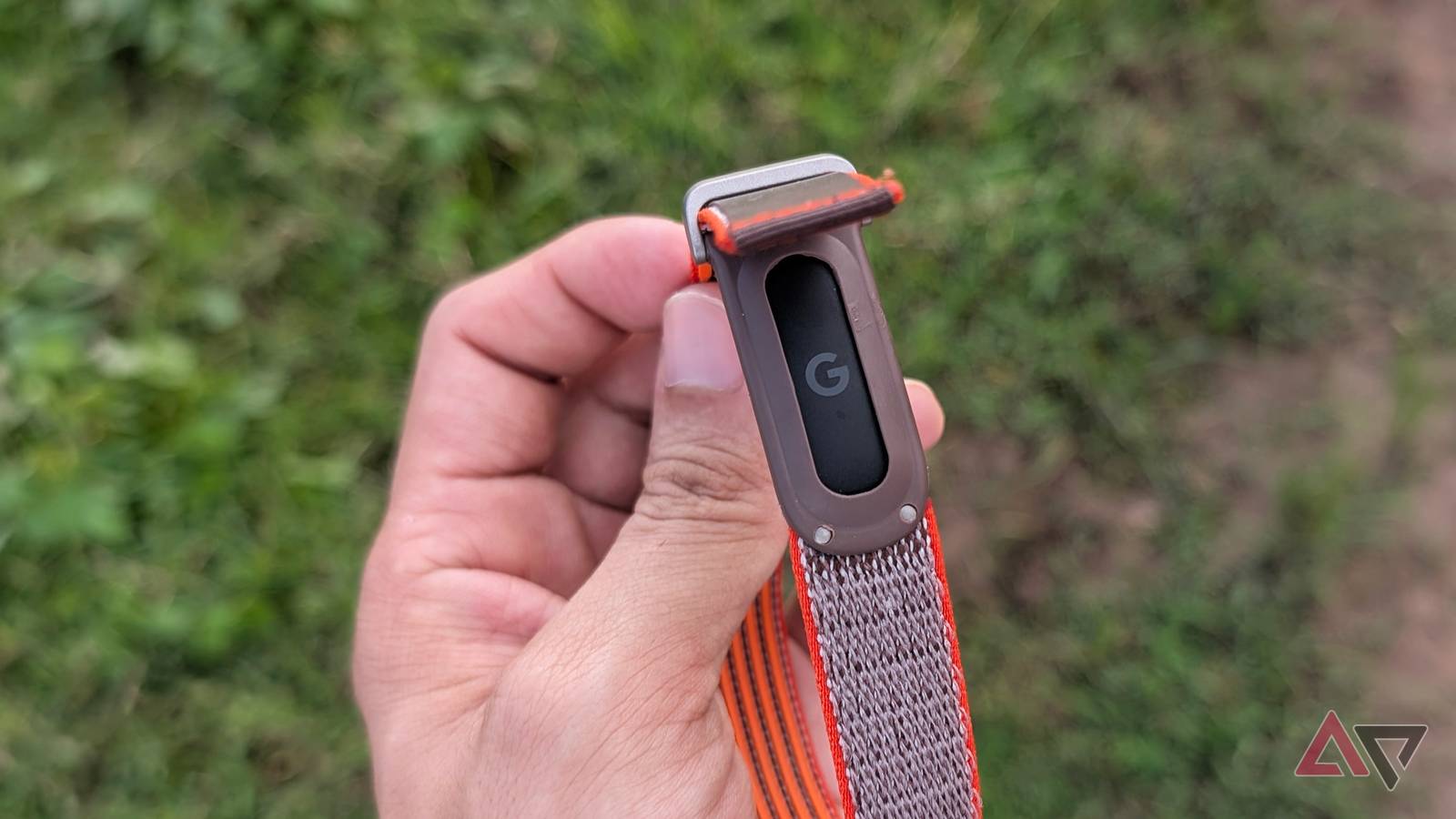
Published Nov 22, 2026, 6:00 AM EST I've been writing about Android since 2011, with a focus on device reviews, Samsung and Google Pixel hardware, and the latest happenings in the ecosystem. In my entire writing career, I've reviewed more than 75 Android phones. Carrying both a Samsung or Pixel flagship and an iPhone as a daily driver provides me with deep insight into how Android works and how it compares to iOS. I have been writing for Android Police since 2021, covering news, how-tos, and features. You can find my previous work on Neowin, AndroidBeat, Times of India, iPhoneHacks, MySmartPrice, and MakeUseOf. When not working, I tend to mindlessly scroll through X, play with new AI models, or go on long road trips. You can reach out to me on X or drop a mail at rajesh@androidpolice.com. The Fitbit Air's screenless design makes it stand out in a sea of powerful smartwatches and fitness trackers. While that helps reduce distractions, it also means giving up on notification alerts. The Fitbit Air has a vibration motor, but Google doesn't use it for incoming calls or messages. That's frustrating, since all I want is a quiet buzz on my wrist. Thankfully, a third-party Android app fixes that. Screenless does not mean silence Everyone has their own meaning of distraction-free The Fitbit Air's main appeal for me is that it quietly tracks my health and provides valuable insights without distracting me with a screen that's constantly asking for attention. I don't have to check a display, customize the watch face, or fight the urge to read a notification that just lit up the screen. However, this creates a different problem. I'm out of the loop on important calls and messages until I check my phone. I don't want my wrist buzzing for every WhatsApp group message, promotional notification, or email that lands in my inbox. But a call from my wife or an urgent Slack message deserves my immediate attention. This matters most when my phone isn't within easy reach. If it's charging across the room or sitting in my bag, a vibration on my wrist lets me know when I need to pick it up. Without that signal, I have to choose between leaving it alone and potentially missing something, or checking it periodically just in case. The problem is that the Fitbit Air offers no such option. Google limits its vibration motor to silent alarms; the band cannot buzz for incoming notifications. That means I check my phone more frequently to make sure I haven't missed anything important. This defeats the purpose of wearing a distraction-free tracker. While I understand Google's stance, letting a handful of apps and contacts buzz the band would make it more useful without taking away what I like about the Air. I don't need to read or reply to messages from my wrist, but I do want to know when something important needs my attention. After replacing the Pixel Watch 4 with the Fitbit Air, that's the middle ground I realized I want. This strikes a perfect balance: I spend less time checking my phone while still letting important things through. Right now, Google is making the choice for everyone, but a third-party app solves this problem. Cuff puts the Air's vibration motor to better use A quiet wrist, with a few important exceptions Frustrated with the same limitation, a Reddit user built an app called Cuff that communicates with the Fitbit Air over Bluetooth to trigger vibrations. It supports per-app alerts with adjustable vibration patterns and intensity, plus call alerts for specific contacts. While Cuff is a vibe-coded app, it does exactly what I wanted. I set up vibration alerts for incoming calls, specific contacts, and select apps like Slack and Telegram, where most of my important conversations happen. This gives me control over what deserves my attention. I can keep unwanted, noisy notifications from other apps off my wrist, while still getting a gentle nudge for the conversations I care about. The best part is that I can have custom vibration patterns and intensity, so calls or messages from my wife use a different vibration pattern than those from Slack. This selective approach means I can still retain the Fitbit Air's simplicity while only reaching for my phone when a conversation I care about needs my attention. Choosing which apps get through is only one part of the equation. I have important personal conversations and busy groups on Telegram that I don't need to follow throughout the day. Keeping those less useful conversations muted on my phone helps ensure that enabling alerts doesn't turn the Air into another source of constant interruptions. Cuff does a lot more, and it has a dedicated health section. Plus, it can track your accumulated sleep debt over the week and save frequently eaten meals. But that's not what I care about; the custom notification alerts are the real draw for me. It addresses a major limitation I faced since switching to the Fitbit Air for its simplicity. With Google clamping down on sideloading on Android, installing Cuff may trigger the Google Play Protect warning on your phone. Google should take a hint from Cuff Cuff solves a problem on the Fitbit Air that I wish Google had included. Optional notification alerts won't undermine the Air's screenless tracker appeal, especially when you can be selective about which apps and contacts get through. Google has always touted Android as open and flexible, and it should offer the same flexibility on the Fitbit Air. Thankfully, until Google fixes this, Cuff fills that gap for me.
The Fitbit Air lacks notification alerts, but I found an Android app that adds them
Full Article
Original Source
Read the full article at Androidpolice →KhanList aggregates and links to publicly available news content. We do not host full articles from third-party sources. Always verify important information with original sources.