
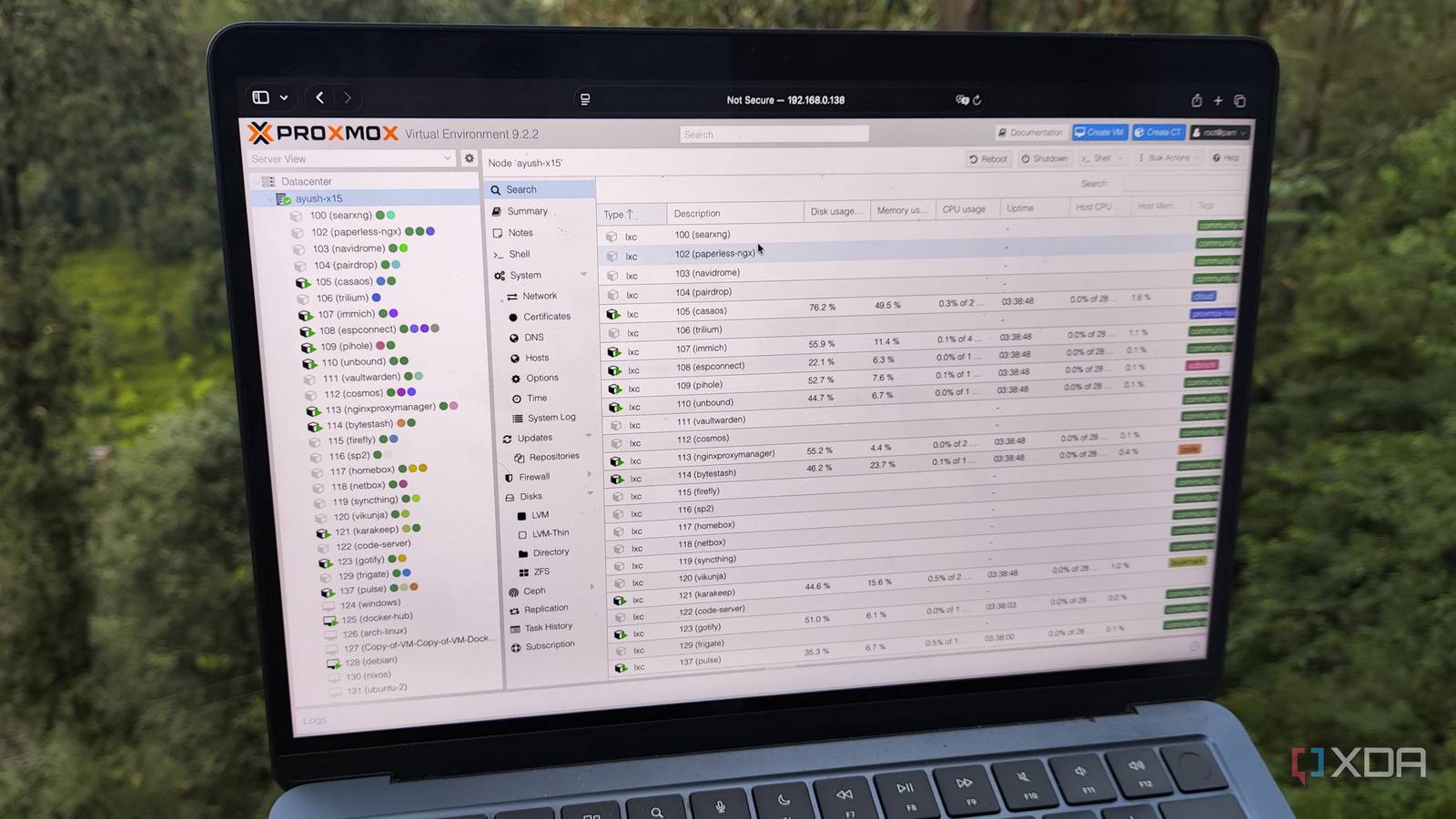
Published Aug 19, 2026, 8:00 PM EDT Ayush Pande is a PC hardware and gaming writer. When he's not working on a new article, you can find him with his head stuck inside a PC or tinkering with a server operating system. Besides computing, his interests include spending hours in long RPGs, yelling at his friends in co-op games, and practicing guitar. Although Proxmox ships with terrific virtualization and LXC management tools, there are certain projects that may require a Docker instance. Perhaps you’re new to Proxmox Virtual Environment and want a familiar method for spinning up free and open-source tools in containers. Or maybe you’re looking to deploy an obscure service that doesn’t have dedicated LXC packages or fails to install as an OCI-based container on Proxmox. As someone who has gone through the same dilemma for a long time, I eventually went with a VM-based Docker setup, as it’s the safest method for configuring these environments on PVE. However, once I started repurposing dinosaur devices with terrible specs as self-hosting workstations, I realized the situation wasn’t as black and white when it comes to Proxmox-powered Docker containers. In fact, configuring Docker environments within LXCs has a couple of pros, provided I weigh in the risks and take the right precautions when using them. On paper, running Docker inside a VM seems like the ideal method After all, it’s the recommended setup in the Proxmox documentation For the longest time, I stuck to running Docker containers within virtual machines, and for good reason. As long as I had an 8-core system with at least 8GB worth of RAM, I could just spin up an Ubuntu Server/DietPi/Arch (or just about any other minimal Linux distro) virtual machine, arm it with the standard Docker Engine packages, and start working on my container projects without worrying about the performance overhead of the underlying VM. Plus, it’s also the way Proxmox developers recommend setting up Docker containers. Personally, I’ve yet to encounter any issues with virtual machine-powered Docker instances, and this includes the Swarm environment I once created across a few VMs just to get a hang of these clusters before I moved everything to my SBCs. I’d also seen plenty of forum posts about folks running into broken network stacks on LXC-based Docker setups as well as GID and PID mismatches after restoring PBS snapshots. Network shares are another can of worms for Docker-within-LXC configurations, as I’d have to look into a couple of workarounds to get SMB and NFS shares working on my nested containers. Then there’s the recent AppArmor problems that began cropping up post Proxmox 9.1 upgrade, which caused many folks to end up with broken Docker containers within their LXCs. Likewise, running nested containers isn’t ideal from a security standpoint. Even on an unprivileged LXC, my Docker containers would still run on an environment that can access the Proxmox kernel, as opposed to them chugging along safely in a virtual machine. Since I don’t want to constantly troubleshoot containers, a traditional Docker Engine deployed within a virtual machine sounds like a good option. And that’s what I’ve stuck to on my essential self-hosting workstations. However, the situation is a bit different on my low-power home server nodes. But deploying Docker containers within LXCs is just as viable for weak systems It’s also great for sharing PCI devices with multiple LXCs So far, I’ve only discussed the cons of LXC-powered Docker setups, and to be clear, it’s not something I’d recommend for production setups. But for experimental home labs built with cheap hardware, it has some neat perks. Take my outdated Dell G510 laptop from 2014 I resurrected as a PVE node, for example. Even on CLI-heavy virtual machines, its Intel i5-4200M and 4GB DDR3 RAM would cause massive performance problems. Switching to LXCs, however, made this system a lot more feasible for my self-hosted tasks. With the RAM shortage in full swing, I wouldn’t be able to run Docker the conventional way on many of these recycled systems. However, installing Docker Engine on LXCs solved everything instantly, even if it’s not recommended for production setups. The security issue is definitely a big problem, especially for risky networking projects. But if all I want to do is run Pinchflat, Kage, and other (lightweight) obscure self-hosted tools on Docker, deploying nested containers isn’t all that terrible. Unlike virtual machines, LXCs are a lot more lax about sharing PCI devices with other containers. On a VM-based self-hosting setup, I could only allocate NICs, GPUs, and other PCIe accessories to a single virtual machine. It’s perfectly fine for folks who use a single virtual machine for all their Docker containers and FOSS services. But when you’ve got a few LXCs harnessing a GPU (or even an iGPU), running Docker within another Linux Container lets all my tools access the graphics card as and when they need. That said, you might want to hold off on setting up Docker directly on the PVE host It’s a recipe for disaster Although I’ve started supporting both the VM and LXC schools of isolation for Docker projects, I can’t end this article without addressing the third method of self-hosting Docker environments: running them directly on the host. At first glance, configuring Docker Engine directly on the host seems like the most straightforward option, and you also won’t need to worry about any overhead whatsoever. But in practice, it’s the most troublesome method of the bunch. For one, Docker creates low-level network and firewall rules for its containers, which can break the network stack for your virtual machines and LXCs. And even if things work well at first, new PVE updates can render your setup unusable. Not to mention, you’ll end up compromising the security of all your virtual guests (as well as the host machine) by running containers directly on Proxmox. Proxmox
The best way to run Docker on Proxmox depends entirely on your hardware and use-case, and it took me years to realize that
Full Article
Original Source
Read the full article at Xda-developers →KhanList aggregates and links to publicly available news content. We do not host full articles from third-party sources. Always verify important information with original sources.