
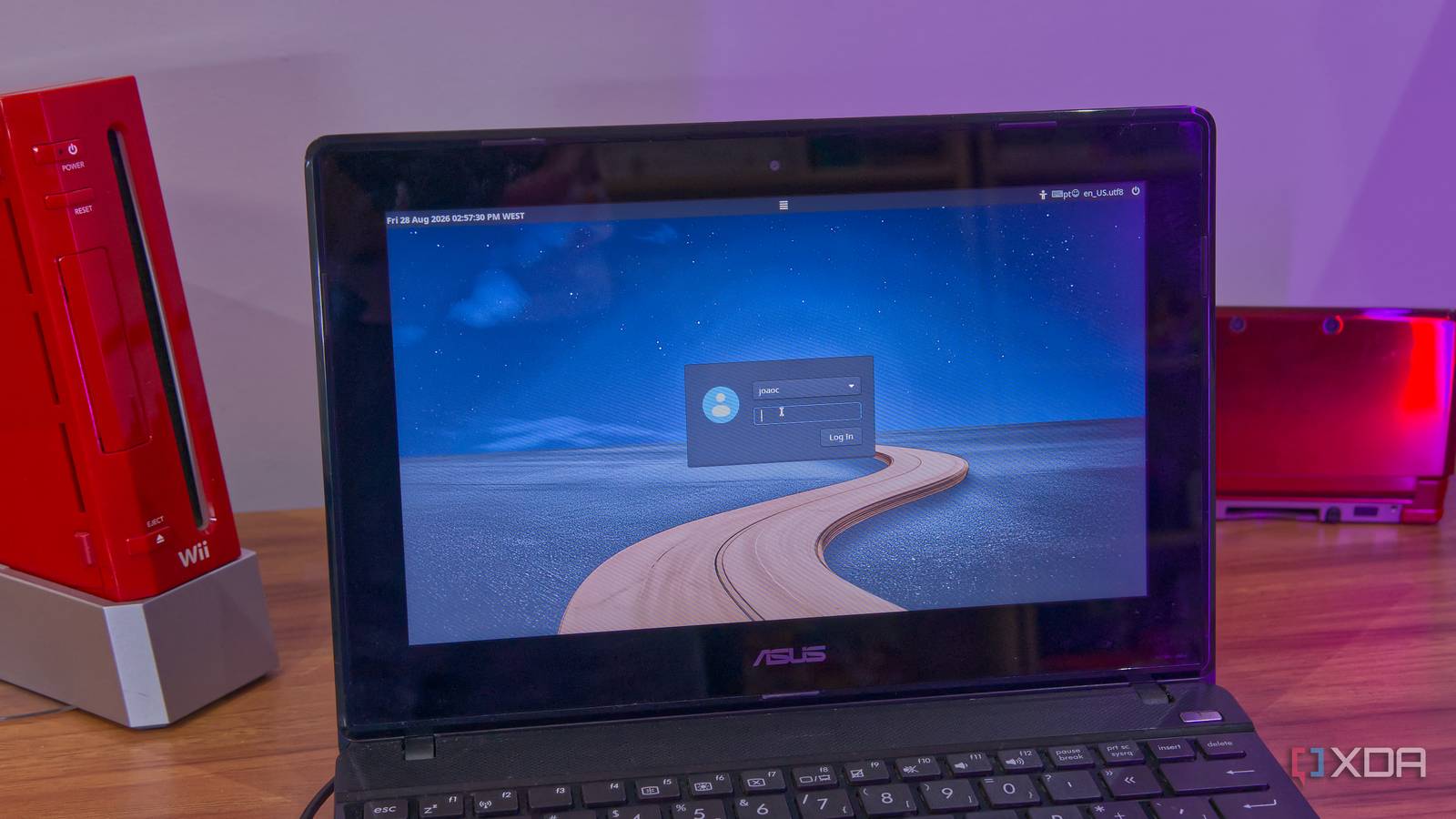
Published Sep 1, 2026, 1:30 PM EDT João has been covering the tech world for over 7 years, with a heavy focus on laptops and the Windows ecosystem. I also love all things tech and videogames, especially Nintendo, which he's always happy to talk about. Prior to joining XDA in 2021, he worked at Neowin: https://www.neowin.net/news/poster/jo%C3%A3o-carrasqueira/ Making the switch from Windows to Linux comes with a lot of challenges for first-time users, and it actually starts before you even use Linux for the first time. The biggest question you'll be asking yourself is what distro to install, and you'll likely turn to the internet for help. But watching a YouTube video or reading an article about the best Linux distros comes with a few caveats. The most popular recommendations aren't always going to be what's best for you, so the best place to start is actually with your own hardware. The best, but for who? Broad advice can be a problem There are plenty of Linux distros you'll see recommended for a first-timer, and the reasoning behind those recommendations usually comes from familiarity or general ease of use. Ubuntu is one of the first to be brought up, both because it has the backing of a huge organization and a long history, but also a desktop environment that many consider more approachable than most alternatives, and even Windows itself. Others might recommend Fedora if you prefer faster updates and want an official release that use the KDE desktop, which is much more similar to that of Windows. You might even see Linux Mint, which is a little more grounded and offers a familiar and relatively lightweight experience. These are all great distros and they have a lot to offer, so their popularity is completely justified, but the videos and articles making these recommendations also aim to have mass appeal, so the recommendations don't really take into account your specific hardware. Ubuntu may be great, but as of the latest release, it requires at least 6GB of RAM, so if you're trying to play around with an old PC, it won't be for you. And even others that might run on your system could end up being pretty slow. How old is your PC? The best distros may not be for you Ubuntu, Fedora, or more configurable distros like Arch Linux are great and have a ton of features. And with something like Arch, it's a fairly lightweight system to start with, so you might think any old PC can run it. But the problem with many of the most popular distros is that they also get updated frequently and tend to adapt to newer hardware as it comes out, in detriment of older machines. If you're starting with a computer that's over ten years old, you need to first look for options that are lighter on resources. Linux Mint may still be a good option in this context, but depending on specific configurations, you may want to try different options. The default Mint comes with the Cinnamon desktop, but there's a variant that comes with Xfce, a more antiquated and lighter desktop that may be more suited for your PC. It may not look as nice, but it will run more smoothly and still get frequent updates. But if you keep going back to PCs over 15 years old, you might have to resort to options that are truly more obscure. Projects like MX Linux and antiX exist with the specific purpose of extending the life of very old and low-end PCs, and those may be better for you. Start by checking how old your PC is, and go from there. It's best to ask for specific advice once you have your PC's specs at hand. The opposite can also be true, though. A distro like Ubuntu won't always have the latest Linux kernel by default, and newer versions can offer compatibility with recently-released hardware. If you have a brand-new laptop and you want Linux on it, you might want to opt for something like Fedora or Arch Linux, where kernel updates tend to be available very quickly and enable better support for new hardware. What kind of device is it? Desktops, tablets, and handhelds are all different Another factor you need to consider when picking a Linux distro is the type of device you're dealing with. Say you have something like a Surface Pro tablet and you want to put Linux on it. Sure, any Linux distro will run, but this is a tablet, and most Linux desktops don't work very well with tablets. GNOME does try, but the experience is still far from ideal. Thankfully, there are desktops that are more designed for tablet use, too. One of the most notable efforts is Plasma Mobile, a variant of KDE Plasma designed for touchscreen devices, which you can get through a distro like the official Fedora KDE Plasma Mobile spin, Debian, or even Arch. Alternatively, say you have a gaming handheld like the Asus ROG Xbox Ally and you heard that Linux is better than Windows because of the Steam Deck. That may be true, but the Steam Deck specifically comes with SteamOS, and that distro is why it works so well. That said, there are alternatives like Bazzite or CachyOS that offer dedicated gaming handheld releases with the same benefits as SteamOS, but you shouldn't rush into installing Ubuntu or Arch just because they're Linux. You have to pick the right option for your form factor. For all their differences, standard laptops and desktops do behave mostly the same, so a distro that's good for one is good for the other. It's mostly touchscreens and gaming controls you want to be more careful with. General advice only goes so far Whether it's a YouTube video or any kind of broad recommendation, you have to remember that the majority of the audience for content on the internet has relatively modern devices, and those recommendations are usually made to have broad appeal. It's not as simple as searching for "best Linux distro" and choosing the first one or the most popular one, because your hardware may not always play nice with those options.
The best Linux distro for you probably isn't the one everyone recommends
Full Article
Original Source
Read the full article at Xda-developers →KhanList aggregates and links to publicly available news content. We do not host full articles from third-party sources. Always verify important information with original sources.