
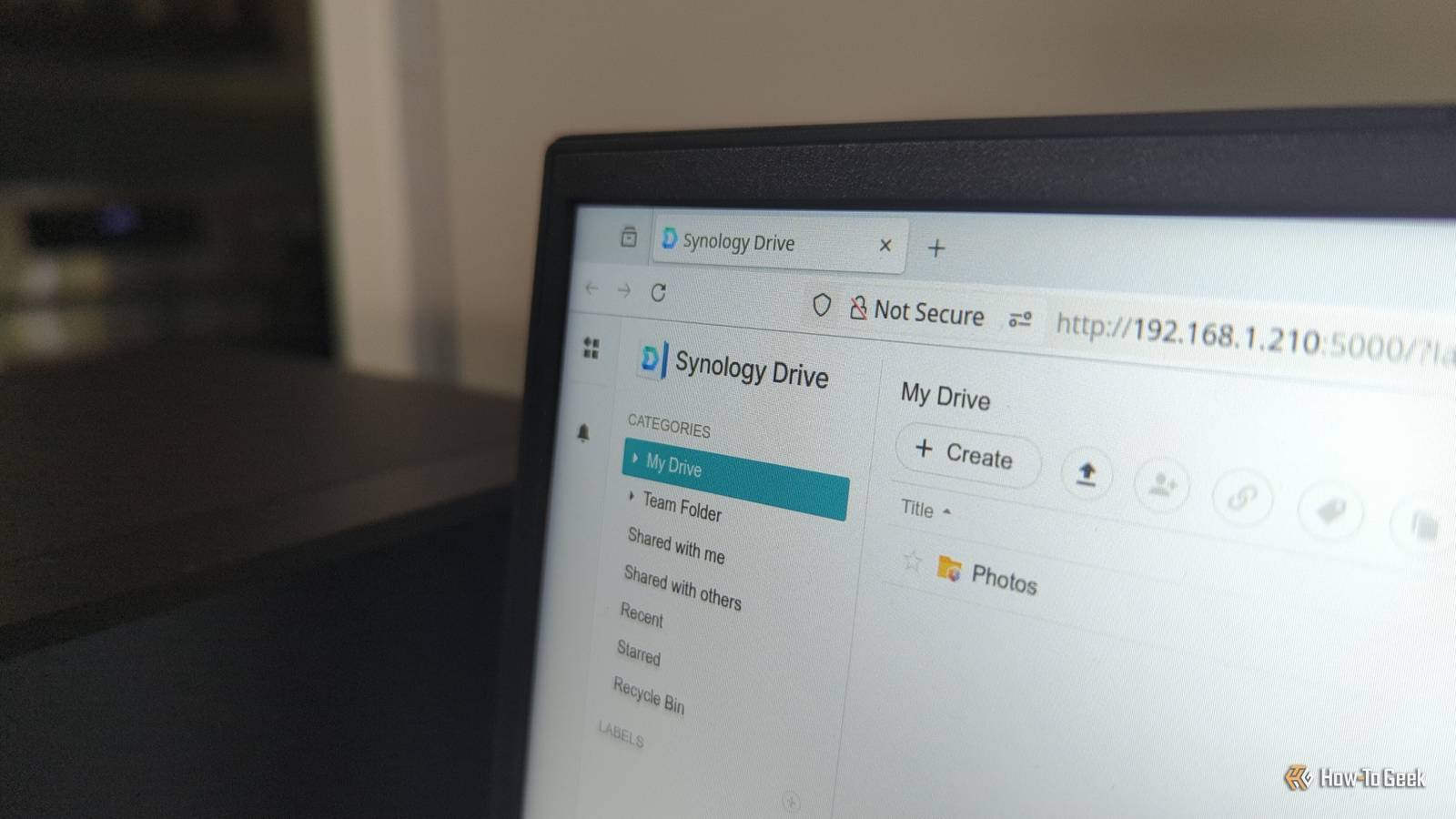
Published Nov 20, 2026, 4:26 PM EST Tyler Cross is an author for How-To Geek who reports on a wide range of cybersecurity stories. Before this, he spent 5 years creating cybersecurity articles under the Kape brand, including both short- and long-form blog posts. He also has 2+ years of experience creating news articles, YouTube scripts, and product reviews for a wide range of VPNs, antivirus software, password managers, and more. Outside of work, I am an avid tabletop gamer and enjoy writing my own TTRPG systems and campaign modules. Sign in to your How-To Geek account Synology, a Taiwanese storage company, released a patch addressing two critical bugs that could allow remote attackers to read or modify your files, or even disable the device. Synology says it hasn’t seen anyone exploit the flaws, but that doesn't mean they can't in the future, so it's important to install the update quickly. What are the 2 vulnerabilities? And how can they affect your devices? Synology is best known for creating network-attached storage (NAS). NAS is a small server that you connect back to your home or office network so multiple devices can access files at the same time. It uses the DiskStation Manager OS (DSM), and you can typically manage it in a browser. The two vulnerabilities include CVE-2026-123007 and CVE-2026-120382: CVE-2026-123007: Part of a group of bugs called NGINX2Root that affects the NGINX web software that Synology uses to handle incoming web requests. The bug could corrupt memory when NGINX handled HTTP/2 traffic. On affected Synology devices, a remote attacker could use the flaw to read or change files or make the device unavailable. NGINX released its own patch to fix the vulnerability. CVE-2026-120382: A flaw that affected Synology's OAuth API, which normally allows third-party applications to access remote resources without requiring the user's password. The API mishandled input it passed to a system command, allowing attackers to tamper with files or disrupt access to the device. Synology published both advisories on November 19 and released the fixes one day later in the DSM 7.4.1-90080 Update 2 and DSM 7.3.2-86009 Update 6. Fixes for other affected versions and products, including BeeStation OS, have not arrived yet. "Security updates are now available for DSM 7.4 and DSM 7.3," Synology explains in a recent press release. "Updates for other operating systems as well as certain end-of-life DSM versions are scheduled for upcoming releases." The company also provides instructions on how to address these flaws even if you can't install the update right away. First, disable HTTP/2 in the Connectivity menu, then deactivate the OAuth service package. This way, even if you can't get the update, you can still reduce the risk from both flaws while you wait. It's important to patch critical vulnerabilities quickly. While Synology reported that they haven't witnessed exploitation of the vulnerability, that doesn't mean it won't happen. For example, on October 29th, Synology reported that attackers targeted end-of-life DSM versions to encrypt files and demand a ransom, using a security flaw that Synology had patched back in December 2024. While some customers should receive an update notification, others will need to manually install the update. To do so: Visit the Synology Download Center, then find your device. Download the update file. Open your Control Panel, click Update & Restore, and then Update. Open Manual DSM Update, click Browse, then find the .pat files you just downloaded. Click OK to start the update. Your device will automatically restart once the installation is complete. During installation, you will lose access to the NAS, so let any backups or file transfers finish before starting the update. Source: Synology
Synology urges users to patch critical bugs in its NAS software now
Full Article
Original Source
Read the full article at Howtogeek →KhanList aggregates and links to publicly available news content. We do not host full articles from third-party sources. Always verify important information with original sources.