
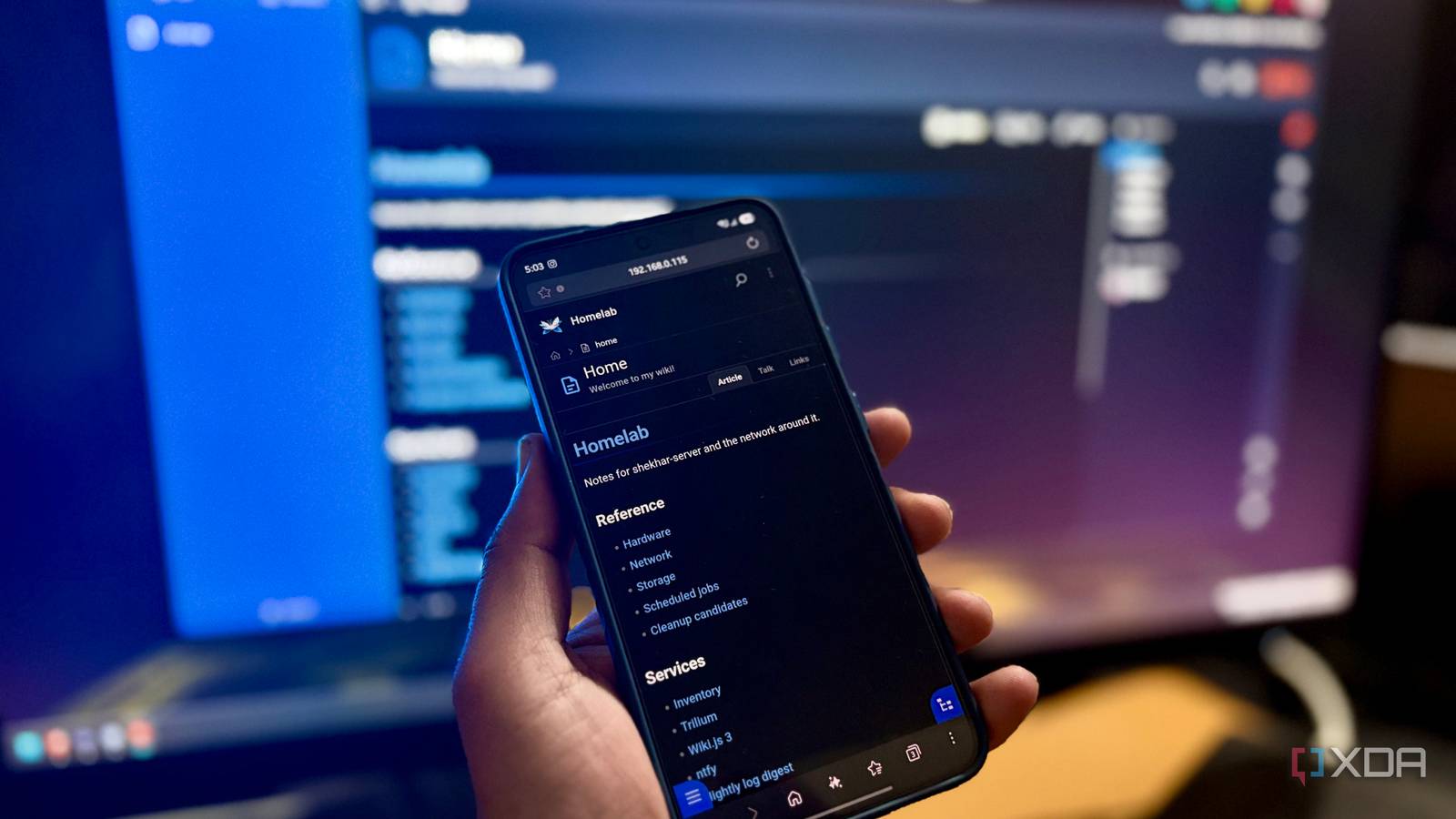
Published Nov 20, 2026, 5:01 PM EST Shekhar Vaidya is a veteran technology journalist and computer science engineer. He is the founder of TechLatest, where he has spent years providing technical analysis on hardware and Windows ecosystems. Now a Computing Writer at XDA, Shekhar leverages his deep background in NAS, storage solutions, and PC internals to help readers master their tech. I had been an active contributor to Wikipedia long before I jumped into technical writing and blogging. After school every day, I used to dive into Wikipedia articles and suggest edits wherever needed. But that was almost a decade ago. Today, the situation is totally different. I now host my own knowledge management app, Trilium. It contains details and information about my homelab. A few weeks ago, I was casually scrolling Reddit and came across a thread announcing that Wiki.js 3.x is out of beta after four years. I had no problems with Trilium, but my tinkerer mind couldn’t stop trying it because I was curious why it took four years, plus my history with Wikipedia. My homelab notes were a mess Trilium fixed it, until Wiki.js 3.0 landed Years with my homelab taught me that scattered notes across different note apps are no use when I actually need them. And notes are very important when managing a homelab of 30+ containers across six different machines, a few VPSs, and networking gear. Before Trilium, the homelab information was a mess. I had everything but not in one place, maybe a recovery code in my Apple Notes app, API keys in my PC’s document folder, or network config in an LLM chat. So during an actual emergency, I could never find them. Trilium was proving to be a good fit for my workflow, and I had almost all the information about my homelab in just a few clicks. But after reading Wiki.js’s 3.0 release post, I started to think otherwise. It was a flashback to my Wikipedia editing days: the page history, diffs, and edit summaries. According to the post, 3.0 was a complete rewrite after almost four years of development, and the highlights were the Markdown editor, file manager, content blocks, and a better timeline than Trilium’s. After reading the full release post, I quickly jumped into deploying it in my homelab. I was already thinking it might replace Trilium for good. But the initial deployment was the easy step; moving my notes to it was another story. The import said success I still couldn’t see a single page Once it was deployed, I assumed I would export my notes from Trilium in one click and import them into Wiki.js in another. Well, only half of that was true in my case: the first part. I headed to Trilium to export my notes. It offered different export formats, but I chose Markdown because MD files were one of the highlights from the release I liked so much. Because of my computer science background, I have a long relationship with MD files. But Trilium’s recommended export format was HTML, as it could keep all notes' formatting as is. I still went with Markdown even though Trilium warned me about it: “Preserves most formatting.” My notes were only text and a few tables, so it didn’t cost me much, though. The export was saved to my local folder as a zip, with the same tree structure as in my notes. A main notes folder and a JSON file for metadata. Then I moved to the Wiki.js part. It wasn’t the one-click export I expected. It could only sync content with a folder on disk or a Git repo, and pages stay plain Markdown. I went with Local File System storage, but there were a few more options available, such as Google Cloud and Azure. I unarchived the export zip and pointed Local File System storage at that folder. After that, I chose the option that fit in this situation: “Import Everything.” It successfully imported all the pages, but I couldn’t see them anywhere. Getting it running It’s easy, with two catches I’ll get to the missing pages, but first the installation hiccups. I copy-pasted the Docker Compose file from Wiki.js’ documentation and deployed it. I opened the local IP with the assigned port, and it went straight to the login page instead of the setup wizard I was expecting. There was no sign-up option either. So, I went back to the documentation and found out that the default admin account comes from ADMIN_EMAIL and ADMIN_PASS variables, and since I booted without them, it created a placeholder admin. I thought adding both and redeploying would solve it, but it did nothing. I had to wipe the database and redeploy it again to get started. Now, coming back to the major issue I faced after importing the notes. Even though the admin dashboard mentioned I had 18 pages, navigating to them was throwing a 404, saying the page didn’t exist. After a few back-and-forth troubleshooting steps, I figured out that Trilium also used a tree structure in the URL. The root folder first, followed by the subfolders, for example, /Homelab/network, but Wiki.js read the top folder as the locale. So, I replaced the root folder name with the locale, for me "en," and it worked. The same issue was with the sidebar as well; it required a similar fix. Trilium is on its way out I haven't explored all the features Wiki.js offers yet, but even at this early glance, I am sure I am going to replace Trilium with it. Trilium, no doubt, is a good place to start, and it offers a few impressive features like LLM integration, but a personally familiar workflow is better than exciting features. Overall, if you're getting into homelabbing or are an old user without a centralized hub of information, Trilium or Wiki.js are probably the best places to start. Wiki.js Wiki.js is a free, open-source wiki you can self-host, with Markdown pages, built-in page history and folder or Git sync.
I replaced my homelab notes with a self-hosted Wiki.js 3.0 instance, and the long-awaited rewrite was worth the wait
Full Article
Original Source
Read the full article at Xda-developers →KhanList aggregates and links to publicly available news content. We do not host full articles from third-party sources. Always verify important information with original sources.