
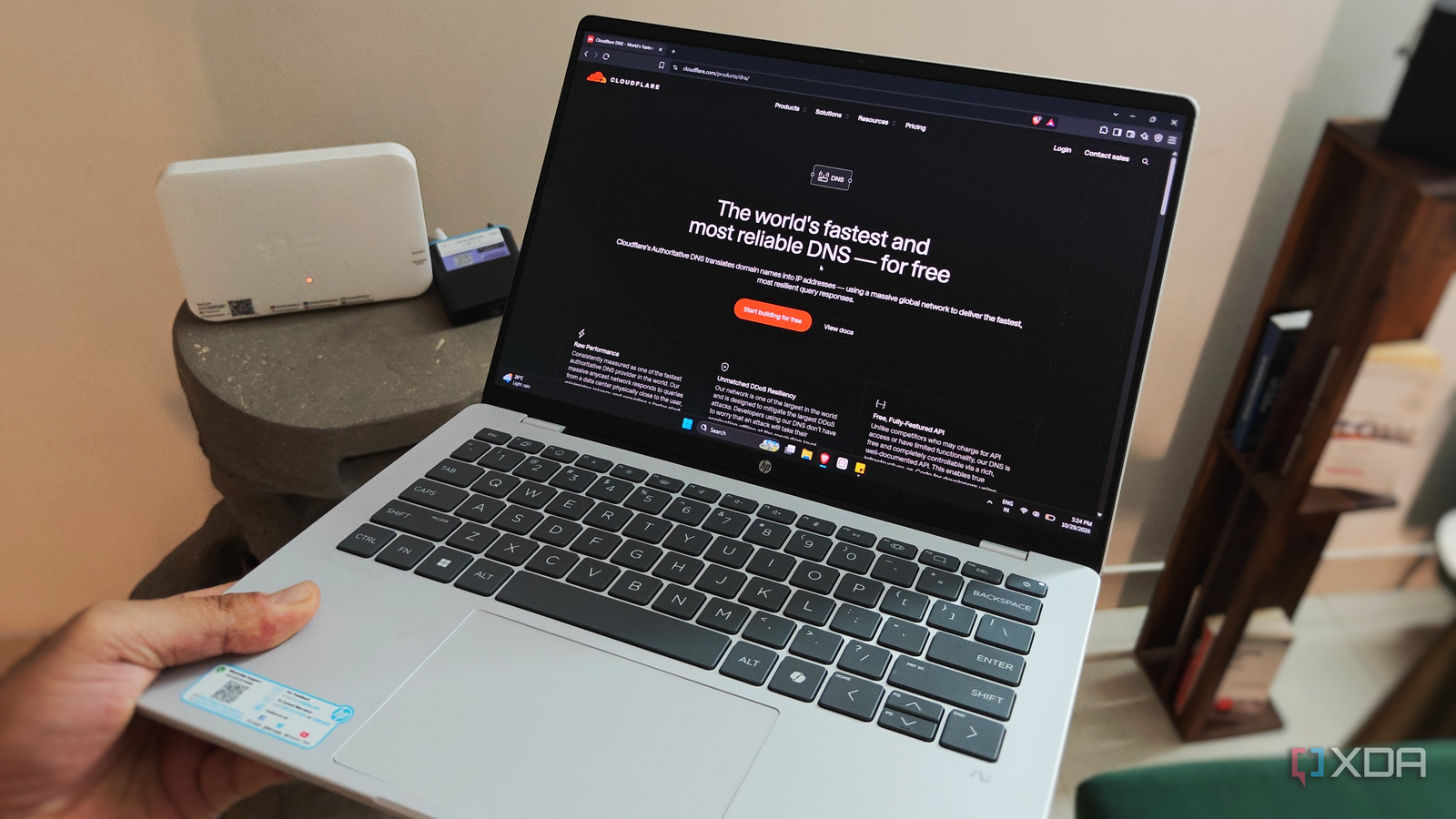
Published Oct 30, 2026, 8:00 AM EDT After a 7-year corporate stint, Tanveer found his love for writing and tech too much to resist. An MBA in Marketing and the owner of a PC building business, he writes on PC hardware, technology, and Windows. When not scouring the web for ideas, he can be found building PCs, watching anime, or playing Smash Karts on his RTX 3080 (sigh). Most of us want our internet to "just work" and disappear in the background rather than demanding constant attention. When I set up my Wi-Fi 6 router a few months ago, I changed a few basic settings and forgot about it. Over time, I started to notice that my connection felt ever so slow, especially when loading websites for the first time. I also started running into some websites that were simply inaccessible on my connection. That's when I considered changing my DNS server. The default DNS in your router's settings is programmed in to benefit the ISP, not you. It's rarely the fastest option, nor the most secure. If you want a little more control over your network, I'd recommend swapping your DNS server right away. It's one of the first things one should do when setting up a new network, and I learned it the hard way. Slow loading times went away I ignored the default DNS all along I keep advising others on Wi-Fi optimization, so I have naturally worked on a few fixes myself. From choosing the right channel and lowering the channel width to reducing the transmit power and enabling SQM, I thought I had ticked every box. My 200 Mbps plan isn't the fastest available, but it feels more than enough for my gaming PC, smart TV, smartphone, and laptop. The PC and TV are wired, so they aren't affected by wireless shenanigans anyway. That said, my network often feels subpar — it may not happen every day, but every few weeks is still annoying. Either a movie on the Apple TV app would take unusually long to start or my WhatsApp messages would get stuck with the clock icon. Even joining an online game or opening a game launcher from scratch would sometimes feel inexplicably slow. Speed tests almost always came out flawless, so it was definitely not a bandwidth issue. After I decided to switch my DNS server, I first found the fastest ones for my network using DNS Speed Test. Cloudflare was one of the top ones, and it was free, so I entered the necessary details on my router's settings page. The result was small but perceptible as every device felt snappier. My phone, PC, and smart TV felt like new as apps and websites got a shot in the arm. I was surprised how a small change made a tangible difference to the network. I can access the websites blocked by my ISP Not everything is unlocked, but it's better than before The other annoying aspect of my network was the arbitrary blocks placed by my ISP on more than a few websites. And these weren't just suspicious sites; several international ecommerce platforms, file-sharing sites, news sites, and torrent sites were on the list. Running into a blocked site was not frequent, and turning my VPN on bypassed it, but it was still frustrating. After all, the speed penalty with VPNs is well-documented. While I had switched DNS servers to speed up browsing, it also unlocked many of the websites I previously could not reach. I no longer had to jump through hoops to access perfectly legal websites. Changing the DNS on the router level allows every device connected to the network to bypass geoblocking and other restrictions on specific URLs. While it only works for basic DNS-level blocks, it's still better than nothing. Your new DNS doesn't carry over if you take your device out of the network, say, by connecting to mobile data on your phone. So, changing the DNS server on your device itself may be more convenient and comprehensive. Your phone or laptop have simple ways to do this in the network settings. My network privacy is slightly better Make it harder for your ISP to snoop on you Unless you aren't aware, ISPs use your network behavior to create a profile, sell the data to third parties, and send targeted ads your way. They're able to do this because most people never change the default DNS servers in their router's settings. Your ISP can see unencrypted DNS queries from your devices unless you switch DNS servers and enable DNS encryption in your device settings. You should ideally enable DNS-over-HTTPS (DoH) or DNS-over-TLS (DoT), so that you're not sending queries in plaintext over the network. Note that this doesn't hide your network activity from your ISP completely. You should enable a VPN for additional privacy. That said, encrypted DNS over a public server like Cloudflare is recommended. Cloudflare deletes query logs in 25 hours and is regularly audited, so it's still better than using your default DNS. Changing your DNS servers doesn't mean complete privacy, but it has its perks You'll need to get a good VPN service to completely hide your network activity, but switching DNS servers helps in other ways, too. It makes your browsing and streaming faster, makes some restricted URLs accessible, and is generally regarded as one step toward network privacy. When you're setting up a new network, make sure you don't forget to tweak your DNS settings.
Swapping my DNS server fixed 3 annoying problems on my home network
Full Article
Original Source
Read the full article at Xda-developers →KhanList aggregates and links to publicly available news content. We do not host full articles from third-party sources. Always verify important information with original sources.