
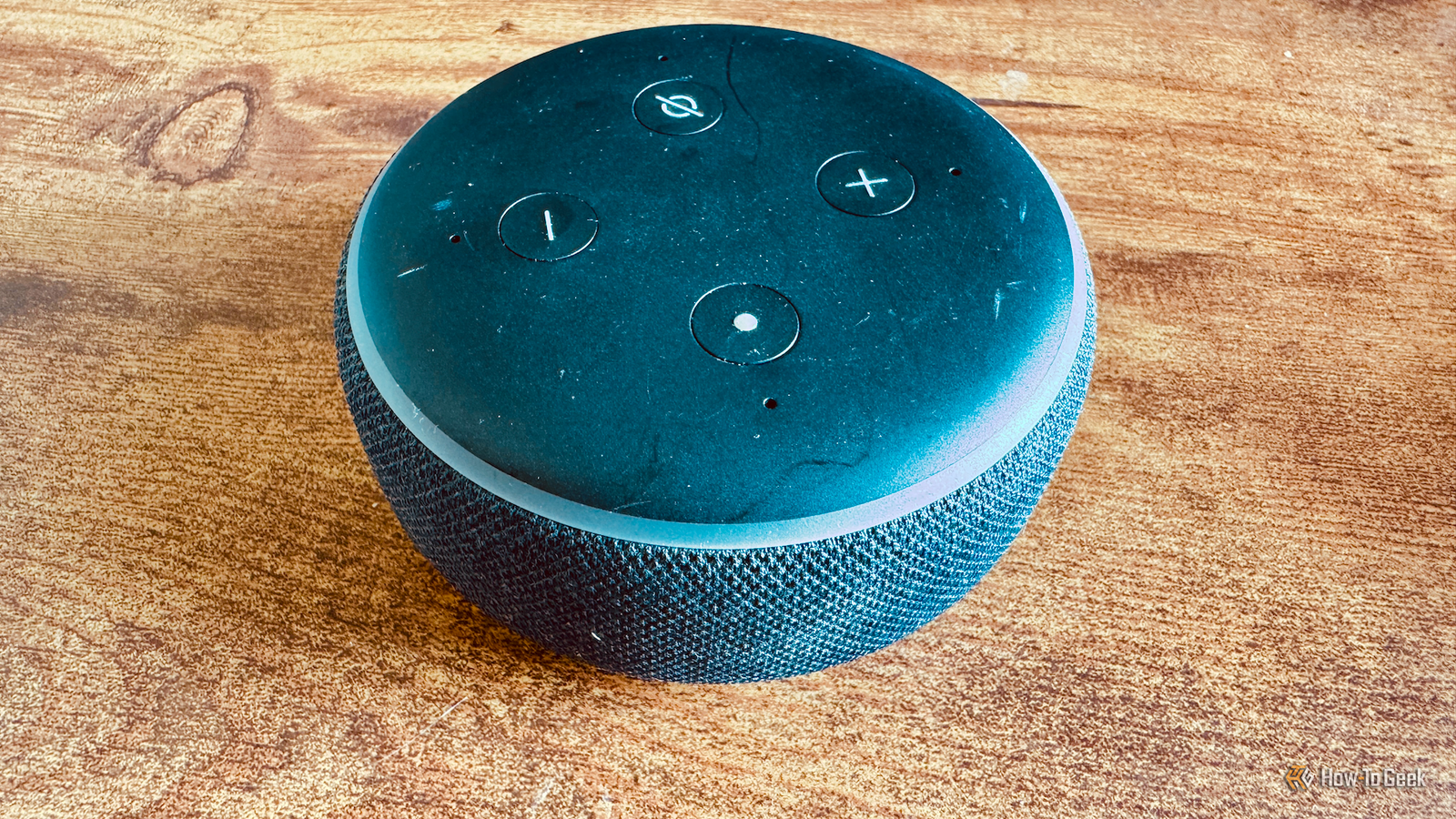
Published Oct 27, 2026, 6:30 PM EDT Adam has a degree in Engineering and has a life-long interest in technology. He has been writing for over a decade for various print and online publications, with a focus on consumer tech. He joined How-To Geek in 2024 while working at Pocket-lint. As well as being a long-term fan of Apple products, he also has a strong interest in smart home tech, running a Home Assistant server at home to automate all his smart home devices. He believes that the ideal smart home should work with minimal interaction from the user, with automations running as if by magic rather than requiring you to push buttons on a control panel. You can find more of his work on Muck Rack. When smart speakers first burst onto the scene, it felt like this would be the way we would all be controlling our smart homes in the future. That future never really became a reality, as smart speakers haven't really improved much over the years. It's reached the point now where your old phone or a DIY smart speaker can do a better job. Smart speakers still aren't as smart as they should be Closed ecosystems limit what most smart speakers can do When the first Alexa smart speakers appeared, it really felt like the future had arrived. Shows such as Star Trek: The Next Generation had made it seem like in the future, talking to your computers would be the main way that we interacted with them. Echo smart speakers made it feel like it was finally possible. The problem is that the first Echo was launched way back in 2014, and nothing has really changed. Companies such as Google and Amazon have started adding AI capabilities to their smart speakers, but Alexa+ has honestly left me completely underwhelmed. Most of the features of commercial smart speakers are very similar to what already existed more than a decade ago. These smart speakers are also limited by their closed smart home ecosystems. You can only use them with supported devices, and creating smart home routines is usually restricted to fairly basic options, so there's only so much you can do with voice commands. Your old Android phone can become a Home Assistant smart speaker The hardware you need is already built into your phone If you have an old Android phone lying around, you can turn it into a smart speaker. The phone already has everything a smart speaker needs, including a microphone for capturing spoken commands, Wi-Fi for communicating with your smart home, a speaker for voice responses, and even a screen that can display information like a smart display. Turning your phone into a smart speaker is simple to do using the free and open-source Home Assistant software. The Home Assistant Companion app includes an experimental feature called Assist for Android. Using this feature, your phone can listen for wake words such as Hey Jarvis and then control your smart home via Home Assistant's voice assistant, called Assist. Wake word detection runs entirely on the phone, so you don't have to worry about your phone sending everything you say to a random server on the other side of the world. On my old Android phone, the detection is pretty good, although it can struggle in noisy environments since it doesn't have the same microphone arrays that smart speakers have. You can build your own smart speaker using an ESP32 A voice satellite is fairly easy to set up If the lack of microphone arrays in an old phone is an issue, an alternative is to build your own smart speaker using an ESP32. These small and inexpensive microcontrollers are useful for all sorts of smart home projects, and there are plenty of ESP32-based devices that can be turned into smart speakers for Home Assistant. The M5Stack Atom is a small ESP32 device with a microphone and a speaker, giving you everything you need for a smart speaker, although the sound quality is as you would expect from a tiny device. There are other similar ready-made devices, but you can also build your own and add larger speakers into the mix. I built a smart speaker using the reSpeaker Lite Voice Assistant Kit from Seeed Studio. It includes an ESP32-based development board with a two-mic array and onboard audio processing, a separate speaker, and a simple rough-and-ready enclosure to house the speaker. It cost under $30 and was reasonably simple to build. The wake word detection happens on-device, and it is better suited to picking up voices in noisy environments than a phone. I have the smart speaker fairly near my hi-fi speakers, and it can detect the wake word even when I have music playing on the stereo. Home Assistant gives DIY smart speakers capabilities Alexa can't match You don't need to route everything through the cloud One of the biggest benefits that a local voice assistant such as Assist has over commercial smart speakers is that it can use local voice processing. Instead of your voice commands being sent to the cloud for the intent to be extracted and acted upon, Assist can run completely locally with the speech-to-text and text-to-speech engines running on your own hardware. The default Assist has a limited range of abilities. You can use it to control smart home devices, set timers, play music, and add items to to-do lists or shopping lists. However, you can also hook Assist up to a local or cloud-based LLM and give it AI-powered abilities that can surpass what Alexa+ or Gemini for Home can do. For example, with the appropriate tools, you could ask Assist whether anyone had been in your home office today, and it could pull the presence sensor data from your Home Assistant history. You could also ask it why an automation didn't run as expected, and the LLM could examine the automation and its execution traces to figure out what went wrong. You could even link other devices beyond your smart home to ask things such as whether any of your self-hosted services are currently unavailable. Most importantly, you're in charge of exactly what Assist can access. You can choose which entities to expose, and if you use a local LLM, none of the data ever has to leave your home network. DIY voice assistants aren't perfect, but neither are commercial ones That's not to say that using your phone or a DIY voice assistant is perfect. However, it's reached the point where the responsiveness of these devices is on a par with commercial smart speakers. With popular smart speakers being so disappointing, there's very little downside to setting up your own and getting the exact features you want, without the concerning privacy issues.
Smart speakers don’t make sense anymore—an ESP32 or an old phone can do a better job
Full Article
Original Source
Read the full article at Howtogeek →KhanList aggregates and links to publicly available news content. We do not host full articles from third-party sources. Always verify important information with original sources.