
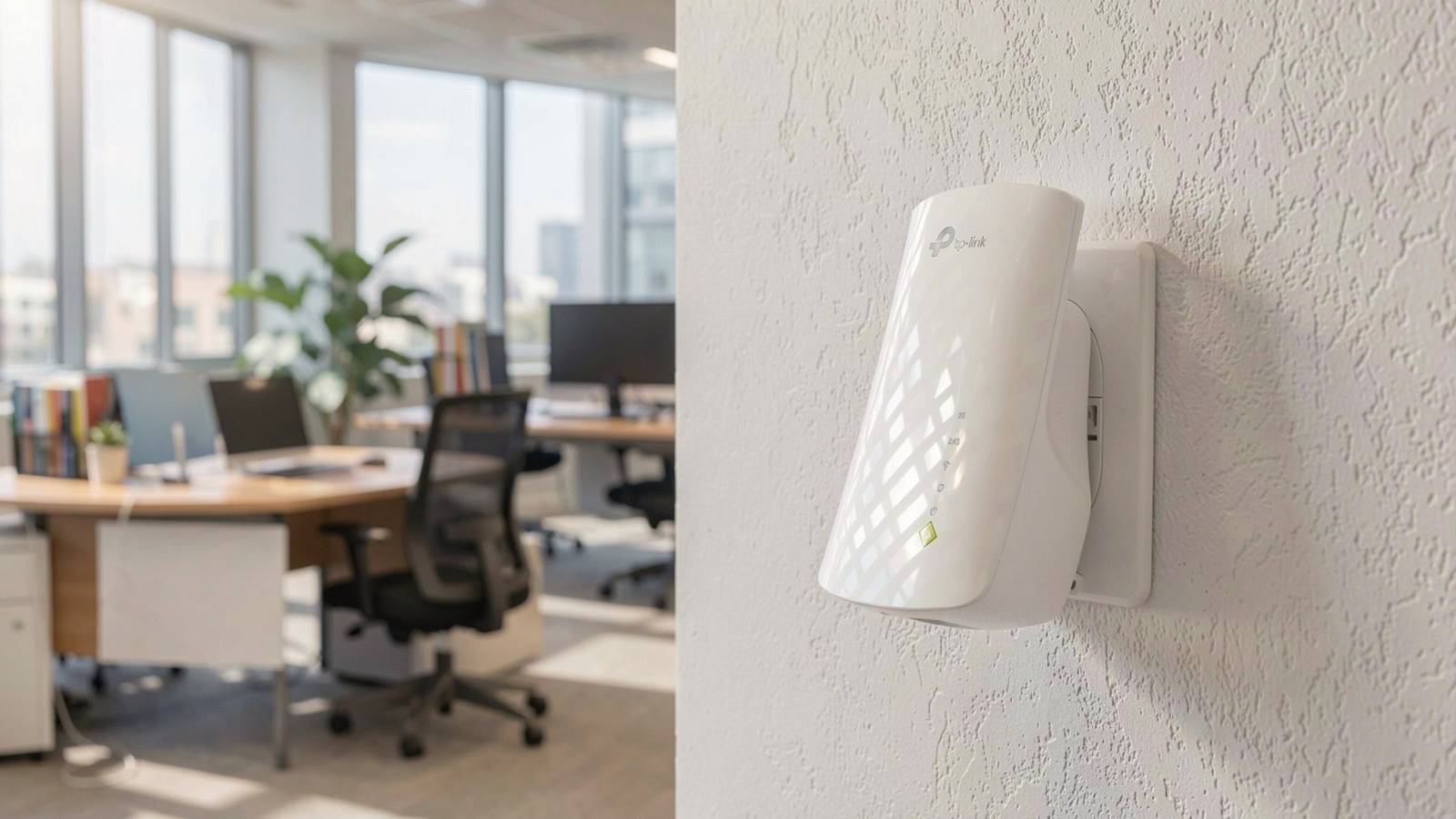
Save 57% on TP-Link's AC750 WiFi Range Extender and tackle your Wi-Fi dead zones Published Nov 27, 2026, 3:54 PM EST Your number one source for all the best tech deals Sign in to your How-To Geek account There's nothing more frustrating than a dead zone in your own home, especially when you just want to stream a movie in the bedroom. Far-off bedrooms, home offices, and basements are common trouble spots, since your router's signal has to get through walls to reach them. The TP-Link AC750 WiFi Range Extender (RE220) can help extend your signal, and it's 57% off in an Amazon Black Friday deal as of this writing. Fix dead zones for less TP-Link RE220 AC750 Wi-Fi Range Extender Brand TP-Link Wi-Fi Bands Dual-band, 2.4GHz/5GHz Mesh Network Compatible EasyMesh Speeds 433Mbps (5GHz), 300Mbps (2.4GHz) Dimensions 4.3 × 3 × 2.6 in Ports 10/100Mbps Ethernet (1) The TP-Link RE220 is a plug-in AC750 dual-band Wi-Fi range extender that works with any router and can join an EasyMesh-compatible router as a mesh node. It supports speeds up to 433Mbps on 5GHz and 300Mbps on 2.4GHz, and has a 100Mbps Ethernet port. This extender is a simple, budget-friendly fix for spotty Wi-Fi in a few specific rooms. It suits casual browsing and streaming in areas where your main router can't quite reach, making it a practical option for students, remote workers, and anyone in an older home with thick walls. Instead of replacing your router, you add the RE220 alongside it to boost weak spots. The RE220 is a dual-band AC750 extender that supports 802.11a/b/g/n/ac. So what does dual-band mean? It means the extender works on two frequencies, 2.4GHz and 5GHz, so your devices have two bands to connect to. TP-Link lists speeds of up to 300Mbps on the 2.4GHz band and up to 433Mbps on the 5GHz band. Those are "up to" maximums, so expect real-world speeds to come in lower. You can use it in two modes. As a range extender, it picks up your existing Wi-Fi signal and pushes it further into the house. As an access point, it turns a wired connection into a Wi-Fi network. The unit has two buttons, WPS and Reset, so there's not much to learn before you get started. You also get a 10/100Mbps Ethernet (RJ45) port. That lets you plug in a wired device, such as a smart TV or a game console, and skip Wi-Fi for that one device. TP-Link says the RE220 supports up to 20 devices across its dual bands, enough for a typical mix of phones, tablets, and a smart speaker in a guest room or small home office. Three internal antennas handle the signal. On the power side, it runs on 100-240V, 50/60Hz input, and TP-Link lists its maximum consumption at about 6.5W and its transmission power at less than 20dBm (EIRP). That said, the Ethernet port tops out at 100Mbps, so it won't keep up with a gigabit connection. If you mostly want to get a spare room or office online, that limit likely won't matter much. Overall, the TP-Link AC750 WiFi Range Extender (RE220) is a low-cost way to boost your signal where you need it. You pay just $12.79 and save $17 off the $29.99 full retail price, a 57% saving on Amazon.
Save 57% on TP-Link AC750 WiFi Range Extender (RE220)
Full Article
Original Source
Read the full article at Howtogeek →KhanList aggregates and links to publicly available news content. We do not host full articles from third-party sources. Always verify important information with original sources.