
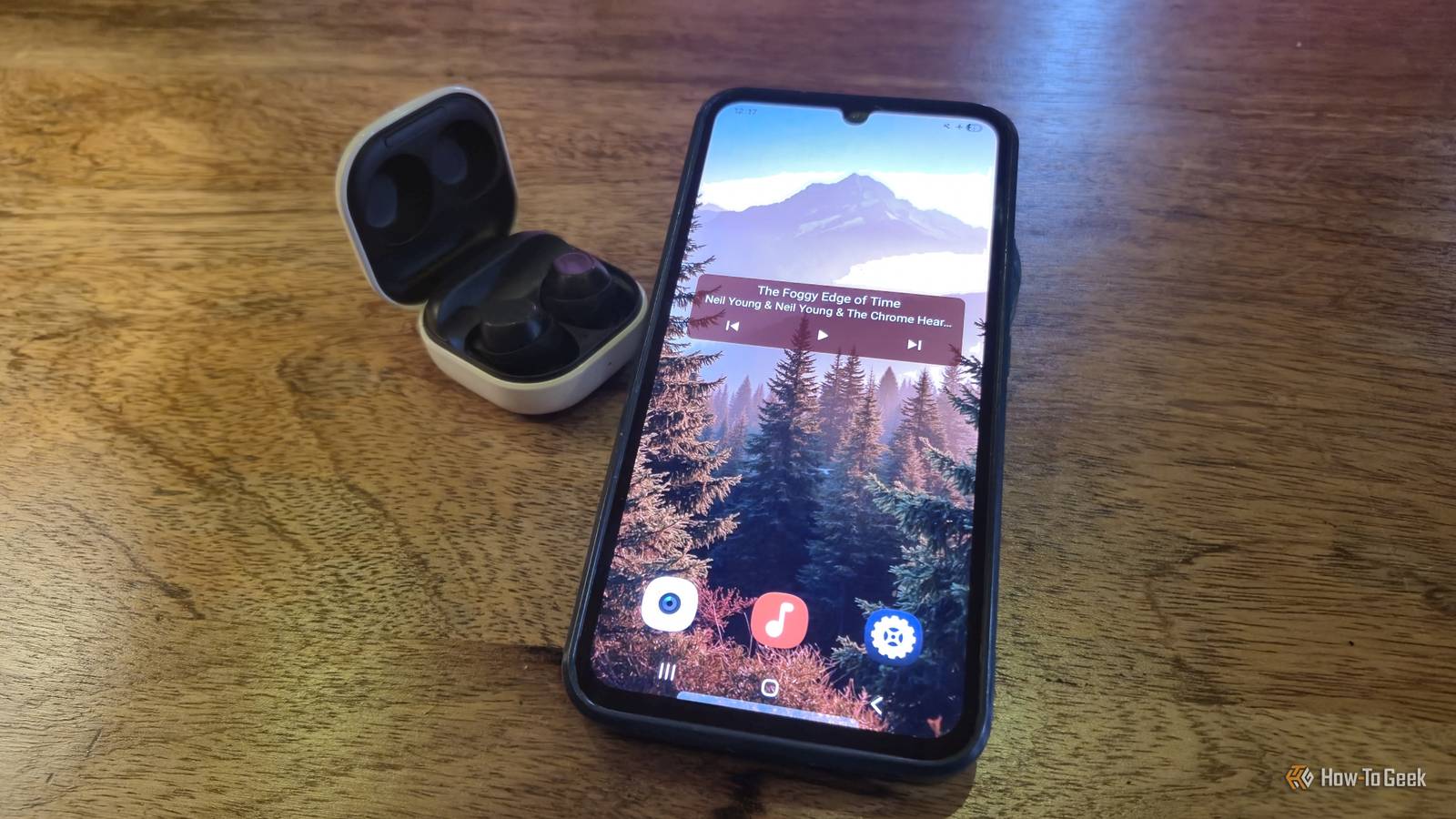
Published Nov 27, 2026, 4:30 PM EST Tyler is an journalist and content contributor at How-To Geek with over three years of experience covering the automotive and tech industries. His work focuses on delivering clear, well-researched, and engaging content that helps readers better understand the vehicles they drive and the technology that they use everyday. Before entering automotive media, he spent five years as an academic editor, developing a strong foundation in research methodology, factual accuracy, and structured analysis. This background informs his journalistic approach today, ensuring that every article balances technical insight with accessibility for a broad audience. Subscription services have burrowed their way into just about every facet of our lives, including our music-listening habits. There is no denying that music streaming apps are convenient, but they are also heavily algorithmic, cost you a decent chunk of money every month, and are a privacy nightmare. Paying for one makes even less sense if you have a physical library of music that you already own. I had an old Android phone lying around that I wasn't using, and I decided that I wanted to turn it into a dedicated music player free of any subscriptions, accounts, or online services. I wanted to enjoy the music that I owned and recapture the feeling of an old iPod. It turned out to be a really straight-forward project that took very little time to set up, and I don't see myself going back to streaming services for a long time. I was sick of paying for streaming platforms when I already owned a library of music Let's take this offline Streaming platforms like Spotify, Apple Music, and YouTube Music can be pretty convenient, allowing you to listen to music on the go. However, they come with a ton of downsides too. Privacy is one of the big concerns that I had. Obviously, these apps collect a lot of your data in the name of building a more curated algorithm, but the habit tracking goes much deeper than that in reality. You are also only licensing the music, meaning that there is no real ownership of the content you're consuming. My biggest gripe, though, is the rising cost of subscriptions. While these services aren't exactly super expensive, they're just another monthly cost that you have to manage. I have also recently started building a physical library of music, and my growing collection of CDs has made me wonder why I'm paying for a streaming service when I already own a lot of the music that I want to listen to. There are tons of benefits to building a physical music library, and you can get old CDs at thrift stores for basically nothing. This instantly made me think of how things used to be back in the day, when I owned an iPod and would upload music that I owned onto a dedicated portable music player. I knew that I had an old Samsung Galaxy lying around that was just gathering dust, and I decided to repurpose it. The idea of having a single, offline device loaded with all of my favorite music sounded like a great way to cut out subscription fees while simultaneously making use of my existing library. I created a minimalist layout for my phone as the base Great for when I want to disconnect I wanted this new music player that I was creating to be a completely disconnected experience. This meant completely wiping my phone, taking it offline, and simplifying the layout so that it served as a distraction-free experience, rather than being bloated by any unnecessary applications or notifications. I kept things quite simple in this regard. I didn't do much to prep my Samsung A34 for this project. I factory reset the phone and removed any applications that I didn't need, of which there were quite a few, and I made sure that my phone wasn't signed in to any accounts. I also simplified my home screen, getting rid of extra pages, including the news feed. I then went into my control panel and neatened it up. My phone was running One UI 8.0, which meant that my control over the layout was limited, but I got rid of a ton of quick tools and made my media player the focal point. If you want to take things a step further, you can install a more simplified launcher for your Android. Niagara is a pretty good option if minimalism is what you're after. Fossify Music Player served as the platform Free, open-source, and totally offline The whole point of this project was to keep my phone offline and free from any connection to services like Google. Before I took my device offline, I installed F-Droid and tried out a couple music players. The one that I ended up sticking with was Fossify Music Player. It is lightweight, completely free, and open-source, which fits with the needs of this project. If you don't want to sever your ties with Google, you can download this app from the Play Store. Fossify is a pretty simple music player, which has its benefits and drawbacks, but it was what I was after. I liked the sleek and minimalist layout, although I do wish the playlist organization tools were a little better. Another benefit of Fossify is that you can add a widget to your home screen, which adds to the iPod vibe. It also comes with a built-in equalizer and sleep timer, as well as queue management and customizable themes. It does require Android 8.0 or newer. All that there was left to do at this point was to import my music. I used music that I had ripped from CDs that I owned and just imported those files onto my device via a cable. I then turned on airplane mode, re-enabled Bluetooth for my earphones, and my new dedicated offline media player was ready to go. A really easy project that anyone with an old Android phone can replicate There is obviously a lot more that I could do to customize this experience even further, from simplified launchers to potentially streaming music from a private server. The idea here was to create something simple, replicating the experience that I had with my old iPod touch. I wanted to listen to the music that I owned while I was on the go and to stop paying for music streaming services and I wanted it to be a private and offline experience. You don't have to have any technical know-how to replicate this project, and you don't need to install any complicated applications, all you need is an old Android phone that is lying around collecting dust and a couple of CDs that you want to listen to.
I turned my old Samsung into an offline iPod, and I'm not paying for Spotify anymore
Full Article
Original Source
Read the full article at Howtogeek →KhanList aggregates and links to publicly available news content. We do not host full articles from third-party sources. Always verify important information with original sources.