
Python Strings: The Things I Wish I Knew as a BeginnerWhen I first started learning Python, strings looked almost too simple to be worth studying.You write something like "Hello" , and that's it, right?Not quite.As soon as you start writing real programs, you realize that a surprising amount of programming involves text. Usernames, passwords, emails, URLs, messages, file contents, search queries, and even data received from an API can all arrive as strings.The good thing is that Python makes working with strings fairly straightforward. Once you understand a few basic ideas, you can do a lot with them without writing complicated code.So let's look at Python strings from a practical perspective.Starting With a Simple StringA string is simply text stored inside a Python program.For example:name = "Rachit" language = "Python" You can use either single quotes or double quotes:name = 'Rachit' language = "Python" For normal strings, there isn't much practical difference between the two.You can also create multiline strings using triple quotes:message = """This is a multiline string.""" This can be useful when your text spans several lines.Strings Are More Than Just WordsOne thing that helped me understand strings better was thinking of them as a sequence of characters.Consider this:word = "Python" The string contains:P y t h o n Each character has a position.Python starts counting those positions from zero.word = "Python" print(word[0]) print(word[1]) print(word[2]) Output:P y t This is called indexing.It might feel slightly strange at first because humans usually start counting from 1, while Python starts from 0. But once you get used to it, it becomes natural.Negative IndexingPython also lets you count from the end.word = "Python" print(word[-1]) print(word[-2]) Output:n o So -1 means the last character, -2 means the second-last character, and so on.I find this particularly convenient when you need the last character without knowing the exact length of the string.Getting a Part of a StringWhat if you don't want the entire string?That's where slicing comes in.language = "Programming" print(language[0:4]) Output:Prog The general pattern is:string[start:end] The important thing to remember is that the end position isn't included.You can also leave one side empty:language = "Programming" print(language[:4]) print(language[4:]) This gives you a convenient way to take everything before or after a particular position.Slicing becomes especially useful when you're working with filenames, URLs, IDs, dates, or pieces of text that follow a predictable format.The String Methods You'll Probably Use a LotPython comes with many methods for working with strings. You don't need to memorize all of them on your first day.Start with the ones you'll actually use.Changing Letter Casetext = "Hello Python" print(text.upper()) print(text.lower()) upper() converts the text to uppercase, while lower() converts it to lowercase.There is also title():text = "python programming" print(text.title()) Output:Python Programming These methods are useful when you want to standardize text before displaying or processing it.Removing Unwanted SpacesUser input isn't always neat.Someone might accidentally type spaces before or after their name:name = " Rachit " That's where strip() is useful:name = " Rachit " print(name.strip()) The result is:Rachit There are also lstrip() and rstrip() when you only want to remove whitespace from one side.Replacing TextSuppose you have:message = "I am learning Java" but you want to replace Java with Python.You can do:message = "I am learning Java" message = message.replace("Java", "Python") print(message) Output:I am learning Python This is useful in many situations, from simple text editing to data cleaning.Splitting Text Into PiecesAnother method I use quite often is split().Suppose we have:sentence = "Python is easy to learn" We can turn it into individual words:words = sentence.split() print(words) Output:['Python', 'is', 'easy', 'to', 'learn'] Now you have a list instead of one long string.This becomes useful when processing sentences, reading text files, or handling data separated by spaces or other characters.You can also specify what should separate the values:data = "Python,Java,C++,JavaScript" languages = data.split(",") print(languages) Putting Variables Inside StringsThere are several ways to combine variables with text, but f-strings are one of the cleanest approaches in modern Python.For example:name = "Rachit" age = 20 message = f"My name is {name} and I am {age} years old." print(message) Instead of manually joining several strings together, you can place variables directly inside {}.You can even put simple expressions inside an f-string:a = 10 b = 20 print(f"The total is {a + b}") For everyday Python programming, f-strings are definitely worth learning.Searching Inside StringsSometimes you simply want to know whether a particular piece of text exists.Python's in operator makes this easy:text = "Python is popular" print("Python" in text) print("Java" in text) Output:True False You can also use methods such as find() when you need to know where a piece of text occurs.text = "Learn Python" position = text.find("Python") print(position) This returns the starting index of "Python".One Important Thing: Strings Don't Change in PlaceThis was one of the concepts that can confuse beginners.Python strings are immutable.In simple terms, once a string has been created, you can't change one of its characters directly.For example, this won't work:text = "Python" text[0] = "J" Instead, you create another string:text = "Python" text = "J" + text[1:] print(text) Now the result is:Jython Methods such as replace() also return a new string rather than changing the original one.Understanding this becomes important when you start working with more complex Python programs.A Small Example That Brings Everything TogetherLet's make a tiny program using a few of the techniques we've discussed.name = input("Enter your name: ") name = name.strip().title() print(f"Hello, {name}!") print(f"Your name has {len(name)} characters.") There isn't anything complicated happening here.The program:Takes input from the user.Removes unnecessary spaces.Formats the name.Uses an f-string to create a message.Uses len() to find the number of characters.This is the kind of small example I'd recommend experimenting with when learning strings. Change the input, add another operation, or try a different method and see what happens.Where Strings Show Up in Real ProjectsOnce you start looking for them, you'll notice strings almost everywhere.For example, a web application might deal with:username email address search query URL error message A data-processing script might receive:CSV values JSON data file names dates product descriptions Even an automation script may spend much of its time reading, modifying, comparing, and generating text.That's why getting comfortable with strings early can make later Python topics much easier.A Few Things Worth PracticingIf you're learning Python right now, don't just read about string methods. Try small experiments.For example, take a sentence and try to:Count its characters.Convert it to uppercase.Convert it to lowercase.Remove extra spaces.Replace one word.Split it into individual words.Check whether a particular word exists.Extract a portion using slicing.You don't need a large project to practice these concepts. A few lines of code can teach you a lot.Final ThoughtsPython strings are easy to start with, but there's more to them than simply putting text inside quotation marks.Indexing helps you work with individual characters. Slicing lets you extract parts of text. Methods such as strip(), replace(), split(), and upper() help you clean and transform it. F-strings make it easier to combine variables and text.The best way to learn all of this is to experiment. Write a small piece of code, change something, run it, and see what happens.Once these basics become familiar, you'll find yourself using strings naturally in almost every Python project.
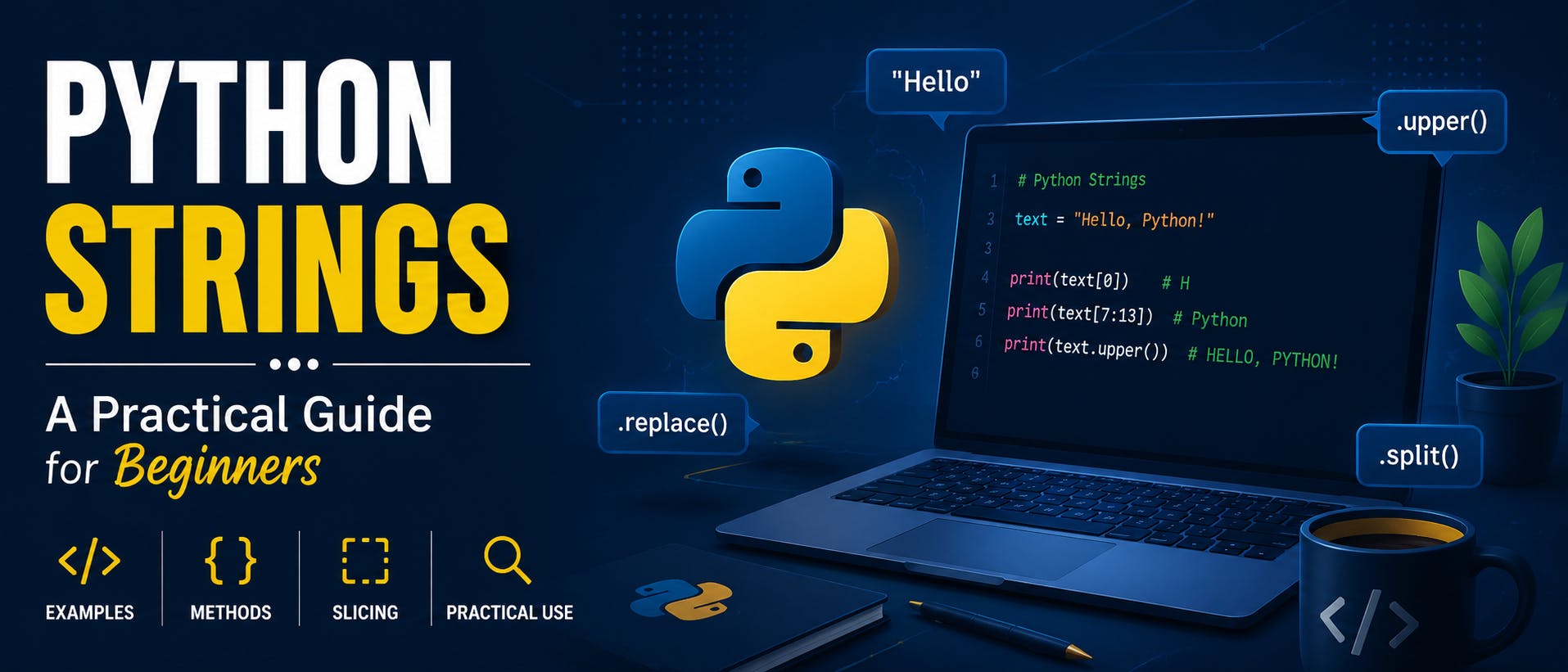
Python Strings Explained: A Practical Guide for Beginners
Full Article
Original Source
Read the full article at Hackernoon →KhanList aggregates and links to publicly available news content. We do not host full articles from third-party sources. Always verify important information with original sources.