
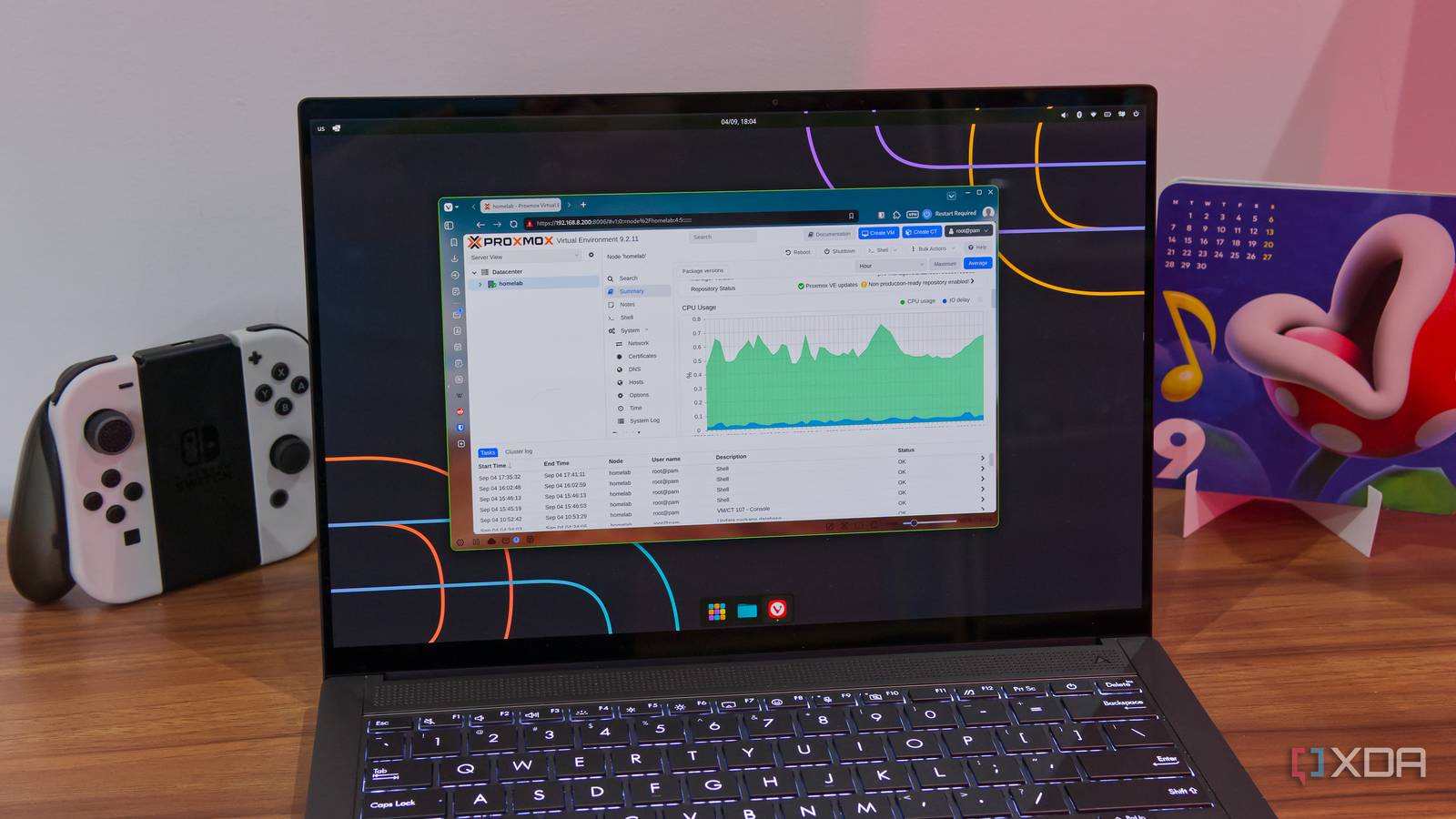
Published Sep 9, 2026, 8:00 PM EDT João has been covering the tech world for over 7 years, with a heavy focus on laptops and the Windows ecosystem. I also love all things tech and videogames, especially Nintendo, which he's always happy to talk about. Prior to joining XDA in 2021, he worked at Neowin: https://www.neowin.net/news/poster/jo%C3%A3o-carrasqueira/ I've been running Proxmox on a mini PC at home for over a year, but I never gave too much thought to how much power the PC was using. After all, I was likely going to keep it anyway. Recently, though, I found out that Proxmox tends to waste power out of the box, and the fix is ridiculously easy. If you haven't paid attention to it before, now's the time to change this setting. How Proxmox wastes power CPU scaling can make a difference Every operating system on basically any device has to determine how to use the processor inside that device according to its needs. This can often be adjusted by changing something called the governor, which changes what gets prioritized and how the processor reacts to being under load or mostly idle. Proxmox comes with two CPU governors (though it depends on your hardware), but just from booting it up and looking around the UI, you really wouldn't know it. Out of the box, Proxmox is set to the performance governor, which enables your services to potentially run a bit faster, but causes the CPU to use more power overall. It becomes especially noticeable when you're not actively using your server, because the CPU may need to keep running faster in order to ensure maximum responsiveness when you do use it. But there's a good chance you don't actually need all the performance out of your CPU all the time. Think about it, how often do you run demanding tasks on your home lab? Mine has a few services on it, but the only one I actively access throughout the day is my self-hosted homepage, everything else is just there for when I need it. And most of those services aren't particularly demanding anyway. That's where the other CPU governor in Proxmox, called powersave, comes into the picture. It allows the CPU to reduce power consumption more at the expense of some performance, but it's not likely I'll ever need it anyway. Fixing it is a breeze Anyone who uses Proxmox should know that community scripts are the backbone of the whole ecosystem. They're usually helpful for deploying preconfigured LXCs or VMs, which run all the self-hosted services on my server, but it turns out, they can also be helpful for changing lesser-known Proxmox settings. And of course, that includes the CPU governor. All you have to do is use the script below, which you can find on the Proxmox community scripts website: bash -c "$(curl -fsSL https://raw.githubusercontent.com/community-scripts/ProxmoxVE/main/tools/pve/scaling-governor.sh)"In Proxmox, select your homelab (under Datacenter), and then go to the Shell tab. Simply paste the command above, and you'll see what your current governor is and have the option to change it to powersave. The script also gives you the option to setup a cron job that sets the governor every time at boot, so you don't have to change it manually whenever you reboot your server. The script doesn't just go one way, so if you happen to have a lot of services or you notice performance has dropped, you can run it again and change the governor back to performance. For what it's worth, there are also more manual ways to do this using the shell if you'd rather not rely on scripts, but this is just far easier. I should also note that the options available will depend on your processor; the Intel CPU in my homelab only has these two governors, but you may have others. Test it for yourself Every PC is different While this change is always worth trying, there's nothing like first-hand experience to make sure it's right for you. Some users have experienced higher CPU usage after setting the powersave governor, while others have seen significant power reductions. If you have a wattage meter, your best bet is to check what it says when using both governors so you can make sure you're saving power in the long run. It also matters what services you're running, an how many. If you have a lot of containers and VMs on your PC and you access them frequently, the performance governor should help ensure your PC can keep up with the workload more effectively and maintain better performance. Still, I suspect a lot of people are in a similar situation to mine. If you just set up a home lab to start tinkering or you only need a couple of services, there's a good chance your CPU is working too hard and wasting power. There are other things you can try if you're looking to save power, too. Sometimes, your PC's BIOS may also have additional settings to reduce power consumption, or it may be time to check whether you're still using the services you have constantly running. You may also consider putting your entire server to sleep when you're not using it. Cut down on your electricity bill Self-hosting services and storage can save you a lot of money on cloud services, but without the right settings, that money can just end up going towards your electricity bill for keeping it all running 24/7. Simple settings like these can result in real savings, so I highly recommend giving this a shot and seeing what it does for you.
Proxmox wastes power by default, and the fix takes a single setting
Full Article
Original Source
Read the full article at Xda-developers →KhanList aggregates and links to publicly available news content. We do not host full articles from third-party sources. Always verify important information with original sources.