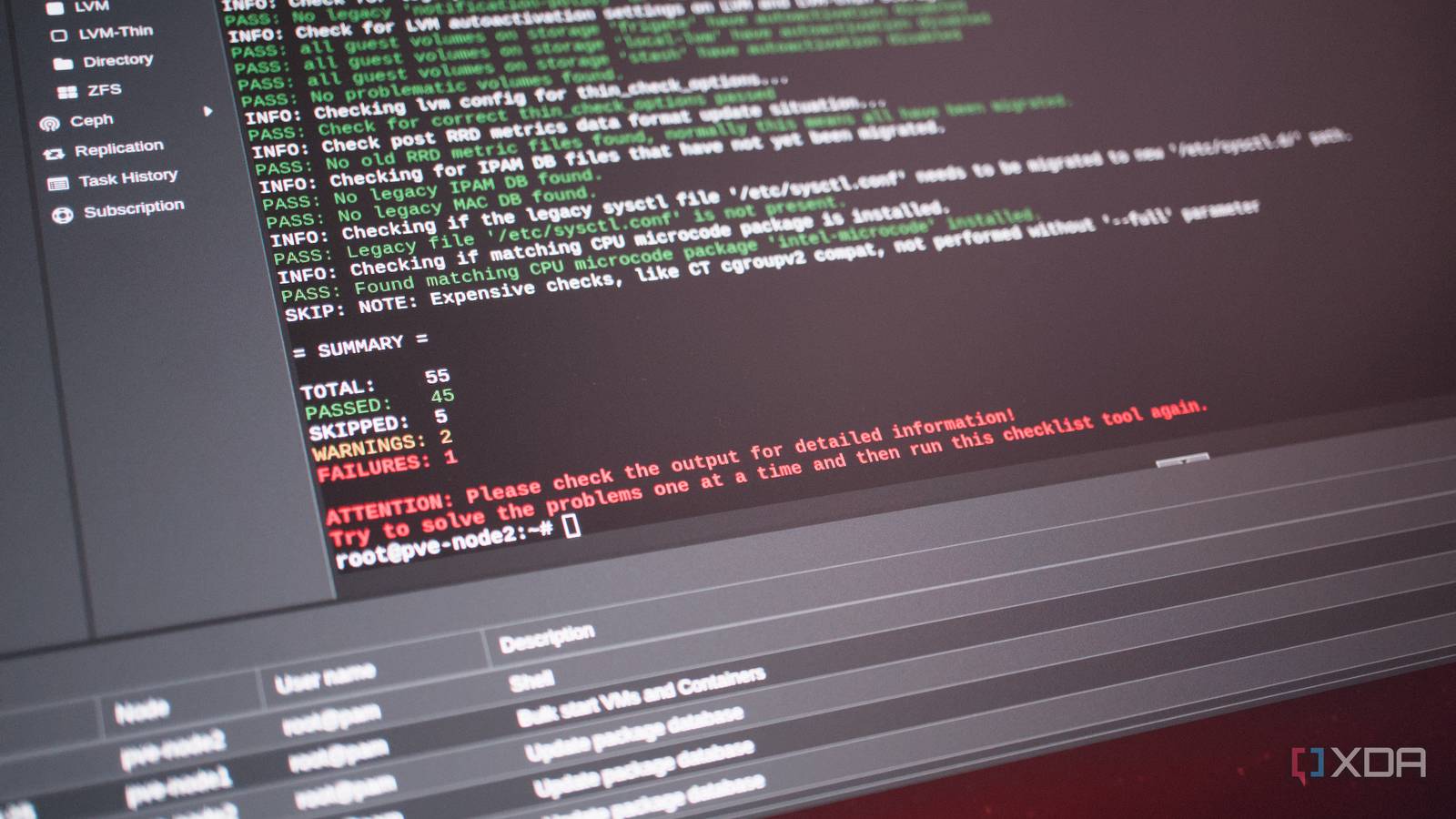
Published Aug 12, 2026, 12:30 PM EDT Richard is the PC Hardware Lead at XDA and has been covering the technology industry for almost two decades. He's been building PCs since young, and when not creating content, you can often find him inside a chassis somewhere. I broke my Proxmox node. I read the horror stories that compared Proxmox version hopping to that of OPNsense, when something could go terribly wrong that knocks out part of the home lab. With the ending of support for Proxmox VE 8 before September hits, I decided to upgrade the one remaining node in my cluster to version 9. All went well with the distro apt upgrade process until I rebooted the machine, and then nothing. It just outright refused to boot. Thankfully, nothing vital was running on this node. No two Proxmox installs are the same There are countless configs out there in the wild Credit: Proxmox cannot support everything through an upgrade. It's borderline impossible since nodes within clusters differ, let alone systems in different locations, which is why backups must be made before making the plunge. I did just that, which enabled me to recover, but it's still a daunting process to upgrade between major releases, which can (and did) render an entire system inoperable. The issue is these systems often run vital infrastructure for the home lab or smart home. I'm talking about DNS, Home Assistant, and more. That means any downtime can prove troublesome, but we're also racing against the clock as the deadline for Proxmox VE 8 is the end of August. Based on Debian, this older release will no longer receive security updates, which almost requires us to upgrade our nodes to the later release. It doesn't mean the Proxmox node will self-destruct come September 1, but it does mean we'd be in uncharted territory with regard to running public-facing services without the backing of support. That's not something I'm comfortable doing. The issue with the move from VE 8 to VE 9 is that this fundamentally changes how Proxmox works underneath. This major upgrade replaces parts of the host OS, including systemd, GRUB, udev, kernel, and more. That's usually fine if it's a fresh VE 8 install with absolutely no changes to the host installation, but this isn't often the case, and while hosted services and VMs are isolated, changes to the host aren't, which is what can affect an upgrade such as this. Mine wasn't extensively customized, but I did have various changes, such as Nvidia drivers. PVE's own checks aren't guaranteed Though they offer a good starting point Credit: I had used pve8to9 --full before upgrading my Proxmox node, ensuring that nothing was detected by the tool that would cause issues with the process. A few minor things popped up, but nothing serious. Interestingly, even Proxmox's own guides note this to be more of a guide than actual definitive checks, so the onus is once again on the system administrator (you and I) to back up and back up those backups. It's also handy to have physical console access at hand; at least I found it to be. Losing web access and needing to sort everything out can lead to more stress. One more thing I was happy I had at hand was an available Proxmox USB installer should anything go wrong. Not only do these provide the means to install the OS, but they're kitted out with the means to repair installations. I had GRUB configured with the old Proxmox install, and when the system upgraded the entire suite, I was met with boot problems. The USB drive managed to fix the problem, but I decided it would be a great idea to change my motherboard firmware from CSM (Compatibility Support Module) to UEFI. That ruined everything. Suddenly, I was met with system instability problems. The Asus board reported various codes, and I flashed the firmware, cleared CMOS, removed modules, SSDs, and more. Turns out, the GeForce RTX 4060 Ti decided to give way at the same time Proxmox upgraded itself, which was masked by somewhat confusing troubleshooting data from the Asus board QLED debugging tool. I figured, since the card worked just fine before the upgrade and I had just performed a major update to the OS, that I had royally messed everything up. But no, it was just the GPU. Well, I did have a problem with GRUB, but that was quickly fixed. Bootloader configuration is more complicated than simply asking whether GRUB or systemd-boot is installed. A long-lived node can contain packages and configuration left behind by more than one boot arrangement, while the firmware may be loading only one of them. Package presence alone does not answer that question. It was quite the mess under the hood with the host running through legacy BIOS, but I wanted to switch across to UEFI. It wasn't just a case of trusting the package manager to pull all the necessary files from the community repository, but I had to ensure the firmware, bootloader, and everything else knew what was going on. The server vanished, thanks to the NIC The GPU failure wasn't the end of it One thing I wasn't expecting to see after running the upgrade was the server completely vanishing from the network. I managed to reach the Proxmox login screen after finally sorting out the hardware and reinstalling all removed components (with a new GPU), but I lost remote access. Nothing changed, and the Ethernet cable was connected to the right port. It turned out that Debian 13 had assigned the physical NIC a different predictable interface name. Proxmox VE 9 is based on Debian 13 Trixie, whose newer systemd and udev stack can derive a different name from the same hardware than Debian 12 Bookworm did. It's actually quite rare, but I somehow managed to get stung by this rather obscure change. But there were some other oddities, including repo drift that would see specific core files be removed due to a situation where apt (the package manager) would ask if the package proxmox-ve should be removed. If you're ever asked if this should be carried out, always choose no. Removing that package can cause a whole heap of problems for the wider Proxmox stack. Then there’s LVM autoactivation. Proxmox VE 9 creates new LVM and LVM-thin guest volumes with autoactivation disabled, leaving Proxmox’s storage stack to activate them when required. Existing volumes carried over from VE 8 may retain the old setting, which is why pve8to9 checks for and can update them. That initially seemed counterintuitive. Why stop Linux from automatically activating a logical volume? On ordinary local lvm-thin storage, the warning does not mean the installation is about to fail. It becomes more important with shared LVM, where multiple cluster nodes can see the same volume group. Proxmox, rather than the host’s generic LVM startup process, should control where and when each guest volume is activated. I caved and installed Proxmox VE 9 fresh Starting anew doesn't take that long Credit: I eventually gave up. I had some hacked-together bootable Proxmox install that wasn't performing quite right. Then I recalled that one of my favorite features of Proxmox is the impressive backup system. I've migrated entire clusters using backups and scp. So, I decided to back up and transfer files off the host to storage. I then installed Proxmox from the USB drive I used earlier to repair the upgraded VE 8 installation and configured the entire system to be on the same UEFI footing. 10 minutes later, I was running all my LXCs and VMs, had my TrueNAS server connected, and even had all my automated scripts configured. None of the failures I encountered actually destroyed anything. The server eventually started getting through POST, and Proxmox could be accessed once repaired and the firmware reset. Proxmox VE 9 isn't bad, and neither is the method by which this excellent hypervisor is upgraded. The problem was the unique host state I had accumulated over time, which made a smooth in-place upgrade far less likely. Proxmox Proxmox is an open-source platform built on Debian Linux designed for server virtualization.
Proxmox VE 8 is dead in August, but upgrading to version 9 nearly took my entire home lab with it
Full Article
Original Source
Read the full article at Xda-developers →KhanList aggregates and links to publicly available news content. We do not host full articles from third-party sources. Always verify important information with original sources.