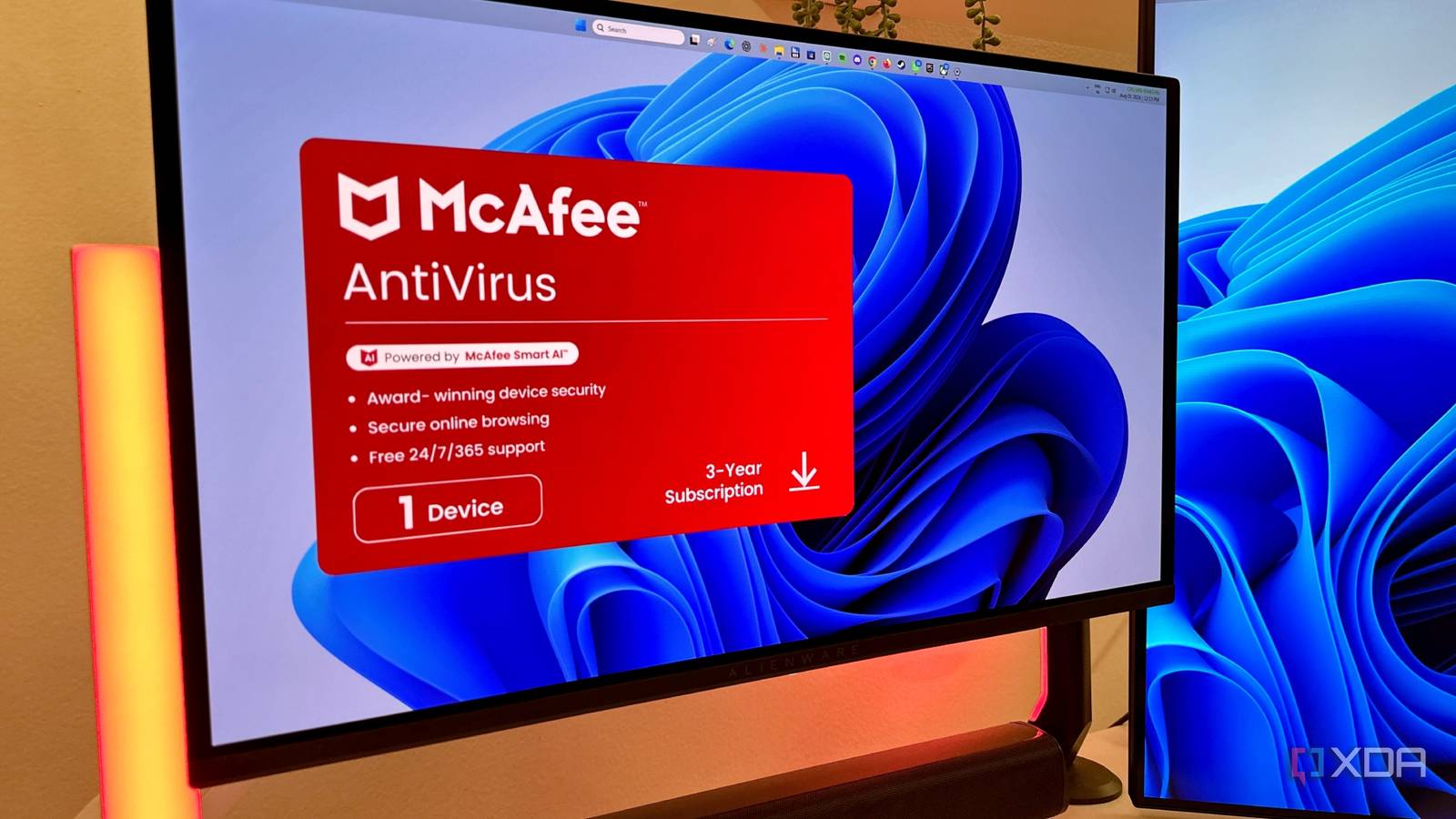
Published Aug 12, 2026, 8:00 PM EDT Gaming has been Samarveer’s greatest passion, and the Literature graduate in him takes immense joy in dissecting games for their themes, messages, and impact. Samarveer holds a deep appreciation of gaming, and considers the platform to be the most immersive and impactful across all media. He can be found engaging with gaming communities online, always ready to debate the finer points of ray tracing or itching to write an 8-page collegiate thesis on any game that impacts him emotionally. For as long as I've been building PCs, I've always thought of a monitor as one of the absolute safest things you could plug into a PC. After all, it's just a display. It shows whatever your GPU tells it to show, and that's where its job ends. Sadly, that belief of mine is now dissolved, after I learned that Windows has been treating monitors very differently for years. Turns out, simply connecting certain monitors to a Windows PC can trigger software to be downloaded and automatically installed from the Microsoft Store without you ever searching for it yourself. Furthermore, adding to the absurdity is the fact that Microsoft has been allowing this since Windows 8. I had no idea a monitor could install software on my PC Windows has been quietly allowing it since 2012 I'd assumed that a monitor being allowed to install an app on a Windows 11 PC was a new feature that Microsoft had somehow snuck into PCs with an update. It made sense, too, since stories about monitors quietly installing software just started making headlines recently. However, things turned out to be a lot more interesting — Microsoft introduced the underlying framework of pairing connected hardware with Store apps back in Windows 8. While automatic device apps began in Windows 8, Microsoft evolved and expanded it into the modern Hardware Support App (HSA) framework with DCH drivers starting in 2017–2018. The feature relies on Hardware Support Apps, or HSAs, which allow compatible hardware to trigger the automatic download of a companion application from the Microsoft Store when it's connected to your PC. Microsoft envisioned it as a seamless way to deliver firmware tools like ASUS' Armoury Crate or the HP Command Center. By and large, it's a user-friendly feature, since they wouldn't have to go to manufacturers' websites this way every time they plug in new hardware. It's easy to misunderstand HSAs, but they make for a pretty nifty feature. Your monitor doesn't actually act like malware or bypass Microsoft's security. All the operating system does is recognize compatible hardware and do exactly what it was designed to do. It's a legitimate feature, but most of us never knew it existed. LG just exposed a vulnerability and a trust problem One monitor turned this invisible Windows feature into front-page news HSAs might have existed for more than a decade, but hardly anyone outside Microsoft's ecosystem knew about it until LG stumbled into a PR nightmare. Users began noticing that connecting certain LG monitors installed the expected companion software as expected, but it also brought along persistent prompts encouraging them to install McAfee. Overnight, a convenience feature that most folks had never heard of ended up becoming the center of a much larger conversation. This software didn't appear out of thin air on people's PCs, either. Windows has been doing that for compatible hardware since the Windows 8 era, so the problem isn't the feature itself. However, the problem did come from a trusted installation pathway which was designed to deliver monitor controls and firmware updates, but LG turned it into a vehicle for promoting third-party software that had nothing to do with the monitor itself. LG has exposed how much trust Windows places in hardware manufacturers. Now, LG hasn't particularly done anything unique by installing a companion app. Motherboard manufacturers, printer makers, webcam vendors, gaming peripherals, and even other monitor brands have relied on the same Windows framework for years now. The difference, however, is that those applications have usually served a very clear purpose that has been tied directly to the hardware you just plugged into the PC. All LG did was expose just how much trust Windows places in hardware manufacturers. Microsoft trusts that manufacturers will use that privileged access to improve the ownership experience instead of monetizing it. For over a decade now, that assumption has also largely held true. All it took was for one company pushing the boundaries for millions of Windows users to discover that the feature had been there all along. This isn't just LG's mistake, either Microsoft is partially to blame here, too It's easy to point the finger squarely at LG — they do deserve criticism for using a monitor's companion app to promote software that's got nothing to do with picture quality or display controls. But once I looked into how this system actually works, it became clear that LG actually operated within a framework that Microsoft has supported for years. In fact, Microsoft's own documentation acknowledges these automatic installations can catch users off guard because they happen without any approval prompt. That makes the bigger issue hard to ignore. If Windows can install software the moment compatible hardware is connected, shouldn't the person behind the keyboard be asked first? Hardware Support Applications aren't the problem alone. To be perfectly clear, automatic companion apps can genuinely make new hardware easier to use. What doesn't sit right with me (and a million other users) is that Windows still assumes every manufacturer will use that privilege responsibly. Sadly, LG has now shown the world that this assumption is worth questioning. Fortunately, you don't have to live with it Blocking automatic companion apps takes more effort than it should If you'd rather Windows didn't automatically fetch software every time you connect compatible hardware, there is, thankfully, a way to stop it. On Windows Pro, you can just open the Local Group Policy Editor. Press Win + R to bring up the Run dialog box, and type in gpedit.msc. Then, go to Computer Configuration > Administrative Templates > System > Device Installation. Here, find the policy titled "Prevent automatic download of applications associated with device metadata." Double-click on it, set it to Enabled, and click OK. Now, technically, you can go a step further and disable the Microsoft Store altogether through the Group Policy Editor. However, that's a very drastic solution that most people won't ever need, nor would I recommend it. It's also worth checking your installed apps and startup programs after connecting new hardware, especially if you've never paid much attention to what Windows adds in the background. None of these workarounds should really be necessary in the first place, though. A simple permission prompt before Windows installs software on behalf of connected hardware would preserve all the convenience while giving users something they've been missing all along: the choice. Convenience should never come at the cost of awareness Modern PCs have become superb at making decisions on our behalf, and by and large, a lot of users let that automation go through as well. Drivers appear without downloads, firmware updates arrive in the background, and new hardware often just works before we've even finished setting up our desks. That's genuinely impressive, but it also means that we're becoming less aware of what's actually happening beneath the surface. To be honest, I don't want Windows to become less convenient. I would, however, appreciate it becoming more transparent. Windows 11 Pro
Your monitor could install apps on your Windows PC without permission, but the fix is simple
Full Article
Original Source
Read the full article at Xda-developers →KhanList aggregates and links to publicly available news content. We do not host full articles from third-party sources. Always verify important information with original sources.