
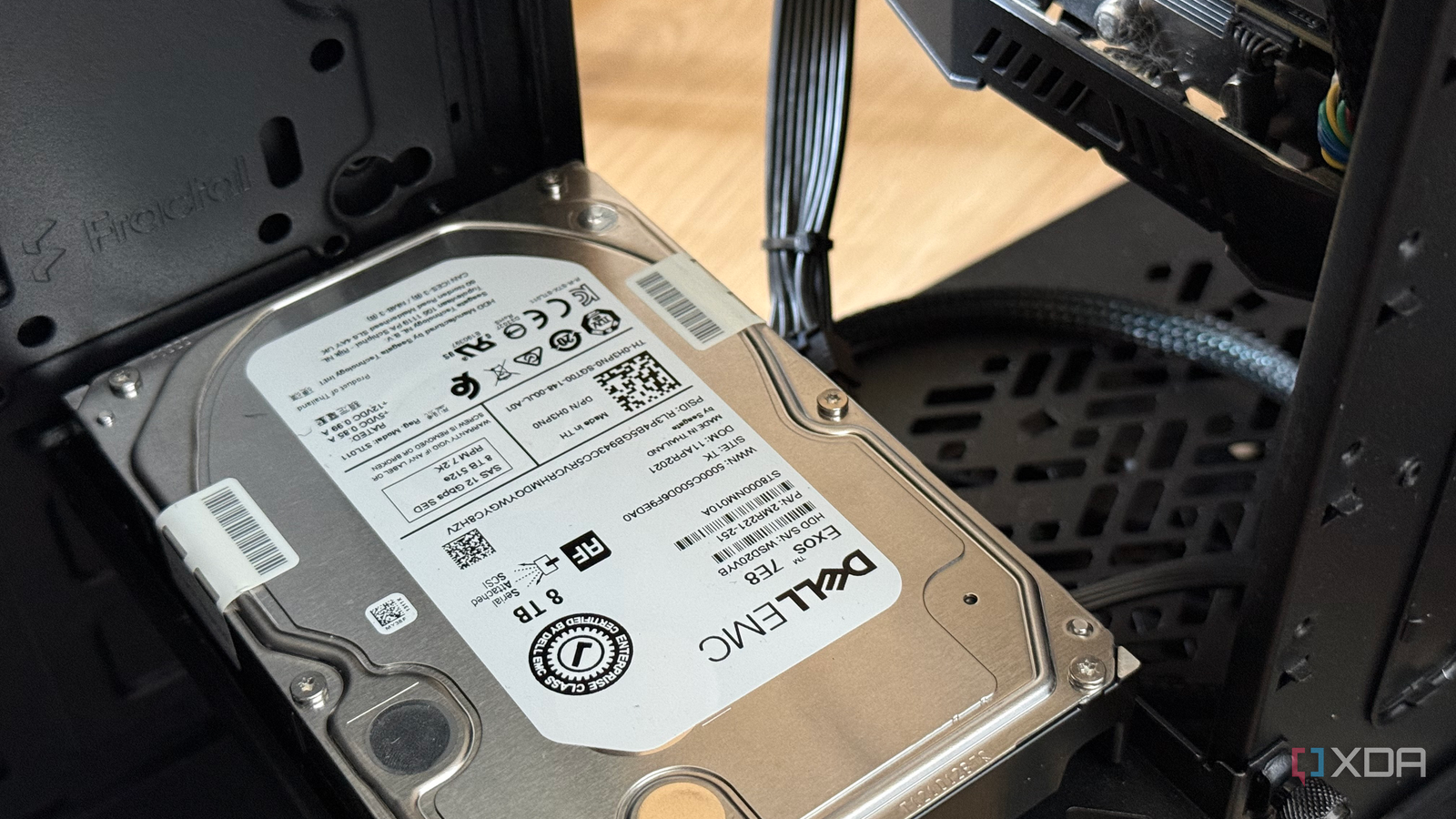
Published Nov 3, 2026, 5:00 PM EST Richard is the PC Hardware Lead at XDA and has been covering the technology industry for almost two decades. He's been building PCs since young, and when not creating content, you can often find him inside a chassis somewhere. Building a DIY network-attached storage (NAS) solution that beats prebuilt enclosures isn't terribly challenging. Well, it didn't used to be. With the price of PC parts these days, it's anything but. That's why we put together a new tool to help you save money when building desktop PCs, home servers, NAS, and other devices. We're proud of this new platform, and so I decided to give it a go and see if it could provide a configuration for a NAS to store 5TB of data and run some apps, all for less than $1,000. XDB Builder managed it, but only just. Taking away the 6TB HDD, the NAS build would cost less than $650. Fancy building this NAS yourself? Go for it! Here's the XDB Builder link. Why bother building your own NAS? Prebuilt enclosures are great, but DIY is much better I love Synology, TerraMaster, Asustor, and other branded NAS enclosures. I believe they offer excellent platforms for those new to the wonderful world of NAS to get started with very little in the form of an onboarding process. With a custom PC-come-NAS, you need to put together the system, install an OS, get it all working together in harmony, and then carry out maintenance and troubleshooting. Prebuilt enclosures come with warranty and support channels, and everything is essentially managed for you. But this limits choice, and there's a premium to pay. For my example NAS build, I need to store 5TB worth of data (or thereabouts). I also want to use the NAS as a small home server, running a few self-hosted apps. Think Nextcloud, Jellyfin, Immich, Mealie, and a few other lighter services. On the prebuilt front, one would have to spend at least $400 to pick up an enclosure with enough horsepower and the relevant specifications. I'd need a four-bay NAS at the very least, and an Intel CPU would be a must-have for transcoding and other requirements. The Synology DiskStation DS925+ is amazing, but it costs $640. TerraMaster usually undercuts everyone in the business, but even its own F4-425 starts from around $500, and that's for an Intel N5095. It's great for saving a little on running costs, but it's severely underpowered compared to something like an Intel Core i5 CPU you'd find inside a desktop PC. That's precisely what XDB Builder recommended with its configuration. Meet the XDB Builder NAS It's quite the compelling storage solution Powered by an Intel Core i5-14400 CPU with 10 physical cores, this NAS build doesn't mess around. Running virtual machines (VMs) and Linux containers (LXCs) will be a non-issue. We've got a basic ASRock B760M Pro-A/D4 to match the chip, which is absolutely fine thanks to the two full-size PCI slots, four RAM slots, and four SATA III ports. We can add a GPU later or rely on the Intel UHD Graphics and install two PCI SATA expansion cards for even more HDDs. One thing I had to swap out was the 1TB SSD the build tool decided to add to the mix. We need to store a lot of data, and I wanted to create the challenge by limiting the budget to $1,000 and not a penny more. The 8TB Seagate IronWolf HDD is a perfect match for storing lots of data, and it's also the most expensive component of the build, coming in at a whopping $424. Check it out and see what you think! I opted for the Fractal Design Define 7, though any mid-tower or full-tower with HDD bays will do. CPU Intel Core i5 14400 Motherboard ASRock B760M Pro-A/D4 RAM Mushkin Redline ST 16GB (2x8GB) DDR4-4000 Storage Seagate IronWolf 8TB Intenso Top 256GB PSU Corsair CX600 Case Fractal Design Define 7 Black Total cost $1071 Originally, 64GB of RAM was configured by the tool, which was actually a rather smart move. I specified that I'd run a few apps on here for self-hosting, and that would require containers with memory allocation. The thing is, I don't want to spend too much on the build, and RAM is incredibly expensive right now. 16GB (two 8GB modules) is perfectly serviceable. We can double this up to 32GB to take advantage of all four DIMM slots. All of this for around $1,000 is not too bad at all. One thing to note with using PC parts is the type of storage used matters more than you may initially believe. Standard consumer-grade storage drives from older PCs will happily store all your data on the network, but these aren't typically rated for continuous operation. There's a notable difference between running your desktop for a full day and running a NAS operating non-stop for months, sometimes years. This produces wear on moving parts, which HDDs have a few. If repurposing old storage, always run SMART checks (and then some). Try creating some builds today We're still messing with the sliders in the background and seeing what works (and what breaks). When looking at building a new DIY NAS, using some existing parts, or considering a prebuilt enclosure, give XDB Builder a go and see what you think. It may just provide some insight to what it takes to run a NAS and home server from the same machine using nothing but off-the-shelf parts. Turnkey enclosures have their place and are a solid choice for beginners, but DIY is the way to go when you're ready for the next stage.
Prebuilt NAS boxes are underpowered for the price, so I built one with a desktop CPU instead
Full Article
Original Source
Read the full article at Xda-developers →KhanList aggregates and links to publicly available news content. We do not host full articles from third-party sources. Always verify important information with original sources.