
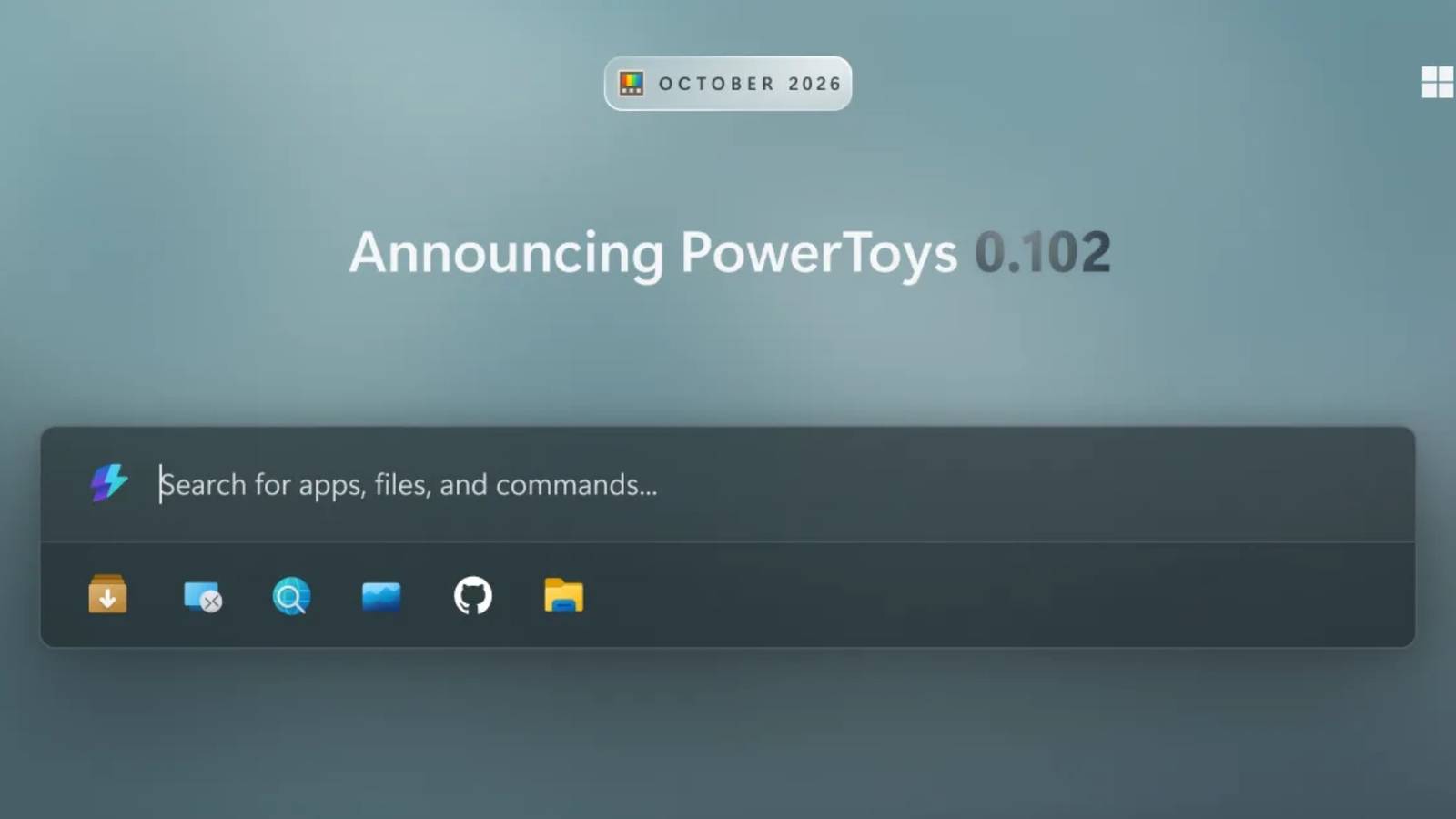
Published Oct 21, 2026, 11:18 AM EDT Viraj Gawde is a Tech Journalist with bylines at Travel+Leisure India & South Asia, Android Headlines, 91Mobiles, Croma Unboxed, etc. He has written thousands of news pieces, how-to guides, product comparisons, listicles, and op-eds on consumer tech. Currently, Viraj is obsessed with the fast-evolving world of artificial intelligence and how it is reshaping the way we work, create, and use tech. As a curious generalist, Viraj's work extends into a wide range of subjects, formats, and storytelling styles. When away from desk, he is a finance, sports, and travel geek with a constant curiosity for new experiences. Sign in to your How-To Geek account Microsoft has released PowerToys 0.102, following a major update in August that introduced Window Hopper along with several other improvements. This time, the focus shifts to two new mouse utilities, an upgraded Command Palette, voice-assisted screenshots, and a fresh set of command-line tools. PowerToys 0.102 makes mouse controls easier You’ll notice them right away The key addition in PowerToys 0.102 is the Mouse Button Lock. It adds the ability to press and hold a mouse button for a moment, let go, and Windows treats it as held until you click again. This means that long drags and selections get far easier—whether you’re gaming, working in design software, or simply finding it difficult to hold a button for an extended period. Another mouse utility is called CursorHide, and as the name suggests, it hides the pointer while you type or after a stretch of inactivity. Moving the mouse brings the pointer back. So, no more cursor parked when you’re working with text or trying to read something. Microsoft introduced an optional compact mode for the Command Palette in version 0.101. The newest release is getting an optional quick-access shelf that lets you pin frequently used commands below the search box. Pinned items can be reordered and launched by pressing Alt+1 through Alt+9. The update also improves settings search and support for multiple dock clocks with different time zones. ZoomIt and Keyboard Manager get useful changes ZoomIt gains the ability to capture your voice alongside a screenshot. Users need to enable Snip with dictation in the screen zoom and presentation utility. You can press Space while selecting an area and speak a description. The speech is transcribed on the device locally, with a single paste delivering both the image and the text. PowerToys 0.102 adds new ways to automate features through command-line tools. Advanced Paste, Light Switch, Peek, and PowerDisplay can be automated through the terminal. Meanwhile, Color Picker and Text Extractor move to WinUI 3, bringing interface changes. Lastly, Keyboard Manager gets tap-alone remaps, as users can assign an action to a key when it is tapped on its own while still behaving normally in shortcuts. There are also new search options, filters for modifiers, and the ability to delete multiple mappings at once that make managing complex remapping setups much easier. PowerToys 0.102 is now available for download by checking for updates in the app or heading to the official release pages on GitHub. Source: Microsoft Dev Blog
PowerToys 0.102 has a fix for anyone tired of holding their mouse button
Full Article
Original Source
Read the full article at Howtogeek →KhanList aggregates and links to publicly available news content. We do not host full articles from third-party sources. Always verify important information with original sources.