
Published Aug 25, 2026, 8:39 AM EDT Viraj Gawde is a Tech Journalist with bylines at Travel+Leisure India & South Asia, Android Headlines, 91Mobiles, Croma Unboxed, etc. He has written thousands of news pieces, how-to guides, product comparisons, listicles, and op-eds on consumer tech. Currently, Viraj is obsessed with the fast-evolving world of artificial intelligence and how it is reshaping the way we work, create, and use tech. As a curious generalist, Viraj's work extends into a wide range of subjects, formats, and storytelling styles. When away from desk, he is a finance, sports, and travel geek with a constant curiosity for new experiences. Sign in to your How-To Geek account PowerToys 0.101 is officially here, and it brings the most meaningful set of new additions to the toolkit in a while. The utility suite has received incremental improvements and stability fixes since the April 2026 update. With the newest update, six tools across PowerToys get notable changes spanning window management, display control, clipboard AI, and more. A brand-new window-switching utility debuts Command palette becomes compact Credit: PowerToys Window Hopper is the biggest news because it never existed in PowerToys’ existing toolkit. It is designed for a specific use case—switching between windows belonging to the app you’re currently using. If you have multiple File Explorer windows open, you can cycle between them with a configurable Alt+backtick (`) shortcut key. The feature works similarly to the Windows Alt+Tab function without turning into a scroll-through-thumbnails exercise if you have multiple applications open along with a few windows of a single application. Credit: PowerToys Another key update belongs to the fan-favorite Command Palette. Previously, it only opened as a large interface. Now, there’s an optional compact mode that shows only a small search box, making it appear closer to macOS Spotlight. It cuts the interface’s footprint significantly, which otherwise interrupts the visual context on the screen. Microsoft is also making it easier to expand the Command Palette with a keyboard by pressing the down arrow or Tab. Smarter pasting, better monitor controls, visible mouse clicks PowerToys 0.101 adds a new Ripple effect to Mouse Highlighter that produces a visible ripple whenever you click. Users can customize its size, intensity, and how long it lingers. This makes it easier to locate the cursor because the original method would dim the entire screen in gray to a box in the cursor’s position. Meanwhile, Shortcuts Guide, which was introduced as a new experience in v0.100, picks up a built-in search bar. You can type a keyword, and it surfaces what you need directly instead of scanning the full list manually. Advanced Paste also gets a meaningful update. The tool lets you transform copied clipboard content, but it relied on a cloud API or a separate local model. Version 0.101 brings Phi Silica as an on-device provider for supported Copilot+ PCs for AI-powered transformations. This means that no data leaves your system. For people with a multiple-monitor setup, PowerToys 0.101 makes it easier to link them to a single brightness slider in PowerDisplay. It keeps the option to control displays individually along with the ability to wake supported monitors. All the new features make PowerToys v0.101 a worthwhile update after a few months of smaller improvements. You can download the latest version by checking for updates in the app or heading to the official release pages on GitHub. Source: PowerToys GitHub
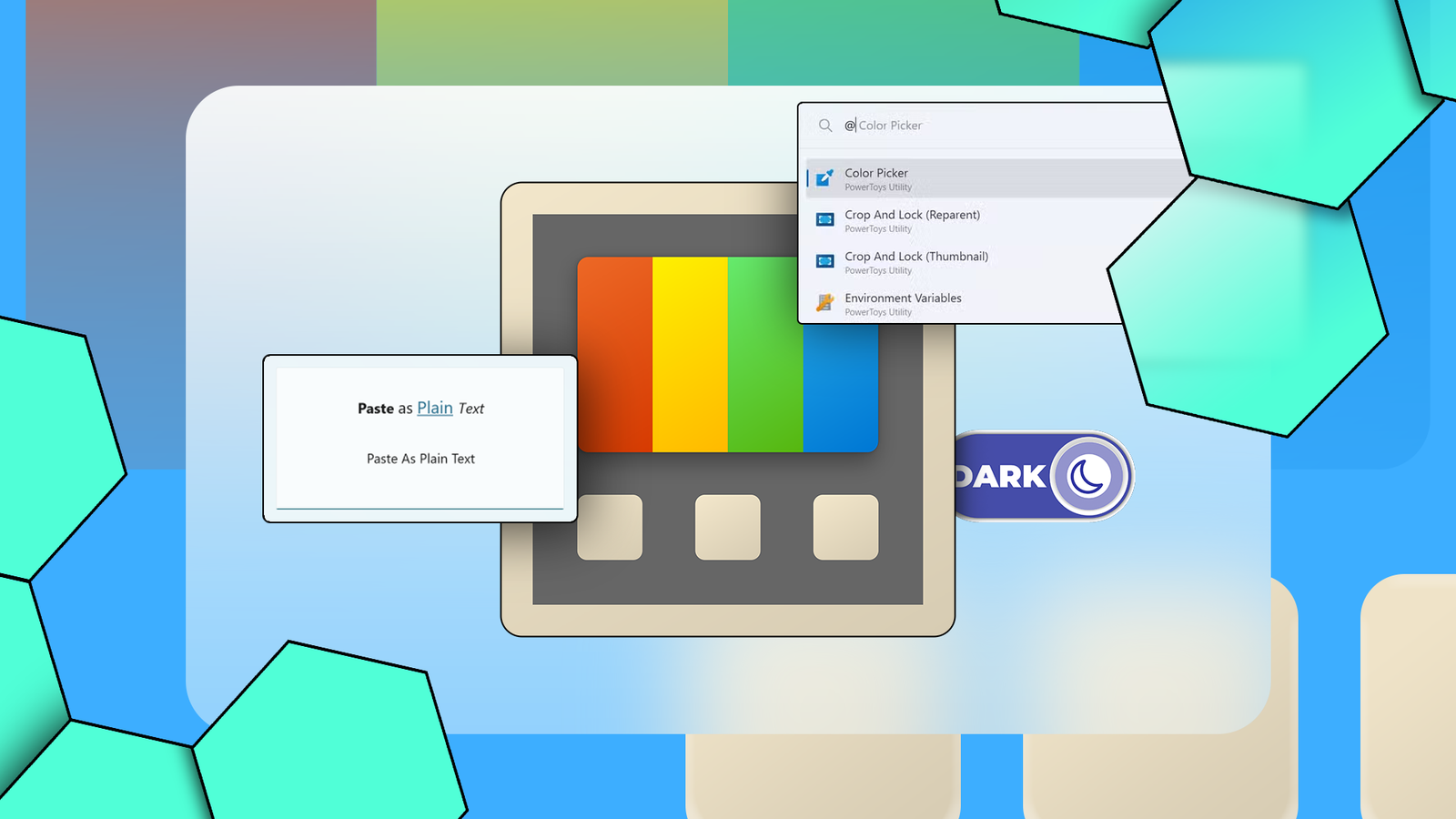
PowerToys 0.101 adds one of its most useful Windows tools yet
Full Article
Original Source
Read the full article at Howtogeek →KhanList aggregates and links to publicly available news content. We do not host full articles from third-party sources. Always verify important information with original sources.