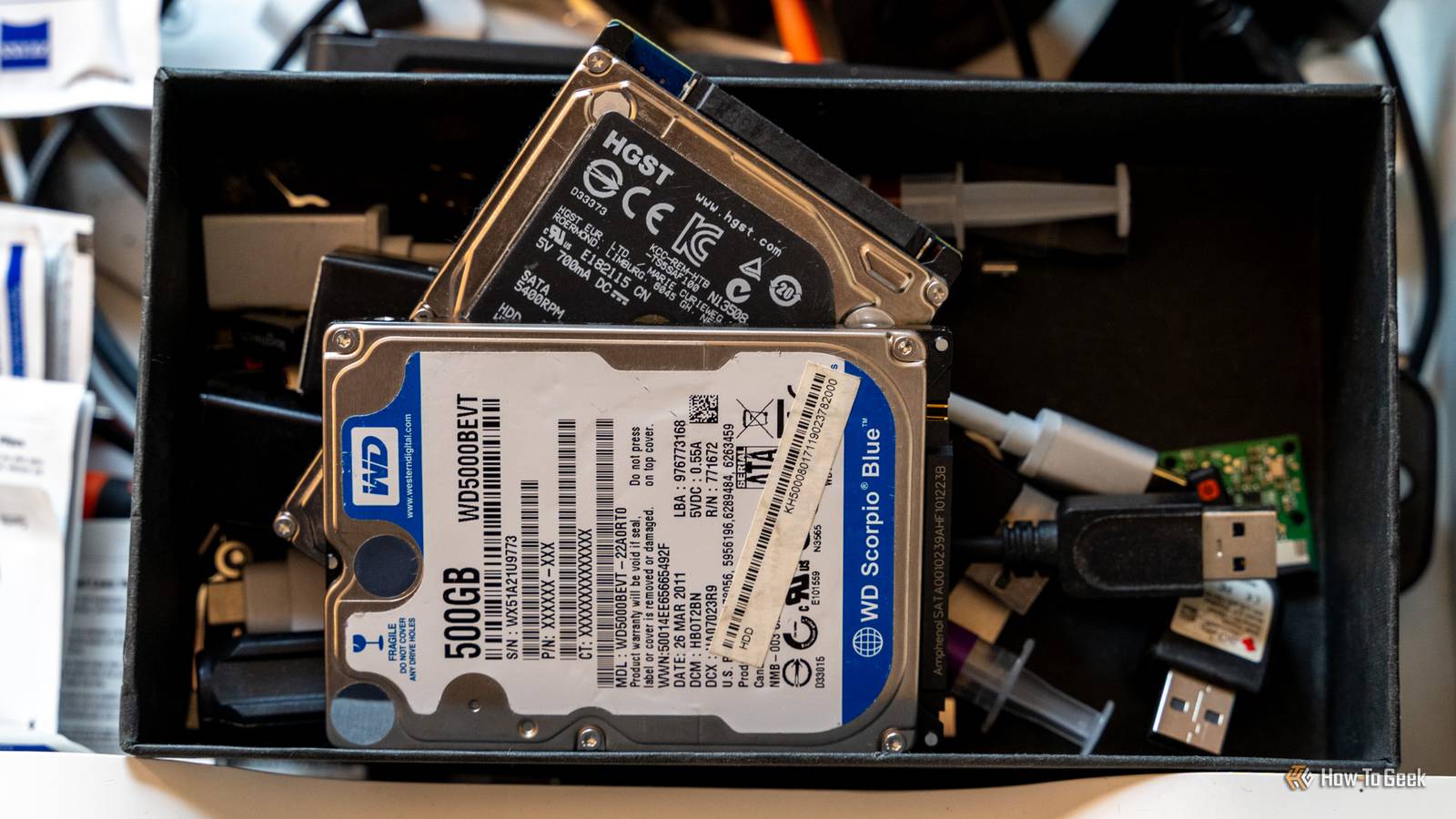
Credit: Patrick Campanale / How-To Geek Published Aug 8, 2026, 8:37 AM EDT Arol is a tech journalist who currently works as a contributor at How-To Geek since 2022. He first began writing online for the short-lived portal of Spanish-language gaming forum Emudesc in 2013. Years later, in 2017, he got his true start in tech journalism working for a small Google-focused site called Pixel Spot. He transitioned to a news and feature writer role at XDA Developers that same year, where he worked until 2021 before making the jump to other websites. Arol brings nearly a decade of writing experience, and the occasional hot take, to his writings. While he's a technology lover at heart, he holds computer hardware and smartphones particularly close to heart. You'll normally find him covering news, although he has also written the occasional deal, buyer's guide, how-to post, and round-up. He's also written for Android Police and MakeUseOf. He's also a Political Science student. When he's not writing, you'll probably find him hitting the gym, trying to ace a new hobby, reading his textbooks, or traveling. You can reach him at me@arolwright.com. Sign in to your How-To Geek account There was an age where partitioning drives was not only common, but encouraged. But PCs have changed a lot in the past few years. Nowadays, while partitioning is still an option, I'd argue that 90% of users probably shouldn't. Let me explain. Why do people partition their drives? The illusion of two drives in one The practice of partitioning a single drive into multiple logical volumes is a habit deeply rooted in the history of personal computing, particularly during the era where spinning hard disk drives were the norm. Historically, the primary motivation for this separation has been data organization and safety. By creating a dedicated "C" drive for the operating system and a separate "D" drive for personal files, you actually felt a sense of security; if the operating system became corrupted or required a complete reinstallation—a common troubleshooting step in the days of Windows 98 or XP—the data on the secondary partition would theoretically remain untouched. This separation allowed power users to "nuke and pave" their system partition without the immediate need to restore terabytes of music or movies from external backups. Beyond data safety, performance optimization was a significant driver for partitioning in the age of mechanical platters. A number of enthusiasts often utilized a technique known as "short stroking," where they would create a small partition at the very beginning of a hard drive. Because the outer edge of a spinning platter moves faster than the inner tracks, data located there could be read and written more quickly. By forcing the operating system and frequently used applications into this specific physical area, you could actually squeeze measurable speed improvements out of slow hardware. Not SSD levels of performance, of course, but probably the best you could get out of a hard drive. Additionally, separating the drive helped prevent fragmentation of system files by isolating them from the constant churn of downloading and deleting media files. For decades, these practical benefits cemented partitioning as a "best practice" among system builders and IT professionals, creating a legacy of advice that persists even as the underlying hardware has fundamentally changed. Why shouldn't you partition SSDs? It's actually very inconvenient Credit: Patrick Campanale / How-To Geek Partitioning was common before because it was a legitimate solution for that time. But things have changed. The most pervasive issue with partitioning, in my opinion, is the inefficiency of fixed storage limits. When you partition a drive, you are forced to predict the future storage needs of your operating system and applications. If you allocate 100GB to your system partition, you may find that years of updates, temporary cache files, and expanding application footprints eventually fill that space completely. This leads to the frustrating scenario where your system drive is screaming for space—causing performance throttling and update failures—while your secondary data partition sits with hundreds of gigabytes of empty, unusable capacity. Resizing these partitions after the fact, while possible, is not a trivial task for the average user and carries a non-zero risk of data corruption. Furthermore, the hardware shift from mechanical Hard Disk Drives (HDDs) to solid-state drives (SSDs) has rendered the performance arguments for partitioning obsolete. SSDs do not rely on spinning platters, meaning there is no "fast" outer edge to target. Access times are uniform across the entire drive. In fact, SSD controllers use complex wear-leveling algorithms to distribute data evenly across physical memory cells to prolong the drive's lifespan. Logical partitions confuse this process or, at best, offer no benefit, as the operating system has no control over where the data physically sits on the chips. Modern operating systems have also evolved; features like Windows "Reset this PC" or macOS "Recovery Mode" can now refresh system files while preserving user data without needing a separate partition. Modern file systems and folder structures are robust enough to handle organization without the need for artificial drive letters, making the practice largely a relic of the past. Quiz 8 Questions · Test Your KnowledgeSSDs, NAND memory, and interfacesTrivia challengeFrom flash cells to PCIe lanes — see how much you really know about modern solid-state storage.NANDInterfacesHardwarePerformanceStandardsBegin Which type of NAND flash stores exactly one bit of data per cell?AMLCBTLCCSLCDQLCCorrect! SLC stands for Single-Level Cell, meaning each cell holds just one bit — either a 0 or a 1. This makes SLC the fastest and most durable NAND type, but also the most expensive per gigabyte, so it's mainly found in enterprise and industrial storage.Not quite — the answer is SLC, which stands for Single-Level Cell. MLC stores 2 bits, TLC stores 3, and QLC stores 4 bits per cell. The more bits per cell, the cheaper but slower and less durable the NAND becomes.Continue What does NVMe stand for in the context of SSDs?ANon-Volatile Memory ExpressBNetwork Virtual Memory ExtensionCNext-gen Volatile Memory EngineDNon-Volatile Module ExtenderCorrect! NVMe stands for Non-Volatile Memory Express, a communication protocol designed specifically for flash-based storage. Unlike AHCI, which was built for spinning hard drives, NVMe takes full advantage of PCIe's parallel lanes to deliver dramatically lower latency and higher throughput.Not quite — NVMe stands for Non-Volatile Memory Express. It's a host controller interface protocol designed to replace the older AHCI standard, which was originally built with spinning hard disk drives in mind rather than fast flash storage.Continue Which physical form factor is most commonly used for NVMe SSDs in modern laptops and desktops?A2.5-inch SATABmSATACM.2DU.2Correct! The M.2 form factor has become the dominant standard for NVMe SSDs in consumer devices. It's a compact, card-style connector that fits directly onto the motherboard, eliminating the need for data and power cables and saving space inside the chassis.The correct answer is M.2. While 2.5-inch SATA and mSATA were common in older systems, M.2 has taken over as the go-to slot for NVMe drives. U.2 is also used for NVMe but is mostly found in enterprise servers rather than consumer hardware.Continue Approximately how fast can a high-end PCIe 4.0 NVMe SSD read data sequentially?A550 MB/sB1,200 MB/sC7,000 MB/sD20,000 MB/sCorrect! Top-tier PCIe 4.0 NVMe SSDs can achieve sequential read speeds of around 7,000 MB/s. This is a massive leap over SATA SSDs, which are capped near 550 MB/s due to interface bandwidth limitations, and even outpaces many PCIe 3.0 drives significantly.Not quite — the answer is approximately 7,000 MB/s. Around 550 MB/s is the ceiling for SATA-based SSDs, while 1,200 MB/s is typical for older PCIe 3.0 drives. 20,000 MB/s exceeds even PCIe 5.0 NVMe drives available at time of writing.Continue What does 3D NAND refer to in modern SSD manufacturing?ANAND chips shaped into a three-dimensional cube for faster accessBStacking memory cells vertically in multiple layersCUsing three separate dies wired together on one chipDA three-bit-per-cell design that improves enduranceCorrect! 3D NAND, sometimes called V-NAND by Samsung, stacks memory cells vertically in dozens or even hundreds of layers rather than spreading them flat across a wafer. This dramatically increases storage density without shrinking individual cell sizes, which also helps preserve endurance and reliability.The correct answer is that 3D NAND stacks memory cells vertically in multiple layers. Planar (2D) NAND arranges cells flat on a single layer, but manufacturers hit physical scaling limits, so the industry moved to vertical stacking to keep increasing capacity without sacrificing cell quality.Continue Which interface protocol were most SATA SSDs designed to use before NVMe became mainstream?ANVMeBAHCICSCSIDIDECorrect! AHCI (Advanced Host Controller Interface) is the protocol that SATA SSDs communicate over. It was originally designed for mechanical hard drives and supports a single command queue of 32 commands — a major bottleneck compared to NVMe, which supports 65,535 queues each holding 65,535 commands.The answer is AHCI, which stands for Advanced Host Controller Interface. SCSI and IDE are much older standards largely retired from consumer use, while NVMe is the newer protocol used by PCIe-based drives. AHCI's single command queue made it a poor fit for the parallelism flash storage can deliver.Continue Which NAND type offers the highest storage density per chip but typically has the lowest endurance?ASLCBMLCCTLCDQLCCorrect! QLC, or Quad-Level Cell NAND, packs four bits into every cell, giving it the highest density of common consumer NAND types. The trade-off is significantly reduced endurance — QLC cells wear out faster because of the precision needed to distinguish between 16 different voltage states per cell.The answer is QLC (Quad-Level Cell). It stores 4 bits per cell, making it the densest and most affordable NAND type, but it also has the lowest P/E (program/erase) cycle endurance. SLC sits at the opposite end — fewest bits per cell but the longest lifespan.Continue Which PCIe generation, first adopted widely in consumer SSDs around 2020, doubled the bandwidth of its predecessor?APCIe 2.0BPCIe 3.0CPCIe 4.0DPCIe 6.0Correct! PCIe 4.0 arrived in consumer platforms around 2020, starting with AMD's Ryzen 3000 series and X570 motherboards. It doubles the per-lane bandwidth compared to PCIe 3.0, pushing NVMe SSD sequential speeds from roughly 3,500 MB/s up to around 7,000 MB/s.The correct answer is PCIe 4.0, which first appeared broadly in consumer hardware around 2020 with AMD's Zen 2 platform. PCIe 3.0 was the previous mainstream standard, while PCIe 6.0 is a more recent enterprise-focused generation not yet common in everyday consumer motherboards.See My Score Challenge CompleteYour Score/ 8Thanks for playing!Try Again Are there scenarios where it's justified? Sometimes you gotta dual boot Credit: Patrick Campanale / How-To Geek Now, granted, I'm not saying that partitioning is completely obsolete. There's a handful of scenarios where you might still want to partition a drive. The most prominent scenario that comes to mind is dual-booting, where you run two distinct operating systems, such as Windows and Linux, on the same physical machine. Because these operating systems often utilize entirely different file systems—NTFS for Windows and ext4 or Btrfs for Linux—they cannot coexist on the same logical volume. In this instance, slicing the drive into distinct partitions is mandatory to allow each operating system to function in its native environment without interfering with the other. This setup is common among developers, students, and enthusiasts who need access to different software ecosystems on a single laptop or desktop. Even if the operating systems you're going to use do not use distinct file systems, partitioning still allows you to run two operating systems out of a single drive. It still saves you money. Another valid justification involves strict data management for professional workflows, particularly for those who cannot afford external storage solutions immediately. For example, video editors or developers might create a separate partition to act as a dedicated "scratch disk" or build environment. This ensures that if a runaway process fills the storage with temporary render files or logs, it will hit the partition wall and stop, rather than filling the entire boot drive and causing the operating system to crash. Similarly, in enterprise environments, system administrators might partition drives to strictly limit the amount of storage available to specific user profiles or to encrypt sensitive data separately from the OS. If you fit a dual-booting niche, go for it. But most people don't For the vast majority of home users and general office workers, niche scenarios do not apply, and dual-booting should be treated as an obsolete concept. The flexibility of a single, unified volume for each OS installation remains the superior choice.
Please stop partitioning your SSDs (unless you plan to dual-boot)
Full Article
Original Source
Read the full article at Howtogeek →KhanList aggregates and links to publicly available news content. We do not host full articles from third-party sources. Always verify important information with original sources.