
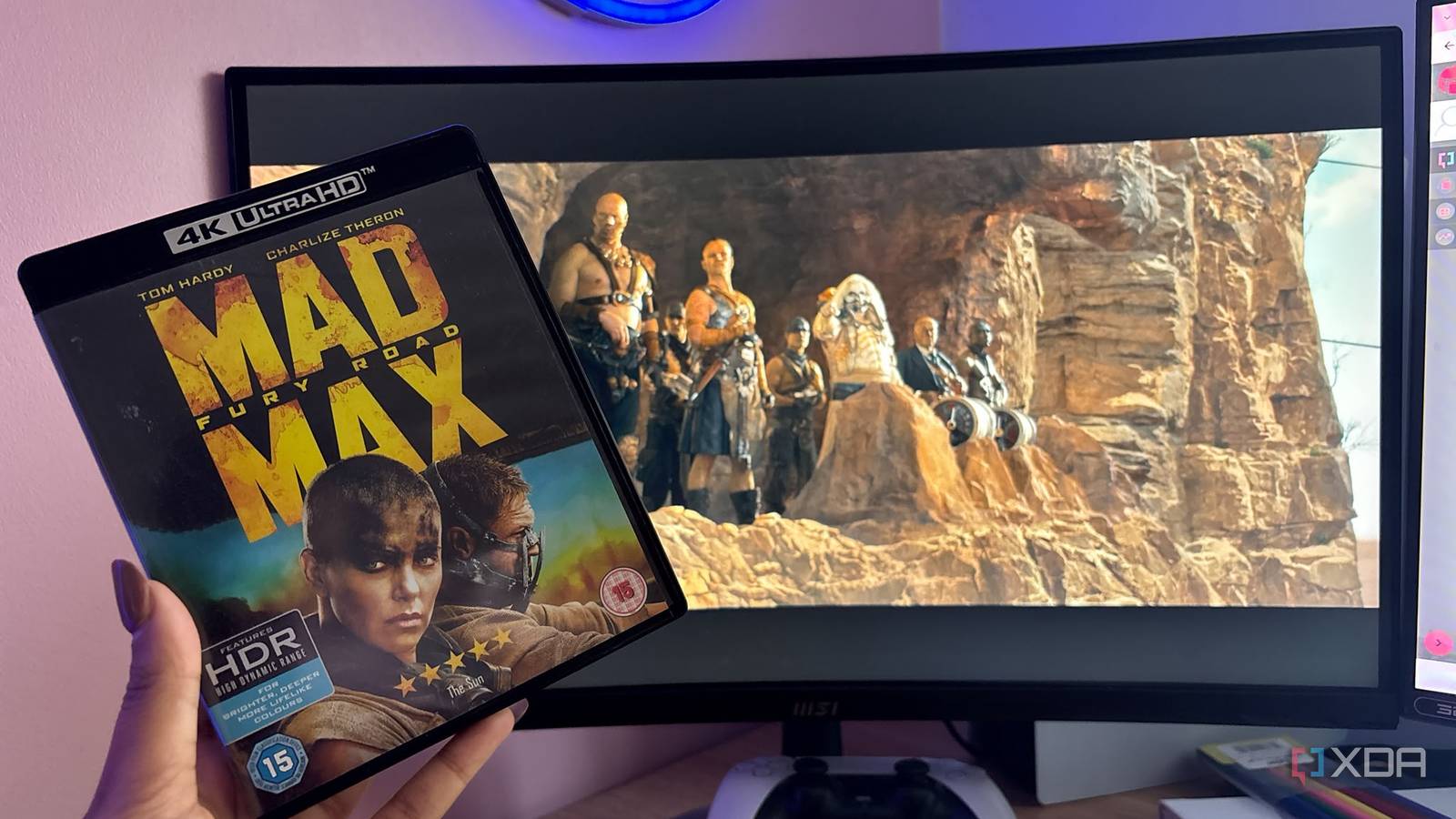
Published Nov 7, 2026, 8:30 AM EST Jasmine is Software and PC Hardware Author at XDA with years of tech reporting experience ranging from AI chatbots right down to gaming hardware, she's covered just about everything. Whether it's breaking news about the latest AMD NPUs or creating video tutorials on social media platforms, Jasmine has contributed to the world of AI and tech in a variety of ways including interviewing the CEO of Razer, AMD's Director of Product Marketing and the VP of Lenovo. Passionate about gaming and PC technology, she has built countless computers, keyboards and other peripherals - knowing them inside and out. Inserting a commercial Blu-ray 4K Ultra HD disc into a modern Windows PC doesn't trigger a simple media player prompt the way a DVD does. Instead, you might encounter opaque error codes, missing proprietary codecs, and total software incompatibility. Decades ago, physical media playback was a standard OS-level capability, but today, licensing costs, digital rights management restrictions, and hardware depreciation have made playing a legal physical disc on a desktop computer feel like a major technical hurdle. To play commercial Blu-ray media on a modern PC in 2026, you need specialized drive-firmware-flashing tools and to route decrypted streams through open-source media-player pipelines. Why do commercial Blu-rays struggle on modern PCs? VLC and official software falls short Commercial Blu-ray playback for 4K UHD discs is completely broken on modern PCs thanks to the AACS 2.0 encryption layer. Advanced Access Content System encryption is a protection layer for commercial Blu-ray discs that requires a secure cryptographic handshake between the optical drive, the operating system, the CPU, and the playback software to authorize decryption keys. For years, proprietary software players such as Cyberlink PowerDVD relied heavily on Intel Software Guard Extensions, or SGX, a hardware-level security enclave, to process protected HD content in isolated memory. Intel officially removed SGX support starting with the 11th generation of desktop processors and removed it entirely on 12th-gen and newer chips. This instantly rendered legacy proprietary 4K Blu-ray player software incompatible with any modern PC hardware. Standard 1080p Blu-ray still plays on both 12th Gen and newer Intel and on AMD with current PowerDVD or similar. Proprietary licensing and codecs have also been abandoned. Microsoft removed native MPEG-2 and DVD playback codecs from Windows years ago, shifting the financial and legal burden of paying patent-pool licensing fees onto third-party software developers. On Windows PCs, VLC Media Player is the universal standard for video playback. However, it has limitations that make it fall short with Blu-ray. It can't natively decrypt protected Blu-ray discs out of the box because of legal restrictions on distributing proprietary decryption keys. While you can attempt to manually supplement VLC with the libaacs library and an external dynamic key database in the form of keydb.cfg, because AACS master keys and host certificate revocations are continuously updated by studios to combat piracy, public key files break frequently, resulting in endless "keyfile invalid" errors. Some other commercial software suites still try to license proprietary AACS keys, but they can demand expensive recurring subscriptions or large one-off fees and sometimes break instantly after Windows security updates. On top of this, they can still fail entirely if they're paired with a CPU lacking SGX or an unsupported GPU display pipeline, so these proprietary suites are quite fragile. The hardware pipeline You'll need to invest in the right drive The pipeline that works best for me is flashing the LibreDrive firmware and using MakeMKV. Unfortunately, direct playback was too big a hurdle, and it felt impossible to overcome because the software just wasn't in place. So I shifted to on-the-fly decryption. Because direct software decryption is structurally broken on modern hardware, the most reliable workaround was to use MakeMKV to handle decryption, treating the optical drive as a raw data stream. First, make sure you've sourced the right hardware. Not all optical drives work correctly with MakeMKV. Standard off-the-shelf internal or external Blu-ray drives enforce strict firmware restrictions that can block direct sector reads. You have to ensure that you're sourcing a hardware drive classified as friendly or official by the MakeMKV developer community: drives whose hardware architecture permits low-level firmware modification. You can find a full and complete list of the requirements on the MakeMKV forums, as well as recommended drives. Once you have the right hardware, it's time to flash the LibreDrive custom firmware. I used the SDFtool flasher to replace the factory stock firmware with custom LibreDrive firmware. This modification unlocked the drive's ability to bypass AACS restrictions, allowing software to read encrypted sectors directly without relying on deprecated CPU security enclaves. Make sure you have a compatible drive, as flashing an incompatible one can brick the entire drive. Some drives do work with no flashing at all, with flashing being mainly applicable to certain UHD-capable models. Playback and integration Choosing the right software player You can stream via MakeMKV's internal network streamer. MakeMKV includes a built-in HTTP streaming server that exposes a decrypted local stream any compatible player can open without temporary disk rights. It creates a local network stream, and you can point a standard media player to it, allowing real-time playback of full movie titles without permanent ripping. You don't have to wait hours for the disk to rip in full, but it's a single-title stream, not a full-disc experience. For the absolute highest-fidelity playback, you can extract the raw.m2ts stream or full MKV backup file and play it back through Media Player Classic paired with LAV filters to ensure full hardware-accelerated decoding for heavy VC-1, AVC (H.264), and HEVC (H.265) video streams. This is completely optional, but you can also route audio through an HDMI bitstream output to an AV receiver or soundbar to ensure you get lossless multi-channel audio codecs (like Dolby TrueHD, DTS-HD Master Audio, and Dolby Atmos). Without pass-through enabled, your OS or media player can decode streams to multi-channel LPCM or downmix them to stereo, discarding object-based spatial metadata like Dolby Atmos. I didn't want to pay hefty subscription fees Nor did I want to battle with VLC Attempting to play a physical Blu-ray disc on a modern PC using legacy software methods is such a frustrating exercise. After looking through a range of proprietary software subscriptions and broken key databases, I decided to instead invest in a friendly optical drive, flash LibreDrive firmware, and use MakeMKV for hardware-level decryption. I then routed my media through a robust open-source player pipeline to restore reliable physical media playback on my computer.
Playing Blu-rays on a modern PC is broken, but one drive flash fixed it for me
Full Article
Original Source
Read the full article at Xda-developers →KhanList aggregates and links to publicly available news content. We do not host full articles from third-party sources. Always verify important information with original sources.