
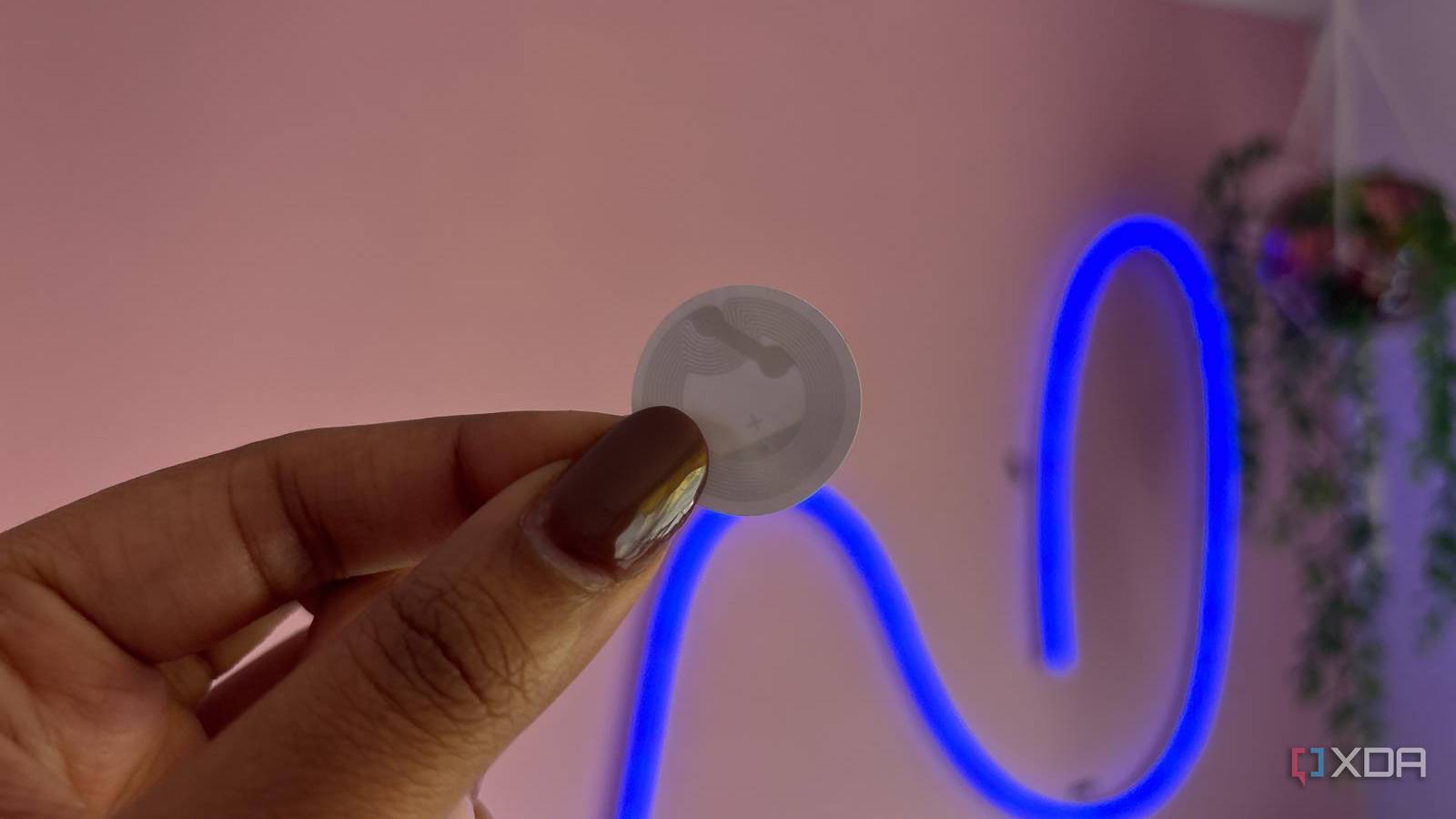
Published Nov 7, 2026, 8:00 AM EST Jasmine is Software and PC Hardware Author at XDA with years of tech reporting experience ranging from AI chatbots right down to gaming hardware, she's covered just about everything. Whether it's breaking news about the latest AMD NPUs or creating video tutorials on social media platforms, Jasmine has contributed to the world of AI and tech in a variety of ways including interviewing the CEO of Razer, AMD's Director of Product Marketing and the VP of Lenovo. Passionate about gaming and PC technology, she has built countless computers, keyboards and other peripherals - knowing them inside and out. Modern smart homes can often collapse under their own weight. They can be bogged down by complex multivariable automations, false-positive presence radars, or voice assistants that require shouting across the room. I find that the simplest additions are often the most useful, and for me, that is near-field communication tags. They strip away cloud latency, voice processing, and sensor ambiguity by replacing invisible triggers with intentional physical touch. While expensive radar sensors and automated routines grab headlines, cheap, unpowered NFC adhesive tags glued to flat surfaces provide the most reliable, near-instant execution control layer for everyday household automations. How does NFC work? They can deliver information without power NFC, or near-field communication, tags work without power, which makes them easy to implement throughout your home. They work using passive RFID radio mechanics. NFC tags operate at 13.56MHz using short-range radio frequency induction via inductive coupling. The tag itself contains no battery or internal power source. It remains completely inert until energized by the magnetic field emitted by a passing smartphone or NFC reader. You can then use this in any way you want. When a mobile device taps the tag, it reads a stored NDEF (NFC data exchange format) payload. It's typically a deep link, a local HTTP URL, or a webhook request. It then transmits the data directly to a local orchestration platform like Home Assistant over local Wi-Fi or Matter, or you can even set up automations straight within your phone on both iOS and Android. Unlike motion detectors or occupancy sensors that rely on probability and threshold algorithms, an NFC tap is an absolute binary user intent. The action specifically only fires when a human physically brings their device within centimeters of the tag, making it a lot more difficult to accidentally trigger the way that you might do with sensors. Set up NFC automations around your entire home They're simple to implement When implementing NFC tags around my home, I found that using them beat out more complex automations when it comes to ease of setup. For simple automations that only need triggering on my phone, I was able to set them using my iPhone and the Shortcuts application. Other automations (like those that involve devices around your home rather than just your phone) require configuring with Home Assistant, which allows you to mark an NFC tap as a trigger just as you would with a sensor. It saves you setting up, configuring, and calibrating any sensors, allowing you to jump straight to writing your automation once your tag is in place. For me, one of my personal favorites is the bedside sleep routine. By sticking an NFC tag to my nightstand, I can tap my phone before bed to instantly run a localized routine. It can turn off all the smart plugs I need off, set the lights to my nighttime color and brightness, close my curtains, and turn on all my security cameras. Another great option is an entryway guest/away toggle. By placing a tag by the front door, it replaces that clunky geo-fencing automation (which can often suffer from mobile battery-saver GPS throttling) with a manual tap that instantly shifts the house mode from occupied to away, or whatever other settings you find work for you. I set up a tag in my car, which required just my phone, so I can tap it whenever I'm on my way home. It automatically texts my partner how long it will be until I get home. It then opens Google Maps with my journey home pre-loaded, switches on my Bluetooth, and starts playing music straight into my car speakers. It's worth noting that while the physical tap itself is local, the final execution speed of the automation you've set up will still depend on whether your Home Assistant server is running locally over Wi-Fi or routing through external webhooks. You can eliminate coin-cell failure points Sensors require battery maintenance; NFC tags don't NFC excels over wireless smart buttons because they require zero battery maintenance. Battery-powered Zigbee or Bluetooth smart buttons inevitably suffer from dead coin cell batteries at inconvenient times. Passive NFC tags have high mechanical durability since they're free of moving parts and battery degradation. Alongside this, they are significantly cheaper than smart buttons or sensors. A pack of 50 adhesive NFC stickers can cost you around $5. This allows you to saturate your home with physical automation triggers for pennies. For me, a great addition is how discreet they are. The majority of NFC stickers you pick up are so small you'd barely even notice they were there. They're paper-thin, can be painted over or hidden under wooden surfaces, leather, or tiles, and they provide invisible physical controls without cluttering your walls with plastic rocker switches or smart switches galore. Unless you knew the NFC tag was there, you wouldn't be able to see it in the majority of instances. Simple changes can make a huge impact Stop overcomplicating your smart home The most enduring smart home automations are most often the simplest ones. By overlooking something as easy to install as an NFC tag, you might be overcomplicating a lot of your home automation. You can trade algorithmic complexity for tactile physical touch as NFC tags eliminate false triggers, latency, and hardware maintenance. Instead of relying solely on flaky geofencing and complex sensor arrays for pretty simple routine tasks, you can deploy cheap passive NFC tags around your living space, bind the execution payloads to a local Home Assistant instance, and restore intentional zero-latency control to your smart home. NFC Tags NFC tags are tear-resistant, splash-proof, and metal-friendly and come with 504 bytes of user memory.
NFC tags are the simplest smart home automation I actually use every day
Full Article
Original Source
Read the full article at Xda-developers →KhanList aggregates and links to publicly available news content. We do not host full articles from third-party sources. Always verify important information with original sources.