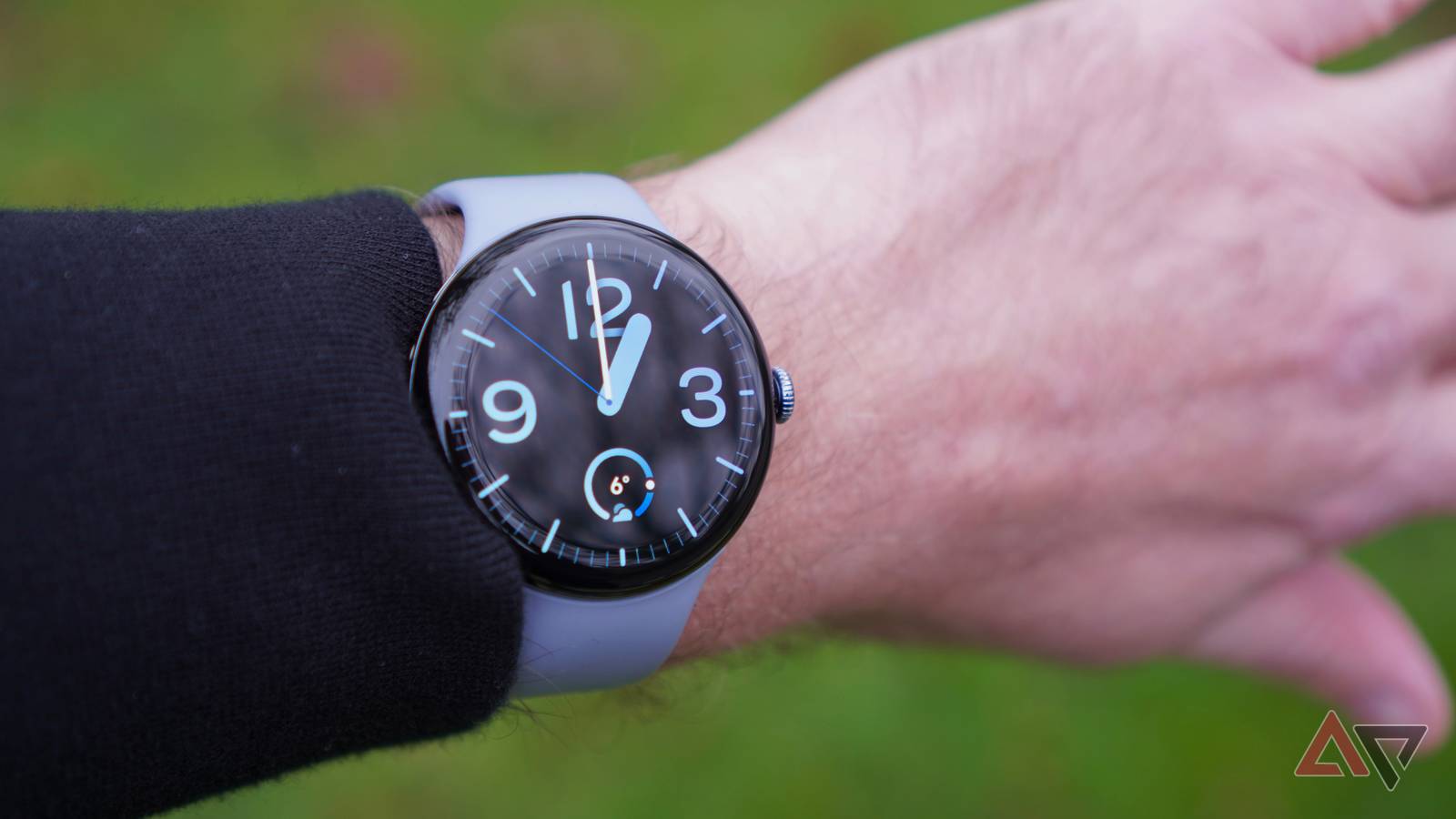
Published Jul 23, 2026, 6:07 PM EDT Timi is the news and deals reporter for Android Police, who has been reporting on technology since 2008. He has worked in tech retail and also the IT space, providing hardware and software support, which gives him a unique perspective on the tech that he covers. This allows him to effectively break down complex subjects into easy-to-read pieces that even casual readers can enjoy. Before joining Android Police, he was a news writer for XDA, where he eventually transitioned to covering deals. He also worked as an editor and reporter for Neowin, where he covered news and attended major tech events like CES. He also reviewed phones, tablets, PC products, and other devices. In addition, he also created video content for the Neowin YouTube channel. Sign in to your Android Police account Google's gotten around to squashing another bug, making it possible to use Google Wallet's Express Pay again without any issues on Pixel Watch. While it was pretty smooth sailing for a bit, an update managed to break the feature, causing payments to fail if the watch wasn't unlocked. As you can imagine, this caused quite a few headaches. The good news is that this won't be a problem going forward, as Google has officially chimed in to share that the issue has been resolved (via Android Authority). This was a problem that was brought up a few weeks ago, so if you've been having the same issue, you'll want to check back to see if it's been fixed on your watch. A better way to pay Since Google doesn't mention any type of update being needed, there's a possibility that a small tweak was made in order to make the Express Pay feature work seamlessly. Google introduced Express Pay on Pixel Watch back in March, giving folks the ability to pay for things and also use public transit without the need to open Google Wallet ahead of time. If you haven't given this feature a try, we highly recommend it. You can activate it by heading into the Google Wallet on compatible PIxel Watches, heading into Settings, then navigating to the Express Pay menu. It makes paying for things so much smoother, but it is fantastic when used with public transit. In order to provide a buffer for security, the watch does need to be unlocked in order for an Express Pay interaction to occur. Google uses "advanced motion algorithms to help verify your intent to pay before payments go through." If it doesn't feel any movement during an Express Pay interaction, it will prompt to confirm payment. This is quite smart because if someone was trying to be nefarious by bringing a portable payment terminal near your watch, this would prevent that from going through. You can set it to just work for transit payments, which would keep it a touch safer than making it available for all types of transactions. We urge you to give it a shot if you have a Pixel Watch. Google Pixel Watch 4 $310 $350 Save $40 8/10 Case size 41mm / 45mm Case Material Aluminum Display AMOLED The newest Pixel Watch sports an eye-catching new look, up to 40 hours of battery life, and 6 months of Fitbit Premium for free. CPU Snapdragon W5 Gen 2 RAM 2GB Storage 32GB Battery 325mAh / 455 mAh Cellular connectivity 4G LTE Bluetooth V6 Software Wear OS 6 Dimensions 12.3mm thick Weight 32g / 36.7g (without band) IP Rating IP68 Always on display Yes Sensors Compass, Altimeter, Red and infrared sensors, Multipurpose electrical sensors, Multi-path optical heart rate sensor, 3-axis accelerometer, Ambient light sensor, Far field skin temperature, Barometer, Magnetometer Display glass Corning Gorilla Glass 5
Pixel Watch Express Pay is finally working again after a frustrating bug
Full Article
Original Source
Read the full article at Androidpolice →KhanList aggregates and links to publicly available news content. We do not host full articles from third-party sources. Always verify important information with original sources.