
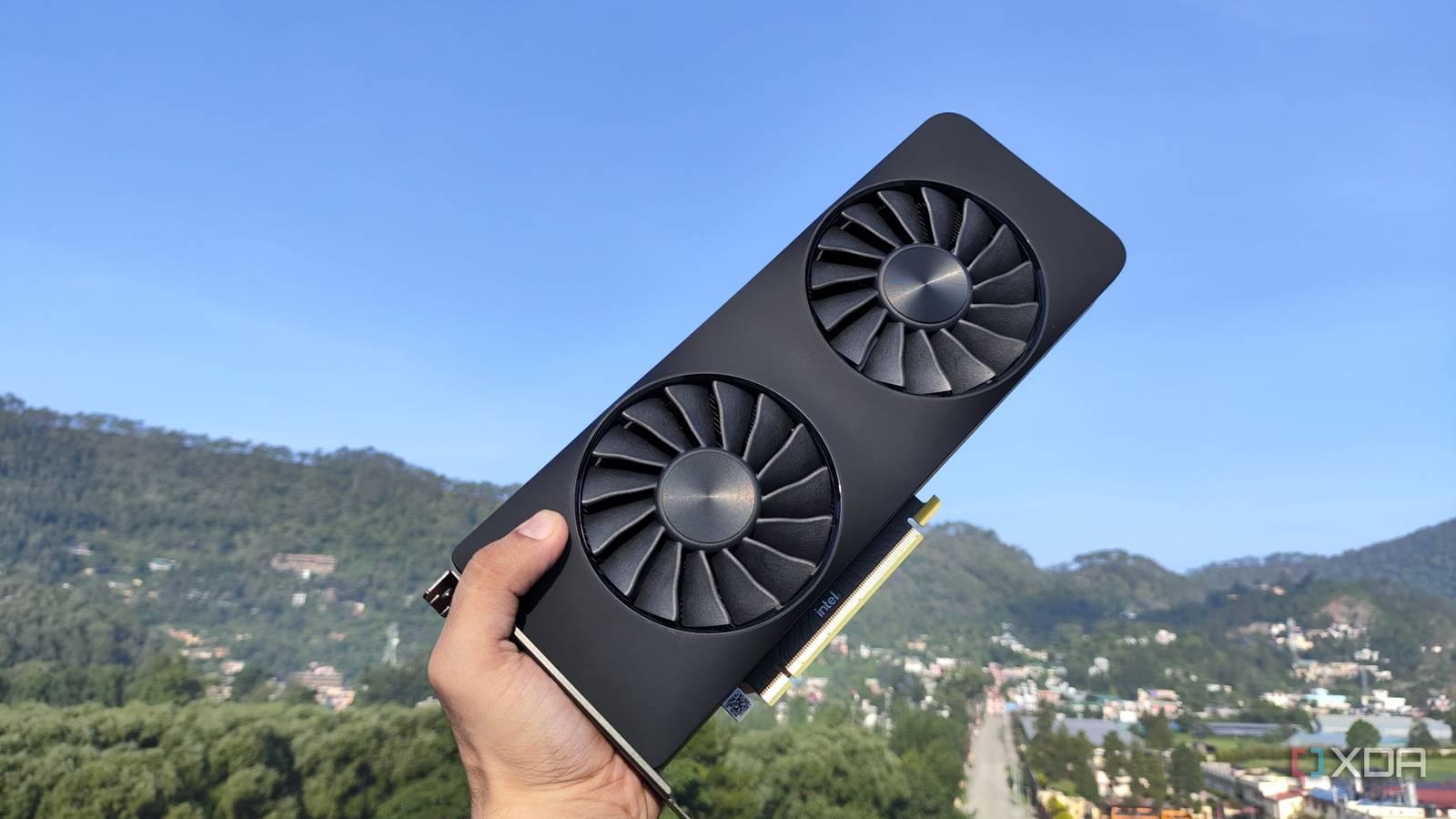
Published Nov 7, 2026, 4:31 PM EST Ayush Pande is a PC hardware and gaming writer. When he's not working on a new article, you can find him with his head stuck inside a PC or tinkering with a server operating system. Besides computing, his interests include spending hours in long RPGs, yelling at his friends in co-op games, and practicing guitar. Nvidia cards are often recommended for local LLM tasks, and between their highly-documented CUDA ecosystem and powerful Tensor cores, it makes sense why most folks would go down the Team Green path for their self-hosted AI models. Heck, I still use my RTX 3080 Ti for the majority of my LLM-powered projects, and it’s an absolute beast for coding, automation, and research tasks when paired with the right model. But having tinkered with different local AI setups, I have to admit that Nvidia cards aren’t the only option for home labbers looking to put together a reliable LLM workstation. Take my Intel Arc A750, for example. Sure, it’s not quite as powerful as my Nvidia cards, but it’s surprisingly good at hosting some of the simpler models for everyday inference tasks – provided you set it up correctly. Ditching Ollama turned out to be quite fruitful Despite its easy setup process, Ollama is far from ideal for everyday LLM tasks As much as I hate to admit it, Ollama used to be my top choice for deploying AI models for my chatbots a few years ago. Compared to other lightweight inference platforms, Ollama was a lot easier to get up and running, and the same holds true when it comes to actually deploying LLMs. Rather than using long chains of commands and flags, I could just type ollama run, followed by the model name of my favorite LLMs, and use my Arc A750-powered models in VS Code, Home Assistant, and a bunch of containerized services. Even choosing models is easier on Ollama, since I could just pick from the curated list of LLMs on its official website instead of sifting through dozens of variants of the same AI clanker on HuggingFace and manually downloading them through long commands. But it wasn’t until I tried optimizing my LLM-hosting setup that I realized how much of a performance snob Ollama truly is. Although it uses llama.cpp under the hood, Ollama’s Go-based management layer adds a considerable amount of processing overhead, while its default content window of 4,096 tokens is abysmally small for long chat sessions. In fact, I recently tried running Gemma 4 E4B (Q4_K_M) on an Ollama LXC connected to my Intel Arc A750 just to get some benchmark numbers, and the token generation rates were in the 19–22 tokens/second range. That’s not completely unusable, but it’s pretty slower than what my outdated GPU can manage with the right inference engine… The Vulkan version of llama.cpp works the best on my outdated workstation OpenVINO never worked, while SYCL delivered mixed results The OpenVINO-powered llama.cpp instance crashes the LXC at this stageThe SYCL-powered llama.cpp instance slows down the inference tasks With Ollama wasting a lot of processing power, ditching it for a simple llama.cpp instance was the best upgrade for my Alchemist-era GPU. I had a couple of frameworks that I could build my llama.cpp around, and having tried all of the Intel-centric options, I must admit that Vulkan is the best option, at least for my current hardware combination. For reference, I’ve used old Xeon server containing two E5-2650 V4 processors alongside 64GB of DDR4-ECC memory for my Arc A750 LLM experiments, as the cheap price tag of the rig (at least, when I bought it ages ago) meshes well with what I paid for this GPU back in the day. Since I was already using Proxmox on this machine, I figured deploying llama.cpp within different LXCs – all bearing GPU passthrough provisions – would be a great way to benchmark performance. OpenVINO is often the most recommended framework for Intel-powered AI tasks, and since llama.cpp has a backend built entirely on it, I figured I could give it a shot. After installing OpenCL runtime and other necessary packages, I was able to compile the OpenVINO backend for llama.cpp without a lot of hassle. However, getting fully-functional LLMs deployed on this setup was a different story altogether, as OpenVINO would crash even with lightweight models – and no amount of troubleshooting could fix this problem. So, I turned my attention to the SYCL variant instead, as I’d heard good things about it from other home labbers. Unfortunately, building llama.cpp around SYCL was a royal pain, and I had to jump through a lot of hoops just to get the inference engine configured on my Arc A750-powered LXC. But even with all the extra effort, the performance of this setup was extremely lackluster, with the likes of Gemma 4 E4B barely managing 3 tokens/second. Worse still, I could never troubleshoot what really went wrong with my SYCL-backed llama.cpp environment, as even recompiling it from scratch delivered the same results. So, I went back to the same setup that I used when I first tried deploying llama.cpp on my Arc A750 – one that’s built on the Vulkan framework, and it works pretty darn well. Sure, I could spend hours debugging every aspect of my SYCL-powered llama.cpp LXC, but seeing how I could get 33-ish tokens/second on Gemma 4 E4B, the Vulkan backend is more than enough for me. The right llama.cpp flags can also make the inference tasks more responsive Especially for longer chat sessions Besides switching to the Vulkan flavor of llama.cpp, I’ve also started using a couple of flags to add some QoL tweaks to my inference tasks. For example, the -fa on flag lets me enable flash attention, which not only makes prompt processing faster during the prefill phase, but it also reduces the KV VRAM consumption during long prompting sessions. Likewise, bumping the --ubatch-size parameter up to 2048 increased the token generation rate to 35 t/s, as it increased the number of tokens my GPU could process. But it’s something I only use for lighter models like Gemma 4 E4B, or I’d risk running into out-of-memory issues. Speaking of this Gemma 4 E4B, I also use the --mmproj flag to pass the multimodal projector model files to the LLM, which lets it run full-on image inference tasks. There’s still some life left in this abandoned card Personally, my current Arc A750 setup is far from optimized, especially since I couldn’t set up SYCL without causing the performance to tank. But considering that it’s the cheapest GPU in my arsenal, I’m pretty satisfied by its Vulkan-powered llama.cpp environment. Combine that with the fact that Gemma 4 E4B can easily drive inference tasks on my Home Assistant, Blinko, Paperless-GPT, Karakeep, and a bunch of other self-hosted services, I might just use this GPU as the primary host for my lightweight LLM workloads.
Ollama was holding back my "weak" Intel GPU, and one swap turned it into a solid local AI setup
Full Article
Original Source
Read the full article at Xda-developers →KhanList aggregates and links to publicly available news content. We do not host full articles from third-party sources. Always verify important information with original sources.