
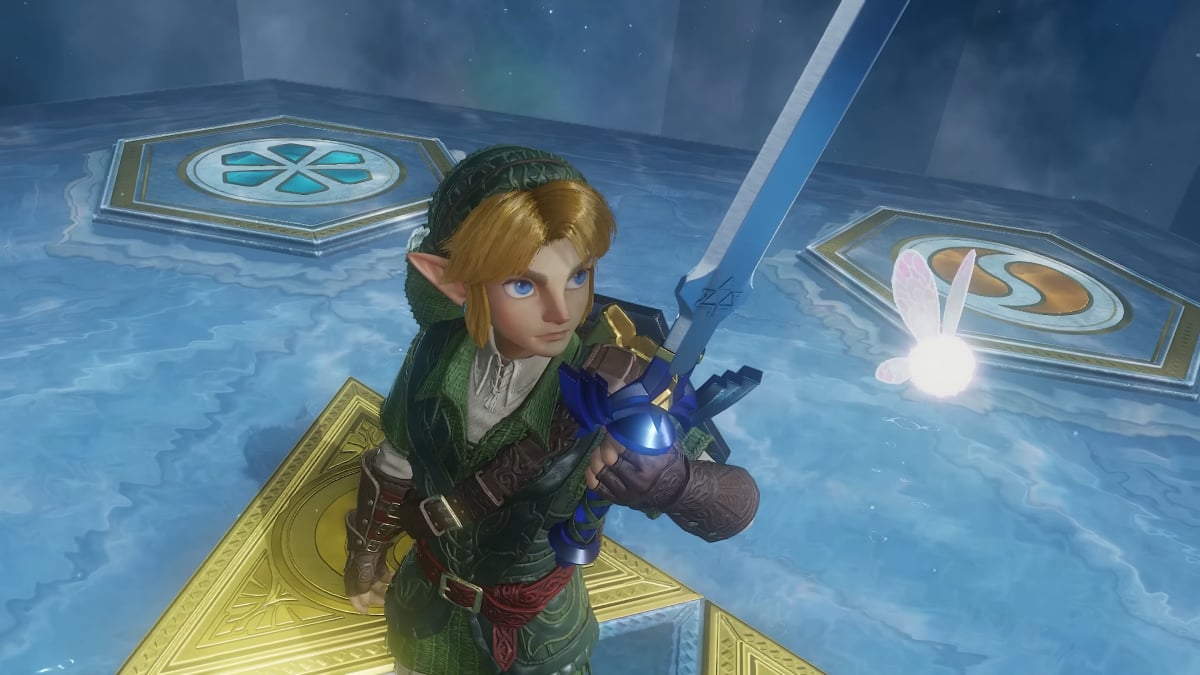
Jake Peterson Jake Peterson Senior Technology Editor ExperienceJake Peterson is Lifehacker’s Tech Editor, and has been covering tech news and how-tos for nearly a decade. His team covers all things technology, including AI, smartphones, computers, game consoles, and subscriptions. Read Full Bio November 4, 2026 Add as a preferred source on Google Add as a preferred source on Google We may earn a commission from links on this page. Credit: Nintendo of America/YouTube Key Takeaways "The Legend of Zelda: Ocarina of Time" launches on Switch 2 on Thursday. It may already have a bug. Austin John Plays describes a glitch with the game that temporarily affects its performance, including game and controller freezes. Luckily it's easy to fix the issue by allowing the game to boot back to the title screen, and restarting the console. It also appears to only affect Switch 2 consoles that haven't played other games before "Ocarina of Time." Table of Contents Thursday is a big day for Zelda fans. That's when the remake of The Legend of Zelda: Ocarina of Time officially launches on Switch 2, marking the first major linear (i.e., non-open-world) 3D Zelda game since the 2016 Twilight Princess remake on Wii U. I, for one, have been waiting for this day for years. I loved the N64 original and the 3DS remake, so to have the chance to play a modern take on the definitive Zelda is so exciting—that is, if it actually runs as it should. This Ocarina of Time bug may temporarily affect the game's performanceI stumbled upon this interesting post on X from Austin John Plays, a YouTuber with a host of Zelda coverage. According to Austin John Plays, Ocarina of Time already ships with a weird glitch that won't necessarily break your experience, but which may slow it down for a while, and perhaps even confuse players into thinking something is wrong with their game or their console. As his post explains, if you're playing the physical copy of Ocarina of Time, and it's the first game you've ever played on your Switch 2—maybe you got one of those fancy new Zelda anniversary consoles and want to break it in properly?—you may run into glaring performance issues: The game may freeze, your controller may stop working, and the FPS may drop to single digits. Luckily, Austin John Plays says the fix is easy: just wait. Eventually, your game will boot back to the title screen. When it does, don't try to play right away. Instead, close the game, restart your Switch 2, then try relaunching Ocarina of Time. Austin John Plays advises you may need to repeat this process two or three times, but after that, you shouldn't continue to run into issues. I wouldn't be surprised if Nintendo releases a patch right away for this glitch if it turns out to be as widespread as this post implies. What do you think so far? You can prevent this Zelda bug before Ocarina of Time comes outHowever, seeing as the game doesn't come out until tomorrow, there's something you can do to prevent it. Austin John Plays thinks the bug only impacts Switch 2 consoles that haven't run other games before. If you've had your console a while, you're likely set. But if you just bought the 40th anniversary Zelda edition of the Switch 2, you might not have had a chance to run a game on it yet. As such, download a game from the e-shop—even a free demo—just to get the system running. Hopefully, that will be enough to circumvent the glitch, and prevent issues when Ocarina of Time launches tomorrow. Lifehacker has been a go-to source of tech help and life advice since 2005. Our mission is to offer reliable tech help and credible, practical, science-based life advice to help you live better. Our Mission Our Team Newsletter © 2001-2026 Ziff Davis, LLC., A ZIFF DAVIS COMPANY. ALL RIGHTS RESERVED. Lifehacker is a federally registered trademark of Ziff Davis and may not be used by third parties without explicit permission. The display of third-party trademarks and trade names on this site does not necessarily indicate any affiliation or the endorsement of Lifehacker. If you click an affiliate link and buy a product or service, we may be paid a fee by that merchant.
'Ocarina of Time' for Switch 2 Might Already Have a Weird Glitch
Full Article
Original Source
Read the full article at Lifehacker →KhanList aggregates and links to publicly available news content. We do not host full articles from third-party sources. Always verify important information with original sources.