
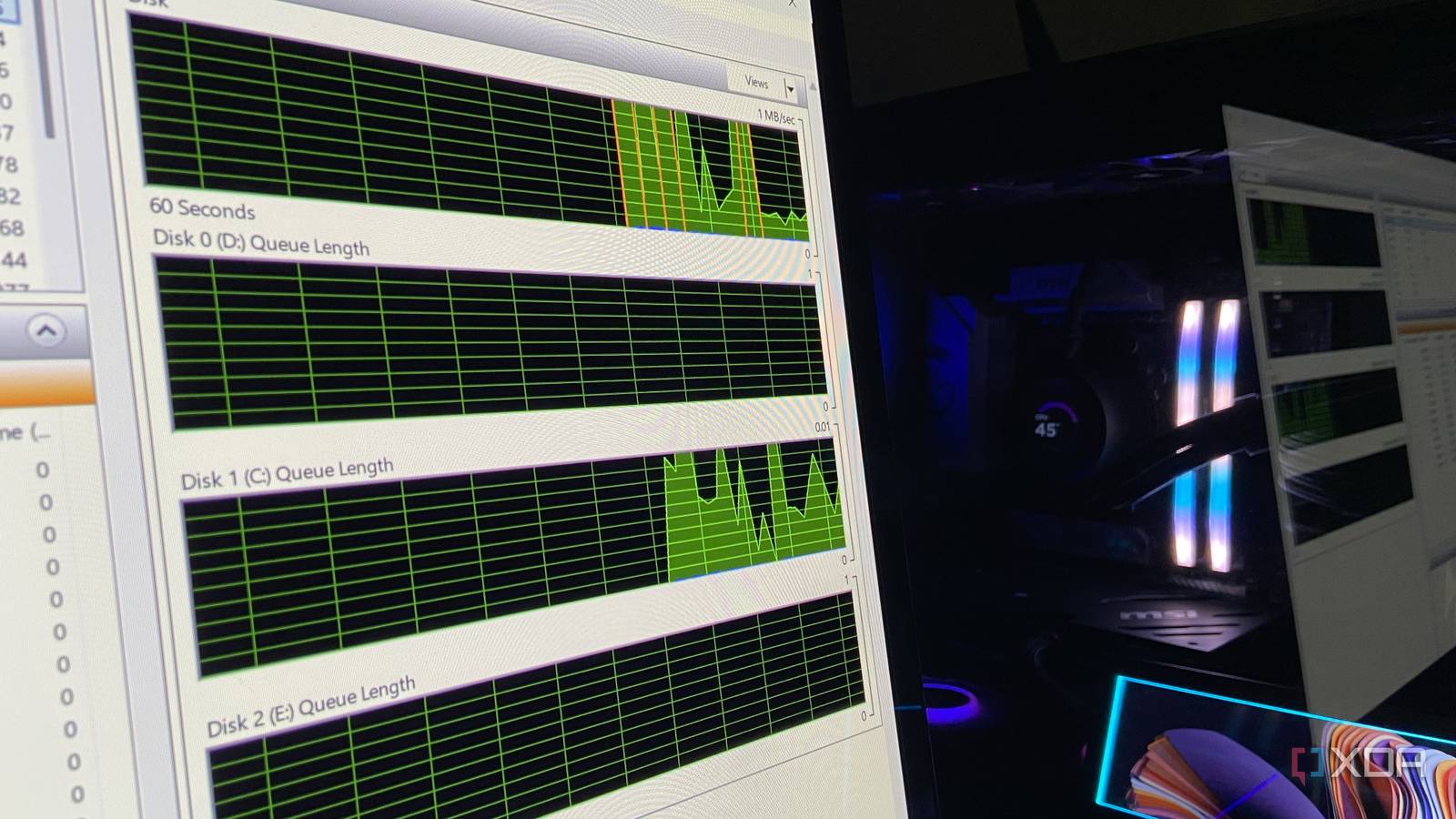
Published Nov 19, 2026, 12:01 PM EST Abhinav pivoted from a career in banking to pursue his first love in writing. Even while working full-time, he continued contributing as an editor-at-large, a role he has held for more than 7 years. A lifelong tech enthusiast who has built three gaming and productivity powerhouse PCs since 2018, his passion for technology keeps him closely following the semiconductor industry, from NVIDIA and AMD to ARM. His MSc dissertation explored how artificial intelligence will reshape the future of work, reflecting his curiosity about the wider social impact of emerging technologies. Recently, AMD's notorious SSD-write bug made the rounds in news and consumer forum circles. Radeon graphics card owners caught the AMD External Events Utility, which is a service bundled with AMD's graphics driver, writing to their SSDs non-stop with nothing open. AMD was quick to ship a fix, and its 26.11.1 driver landed on November 12. Since my PC has a Ryzen 5 7600X with integrated graphics, I checked my own PC to rule the issue out, and found that the utility had barely written 12KB. The unlikely surprise that I found waiting for me, however, was my RTX 4070 Ti Super's driver. Its NVDisplay.Container.exe process showed me a whopping 98GB of writes since my last boot, and Resource Monitor found it rewriting one log file at about 4MB/s while the desktop sat at idle. None of that seemed like usual behavior, and I decided to investigate further. Here's what's happening, and how to stop it. Nvidia's newest drivers keep rewriting one log file on your SSD The Display Container service writes gigabytes to it even when your PC is idle A graphics driver has no reason to write gigabytes to an SSD when nothing is running, so the first thing I wanted to know was what file that was. Resource Monitor showed the full path on my PC as C:\ProgramData\NVIDIA Corporation\nvtopps\nct\nvlog.nvlgstg, which is a log file that belongs to the Nvidia Display Container LS service. This service is the plumbing behind the Nvidia Control Panel, so it installs and runs with the driver whether you ever open the Control Panel or not. It doesn't exactly need a game running to start writing, either. At the rate Resource Monitor showed, that one file accounted for tens of gigabytes every few hours on a PC that's doing essentially nothing. My Crucial T500 is rated for 600TB of writes, so one log file won't kill it overnight, but that's also endurance spent on a singular log I never asked for. GeForce RTX owners on 621.14 and 621.24 are reporting the same writes The bug arrived with 621.14, and 621.24 still hasn't fixed it It wasn't until I dug further that night I realized that I wasn't the first one to spot this activity. In Nvidia's feedback thread for driver version 621.14, one user had already documented the same process rewriting the same file at roughly 5MB/s on an idle desktop. Their SSD's SMART counter matched what Windows reported, so these were actual disk write operations on the drive. On a clean installation of the earlier 621.01, the very same file barely moved. Updating to the newer version 621.24 didn't change anything on my PC. After five days and 17 hours on the new driver, Task Manager credited NVDisplay.Container.exe with 1.4TB of write I/O, more than 25 times what every other process on my system had logged, combined. For context, this counter tallies every write the process issues rather than what the SSD records, but Resource Monitor still showed it rewriting nvlog.nvlgstg at around 2MB/s. A thread on r/pcmasterrace has since filled up with similar reports from users, including from people on 621.24. One laptop owner reported about 20GB of I/O writes per day, and several users said rolling back to 621.01 stopped it. Others on the same drivers saw nothing, so it's unclear whether this issue affects every PC. The most upvoted fix on the same thread suggested turning off Nvidia Highlights, but some users with Highlights or the entire overlay switched off still reported the writes. Instant Replay does buffer video to a temporary folder by design, so the file path is what separates the two. Resource Monitor shows if your PC is affected And the fix takes a single rollback to driver version 621.01 To check if your PC is similarly affected, you'll need two minutes of time and Resource Monitor. To launch it, you'd have to hold Win + R, type resmon, and then open the Disk tab. Then, tick NVDisplay.Container.exe under Processes with Disk Activity, and then look at the Disk Activity panel. If nvlog.nvlgstg keeps popping up with a steady write rate while your PC is idle, you are affected. One workaround from the original forum report is to stop the service, delete the log, and start it again. In the forum report, that cut the process's writes by 91% at first, but the file began growing again within minutes, with the rewriting getting progressively heavier as it grows. As such, the only reliable fix is to roll back to 621.01. It is the last driver users have reported as clean, and several stated the writes stopped after going back. You'd have to find it through Nvidia's Advanced Driver Search, choose Custom, and tick the clean installation box. This isn't the first time this issue has affected GeForce users Credit: Nvidia Corporation. In 2021, users caught NVDisplay.Container.exe writing to disk incessantly after updating to driver 471.68, and a Linus Tech Tips forum thread reported over 100GB of writes per day. Nvidia's release notes for version 471.96, dated August 31, 2021, listed the fix under bug 3350171, stating that it had stopped NVDisplay.Container.exe from constantly writing data to a file called nvtopps.db3 in the same nvtopps folder that holds today's log. Five years later, the very same process is at it again. Unlike AMD, Nvidia hasn't acknowledged it at the time of writing, and the 621.24 release notes list no open issues. Until a fixed driver arrives, it's prudent to stay on 621.01 and check resmon after each new driver.
Nvidia’s newest driver has been quietly writing gigabytes to my SSD, and one fix stops it
Full Article
Original Source
Read the full article at Xda-developers →KhanList aggregates and links to publicly available news content. We do not host full articles from third-party sources. Always verify important information with original sources.