
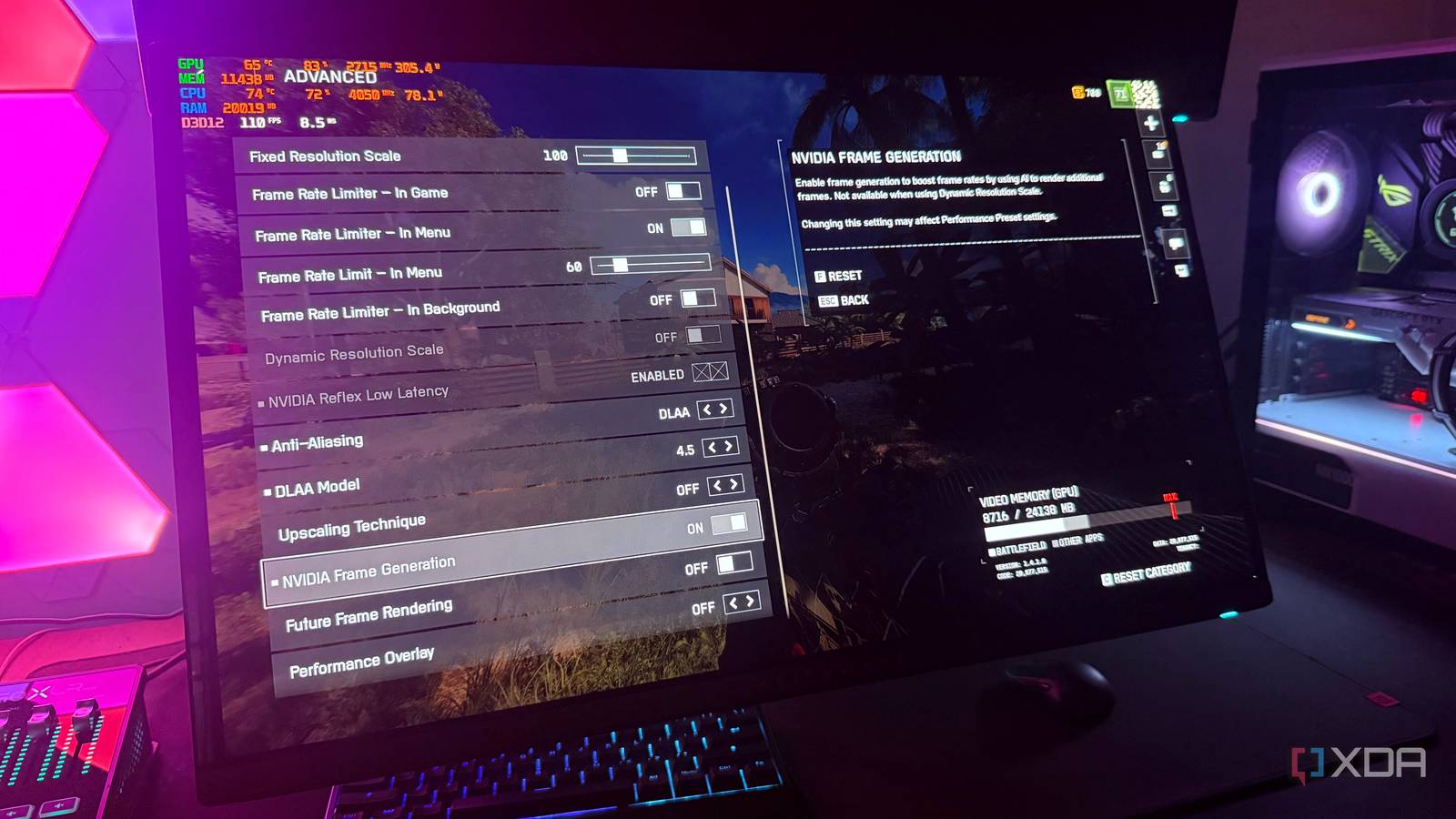
Published Nov 22, 2026, 12:00 PM EST Hamlin has been in the tech field for over nine years. Since 2017, his work has appeared on MakeUseOf, Android Police, OSXDaily, Beebom, and more. He served as the Senior Editor at Valnet's MakeUseOf for over two years before joining XDA. He uses a high-end gaming rig for desktop use and a MacBook for traveling, but dislikes some of the quirks of macOS. You're more likely to catch him at the gym or on a flight than anywhere else. One of the first features I tried out as soon as I got my hands on my RTX 4090 four years ago was DLSS Frame Generation. Nvidia made it a big deal back then, but I was skeptical. And as I expected, the higher frame rates didn't feel anything like a native FPS boost. Frame generation has only gotten better since then, with improvements to image quality, fewer visual artifacts, and support for up to 6X Multi Frame Generation on RTX 50-series GPUs. Still, my stance on this feature hasn't changed all that much. It's worthwhile in slower, single-player titles when your base frame rate is decent, but anything fast-paced is a no-go for me. So when Nvidia announced a "faster" performance mode for Frame Generation, I wondered if it would address one of its core drawbacks. But as it turns out, the word "faster" doesn't mean what I was hoping it would, and the new preset comes with a trade-off of its own. Preset C makes Frame Generation less demanding You can hit higher frame rates, but responsiveness is still mostly the same Nvidia uses two AI models for DLSS Frame Generation, one of which relies on game data such as motion vectors and depth information, while the other calculates optical flow to estimate how pixels move between frames, particularly for UI elements and ray-traced effects. The latter model is what's being replaced with a "lighter and faster algorithm" to improve Frame Generation's performance. Now, Nvidia says this new preset is up to 35% faster on the RTX 5060, but I'd take that with a grain of salt. Because when I tested Preset C on my RTX 4090, the FPS improvement was a mere 5% compared to the older Preset B. I don't have an RTX 50-series card to test it with MFG, but Digital Foundry's testing showed that the gains get better at higher multipliers, with close to 10% improvement at 4X and close to 20% at 6X. There's an ever so slight improvement in latency, but it's only worth talking about at 4X and 6X. Even then, that improvement isn't enough to make the game feel as responsive as running at those frame rates natively. You can enable Preset C from the Nvidia App by going to Graphics -> Global Settings -> DLSS Override - Model Presets > Custom -> Frame Generation and selecting it from the dropdown. But before you start using it, let me tell you what you'll be giving up in return. The trade-off is image quality Specifically, the quality of interpolated frames There's a reason Nvidia calls Preset C a "performance mode" rather than a straight upgrade over Preset B. Nvidia says the faster algorithm comes with a slight hit to image quality, almost like you're running an older iteration of frame generation. For instance, Preset B, which is what we've all been using until now, brought improvements to how 2D elements like subtitles and HUD elements are interpolated. With Preset C, moving text can look like it's being interpolated using basic frame blending. Don't think the differences are limited to UI elements, though. Preset C also struggles with fast-moving objects and particle effects, as well as textures on walls when you're quickly panning the camera. To be fair, you'd have to slow the footage down and compare both presets side by side to actually notice the difference. So I doubt most of you would even care, especially once you see your FPS counter slightly improve. But considering the latency difference is negligible at 2X, I'd rather stick with Preset B than take that visual hit. It's mainly for those using Multi Frame Generation But at that point, you're already relying heavily on generated frames Credit: Nvidia You'd think this preset is for those trying to get a little more FPS out of frame generation at 2X, but no. Preset C taking my FPS from 100 to 105 isn't really going to make a noticeable difference. At higher multipliers, you're getting a bigger bump, especially at 6X, where Digital Foundry saw a near-20% improvement. The latency improvement is also most significant at 6X, which is why this new performance mode makes more sense for those with RTX 50-series cards. That said, overlooking the visual artifacts isn't going to be all that easy. At 4X, three out of every four frames are generated frames, and at 6X, 83% of the frames you're seeing are generated. Even on Preset B, you're going to notice artifacts with these multipliers, particularly during fast-paced scenes. So switching to a preset that sacrifices image quality further might not be a great idea. But I get it; if you're actually using 6X, you probably care more about how high your FPS goes anyway. It still comes down more to your base frame rate than anything else Although this is a welcome addition, it doesn't change how I feel about Frame Generation at all. The latency improvement, even at 6X, isn't going to suddenly make games feel like they're running at frame rates you're seeing on screen. Responsiveness is still closely tied to your base frame rate, so speeding up one part of the frame generation pipeline isn't enough to stop inputs from feeling slightly off. Ultimately, your base frame rate still has a much bigger influence on your experience than the preset you're using. The higher it is, the less reason you'll have to use 4X or 6X.
Nvidia's new Frame Generation preset is faster, but there's a catch
Full Article
Original Source
Read the full article at Xda-developers →KhanList aggregates and links to publicly available news content. We do not host full articles from third-party sources. Always verify important information with original sources.