
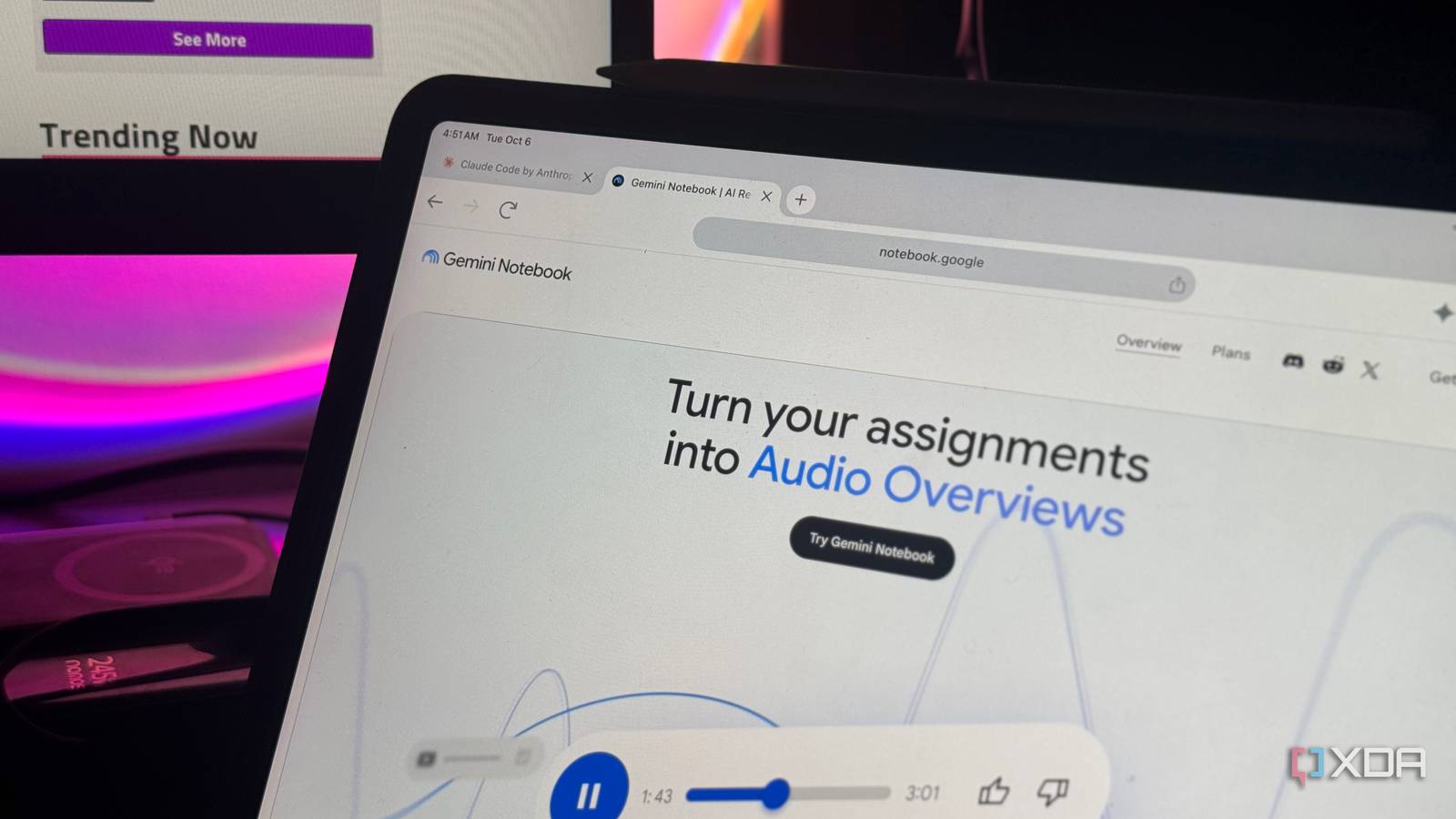
No matter how many AI tools I try (which, I can tell you, is a lot), NotebookLM has a special place in my heart. It ticks all the right boxes, has features I instinctively reach for when I'm studying or researching, and has slowly become one of those rare all-rounder tools that I don't have to force into my workflow. Sure, Google deciding to change its name to Gemini Notebook might not have been my favorite moment, and there are a few decisions here and there that I don't quite appreciate. However, when it comes to actually helping me study, very few AI tools have managed to stay this consistently useful. With Google's latest batch of study-focused features, it's somehow become even harder to replace and puts paid apps to shame. Google added four new ways to study with NotebookLM There’s one catch, though A few weeks ago, Google added a bunch of new features to Gemini Notebook to start off the new academic year strong. In addition to bringing back the free Google AI Pro student offer the company announced last year, it introduced four new ways to study with NotebookLM: Interactive Learning Overviews, improved quizzes, voice chat, lecture recording, and Short Video Overviews. While some of these features are obvious from their names themselves, and I'll talk more about each below, a caveat I do need to mention upfront is that you might not have access to all of them just yet. Google has been gradually rolling them out across different plans and platforms, so what shows up in your tool right now might look slightly different from mine. To be more clear on availability, Interactive Learning Overviews and the new quiz formats are rolling out to all users, so you don't need a paid Google AI plan to use them. Short Video Overviews are available on the free tier too, though free accounts naturally have lower usage limits. Voice Chat is a little more complicated. Google has mentioned that it'll first roll out to Google AI Ultra subscribers before making its way to Google AI Pro users and others. The company has a history of doing so, which suggests the feature will most likely be available more broadly eventually. Voice Chat is ridiculously handy for study sessions It’s like having a study buddy who actually read the material I've always been the kind of student who learns best when studying with people. The reason for this isn't because it's more fun. More often than not, it's more distracting than fun! The biggest reason why is that asking questions is extremely, extremely easy. If I'm stuck on something, I can simply ask a friend and get an explanation right then and there. At the very least, if they don't know the answer, we'll be confused together! If you're a student or have ever sat down to learn something, you may have also heard of the Feynman Technique. The basic idea is that one of the best ways to figure out whether you actually understand something is to try explaining it in simple terms. The second you stumble over an explanation or realize you can't answer a follow-up question, you've found a gap in your understanding. That's exactly why Voice Chat has been so useful for me. Just as the name suggests, the feature lets you have a real-time conversation with your notebooks. Unfortunately, this feature is only available on the Android and iOS mobile apps. It's basically the equivalent of Gemini Live, except instead of having a general conversation with Gemini, everything stays grounded in the sources you've added to your notebook. This means I can ask a question about something in my notes, interrupt when an explanation isn't making sense, ask it to simplify a concept, or keep following up until I understand it. The grounding aspect is especially important to me, and I did find that I could technically break it in some ways. For instance, the tool can use your existing conversation history as a source of context, so information introduced during the conversation can sometimes make its way into later responses even if it isn't explicitly present in your notebook's sources. As an example, though me telling it about XDA in a Live conversation and then following up about it did nothing, going to the regular Chat and mentioning XDA there first meant Voice Chat could then pick up on that context when I switched back over. However, the concept is something I'm a huge fan of. With a lot of sources in a notebook, there are inevitably going to be moments where I don't understand something or need a concept explained differently. Being able to ask about it immediately and keep the conversation going until it clicks feels much closer to an actual study session than repeatedly typing questions into a chat box. It doesn't quite replace studying with another person, but it gets very close to the part I find most useful. The new recorder makes anything a source All the pieces finally talk to each other The new audio recorder is probably the most self-explanatory addition of the bunch. Despite Google positioning it heavily around lectures, you can really use it to record anything you want and turn it into a source for your notebook. That could be a lecture, a meeting, a conversation, or even just you talking through an idea out loud. NotebookLM could already work with uploaded audio files, transcribing them and saving the text as a source. The recorder essentially builds on that capability by cutting out the middle step. Instead of recording something in another app, saving the file, and then uploading it to NotebookLM, I can now record it directly from the mobile app and have it added to the notebook alongside everything else. Beyond finding this handy for lectures and meetings, it's also a good way to quickly get thoughts out of my head and into a notebook. If I have an idea, remember something I want to look into later, or just want to talk through a concept, I can record it on the spot and have it become part of the same source collection I'm already working with. As someone who uses NotebookLM to maintain what I call an everything notebook, I couldn't really ask for a more convenient way to keep adding to it. Interactive Learning Overviews bring all my study materials together All the pieces finally talk to each other One problem with NotebookLM is that all the features it ships with can begin to feel a little fragmented. Don't get me wrong, most of them are incredibly useful. Audio Overviews, Mind Maps, Infographics, Flashcards, Quizzes, and Slide Decks all solve very different problems. The issue is that you're still the one figuring out which one makes sense at any given point in a study session. That's exactly what Interactive Learning Overviews try to fix. Rather than having all of those features sit alongside each other, they essentially act as a layer on top of them, pulling everything together into one structured study experience. I'm not going to go into as much depth on this feature as I did with Voice Chat since I've written an entire piece breaking down how Interactive Learning Overviews work. However, the basic idea is that NotebookLM builds a guided study session around your sources instead of leaving you to piece one together yourself. For example, I have a notebook for my Discrete Structures course filled with lecture slides, assignments, reports, web resources, and pretty much everything else I've accumulated so far. The Learning Overview NotebookLM generated for it split everything into sections covering topics like propositions, logical arguments, logic gates, sets, relations, and functions. More importantly, it then recommended different NotebookLM tools depending on what I was learning. It suggested a Mind Map for logical connectives, Flashcards for implications and arguments, a Slide Deck for digital logic, an Infographic for set theory, and an Audio Overview for functions. Once I'd worked through everything, it recommended a Quiz covering the material at the end. That's the part I like most: instead of me deciding which of NotebookLM's many tools I should reach for next, the Learning Overview does a lot of that thinking for me. Short Video Overviews are Reels for whatever I’m studying My attention span finally gets a feature Unfortunately, I'm one of the many affected by all the brainrot on Instagram and TikTok, and my attention span has certainly taken a hit because of it. Sitting through a long explanation isn't always what I want when I'm just trying to get the gist of something quickly. I've been a huge fan of Audio Overviews and then Video Overviews for this reason, since they let me consume whatever I want to digest in an easy, low-effort way. However, the attention span comes into play yet again. Even with Video Overviews, there are times when I don't want to sit through something several minutes long just to understand one concept. That's where Short Video Overviews make a lot of sense. They condense the same source-grounded idea into a roughly 60-second explainer, which makes them feel a lot closer to the kind of short-form content I'm already used to consuming. While all of NotebookLM's new features are great, my only true complaint is that most are limited to its mobile apps in some way. I avoid using my phone to study since I get distracted far too easily, so having features like Voice Chat and the recorder tied to mobile makes them less useful to me than they otherwise could be. I'd love to see Google bring more of that functionality to the web app, especially since that's where I already spend most of my time using NotebookLM.
NotebookLM's new study features cost $0 and outperform apps people pay $15 a month for
Full Article
Original Source
Read the full article at Xda-developers →KhanList aggregates and links to publicly available news content. We do not host full articles from third-party sources. Always verify important information with original sources.