
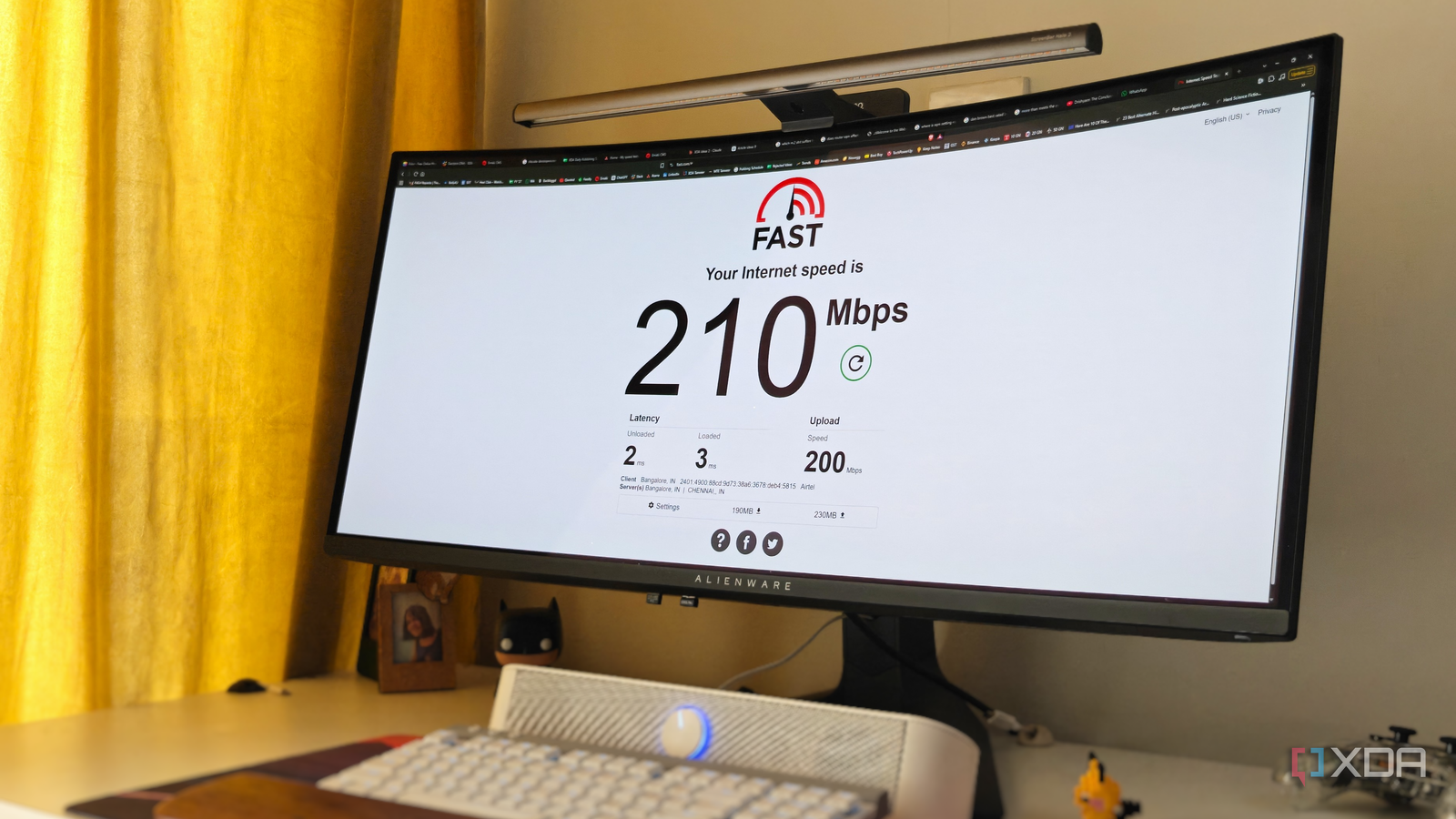
Published Sep 9, 2026, 1:00 PM EDT After a 7-year corporate stint, Tanveer found his love for writing and tech too much to resist. An MBA in Marketing and the owner of a PC building business, he writes on PC hardware, technology, and Windows. When not scouring the web for ideas, he can be found building PCs, watching anime, or playing Smash Karts on his RTX 3080 (sigh). There are plenty of guides about optimizing your Wi-Fi performance. I had tried almost everything on mine, including changing the DNS servers and reducing the router's transmit power. Still, my connection hit a wall now and then, seemingly for no reason. Wi-Fi wasn't the only thing suffering; even the Ethernet connection on my PC didn't quite feel rock-solid. That's when I checked my connection for bufferbloat, and figured out that the setting I should have changed all along was SQM, or Smart Queue Management. This feature prevents your router's packet buffer from being backed up, which can create latency in games, video calls, and even regular browsing. I couldn't pinpoint why my connection just gave up sometimes I had admitted defeat My 200 Mbps plan has been more than enough for my use case. I don't have too many devices in the house; it's just my PC, an iMac, two phones, two laptops, and a smart TV. There are no home automation devices dragging the Wi-Fi down either. On top of that, I switch the wireless channel every now and then based on a fresh scan, and even enabled basic QoS on the router. While the Wi-Fi connection remained stable and fast enough most of the time, there were instances where it mysteriously slowed down. My Instagram feed started buffering, YouTube on TV wasn't responsive enough, and even my WhatsApp uploads took longer than usual. Wi-Fi is one thing, but even my PC's wired connection felt subpar sometimes. The download speeds were fine, but webpages took slightly longer to load. This is the kind of infrequent behavior that's hard to explain or pinpoint to a specific culprit. I assumed it was just one of those unsolvable internet issues until I realized I hadn't checked for bufferbloat. SQM was the setting I had been ignoring all along It had the biggest impact on my connection Smart Queue Management (SQM) was something I didn't think I needed. After all, I was rarely pushing even my 200 Mbps connection to its limits. However, the few instances when my connection slowed down could be linked to the times when a heavy download or 4K stream was hogging all the bandwidth. The router's buffer or queue was filled up, and any additional packets were being held in the buffer, creating a perceptible lag. This phenomenon is called bufferbloat, where your router doesn't drop data packets, but leads to high latency, despite speed tests showing everything is normal. QoS can help prioritize traffic, but SQM is what truly attacks bufferbloat, breaking up a single packet queue into smaller sub-queues for every data stream. It automatically detects time-sensitive traffic from online games, video calls, or webpage requests, pushing them to the front of the queue. You can find SQM under the advanced network settings on your router's admin page. To enable it, you'll need to enter your actual download and upload speeds. These should be 85–90% of the tested numbers, so that your router becomes the traffic manager instead of depending on the router-ISP link. Your maximum bandwidth will be reduced, but the latency benefits that you'll experience will be worth it. Once I had activated the setting on my router, I started seeing the impact on both my Wi-Fi and Ethernet performance. 4K streams started buffering less, doomscrolling became snappier, and my internet felt more responsive overall. If your ISP router doesn't expose SQM, you'll need an aftermarket router with firmware that supports CAKE or FQ-CoDEL algorithms needed for true SQM. Bufferbloat silently makes your connection sluggish The problem with bufferbloat is that you can't easily detect it. It doesn't show up frequently, and even when it does, you often attribute the impact to something else. Fixing it with SQM in the router's settings was something I got around to quite late in the diagnosis stage, after I had tried almost everything else. If you're facing unexplained slowdown on your network, start with SQM if you've ticked the basics already.
My speed tests were perfect, but my connection still felt awful, and one queueing setting explained it all
Full Article
Original Source
Read the full article at Xda-developers →KhanList aggregates and links to publicly available news content. We do not host full articles from third-party sources. Always verify important information with original sources.