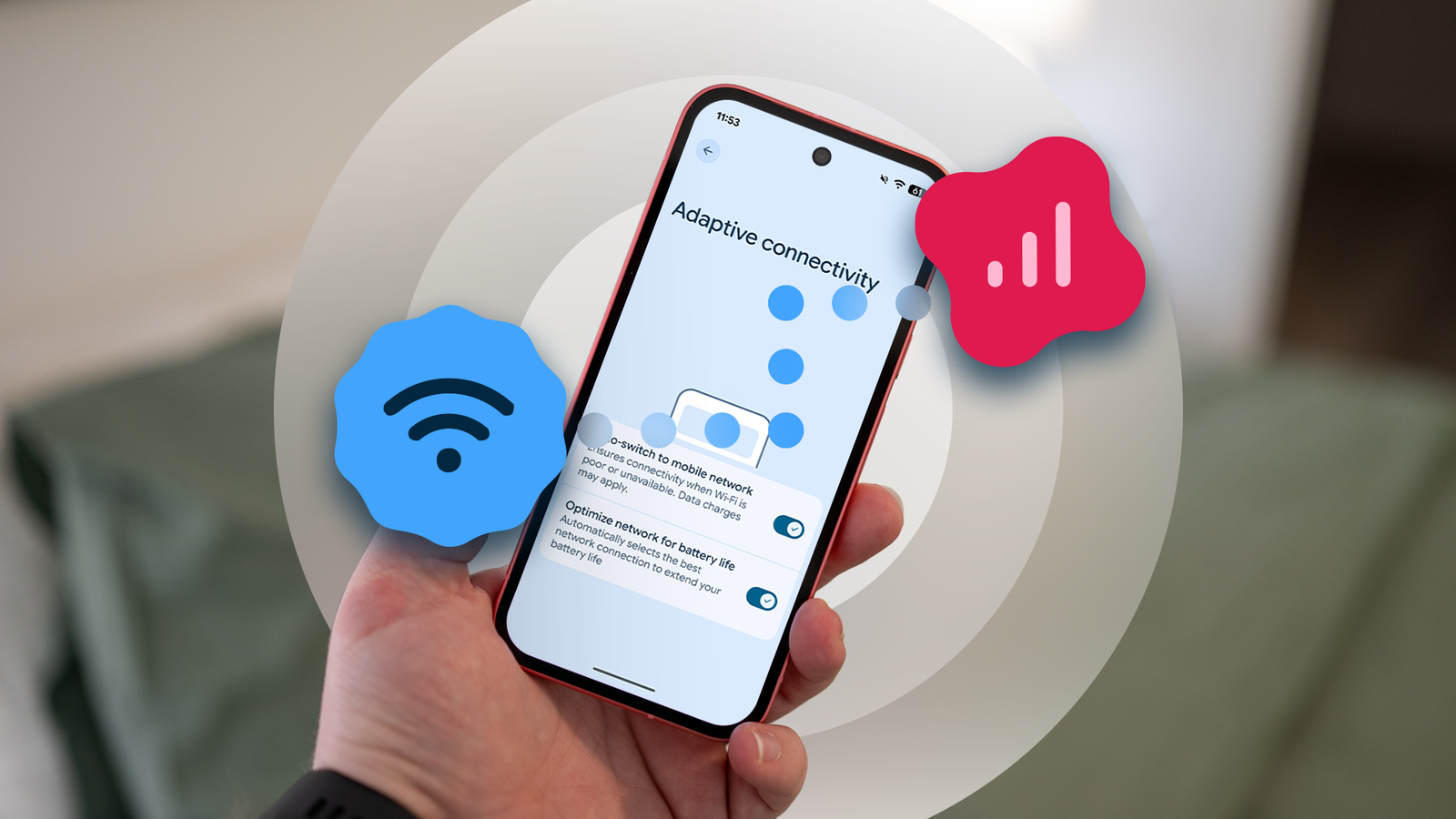
Published Jul 30, 2026, 7:00 AM EDT Oluwaniyi Raji is a tech content specialist who covers consumer technology, software, and digital tools. He has published over 300 articles for outlets including BGR (Boy Genius Report), MakeUseOf, TestGorilla, and Vervoe, focusing on helping readers make informed decisions about the technology they use. His work combines technical accuracy with practical buying advice. When he’s not writing, Oluwaniyi enjoys exploring new productivity tools and watching football. 2026 has been a busy year for Google Pixels, with Android 17 finally here and more big-ticket releases still on the way. The highlight of my year, though, is a small change that arrived with almost no fanfare, but fixed a problem I'd been managing for years. Since it showed up, I've had a love-hate relationship with Adaptive Connectivity. It bundles a truly useful battery-saving tool with an automatic network switch I've never liked or wanted. So I spent ages watching the status bar every time I loaded a YouTube video or settled onto the couch for a TikTok doom-scroll, waiting to catch the moment my phone made the switch. Adaptive Connectivity and the single-toggle problem Some things work better apart Battery management on the Pixel has always been about knowing which toggles to change and, for most people, Adaptive Connectivity is one of the important ones. The feature balances performance against battery use for all connectivity settings by monitoring your connections and switching or disabling features when the context calls for it. That covers things like easing off aggressive 5G signal searching in areas with weak coverage. More relevant to my situation, the auto-switch part waits until you're on a Wi-Fi network, then automatically drops to mobile data whenever it decides the signal has become too weak to hold. That's the behavior I take issue with. When I connect to Wi-Fi, that choice is deliberate, and when I want mobile data, using it is deliberate as well. I don't want my phone overruling either decision on my behalf because a bar or two dropped for a moment. My Wi-Fi is fine, but with several PCs and other devices sharing it, brief dips are unavoidable, and I'd rather wait a couple of slow seconds than use up the data I didn't intend to spend. This constant second-guessing goes against the set-it-and-forget-it convenience that attracted me to the feature. The update that finally fixed it With some welcome transparency, too While I was unsatisfied with the state of affairs Adaptive Connectivity was stuck in, I never put much thought into a fix. I accepted that we were stuck taking the good with the unnecessary. I also knew most people were happy with the setting, and that auto-switching genuinely helps plenty of users who'd rather stay connected than save a little data. It never occurred to me that one small change could give everyone what they wanted, until Android 16's QPR3 update reworked the feature. It turned up in the February beta and reached everyone with the stable Feature Drop in early March. Google added two things to the Adaptive Connectivity screen, and the first was a long-overdue split between the two behaviors. In place of a single Use Adaptive Connectivity switch, there are now two toggles. One is labeled Optimize network for battery life, and the other is a separate Auto-switch to mobile network. The description under the auto-switch toggle now makes it clear that "Data charges may apply." That warning was missing from the old interface. Between the plain-language note and the split itself, even a newcomer on a capped plan can now sidestep the problem I dealt with for so long. Lower-power connections without touching my data The half of the feature doing the actual battery work I've never had a problem with the optimization half of Adaptive Connectivity, and it's the one doing the actual battery work. It watches what you're doing and uses the most power-efficient connection that still gets the job done. When you don't need the speed, it can drop you from 5G to 4G, since the faster radio uses more power for no real benefit while you're reading messages or letting the phone sit idle. Now that the two behaviors are split, I finally get that saving on its own, without the auto-switch tagging along and dragging my data cap into it. Battery savings, minus the babysitting Both toggles were switched on by default when I first opened the menu, which is the right call for the average user. I turned auto-switch off, left the battery optimization on, closed settings, and waited to see what would happen. It performed exactly as I'd hoped. Even during noticeable drops in my Wi-Fi strength, mobile data now stays off unless I switch it on myself, and my battery life is as good as it ever was. You reach these options under Settings > Network & internet > Adaptive connectivity, if you want to set them up the same way. I doubt I'll ever change them again. I still think the old bundled behavior suits most people fine, and the point was never that auto-switching is bad, only that it no longer has to be an all-or-nothing deal for the smaller group who never wanted it. More than the battery savings, what I appreciate is the control, and I'd happily have more features being split for finer user control wherever Google can manage it.
My Pixel's network switching drove me crazy until Google split one setting in two
Full Article
Original Source
Read the full article at Androidpolice →KhanList aggregates and links to publicly available news content. We do not host full articles from third-party sources. Always verify important information with original sources.