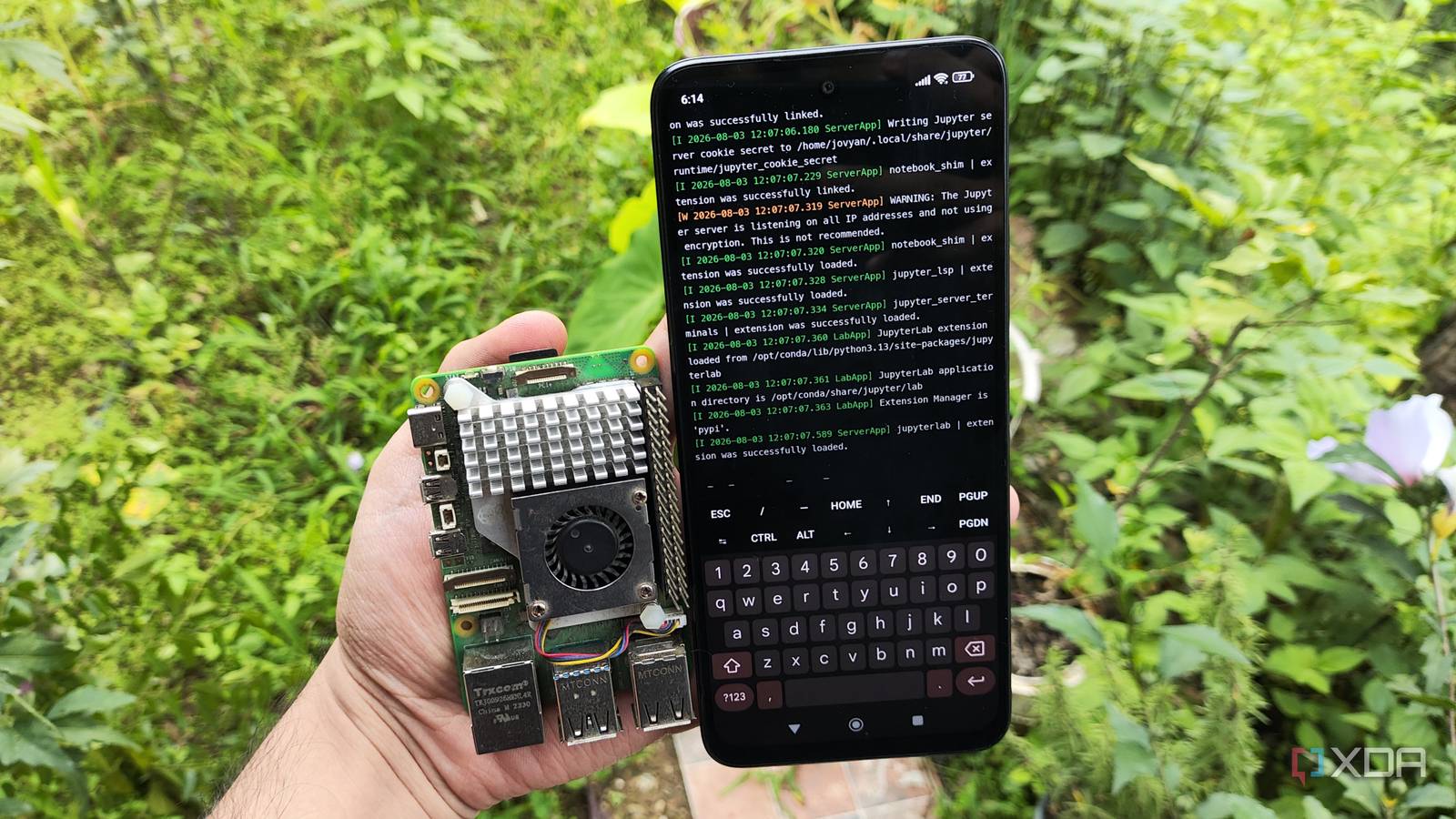
Published Aug 4, 2026, 2:00 PM EDT Ayush Pande is a PC hardware and gaming writer. When he's not working on a new article, you can find him with his head stuck inside a PC or tinkering with a server operating system. Besides computing, his interests include spending hours in long RPGs, yelling at his friends in co-op games, and practicing guitar. With the prices of Raspberry Pi single-board computers hitting the red zone, I’ve started contemplating other devices that can scratch the same DIY itch. Mini-PCs and thin clients, for example, are significantly more powerful than Raspberry Pi boards, and the refurbished ones don’t cost a lot, either. However, I wanted to look for something even cheaper, which is when I had a shower thought about using an old Poco M6 Pro as a Raspberry Pi replacement. On paper, modern smartphones have plenty of sensors built into them, and since I already have one lying around, I figured I could try using it for cool projects. Although I had some success, there are certain Raspberry Pi experiments that I just can’t replicate on my Android device without spending hours fighting with the built-in restrictions and potentially causing certain apps to become inaccessible on my system. Thanks to Termux and Podroid, my old phone can run quite a few home server utilities The latter is a powerhouse for experimenting with containers on Android Contrary to how things were in the early 2010s, manufacturers have started locking down their Android offerings significantly more, to the point where I was hesitant about whether I could deploy simple self-hosted tools on my phones. Fortunately, it’s still possible to access the terminal emulator Termux on non-rooted devices, and it’s how I began tinkering with PRoot. If you haven’t heard of it, PRoot provides a chroot-like environment where I can deploy Linux applications even as an unprivileged user. I’ve used it to configure a few Linux distributions, including Debian, Alpine, and Fedora, and they work decently well with CLI Linux utilities. Then there are the applications I’ve deployed directly inside Termux. Nextcloud, for example, can be configured on Termux without too much hassle, and although I currently have a Proxmox LXC hosting this Office 365 killer on a mini-PC, even a budget-friendly phone shouldn’t have performance issues when hosting it. The rest of my self-hosted stack works thanks to UDocker (specifically the Termux-based script repo created for it by developer George-Seven) and Podroid, with the latter providing a neat virtual machine where I can tinker with conventional containerized environments. Unfortunately, there’s a certain set of services that I just can’t run on this setup, and they all revolve around security ports. That said, deploying Pi-hole on Android is too much of a hassle High-privilege Docker environments just don’t work on typical non-rooted phones Docker failing to deploy a Pi-hole container Although Podroid lets me self-host quite a few services, anything requiring access to privileged ports is impossible on my non-rooted setup. Before you call me out for it, let me add that I used to be the guy who’d root his Android phone the day I’d buy one, partly so I could satisfy my anti-bloatware cravings, and also because I wanted full control over my devices. Unfortunately, the situation has changed significantly since then. Between Google clamping down hard on rooted setups and abysmally few custom ROMs that are actively maintained by devs, I had no choice but to rely on a non-rooted phone for this project. And that’s before you include the fact that many apps outright refuse to run on rooted Android phones, which is quite a hassle since my M6 Pro isn’t so outdated that it can’t run essential apps. Since ports under 1024 are classified as system ports and require elevated privileges before I can connect them with Docker environments, I can’t go around hosting services that require them on my smartphone. Pi-hole is one such tool, as it requires access to port 53. Sure, I could try configuring it to a higher port, but the DNS clients in my home lab try to seek port 53 by default. Even if Pi-hole would technically run with this workaround, my devices won’t be able to send traffic requests to the higher numbered port, and I’d end up breaking Internet connectivity across multiple devices if I were to use my phone as a DNS sinkhole. Raspberry Pi SBCs can handle Pi-hole without breaking a sweat I had mine running off a “mere” RPi Zero back in the day Unlike my smartphone, Pi-hole works well even on the cheapest Raspberry Pi single-board computer out there, and I don’t have to look into weird workarounds just to deploy this DNS sinkhole. Of course, tossing additional Docker containers used to cause high CPU usage on my Raspberry Pi Zero, but a simple Pi-hole setup worked pretty well on these tiny systems. Once I moved to my Raspberry Pi 5 (8GB), I was even able to host WireGuard, NetAlertX, ntopng, and a handful of other services without causing its temps and resource consumption metrics to hit the red zone. Pi-hole OS Linux Price model Free
My phone can't replace a Raspberry Pi for this home server project
Full Article
Original Source
Read the full article at Xda-developers →KhanList aggregates and links to publicly available news content. We do not host full articles from third-party sources. Always verify important information with original sources.