
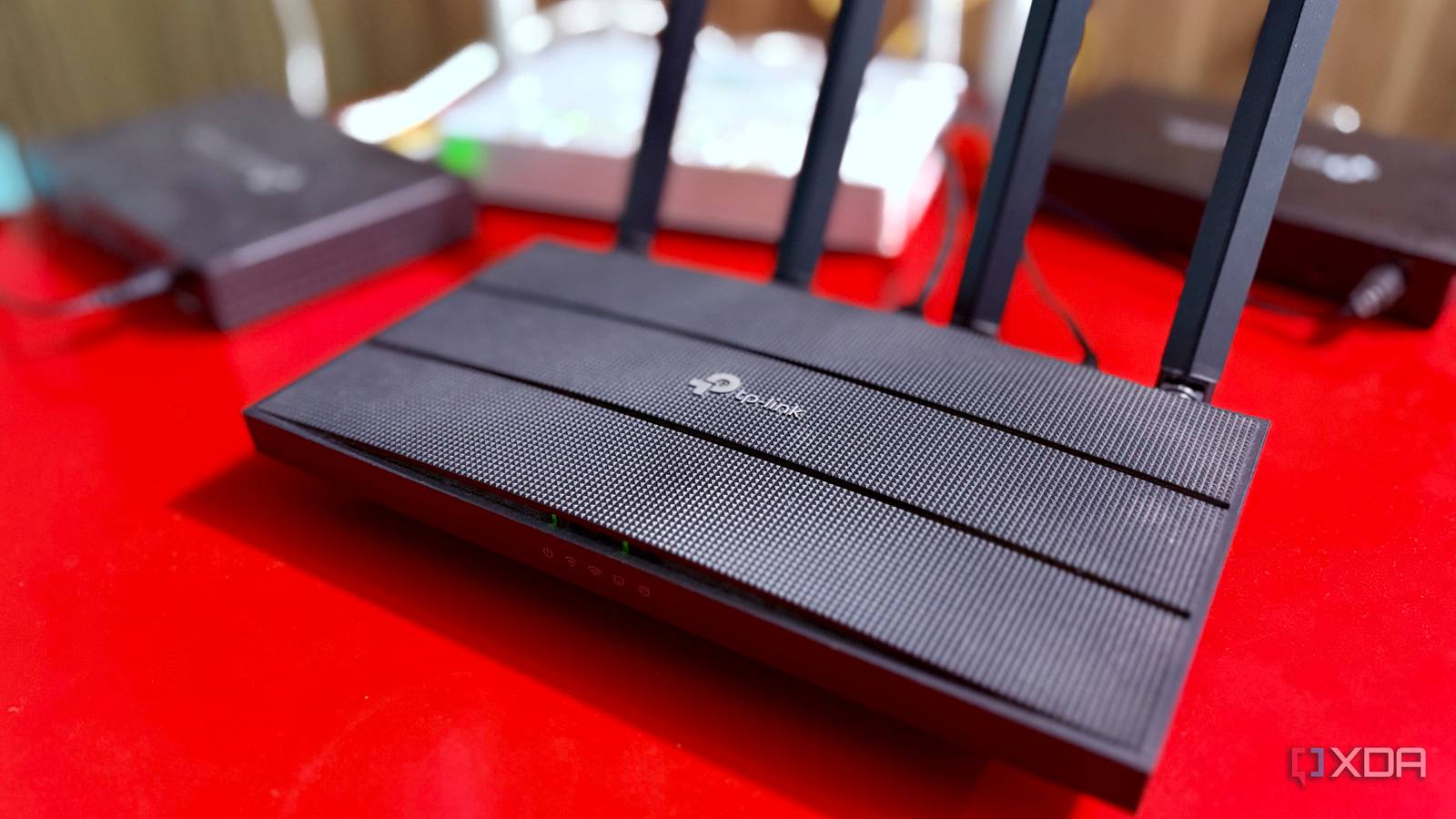
Published Sep 20, 2026, 1:00 PM EDT Shekhar Vaidya is a veteran technology journalist and computer science engineer. He is the founder of TechLatest, where he has spent years providing technical analysis on hardware and Windows ecosystems. Now a Computing Writer at XDA, Shekhar leverages his deep background in NAS, storage solutions, and PC internals to help readers master their tech. My old TP-Link Archer C6 should have been in a drawer gathering dust. With my homelab, my home network had grown past it, making the router obsolete. Not because it was broken or unusable, but because it had been replaced by more advanced hardware like a multi-WAN gateway and a switch. I started using the C6 as a dumb AP, since TP-Link’s stock firmware didn’t let me use useful features like channel width in AP mode. Using the stock firmware also meant leaving perfectly good hardware underused. That's when I decided to wipe the stock firmware and flash a custom one. My old router was doing the wrong job It still worked fine — for a job I didn't need done anymore A year of homelabbing changed my home internet setup more times than I can remember. I started with just an ISP ONT-cum-router and later added a TP-Link Archer C6. Today I have two ISPs, one dual-WAN gateway router, one switch, and multiple APs. The Archer C6 had been a perfectly adequate router, but once my home network became more complex, it slowly faded as my dual-WAN ER605 gateway took over routing and the SG108E took over wired distribution. The C6 became a dumb AP, and TP-Link’s AP mode killed all the functionality that made me buy it in the first place. I could use the C6 in router mode, but my case was a bit complex. My ISPs were already behind CGNAT, so the ER605 added one layer of NAT on top of that, and the C6 in router mode could have added another, making my connection triple-NAT’d. For months, I used the C6 as an AP, which meant giving up features I actually wanted, like VPN and custom DNS. I am not arguing whether TP-Link could have included those features in the stock firmware. This firmware is designed to serve a mass audience and built around a role the C6 no longer needed to perform. That was when I decided to wipe the stock firmware and flash OpenWrt on it. OpenWrt OpenWrt, from open wireless router, is an open-source project primarily used to route network traffic for embedded operating systems based on Linux. OpenWrt turned it into the AP I actually wanted TP-Link never let me touch any of this — not even in router mode. I am not going to lay out all the steps I followed to flash OpenWrt on my C6. With OpenWrt, I only had one expectation: I didn’t need another router; I needed it to not act like one. And the custom firmware delivered exactly that. The new setup was simple: the ER605 handled routing, the SG108E handled distribution, and the C6 acted as an AP with all the features I wanted. The devices connecting to the C6 were on the same LAN as everything else. Now, the main reason I decided to flash custom firmware. I needed control over my Wi-Fi, and OpenWrt offered it. On top of that, small downloadable packages from the software manager, opkg, gave me what TP-Link never allowed me to touch. I am not going to list every package I am using right now, but a few important ones that even TP-Link’s stock firmware in router mode didn’t offer. The most important one for me was VPN. If you have used TP-Link in the past, you might already know that even the router mode offers a full VPN server, not the general-purpose VPN client capability I needed. I have a WireGuard setup on my VPS. A few tiny WireGuard OpenWrt packages helped me implement the VPN on the router in a few minutes. AdGuard Home and Pi-hole are new additions to my homelab implemented via the gateway, but before that I used banIP, again a small package I got from OpenWrt’s opkg. I am not going deep into what banIP exactly did, but just for context, it is a mini ad blocker. It blocks known ad/malware domains or addresses at the network level. There were plenty of other packages, including SQM and nlbwmon, which helped me push the C6 further than I expected. But these downloadable packages weren’t the only pros; optimizing the built-in settings in OpenWrt helped me improve the network even more. The biggest improvement came after I started tuning it Auto had already picked the right channel width. I just didn't trust it OpenWrt didn’t magically take my home network to another level. It no doubt removed the software limitation, but optimizing the built-in settings helped it improve further. The funny thing is that I optimized the settings long after flashing the firmware. While researching an article, I read about Wi-Fi channel width, and before I knew it, I was experimenting with the widths in my own setup. My basic understanding was that a wider channel means more spectrum, and more spectrum means potentially more throughput. So, logically, widening the channel would give me more speed. The experiment I ran helped me understand my own hardware and overcome my assumptions. The default configuration, set automatically, was already 80 MHz. It was the right width, but I didn’t trust the setting I hadn't chosen myself. So I tested it anyway and landed back at what OpenWrt had chosen for me. Not just channel width, but adjusting the channel, tuning interface configuration, and dialing in transmit power all improved my network in ways I wasn't expecting. The takeaway isn’t that OpenWrt made my router’s radio inherently faster, but it gave me enough control to test and tune it instead of accepting whatever the stock firmware provided by default. The C6 didn’t try to replace the ER605, and stripping away the router duties didn’t make it an orphan. It concentrated on being an AP with the extra functionality I couldn't get from TP-Link's firmware.
My old router became useless until I wiped its firmware and gave it one job
Full Article
Original Source
Read the full article at Xda-developers →KhanList aggregates and links to publicly available news content. We do not host full articles from third-party sources. Always verify important information with original sources.