
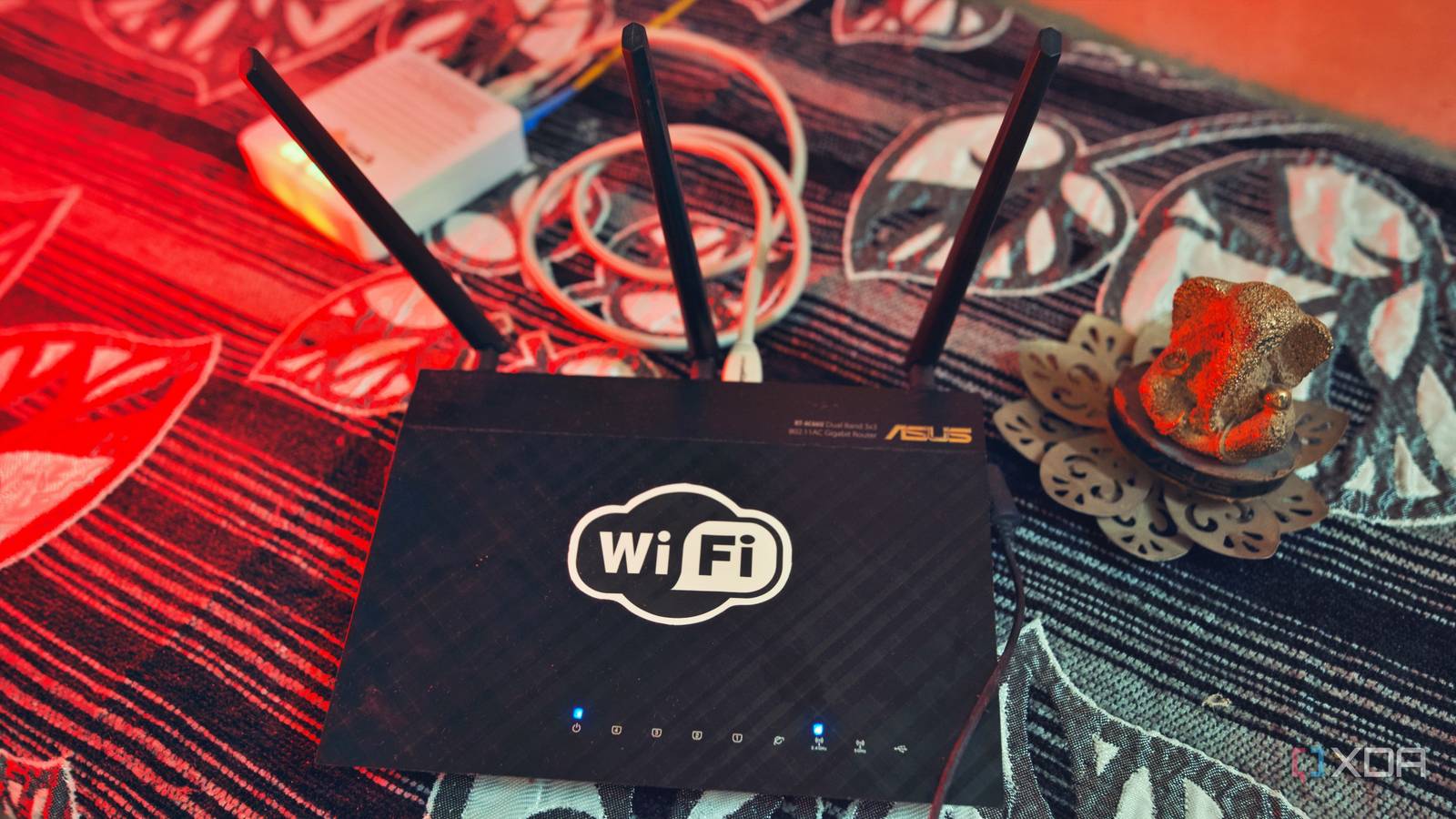
Published Aug 26, 2026, 10:00 AM EDT Samir Makwana is a technology journalist and editor from India since past 18 years and his work appears on MakeUseOf, HowToGeek, GSMArena, BGR, GuidingTech, The Inquisitr, TechInAsia, TechWiser, and others. He has written news, features, and gadget reviews for national technology media publications. His passion is to help people with their technology problems and gadget purchases. For that, he has worked for some of the biggest international technology publications, covering news, explainers, how-to guides, listicles, and product-buying guides. He has worked as an editor and managed teams since 2015. His expertise broadly covers computers, smartphones, game consoles, headphones, smart home products, browsers, and apps. Every time I move into a new house, I experience a familiar sequence of steps to get Internet access. The ISP’s technician installs a modem on the wall before I’ve finished unpacking. Then I’m in my router’s admin panel turning on the guest network. I do that before setting up VLANs or any fancy configurations. That’s not a finished network, just the essentials. There are plenty of reasons why you should set up a guest network and how to configure one safely. But those pieces treated it as a feature for visitors. In practice, a guest network is the first piece of infrastructure I set up in a new house. And despite its name, it has very little to do with guests. Getting online shouldn’t wait on my network being finished The guest toggle works before anything else does Since I move annually, I don’t use the same backup configurations for my router. Every house is different, and that’s why I take weeks to get my real network right. So on day one, I don’t bother with DHCP reservations, DNS records for self-hosted services, or a 2.5GbE link to my home server. What I have instead is AsusWRT-Merlin firmware on my ASUS RT-AX88U at stock settings after a factory reset. That’s all I need before I flip the guest network toggle. Turning that toggle on immediately gets an isolated network working in the house. Everyone can get online. Meanwhile, I take my time working on a real network setup instead of rushing it just because someone demands Wi-Fi connectivity in hours. It's worth enabling guest networks carefully, even as a stopgap, since it’s easy to make common guest network mistakes. It’s easy to leave the default password unchanged, or client isolation switched off. These slip-ups are just as easy to overlook on a temporary network as a permanent one. All untested devices spend time on the guest network first This is very different from putting my IoT devices on a dedicated network as a permanent solution to isolate cheap cameras and smart plugs. Any new gadget, like a smart TV, a review unit, or anything that I haven’t had time to check the firmware history on, directly lands on the guest network first. Only after auditing the device's behavior is it reassigned to where it belongs. That gives me more time to plan my home network better, and I can also audit which devices are relentlessly phoning home to their own servers. Most importantly, I check whether it’s scanning for other devices on the network. Only the ones that I’ve vetted move to wherever they actually belong. In a way, I treat my guest network like a waiting room until I figure out where the devices actually belong on my network. A clean network is the fastest way to rule myself out Helps me figure out whether it’s the ISP or my configuration The guest network is the fastest way to rule out my own configuration whenever something breaks on my main network. The troubleshooting flow skips my custom local DNS, bypasses my ad-blocking or filtering services, and ignores any firewall rules I usually write. When a website or app stops working on the main network but works fine on the guest network, I know that the problem is with something I built. It's a genuinely useful sanity check since the guest network carries none of the tweaks I’ve made on my main network. The only setback is that it’s not a substitute for real network segmentation. Because a guest network isn’t a VLAN, I treat it as a diagnostic tool for troubleshooting problems. It’s certainly not proof that my main network is properly segmented. Long-term access doesn’t have to mean a permanent stay Accommodating folks who need to use Wi-Fi for a few days I securely share the guest network with friends who need Wi-Fi for an evening. Often, the movers, contractors, electricians, or guests staying over for a couple of days need sustained access. I don’t put them on my main network’s client list since none of them have a permanent status in my house. Anyone working through the week or guests staying over for holidays gets Wi-Fi access as long as they’re around. Once they leave, I do a full credential reset. I follow the same rule when dealing with networking gear. I check the firmware on an old router or switch separately before it goes near my network. In the end, everything stays in the same lane for a reliable connection when needed, and every trace gets wiped once done. One thing I’ve made sure of is that the guest network has no remote access, and I certainly don’t use it as a replacement for Tailscale. There’s no way to reach it from outside the house. Only when I need finer control than a single flat network does it make sense to split it into two purpose-built networks. That’s how I separate IoT telemetry traffic from the devices I test. The guest network is part of the infrastructure, not an afterthought A guest network wasn’t exactly designed for any of this, but that’s kind of the point. I configure my router enough to get everyone online, and it doesn’t care whether the rest of my final network setup is finished. Whether I am expecting guests or not, the first thing I turn on in a new house is the guest network. Everything falls into that one isolated place while I get my house in order. Later, I can finish setting up my home network to properly segment main machines, home server, and IoT devices.
My guest network does far more than host guests, and it's the first thing I set up in a new house
Full Article
Original Source
Read the full article at Xda-developers →KhanList aggregates and links to publicly available news content. We do not host full articles from third-party sources. Always verify important information with original sources.