
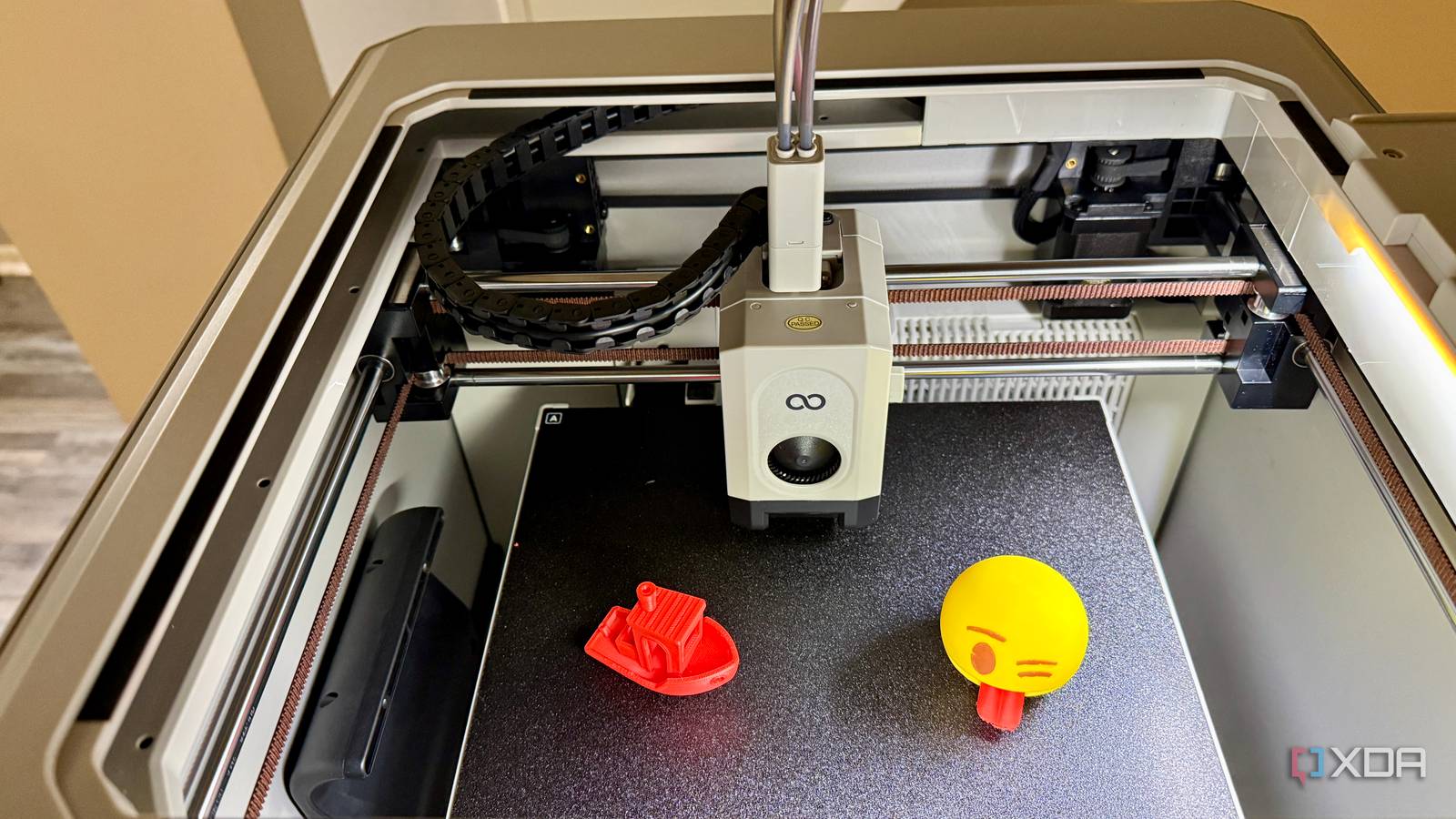
My 3D printing folder used to make sense mostly because I was the one who made the mess. I had downloaded models, edited versions, slicer files, reference images, and my own revisions sitting beside one another, usually with filenames that felt perfectly obvious when I created them. Months later, names like final, final2, and fixed weren't nearly as helpful as I'd convinced myself they would be. Moving those files into Manyfold on my NAS didn't just make the library cleaner. It made old projects much easier to understand when I came back to them. Folder names stopped carrying the entire organizational burden A model library works better when files have context The biggest problem with ordinary folders is that the filename ends up doing far too much work. If I have three revisions of the same part, I can rename them carefully. However, I'm still staring at a handful of nearly identical files, trying to remember which one solved the actual problem. Subfolders help for a while, and I've relied on them plenty, but they only work if I remember exactly how I organized something in the first place. Manyfold gives those files more context, so the directory tree isn't the only thing standing between the model I need and me. That matters because a 3D printing project is rarely just one STL file. A model can include several parts, alternate versions, a 3MF project, screenshots, notes, and other files that belong together even though they're different file types. In a normal folder, they're related because I put them next to one another and hopefully named them sensibly. In Manyfold, I can treat the whole collection as a single model and add tags, collections, creator information, notes, and source details that are actually useful later. The biggest change for me is that browsing doesn't depend on remembering some old filing decision. I don't have to stop and wonder whether I put something under tools, workshop, organizers, or whatever category seemed right when I downloaded it. I can get to it through the model, tags, or collections instead. That's a much better fit for the way I actually remember prints, which is usually by what they did rather than where I filed them. Iterations finally stopped becoming confusing chains of filenames Revisions are easier to understand when they stay together The left model was printed with dried PETG, while the right one was made with an old (somewhat damp) PETG filament Iteration is where my old folder system really started showing its age. A part might start as a downloaded model, be modified once, then adjusted again after I print it and find something is slightly off. Every change creates a new file, and each needs enough context to distinguish it later. I tried solving that with increasingly descriptive filenames, but there comes a point when the name reads more like a changelog than a filename. I don’t need full-blown version control for every bracket I print, but I do need enough history to avoid repeating work. Keeping those revisions together under one model makes the whole project easier to follow. Instead of asking which folder contains the newest version, I can treat the project as a single entity with several related files attached. The original can stay alongside the edited versions, which is useful because I don't always want to overwrite the starting point when I change something. I still have to name files sensibly, but I no longer expect the filename to explain the entire history. That becomes much more valuable when I return to a part after I've forgotten the details. I may remember that I fixed something, but not whether the change involved a mounting hole, clearance, thickness, or another dimension. If the files are grouped and I've left notes or useful metadata, I don't have to reverse-engineer my own work to continue. That's the part I was missing before. I don't need full-blown version control for every bracket I print, but I do need enough history to avoid repeating work. Self-hosting keeps the library close to my printers My NAS was already the obvious home for everything Manyfold also makes sense to me because I already have storage running all the time. My NAS was where these files were going to live anyway, so putting the repository there doesn't mean adding another storage location I need to remember. The difference is that I'm accessing the same collection through a purpose-built interface instead of digging through a network share. I keep control of the files, but I get something much better than a pile of directories on top of them. The browser interface is more useful than I expected, especially for projects I only half remember. A file share is fine when I know the exact filename or folder I want, but it's not nearly as helpful when all I remember is what the model looked like or what I used it for. Manyfold gives me a visual way to browse the library and adds metadata that makes those fuzzy searches less frustrating. I spend less time opening folders only to find they’re the wrong ones. I also like that the archive isn't tied to one printer ecosystem. Printers change, slicers change, and the software I use now may not be the software I use a year from now. I don't want the permanent copy of my models trapped inside whichever vendor app happens to be convenient today. A self-hosted repository gives me one stable place for the source files before they move into whatever slicer or printer comes next. This still adds another service I have to maintain Better organization comes with another container and another database There is an obvious downside here: folders don't need updates. They don't need a database, a web interface, a container, or another service running on a NAS. A directory full of STL and 3MF files can be ugly, but it's also wonderfully boring from an administrative standpoint. Moving to Manyfold means I'm choosing more moving parts because I think the organization is worth the extra maintenance. A self-hosted model repository adds another application, database, and backup target to your NAS. Make sure your Manyfold data and the underlying model files are both included in your regular backup routine. That trade-off would be much harder to justify with a small library. If I only had a few dozen models, I'd probably stick with folders and call it a day. Tags, collections, previews, and grouped revisions are nice, but they solve a problem that doesn’t really exist until the collection grows large enough to be irritating. At a smaller scale, a sensible directory structure is faster to set up and requires practically no thought afterward. There is also some cleanup required before the library starts to feel useful. Existing folders may need to be scanned, models may need better metadata, and old naming habits don't disappear just because there's now a nicer interface on top of them. Manyfold can organize what I already have, but it can't know why I named something fixed-final-2 three years ago. I still have to supply some of the context I failed to record the first time around. The maintenance pays off once my revisions start multiplying I spend less time rebuilding context around old projects Credit: For me, that extra service is still worth it because storage was never the real problem. The NAS already held the files perfectly well. What kept causing friction was losing the context around those files when I moved on to something else. A directory can show me that two versions exist, but it can't tell me why unless I was disciplined enough to encode that in the filename or leave notes elsewhere. That missing context used to cost me time. I'd open an old project, check timestamps, compare filenames, maybe load two versions, and gradually reconstruct what I had been doing. None of that is especially difficult, but it's annoying when the work has already been done once. Keeping the project grouped lets me preserve more of that information while I still remember it, instead of hoping future me can piece it together from clues. The larger the library gets, the more useful that becomes. Every downloaded model, customized part, and new revision adds another chance for my folder structure to become less obvious than I thought. A repository gives me a way to keep related files together without depending so heavily on memory. Once I looked at it that way, maintaining one more self-hosted service felt less wasteful than repeatedly sorting out the same old mess. My print library finally feels built for reuse I moved these files to improve organization, but the bigger improvement is that iteration no longer feels disposable. Older versions can stay alongside newer ones, projects carry enough context to make sense later, and I don't have to cram an entire revision history into the filename. The NAS still stores the same basic collection of files, and I'm still the one responsible for keeping it organized. Manyfold gives me a much better way to preserve the information around those files before I forget it. That's what finally made a dedicated 3D model repository worthwhile for me. I don't need formal version control for every small part I print, and I don't want a complicated document-management system getting in the way either. I want to come back months later, find the project, see the related files, and understand what I changed without having to dig through my own archive. Manyfold gets me much closer to that, and managing revisions now feels like part of the workflow instead of cleanup I keep putting off. Manyfold Manyfold helped transform my 3D printing library from semi-controlled chaos into a system that actually makes sense.
My 3D print model library was controlled chaos, but Manyfold made revision management painless
Full Article
Original Source
Read the full article at Xda-developers →KhanList aggregates and links to publicly available news content. We do not host full articles from third-party sources. Always verify important information with original sources.