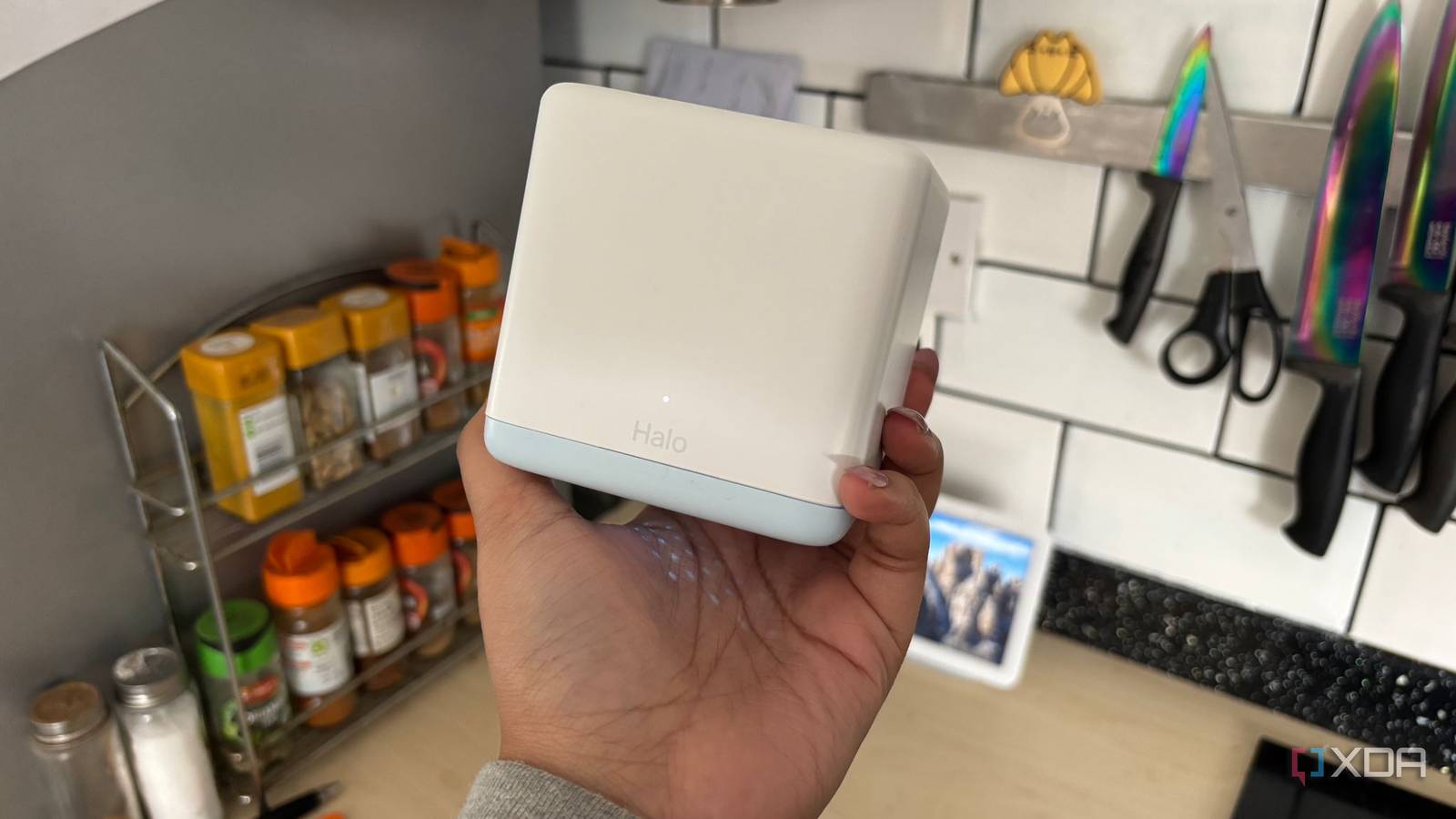
Published Jul 24, 2026, 8:00 AM EDT Jasmine is Software and PC Hardware Author at XDA with years of tech reporting experience ranging from AI chatbots right down to gaming hardware, she's covered just about everything. Whether it's breaking news about the latest AMD NPUs or creating video tutorials on social media platforms, Jasmine has contributed to the world of AI and tech in a variety of ways including interviewing the CEO of Razer, AMD's Director of Product Marketing and the VP of Lenovo. Passionate about gaming and PC technology, she has built countless computers, keyboards and other peripherals - knowing them inside and out. When you've noticed that you've got dead zones in your house, it's easy to spend hundreds of dollars on a shiny and multi-node mesh Wi-Fi system to fix them. However, you'll notice that sometimes your speeds are still inconsistent, and ping spikes persist during video calls or gaming sessions. It's easy to feel convinced that dead zones require expensive multi-node mesh grids in order to be rectified. However, in reality, radio frequency physics don't care how much your router costs if it's trapped behind a metal display panel or sitting on a carpet. A strategic 3-foot shift to eliminate physical line-of-sight barriers, lift antenna elevation, and clear structural RF shields will outperform a poorly placed 400 mesh setup every single time for absolutely zero dollars. What causes network issues? Objects in your home could be ruining your internet connection Hardware isn't always a solution to the problems you might be facing with your home network. Wireless networking issues aren't always a hardware deficit and buying more plastic boxes won't always fix the issue. Before packing up your old hardware, you might be better off moving the primary router just a couple of feet out from behind the living room TV and off the floor onto a higher wooden shelf. You'll notice that you could be instantly doubling your throughput across the house. The reason why this happens is because of the physics of radio frequency (RF) attenuation. When a router sits tucked behind a 65-inch TV, inside an entertainment cabinet or on the floor behind a couch, it is being shielded by these objects, meaning the radio frequency can't reach your devices effectively. There are a range of different materials in your home that can absolutely mangle 2.4 GHz and 5 GHz/6 GHz radio waves. The first is metals and electronics, things like TVs, AV receivers, and anything else that's large and metal. This is because large metal backplates act as a physical RF reflector, bouncing signal waves backwards and creating dead zones directly behind them. Next are bodies of water, like aquariums or hydronic radiators. Water absorbs 2.4 GHz radio frequencies aggressively, the exact same principle microwave ovens use to heat food. You also might be facing a floor grounding effect. Placing a router on carpet or hardwood causes up to half of the radiation pattern to fire directly into the floorboards and foundation, severely clipping the waves' arc. When placing your router, you should take note of the Fresnel zone. This is the 3D elliptical football-shaped field of RF energy that expands between your router and client devices. Placing an obstruction even slightly inside this path degrades the signal dramatically, regardless of the transmit power or the hardware that you have. Placement matters more than hardware Your ISP router might be just fine Sometimes, moving your router, even just three to four feet off of the ground, onto a shelf or wall mount, instantly expands its broadcast radius. This allows signal waves to radiate outward and downward over furniture rather than punching straight through sofa cushions and metal table legs. If you've got your router behind a TV or other form of metal furniture or backplate, then sliding it just a few inches to the side of your TV or monitor can make a major difference too. Moving the internal antennas out from behind the metallic shield gives them a clean, direct line-of-sight corridor down the main hallway and to your devices. Another factor to take into account is making sure you're eliminating immediate co-channel reflections. Giving a router at least 12 inches of open air in every direction prevents its own broadcast signal from immediately bouncing off adjacent walls, cabinet wood, or other furnishings, maintaining face alignment and lowering packet retries. Your mesh upgrade may not work It could be repeating your poor signal Mercusys mesh wifi system changed how I use the internet Realistically, the reason why your mesh upgrade, even if it did cost you hundreds of dollars, failed could be a multitude of reasons, including the placement as well. The inherent technical compromise of mid-range dual-band mesh systems is the multi-hop wireless tax. Without a dedicated isolated backhaul radio, every wireless hop from a satellite node back to the main gateway cuts available bandwidth in half and adds millisecond latency penalties. If you've got a node placed exactly in a dead zone, then this also causes issue two: if the node only receives a weak, corrupted 10% signal from the router, it simply repeats that poor signal at full strength. This means that your phone or other devices will have full Wi-Fi bars, but they're still delivering you terrible, unusable speeds. You also might be facing co-channel interference and sticky clients. Packing multiple mesh nodes into a small or medium home can saturate the airwaves with management beacons, causing client devices like your phone or laptop to cling to a distant node instead of roaming cleanly. Poor networking doesn't always need a hardware upgrade Sometimes it needs a placement change It's easy to think that every network problem requires a credit card and an Amazon order, but sometimes hardware isn't going to solve the issue. Wireless data is fundamentally governed by the unforgiving laws of radio wave physics, not brand name marketing. Before you drop hundreds of dollars on a multi-node mesh system or file a complaint with your ISP, maybe it's time to audit your router's physical environment instead. You can pull it out of the cabinet, lift it off the floor, or move it three feet away from your television into clear open air. You might find that physics delivers you the blazing fast internet speeds you're already paying for.
Moving my router three feet made a bigger difference to my network over an expensive mesh upgrade
Full Article
Original Source
Read the full article at Xda-developers →KhanList aggregates and links to publicly available news content. We do not host full articles from third-party sources. Always verify important information with original sources.