
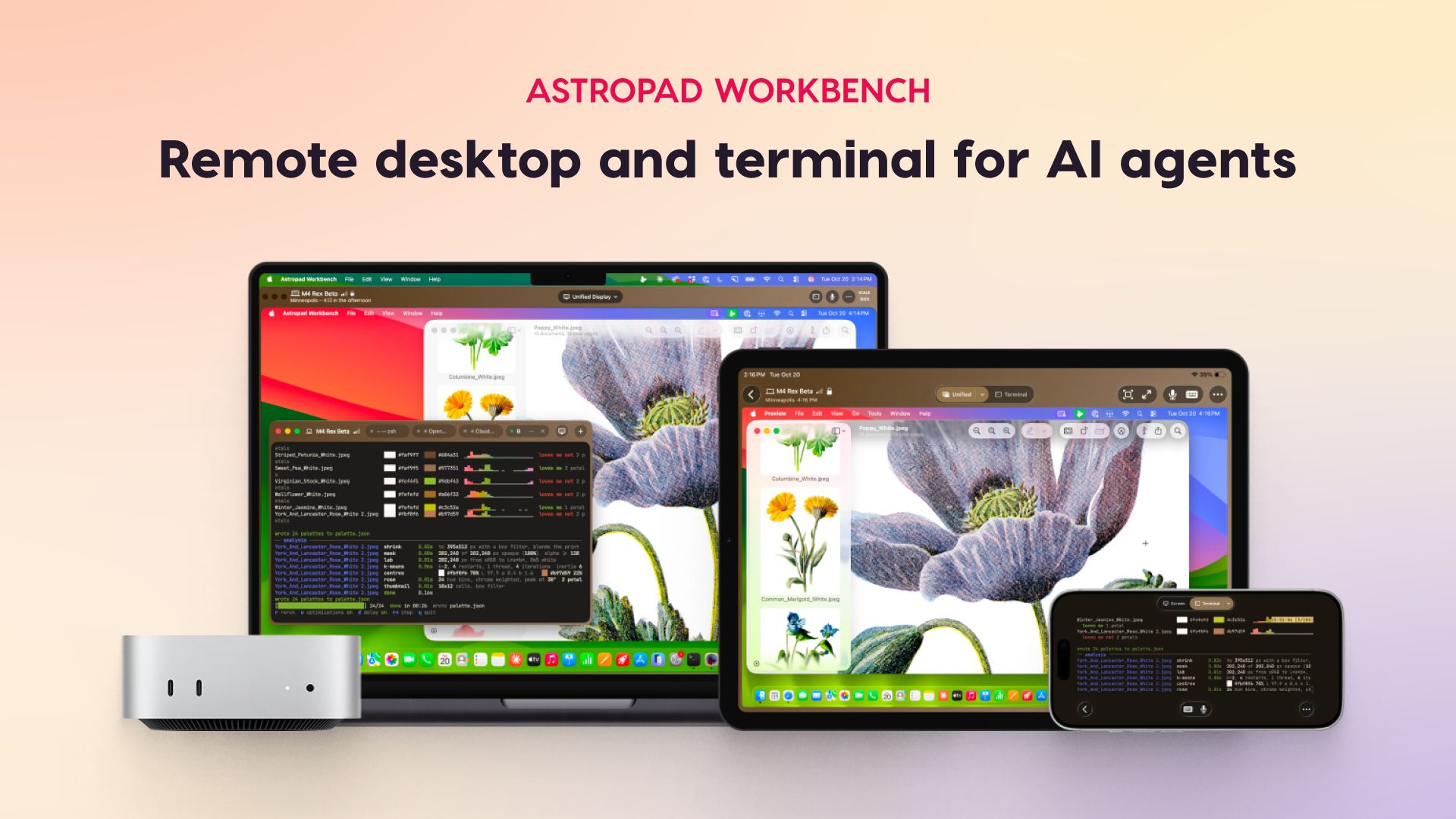
For this week's giveaway, we've teamed up with Astropad to offer MacRumors readers a chance to win a high-end 512GB OLED iPad mini with full A20 Pro chip and a free year of the Astropad Workbench software to go along with it. Astropad Workbench is a remote desktop app and terminal built for using AI agents. It lets you control and monitor AI agents remotely, so it is a good fit for people who have a local AI setup or a service that gives an AI agent access to a Mac. Workbench supports everything from local LLMs to Claude Code, Codex, Xcode, and Cursor. With Workbench 1.4, the latest update, you can switch from the Terminal to the full desktop from the toolbar without needing to reconnect. There are Astropad Workbench apps for Mac, iPad, and iPhone, so you can use your iPhone or iPad to interface with your Mac desktop and give commands to AI agents from wherever you are. Setup is simple, without the need for network configuration. Apps run natively on all supported devices, including the iPhone Duo. You can even set Workbench up on a headless Mac mini with no display attached and access content from your iPhone or iPad. Workbench also combines multiple Mac displays into one screen that matches the resolution of a remote device. It's easy to check logs and output to verify agent work, restart failed tasks, and reconnect to long-running jobs. Multiple Macs are supported and you can switch between several machines connected to a single Workbench account. Intelligent sleep management makes sure your Mac is awake when you need it. Terminal sessions continue running after you disconnect, so you can start a session on one device like an iPad and then check in on it later from another device. The app supports high-fidelity streaming for accurate colors and crisp text, an interactive mini-map for quick navigation, low latency, speech-to-text input, drag-and-drop file transfers, and on the iPad, Apple Pencil support. There are no display recordings saved, and end-to-end AES–256 encryption is included. You can also veil your Mac's screen while a remote session is in progress so no one can see what you're doing. Workbench is free for 20 minutes of daily access, with paid plans available at $14.99 per month or $79.99 per year. The app requires macOS 15 or later, iOS 26 or later, and iPadOS 26 or later. It works best with an Apple silicon Mac, though there is limited support for Intel Macs. We have a free year of Astropad Workbench and a 512GB OLED iPad mini with Wi-Fi for one lucky MacRumors reader. To enter to win, use the widget below and enter an email address. Email addresses will be used solely for contact purposes to reach the winner(s) and send the prize(s). You can earn additional entries by subscribing to our weekly newsletter, subscribing to our YouTube channel, following us on Twitter, following us on Instagram, following us on Threads, or visiting the MacRumors Facebook page. Due to the complexities of international laws regarding giveaways, only U.S. residents who are 18 years or older, UK residents who are 18 years or older, and Canadian residents who have reached the age of majority in their province or territory are eligible to enter. All federal, state, provincial, and/or local taxes, fees, and surcharges are the sole responsibility of the prize winner. To offer feedback or get more information on the giveaway restrictions, please refer to our Site Feedback section, as that is where discussion of the rules will be redirected. Astropad GiveawayThe contest will run from today (November 20) at 9:00 a.m. Pacific Time through 9:00 a.m. Pacific Time on November 27. The winner will be chosen randomly on or shortly after November 27 and will be contacted by email. The winner will have 48 hours to respond and provide a shipping address before a new winner is chosen. Related Forum: iPadPopular StoriesApple Announces OLED MacBook Pro With Touch DisplayWednesday October 28, 2026 10:11 am PDT by Juli CloverApple today announced a new high-end MacBook Pro, which is available in 14-inch and 16-inch sizes. The new device has a PROLED XDR display that supports touch gestures, and a glowing rear Apple logo. Pricing on the MacBook Pro starts at $2,899 for the 14-inch model and $3,399 for the 16-inch model. Apple says the MacBook Pro has the "world's best display in a pro laptop." The PROLED...Apple Announces New iPad Mini With 8.5-Inch OLED Display, A20 Pro Chip, and MoreApple today announced a new iPad mini with a larger 8.5-inch OLED display, a nano-texture display option, a thinner and lighter design, an A20 Pro chip, a new Acoustic Display audio system that eliminates speaker holes, IP67-rated water and dust resistance, a landscape front camera, Apple's N1 chip with Wi-Fi 7 and Bluetooth 6 support, and more. Altogether, Apple says this amounts to the iPad...Apple Executive Comments on New iPad Mini Lacking 120Hz DisplayThursday October 29, 2026 1:47 pm PDT by Joe RossignolWhile the new iPad mini has an OLED display, the device does not support ProMotion, meaning the display's refresh rate is limited to 60Hz instead of 120Hz. ProMotion support would have allowed for the iPad mini's refresh rate to automatically adjust from 10Hz to 120Hz depending on the content being displayed, but evidently Apple has kept the feature exclusive to the iPad Pro among iPad...
MacRumors Giveaway: Win a 512GB OLED iPad Mini and a Year of Astropad Workbench
Full Article
Original Source
Read the full article at Macrumors →KhanList aggregates and links to publicly available news content. We do not host full articles from third-party sources. Always verify important information with original sources.