
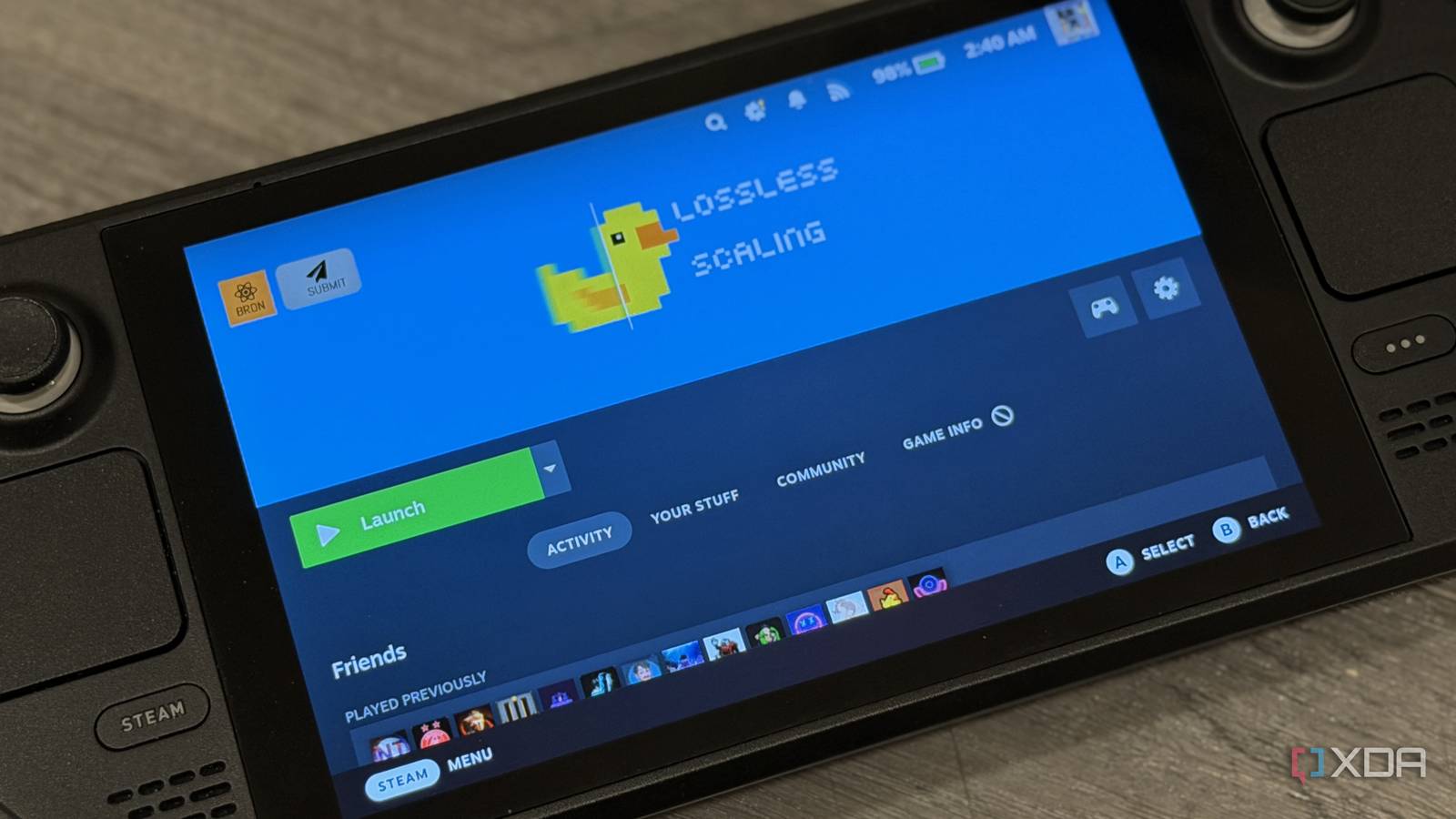
Published Sep 6, 2026, 2:30 PM EDT Abid covers consumer hardware, gaming, and platform updates with an emphasis on accuracy, clarity, and reader-first context. He holds a BSc in Computer Science and Engineering, and his work can be found in multiple publications, including Notebookcheck. Outside of work, he enjoys exploring new gaming hardware, testing system performance, and keeping up with developments across the broader tech landscape. The Steam Deck has now been around for over four years, and while it was holding up fine at release and the year after that, the hardware has now started to show its age. It has an 8-CU RDNA iGPU (integrated GPU), while current-gen mainstream gaming handhelds like the ROG Xbox Ally X come with 16-CU RDNA 3.5 iGPUs or better. With relatively few shader units, the aging Steam Deck shows noticeable signs of struggle when running modern games. However, Decky plugins can improve the gaming experience on the handheld. Decky Loader offers many plugins that add useful features and give you more control over power and performance. While I found most of them useful in their own way, there's one plugin that I can't game on my Steam Deck without, and that's Lossless Scaling. Lossless Scaling adds a feature most games don't have It can make borderline playable games feel smoother Compared to most other plugins in the Decky Loader, Lossless Scaling is different in that it can add something most games don't have by default. It can add frame generation to titles that don't have a native implementation, and this rendering feature can make the Steam Deck's older hardware go a long way. Games like Elden Ring, Street Fighter 6, and PUBG: Battlegrounds don't have baked-in support for FSR or DLSS. On these, you are stuck with the game's own rendering options, and while many of these titles can be somewhat playable with the visual settings turned down to the lowest, frame generation can make things better. The plugin makes lower frame rates feel smoother It doesn't magically add more native FPS on the Steam Deck While Lossless Scaling can get around the limitations of games not coming with built-in frame generation tech, it's important to note that the plugin doesn't make the Steam Deck render more frames. Another thing to note is that the base frame rate needs to be in a reasonable range for the plugin to do much of the work. For instance, a game running at around 30-40 FPS can appear considerably smoother with Lossless Scaling enabled, even when the underlying performance hasn't changed. However, the same can't be said for games that don't stay above 30FPS on the Steam Deck. The plugin isn't a traditional performance boost; it improves perceived smoothness, but I can live with the generated frames. OptiScaler is a strong free alternative But it can't replace Lossless Scaling for me Lossless Scaling isn't the only tool that can help you get a better gaming experience on the Steam Deck. OptiScaler is a strong alternative, and one big advantage is that it's free. At the core, OptiScaler can replace a game's existing upscaling technology with another supported option. Regarding the Steam Deck, the tool can make FSR work in games that natively support DLSS but not FSR. However, it's not a direct replacement for Lossless Scaling. Lossless Scaling works on every game, even in those where there's native support for FSR. OptiScaler, on the other hand, needs some sort of native implementation. Still, I recommend trying OptiScaler first, especially if you're concerned about buying a tool. But after trying both, I found Lossless Scaling harder to give up. Lossless Scaling isn't perfect This Decky plugin comes with trade-offs A big problem with frame generation, which is not specific to Lossless Scaling, is added latency. If the base frame rate isn't at least 30 FPS or above, there can be noticeable delay. Controls can feel off, and the experience definitely won't be good in terms of competitive games. Visual artifacts are another issue, and in terms of fast-paced games, it becomes very obvious. Things can get messier when the base frame rate is too low. Then, there's the performance overhead aspect. Lossless Scaling needs some GPU resources to generate the additional frames. So, enabling it can reduce the base frame rate in some cases, especially on games where the APU is already struggling to offer a steady 30 FPS. So, it's not like installing Lossless Scaling will make the Steam Deck perform like a handheld with a Ryzen Z2 Extreme or a better-performing APU. However, in most games, especially the ones that are known to run well on gaming handhelds, the experience is as good as it gets on this hardware. Lossless Scaling CPU 64-bit processor required OS Windows With its powerful frame generation and upscaling provisions, Lossless Scaling offers an affordable way to get a better gaming experience without upgrading the hardware.
Lossless Scaling is the only Decky plugin I can't game on my Steam Deck without
Full Article
Original Source
Read the full article at Xda-developers →KhanList aggregates and links to publicly available news content. We do not host full articles from third-party sources. Always verify important information with original sources.