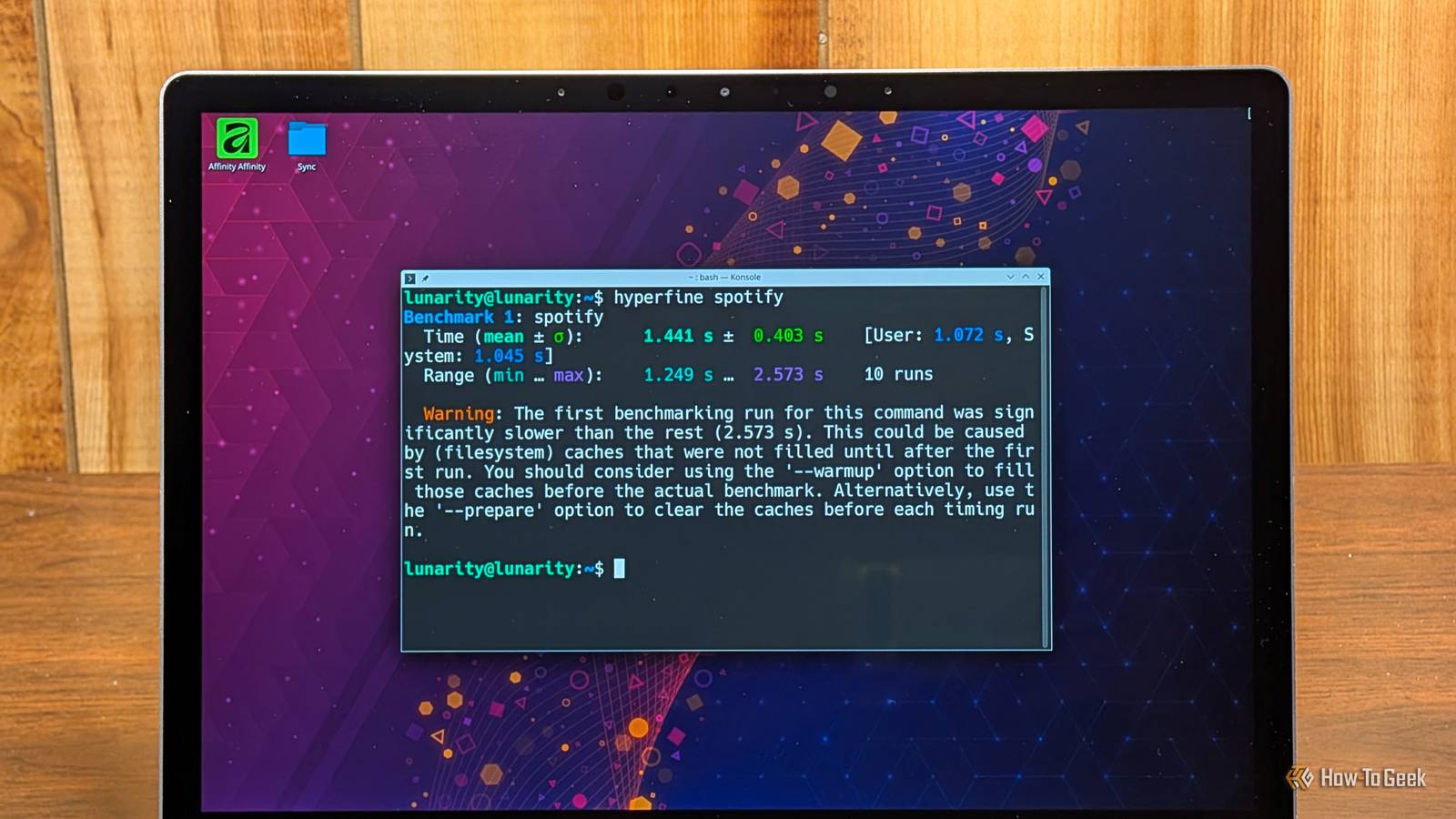
Published Aug 8, 2026, 8:30 AM EDT Nick Lewis is an editor at How-To Geek. He has been using computers for 20 years --- tinkering with everything from the UI to the Windows registry to device firmware. Before How-To Geek, he used Python and C++ as a freelance programmer. In college, Nick made extensive use of Fortran while pursuing a physics degree. Nick's love of tinkering with computers extends beyond work. He has been running video game servers from home for more than 10 years using Windows, Ubuntu, or Raspberry Pi OS. He also uses Proxmox to self-host a variety of services, including a Jellyfin Media Server, an Airsonic music server, a handful of game servers, NextCloud, and two Windows virtual machines. He enjoys DIY projects, especially if they involve technology. He regularly repairs and repurposes old computers and hardware for whatever new project is at hand. He has designed crossovers for homemade speakers all the way from the basic design to the PCB. Nick enjoys the outdoors. When he isn't working on a computer or DIY project, he is most likely to be found camping, backpacking, or canoeing. If you've ever dual-booted a PC, you've probably noticed a pretty marked difference between how quickly apps launch on Linux compared to Windows. On Linux, everything seems to snap open instantly, while on Windows there is a perceptible hesitation. Installing Linux on an old PC only exaggerates that even more. To find out how much time I was wasting every year, I used a single machine with a dual-boot configuration. Using the same NVMe drive, CPU, and RAM removes the hardware confounds that usually make these comparisons useless. If you compare two different PCs, you aren't measuring the operating system; you're measuring which one has the faster SSD. Testing my dual-boot Linux laptop Timing startup on Windows and Linux For this test, I decided to use my laptop rather than my desktop. It is about 4 years old and has mid-range hardware—16GB of RAM, a 6-core processor, and a 1TB NVMe. I also picked three apps that I open and close regularly: Firefox, Joplin, and VSCodium. I opened each app several times and used Hyperfine on Linux and Windows, though you could also use Measure-Command via PowerShell too. Neither Hyperfine nor Measure-Command actually capture the time to open an app in real world conditions. They time how long it takes a process to start, but there is often a small delay between the process start and when the app is useable, especially with Electron apps. My results showed the pattern you'd expect; the first launch took much longer than subsequent launches. The times below are in seconds. Firefox Joplin VSCodium 7.05 3.4 2.4 0.7 0.07 0.22 0.8 0.07 0.22 0.7 0.09 0.21 0.9 0.08 0.24 Seconds turn into hours Credit: Nick Lewis/How-To Geek To fairly measure how long it actually takes on a day by day basis, I took the median time rather than the average, since the first-launch penalty is enormous relative to the time of subsequent launches. The math itself is straightforward: Median time per launch times the launches per day times 365 days per year. I open Firefox an average of 41 times per day. The median in my Windows dataset was 0.8, which means that I would spend a whopping 11972 seconds every year waiting for Firefox to open on Windows if I exclusively used my laptop. Joplin and VSCodium are only opened 13 times per day and 9 times per day respectively, with median open times of 0.08 and 0.22 seconds. That gives me a grand total of 1,055 seconds per year. If I had done everything on Windows, that would be 13,027 seconds or a whopping 3.62 hours year. That is a solid hike, a very long nap, or about the right amount of time to make a loaf of bread. By comparison, Firefox on Linux had a median time of 0.47 seconds, VScodium had a time of 0.29, and Joplin clocked in at 0.14. I was a bit surprised that both Joplin and VSCodium were a bit slower on Linux, but the app I use the most—by an enormous margin—was noticeably faster. The total, assuming my normal usage habits, worked out to 8651 (8650.5) seconds per year. The savings are more than an hour yearly. Closing the gap Try reducing the background load If you want to speed up your Windows experience, there are some things you can try. Start with Windows Defender; on-access scanning can noticeably slow down first-launch times, but disabling it comes with some security risk, so only use it if you're very sure about an app. Additionally, trimming your startup list in Task Manager can help. Every app that starts automatically competes for finite resources during the startup period, which is also usually when you're launching your first app too. You could also disable auto updates on any applications, since those operations can tie up disk I/O or RAM, leading to slower launch times. Conversely, if you are on Linux and find your apps are sluggish, don't use Snaps or Flatpaks and install the native package instead. Linux is faster, but the gap closes on faster hardware In my test, Linux was faster, but the annual time savings were modest on a daily basis. For most people, the total amount of time saved isn't enough to justify switching operating systems on its own. However, it does still make a noticeable difference in how responsive an operating system feels. My laptop is noticeably more snappy when I'm using Linux than I am Windows most of the time. I didn't benchmark every single application, but experience suggests that most apps (especially heavier ones) would fall in line with what I found with Firefox: about 50%. However, on my desktop PC (which is newer and more powerful than the laptop) the difference is marginal. So, if you're running a brand-new desktop PC, Linux might not improve your performance at all. If you're using something older, then it is worth investigating—you could save an hour (or more) per year.
Linux loads my apps faster than Windows, so I calculated just how much time it saves me every year
Full Article
Original Source
Read the full article at Howtogeek →KhanList aggregates and links to publicly available news content. We do not host full articles from third-party sources. Always verify important information with original sources.