
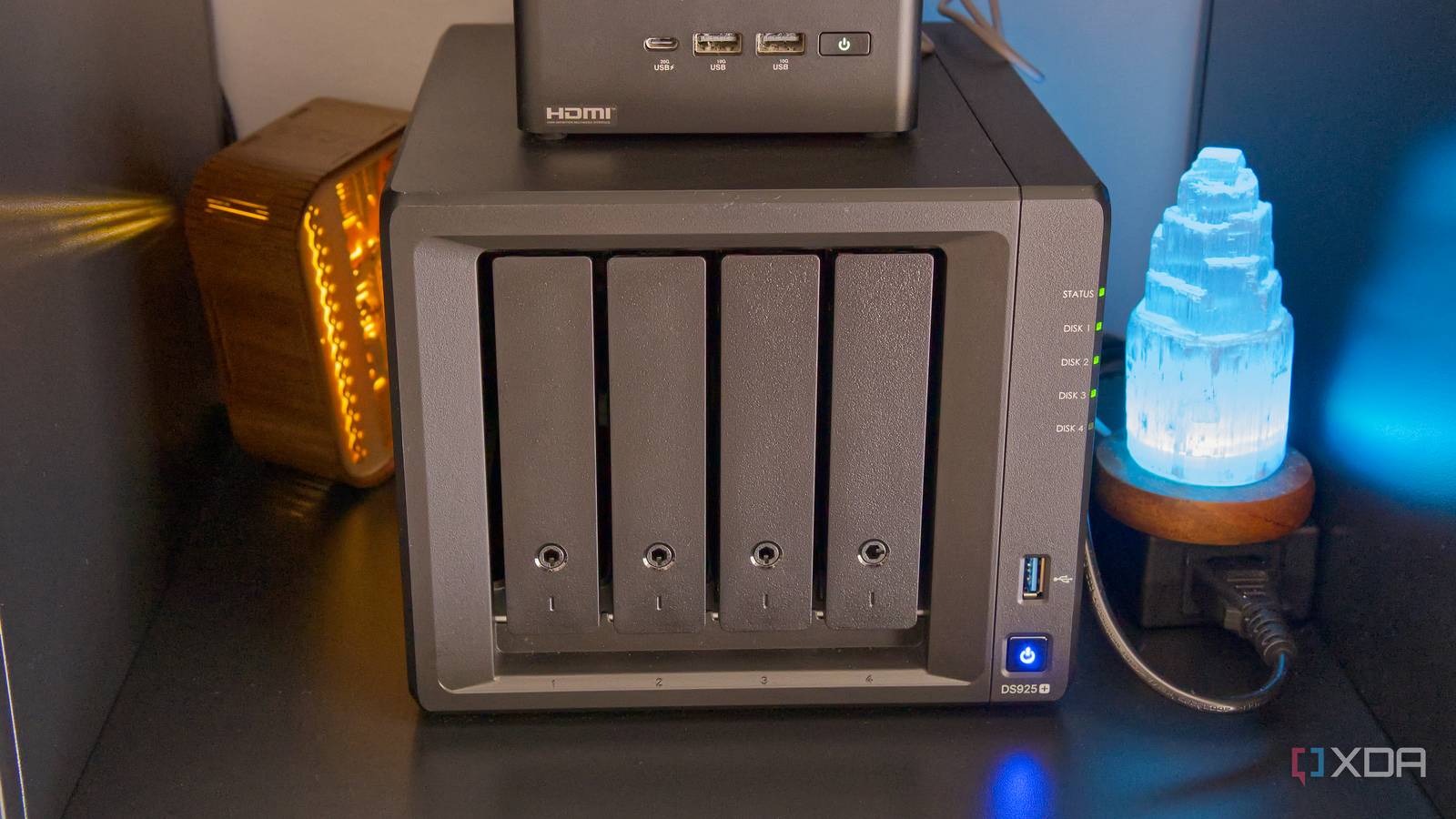
Published Aug 20, 2026, 7:31 AM EDT João has been covering the tech world for over 7 years, with a heavy focus on laptops and the Windows ecosystem. I also love all things tech and videogames, especially Nintendo, which he's always happy to talk about. Prior to joining XDA in 2021, he worked at Neowin: https://www.neowin.net/news/poster/jo%C3%A3o-carrasqueira/ Since last year, my family moved all of our important data off of services such as Google Drive and OneDrive and turned to self-hosting instead. Many people do this to save money on cloud storage, but that doesn't necessarily mean you stop paying for cloud storage altogether. I'm still paying for cloud storage, and you probably should too if you have a NAS. But since my priorities shifted, I was still able to save a solid amount of money this way. You still need the cloud Your NAS still needs a backup Anyone who has experience in data security will probably be familiar with the classic 3-2-1 rule for protecting your data. That means keeping three copies of your data, on at least two different kinds of media, and one of which should be off-site. If you have multiple backups but they're all in your house and there's a house fire, all the backups will be gone in one fell swoop. For my part, I'm not that overzealous, but I do realize that storing data on my own server isn't good enough on its own, even if it is a NAS with redundancy built in. That redundancy is still all in one piece of hardware that can be destroyed in one go, and if the NAS has some kind of catastrophic failure, you could be in just as bad of a predicament as if you were just storing files on your personal PC. As such, cloud storage is still a necessity for me, in order to make 100% sure that my important data can still be recovered. The priorities have shifted I don't need to spend as much money anymore Even though I still need cloud storage, it doesn't mean I need it in the same way I did before. Prior to having my own NAS, cloud storage was one of the main ways I could browse my files, too. I wanted to be able to view photos and videos, and maybe even edit a document in the cloud. That's why I needed a more consumer-oriented cloud service like OneDrive or Google Drive. In fact, I needed both, since my wife and I used different services and neither one wanted to compromise and use the other. At the time, that meant I was spending around $7 a month on my own subscription for 1TB of storage on OneDrive, while she paid around $2 for 100GB on Google Drive. But now that we don't need the file browsing or editing capabilities, there are other options that are noticeably cheaper. I ended up going with Backblaze on recommendation from my colleague Adam Conway, and it's been great. One of my favorite things about Backblaze is that it's a sort of pay-as-you-go approach, so instead of paying for 1TB of storage when I was only using around 100GB, now I only pay for what I use. The price per terabyte is about $7 per month, which isn't too far off from OneDrive, but that can scale down as needed. With that in mind, the combined cloud storage of my and my wife's files has usually come to just around $1.5 per month since we started using the NAS, which is a big step down from the $9 we used to spend on separate cloud storage plans. That's before Microsoft increased its basic tier to $10/month due to adding Copilot features, so we're actually saving even more compared to the current pricing. This also means I can scale up the storage as needed without nearly as much trouble. Microsoft 365's family plan technically would give me 6TB for just $13/month, but that's only if I create six different Microsoft accounts so that each one gets 1TB. That's more emails and passwords to remember. Google doesn't have a proper family plan, though its storage plans can be shared as well, but I'd still run into the same problem if I were to hit the maximum 2TB limit on personal Google One plans. Backblaze always scales the cost to how much storage I'm using, so it will always be cheaper in the end. It's more than storage, too More privacy, control, and tools Of course, since I'm now running extra devices in my home, there is something of a higher cost in my electricity bill to go along with that, which reduces my savings a bit, but it's also worth noting I have more than just storage this way. For one thing, I'm not completely dependent on my cloud storage, and the NAS itself is where I access my files, so there's an extra level of data protection. But also, since I'm using self-hosted services with my data, I'm getting more out of this, too. Nextcloud and Immich let me browse and edit my files as well as any typical cloud service, plus I can play movies I own on any of my devices using Jellyfin, create a custom homepage for my browser with Glance (again, working across devices), or control my smart home without relying so heavily on the cloud with Home Assistant. There's value to the privacy and control benefits I get with this approach, so even if the monetary savings aren't as high as they appear, it's a welcome change all the same. Be smarter about cloud storage Buying a NAS may have you think you no longer need cloud storage, but in reality, you just have to be smart about it. The cloud can still provide a backup for your most important data, but using a service like Backblaze, you can save a lot of money compared to a typical cloud storage provider like Microsoft or Google. I've been using this approach for over a year, and I highly recommend it.
Leaving the cloud for a NAS taught me I still need it, just not the way I thought
Full Article
Original Source
Read the full article at Xda-developers →KhanList aggregates and links to publicly available news content. We do not host full articles from third-party sources. Always verify important information with original sources.