
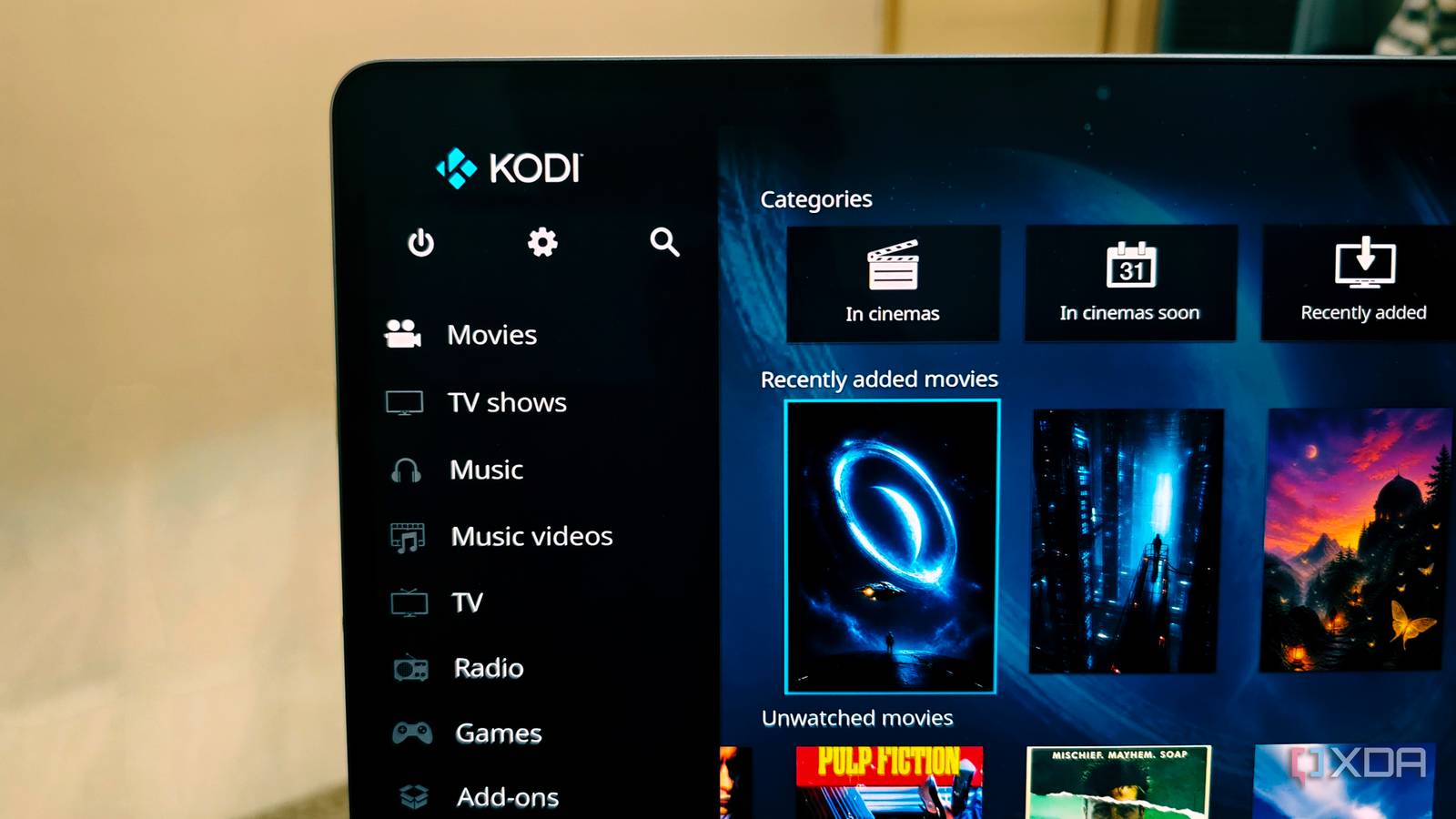
Published Nov 5, 2026, 3:00 PM EST Anurag is an experienced journalist and author who’s been covering tech for the past 5 years, with a focus on Windows, Android, and Apple. He’s written for sites like Android Police, Neowin, Dexerto, and MakeTechEasier. Anurag’s always pumped about tech and loves getting his hands on the latest gadgets. When he's not procrastinating, you’ll probably find him catching the newest movies in theaters or scrolling through Twitter from his bed. Kodi runs on just about anything you want it to, but it started life in 2002 as Xbox Media Player (XBMP), a homebrew application for modified original Xbox consoles. By 2003, developers were already working on Xbox Media Center (XBMC), which received its first stable release in 2004. The software was eventually renamed Kodi in 2014. This app has a lot of history. Plex actually started as a fork of XBMC, and in the mid-2010s, Kodi even became synonymous with piracy, thanks to shady resellers selling cheap TV boxes loaded with unauthorized streaming add-ons. Even today, Kodi looks and works quite differently from its peers, and a lot of that can be attributed to its origins as an Xbox media player. The console could do much more When Microsoft launched the original Xbox in 2001, it was primarily competing with Sony's PlayStation 2 and Nintendo's GameCube. However, the Xbox differed from other consoles of its time. It had an Intel processor, a built-in hard drive, and an Ethernet port, making it surprisingly similar to a conventional PC. Naturally, enthusiasts started experimenting with the hardware to see what else they could run on it. Modifying the Xbox opened the door to unofficial software, and media playback became one of its most popular uses. Back then, most people watched downloaded videos on their computers, and getting those files onto a television wasn't particularly convenient. Xbox Media Player changed that by letting people play compressed video and audio files directly through their consoles, including media stored on a computer elsewhere on the network. The project quickly grew beyond its original purpose. In October 2003, developers announced Xbox Media Center, which introduced a much more ambitious feature set. It had a customizable interface, a music database with search capabilities, album artwork, and a file manager for accessing content from different sources. XBMC could even replace the Xbox's original dashboard, effectively turning the console into a dedicated media center. A lot of thought went into making the software usable on a television. The developers built what we now call a 10-foot interface, designed for couch navigation with a controller or remote instead of a keyboard and mouse. That approach became fundamental to XBMC, and you can still see its influence in Kodi today. Even after the software moved beyond the Xbox, it retained much of the living-room experience that its original developers were trying to create. That original approach hasn't disappeared One thing that hasn't changed much since the XBMC days is how Kodi handles your media. The original developers wanted people to access videos, music, and pictures stored on their computers through the Xbox. More than two decades later, Kodi still follows that approach, even though the hardware and the way we consume media have changed considerably. I use Kodi primarily to watch movies and TV shows stored on my NAS. I can point it to a shared folder over SMB or NFS, and it automatically builds a library with posters, descriptions, and other content details. It tracks what I've watched and where I stopped. I don't even need a dedicated media server running on my NAS because Kodi handles the library management and playback on the device connected to my TV. Even the way Kodi organizes its interface reflects its history. Movies, TV shows, music, pictures, and other media have their own sections because XBMC was developed to bring different types of entertainment together on television. That approach has survived several generations of hardware and a complete change in how people watch content. Kodi never abandoned its homebrew roots You can still make it your own Another interesting part of XBMC's development was how much freedom its developers gave users to extend the software. XBMC 1.0 introduced embedded Python scripting in 2004, allowing people to create scripts that could run inside the application and even add their own interface elements. The skinning engine also received a major overhaul in 2006, giving developers more control over the interface. By 2010, XBMC had introduced a proper add-on system with the Dharma release. Instead of hunting through forums for scripts, plugins, and skins, users could install them in-app and receive updates automatically. This made community-developed features much more accessible. You can see how far that approach has come in modern Kodi. I personally use Arctic: Zephyr - Reloaded because I prefer its minimal interface over the default Estuary skin. Beyond changing how everything looks, I can customize home-screen menus, assign functions to remote buttons, and install add-ons that integrate Kodi with other services. An active community is also developing features the core application doesn't necessarily offer. Of course, having this much freedom comes with its own problems. Community add-ons can stop working when their developers abandon them or the services they depend on change. I've run into broken add-ons myself, and getting everything configured exactly how you want can take some effort. Interestingly, XBMC's developers had already started looking beyond the Xbox by 2007, when they began working on Linux support. In May 2010, the project officially ended support for the original Xbox, leaving further development for that console to a separate project called XBMC4Xbox. The software had outgrown the hardware it was originally designed for. Kodi
Kodi started life on the original Xbox, and that history explains why it still feels so different
Full Article
Original Source
Read the full article at Xda-developers →KhanList aggregates and links to publicly available news content. We do not host full articles from third-party sources. Always verify important information with original sources.