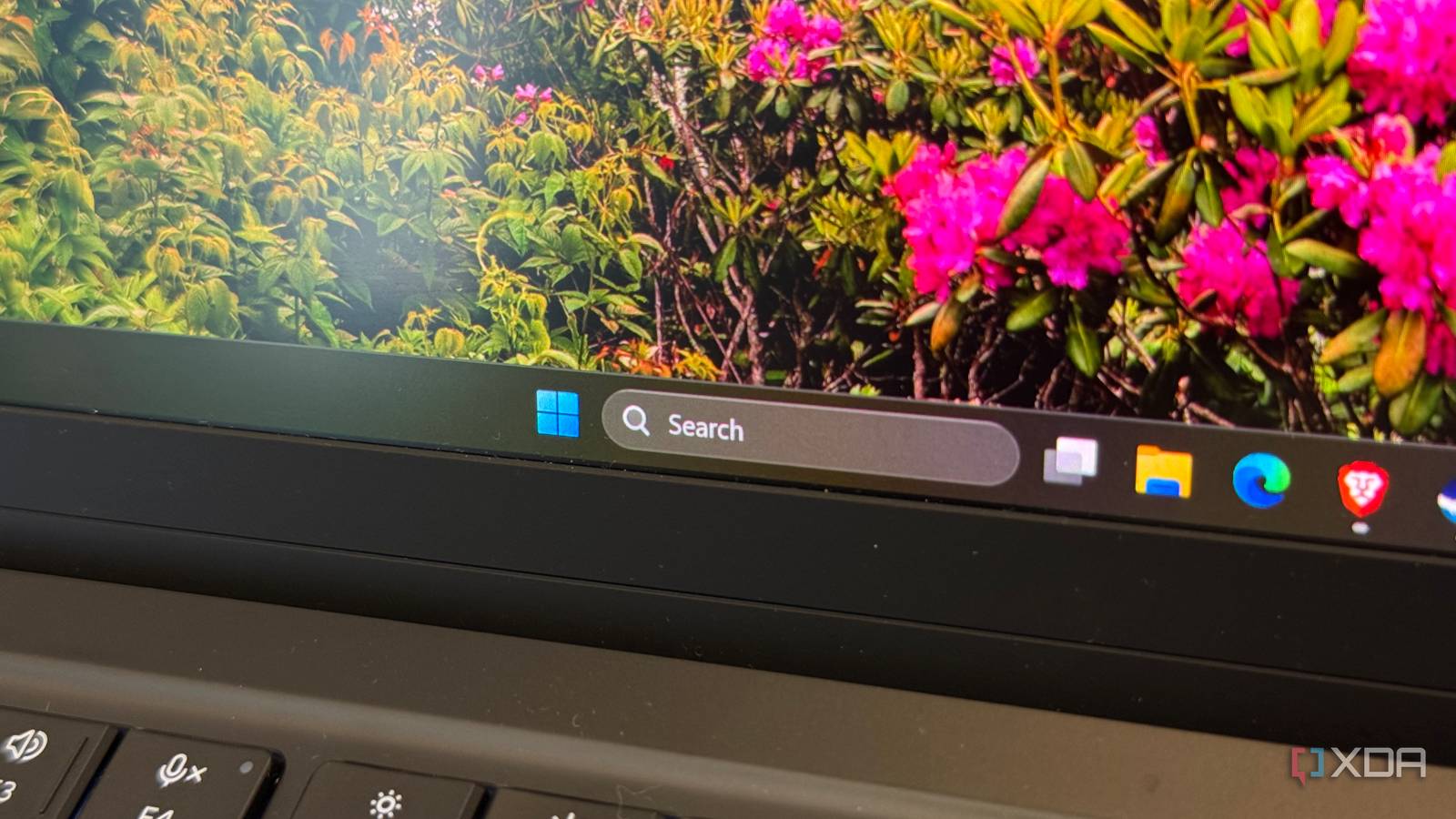
Published Jul 30, 2026, 8:00 PM EDT His love of PCs and their components was born out of trying to squeeze every ounce of performance out of the family computer. Tinkering with his own build at age 10 turned into building PCs for friends and family, fostering a passion that would ultimately take shape as a career path. Besides being the first call for tech support for those close to him, Ty is a computer science student, with his focus being cloud computing and networking. He also competed in semi-pro Counter-Strike for 8 years, making him intimately familiar with everything to do with peripherals. For most of the time I've spent on Windows 11, the search box has been simultaneously the fastest way to open an app and the slowest way to find what you're actually looking for. Multiple times a week, I type something into the search box and hit enter reflexively, and instead of opening the thing I wanted, it conjures something completely irrelevant that I did not search for. And this is with Bing search disabled. My biggest gripe with Windows 11 has never been that search was slow. It was that search was clearly working for somebody else. Microsoft started rolling out a fix for that on July 13 exclusive to the Insider branch, and while most of the coverage has focused on the visual cleanup, the patch notes almost read like they were finally listening to the feedback they have been hearing for years. The search box stopped trying to sell you things They're finally treating it as a utility instead of a promotional tool Four of the nine changes Microsoft listed are the same change wearing different clothes. The search home screen has been simplified to reduce visual clutter and make recent searches easier to return to, and they finally stopped putting promoted search results at the forefront. Instead of leading with related products and things to spend your money on, you get the actual content you searched for. The labeling change is very welcome, as it marks results by origin in a very clear way. Previously, it was difficult to tell where results were being pulled from. The ambiguity of a store listing versus an app you have installed is precisely the kind of thing that caused users so much undue frustration, and it's a design choice. They're also enabling users to turn off elements of search entirely, allowing you to limit search to just local results if you like, meaning a search will return nothing if there's no on-drive match. Local results finally win Windows Search seems to finally have relevance in a good spot The second group of changes addresses relevance directly, which is the more technical side of the problems Windows Search has suffered from. Apps, settings, and files now appear ahead of web and Store suggestions more reliably when the local match is stronger. System locations including This PC and the Recycle Bin have been made easier to surface, which might seem like a small detail, but anyone who's tried to search for the latter knows it's so much harder than it should be. On my systems, Recycle Bin isn't even a location that will come up in the search bar, which is, frankly, ridiculous. App search has become more forgiving of typos, dropped letters, extra letters, and partial words, with Microsoft offering the example of a query for utlook still returning Outlook. With regard to searching for settings, Microsoft acknowledges that there will be further tuning required coming over the next few months. One thing I personally want to see is better handling of searching for "Uninstall", as that currently returns different uninstall wizard executables instead of the "Add or Remove Programs" settings menu. File search picked up a couple of meaningful changes under the hood, too. Microsoft lists added support for two-character file searches, and improvements to surfacing cloud and connected files when they are the stronger match, so a document living in OneDrive can appear alongside local results rather than behind them. There's no AI to be found, yet Less Copilot feels like a win, though indexing wasn't touched One particular thing I noticed looking through the blog post was that there was a distinct lack of AI. Nothing in the announcement introduces a Copilot entry point, a semantic search layer, natural language querying, or any AI surface whatsoever. The entire package is ranking work, clutter removal, a settings control, and crash fixes, which feels so refreshing. For years, Microsoft has felt the need to attach AI to every possible surface that could hold it, even if it didn't really make sense. It really felt like they were clearing checkboxes for shareholders instead of listening to user feedback, and the fact that this update lacks any mention of AI is a really strong sign. With that said, indexing wasn't touched in this update. Windows 11 still defaults to Classic indexing, which covers Documents, Pictures, Music, and the desktop. A project folder on a second drive or a repository in a non-standard path won't be able to be found with Windows Search. Despite the fact that there is a toggle for this and the performance impact is relatively minimal, it's still a complaint you hear from a substantial number of users, and I feel like it could've been an easy win to include it in this update. Microsoft might finally be listening All in all, this update feels like one of the biggest wins we've seen in this new "quality focused" era of Windows 11. There's a ton of work to do on Windows Search, but with these changes, Microsoft have shown that they've actually heard the feedback that has come from users for years, and more importantly, have begun to implement it.
I've complained about Windows Search for years, and Microsoft's latest fix addresses every frustration at once
Full Article
Original Source
Read the full article at Xda-developers →KhanList aggregates and links to publicly available news content. We do not host full articles from third-party sources. Always verify important information with original sources.